





About 3d car parking
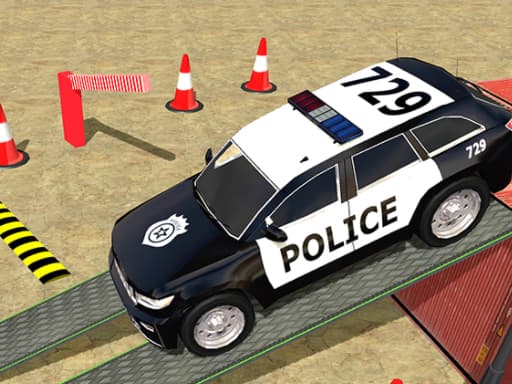
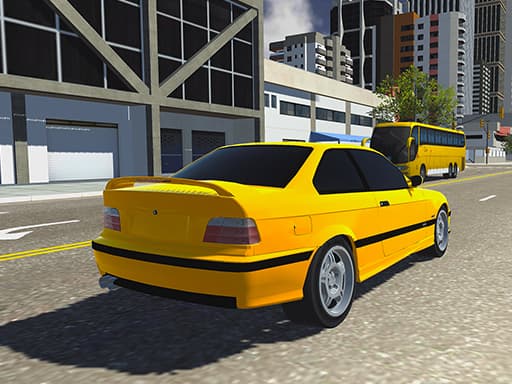
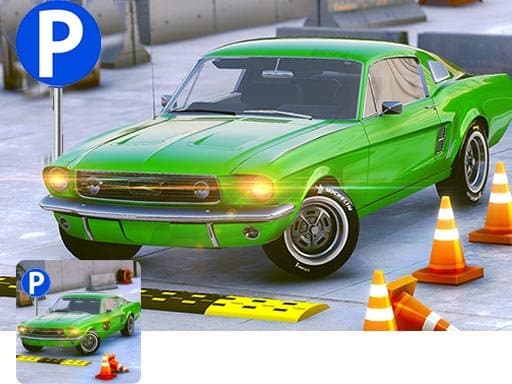
You steer a car into a marked parking spot without bumping the barriers on the road. The aim is to park cleanly, and to avoid scratching your car while you drive.
The game describes a parking practice mode and a licence mode set in a city. It mentions a rear-view mirror, a first-person view, a gearbox, a proximity sensor, turn signals, traffic lights and engine sound. Several car types are listed, including classic and sporty cars, jeeps, vans, buses, an ambulance and a police car. Parking can look simple, but it takes care.
How to play
Drive your car carefully toward the assigned parking lot. Keep away from the barriers on the road so your car stays free of bumps and scratches. Park inside the lot to finish the level. Going slowly and checking the mirror and sensor helps you line up the car.
Controls
- Keyboard
- drive the car
Tips
- Slow down early so you have time to line up with the lot.
- Check the rear-view mirror before you reverse into the space.
- Keep clear of the barriers, since even a small bump can ruin a park.
- Try the practice mode first to learn how the car handles.
3d car parking: questions and answers
What do I need to do to pass a level?
Drive your car into the assigned parking lot without touching the barriers on the road. Park it neatly inside the marked space.
What happens if my car gets bumped or scratched?
The game says your car must avoid barriers to stay undamaged. Drive carefully so you do not hit the road barriers while parking.
Can I use the first-person view for parking?
Yes, the game includes a first-person view along with a rear-view mirror. Switching views can help you judge the distance to the barriers.
3d car parking is a free online game playable in your browser on Poki.game. It works on desktop computers, tablets and mobile phones, with no download or registration needed.