




























































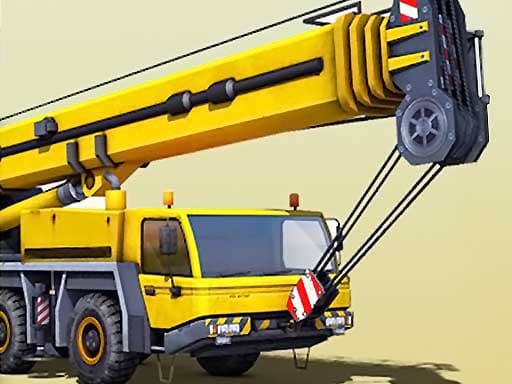

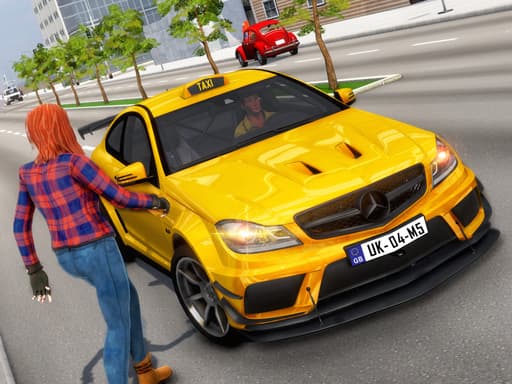


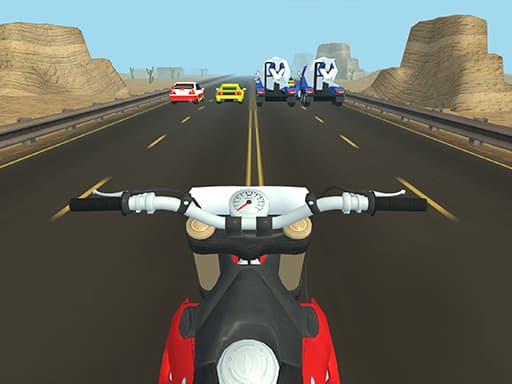
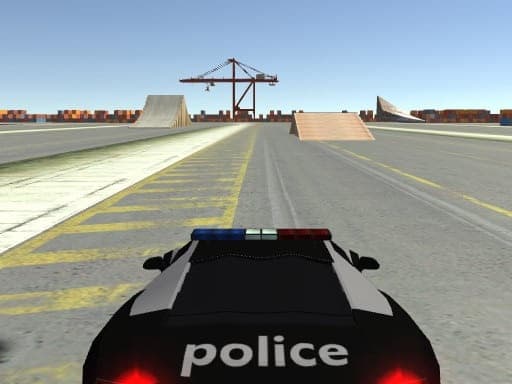
What you do in a simulation game
Most simulations copy something from daily life and make it easier and friendlier. You take care of something, drive something or make decisions and see the results. Many are casual, so you can start without a long guide.
A few games to start with
Here are some examples, each very different from the others.
- BitLife - Life Simulator: you make choices and see how your life turns out. It is played with the left mouse button.
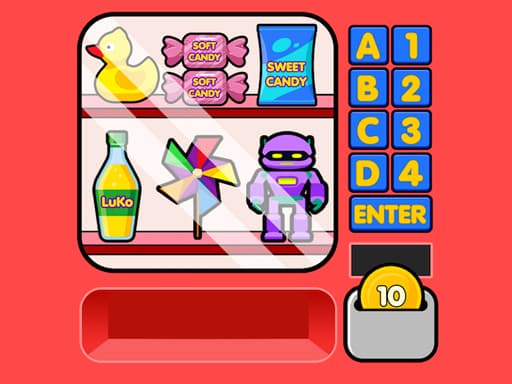
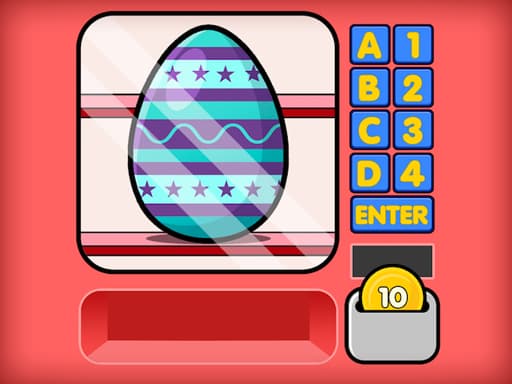
- Wonder Vending Machine: you pick one of three machines, with toys, sweet treats or food. You only need the mouse.
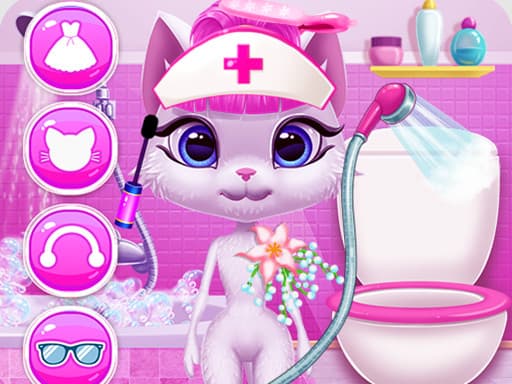
- Hatch Surprise Pets: you take care of very fuzzy, cute pets and collect them all. Mouse or tap.
- Fashion Princess Sewing Clothes: you act as a costume designer. Mouse click or tap.
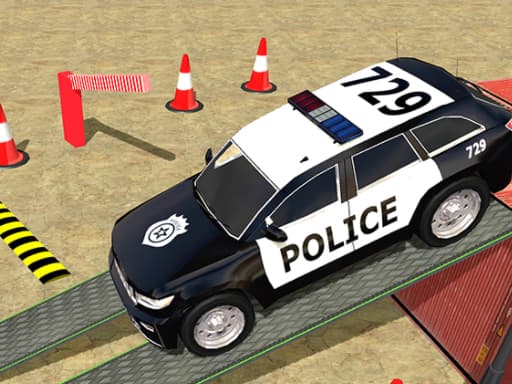
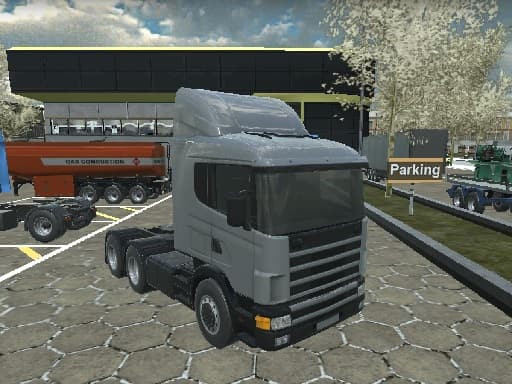
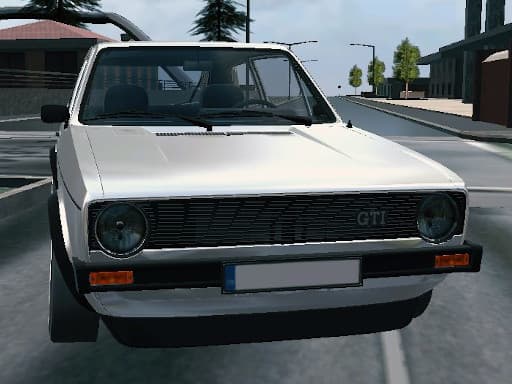
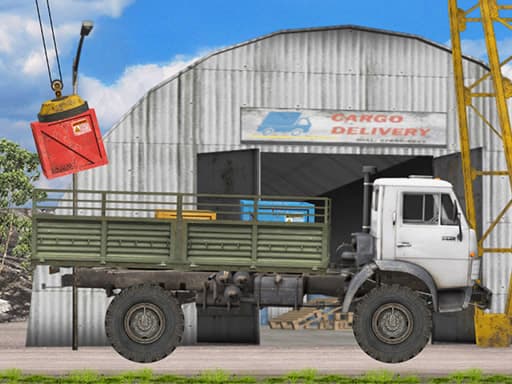
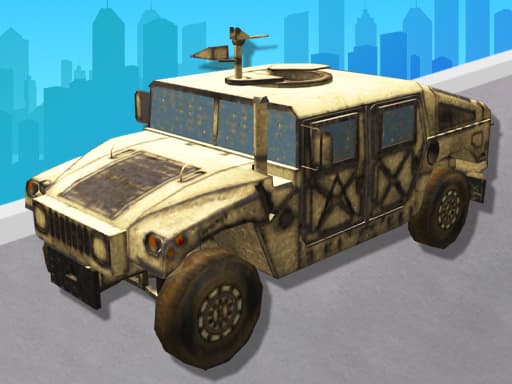
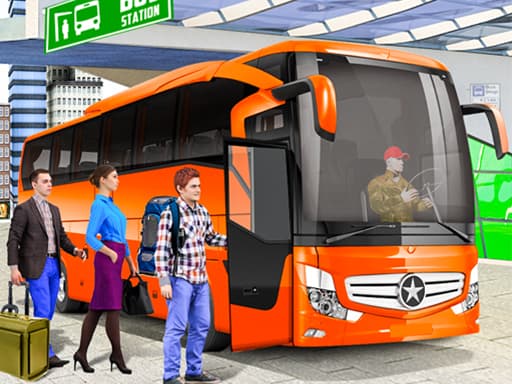
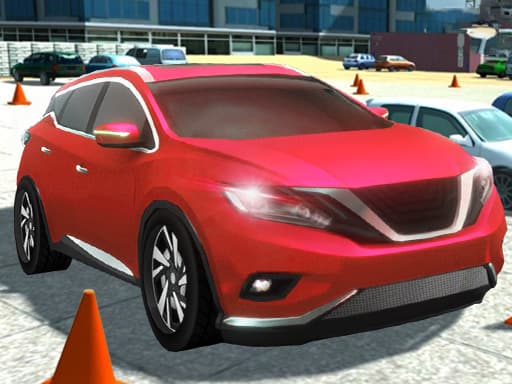
- Truck Parking 2 - Truck Driver: a driving and parking game played with the keyboard.
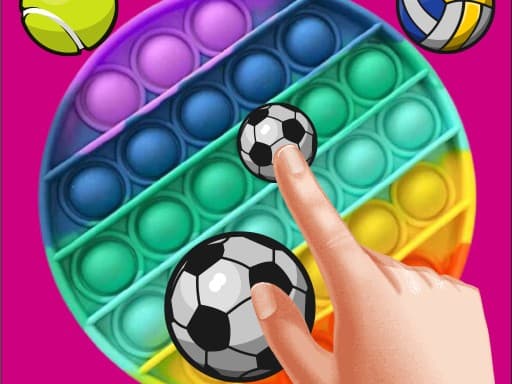
- Pop it Infinity: a relaxing game with different shapes of pop gadgets that you click.
How to pick the right one
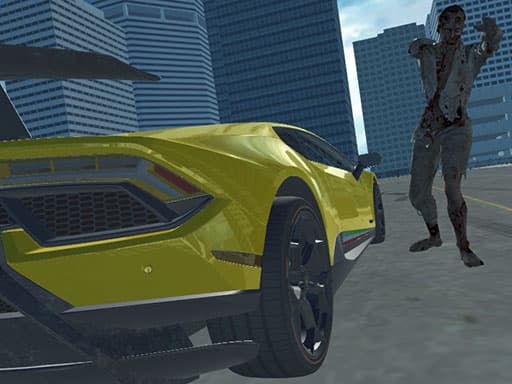
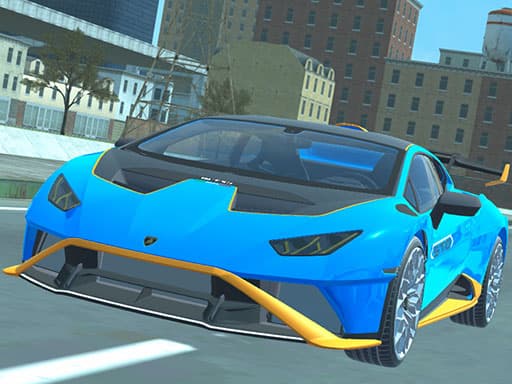
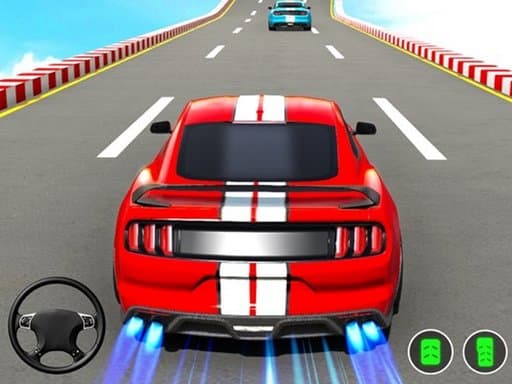
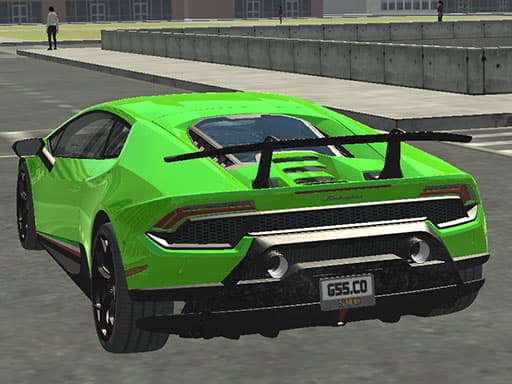
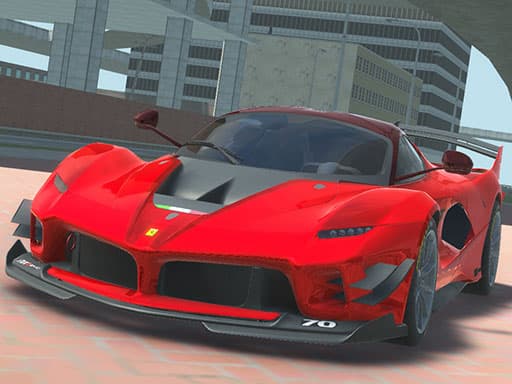
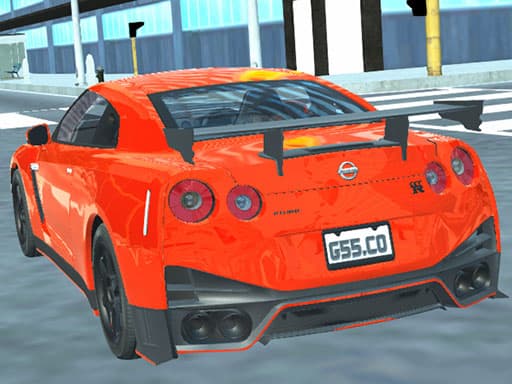
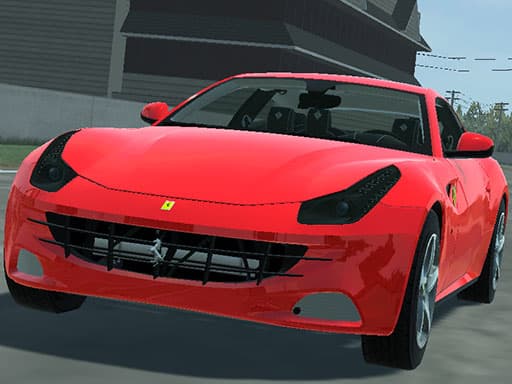
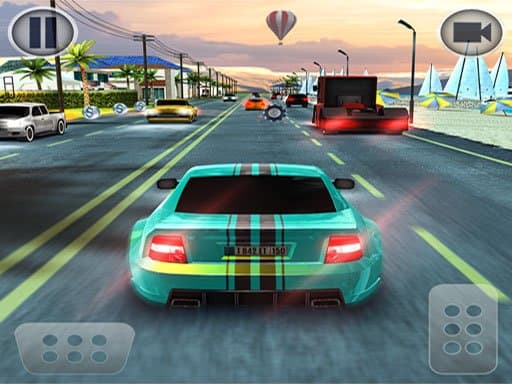
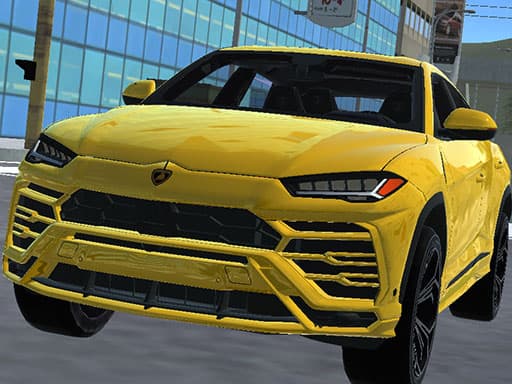
Before you start, look at which keys or buttons the game uses. Hatch Surprise Pets works with a tap. Supercars Zombie Driving 2 uses WASD to drive, Space to brake and C to change the camera, so a keyboard helps.
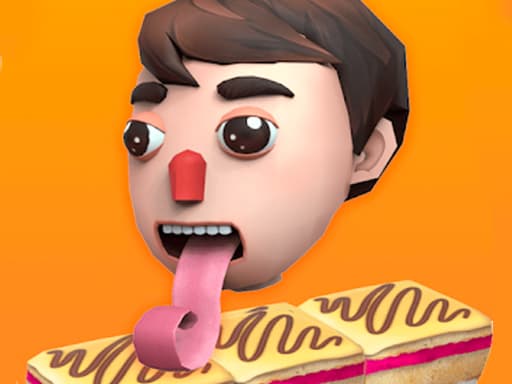
Think about the mood you want. Perfect Tongue is a casual decompression game where you eat food and avoid dangerous props.
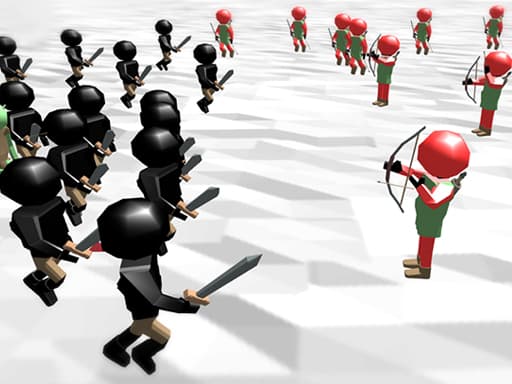
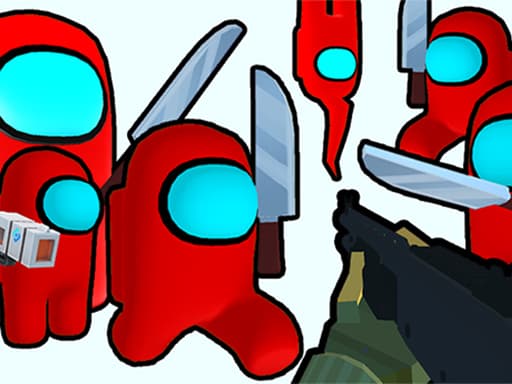
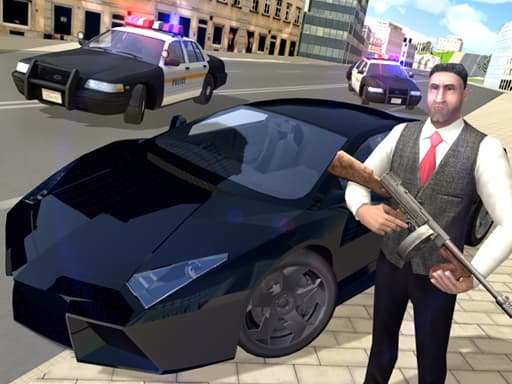
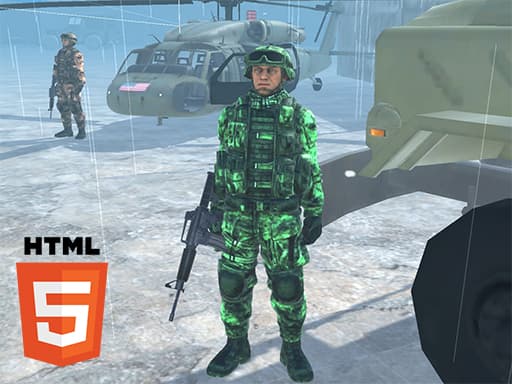
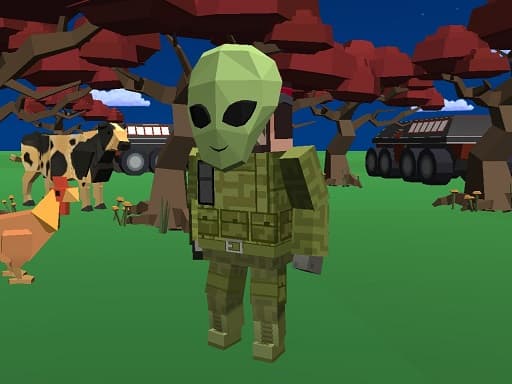
Parents should look at a game first before a younger child plays it. Some titles here involve fighting, weapons or zombies.
Tips for simulation games
Take your time on the first try. There is rarely a penalty for experimenting. In driving and parking games, go slowly at first and use the camera view if the game has one.
Frequently asked questions
What is a simulation game?
It is a game that copies an activity such as driving, caring for pets or living a life, usually in a simpler and more playful way.
Which simulation games are good for relaxing?
Pop it Infinity is described as a relaxing game, and Perfect Tongue is a casual decompression game.
Which ones can I play by tapping?
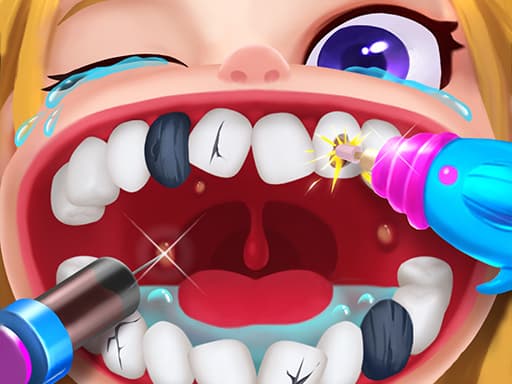
Perfect Tongue uses tap to play. Hatch Surprise Pets and Baby Taylor Stomach Care work with a mouse click or a tap.
Which simulation games need a keyboard?
Truck Parking 2 - Truck Driver uses keyboard controls. Supercars Zombie Driving 2 uses WASD, Space and C.
Are all simulation games suitable for young children?
No. Some are about cute pets or sewing, while others involve battles, weapons or zombies. A parent should look at a game first.