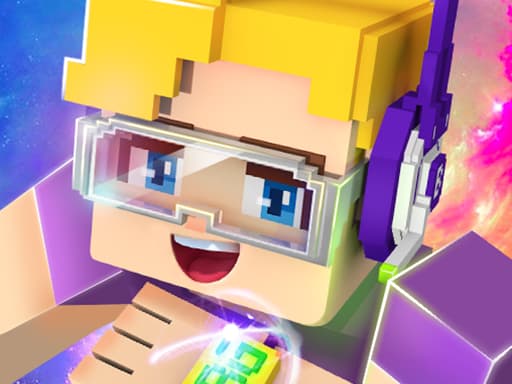
About Block Craft 2
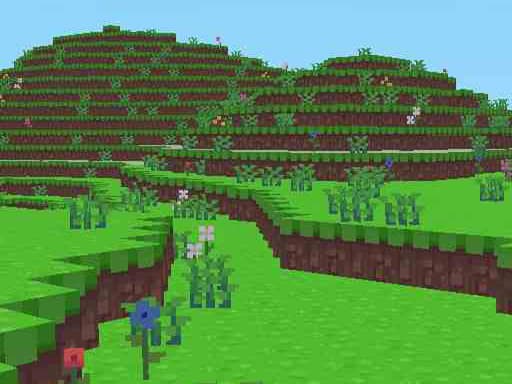
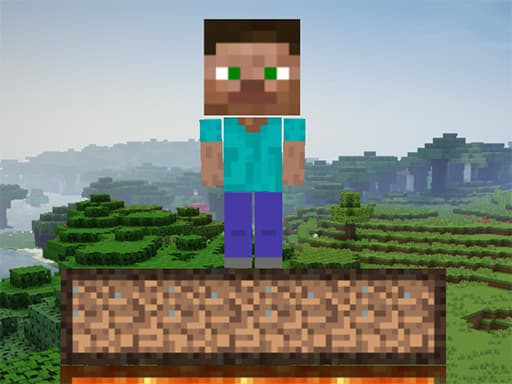
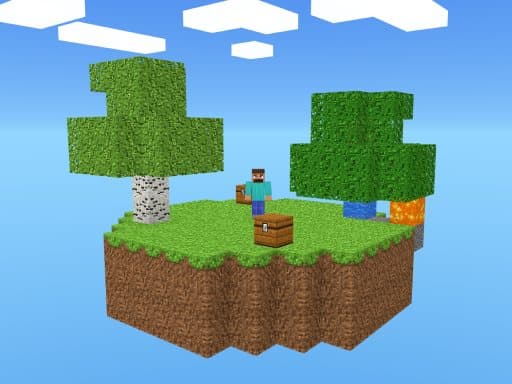
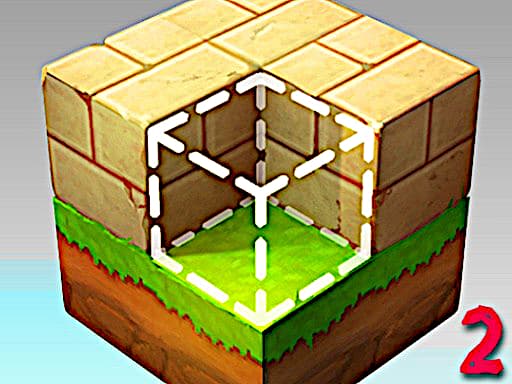
What keeps a player going here is building. You create and reshape a whole kingdom, one block at a time, and the world grows as you add to it. Each new piece of the world is a small reward in itself.
The game continues from the first Block Craft. New skins, inventories and tools give you more ways to make your world feel unique. The world is vast, so you can roam far from where you started.
You set your own pace. Some players build a single room, others plan a whole kingdom. Along the way you can try out a range of tools and items.
How to play
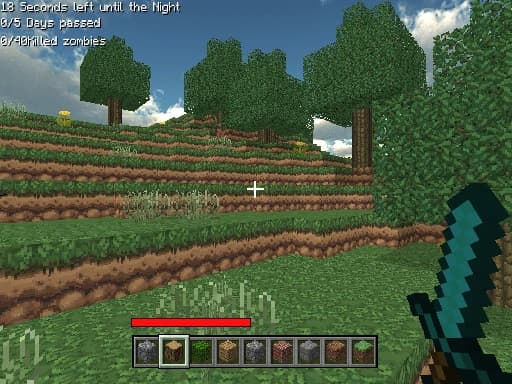
Move around the world and pick a block from the hotbar with the number keys. Right-click to place a block where you aim. Left-click to hit and break blocks. Use the tools you collect to shape your kingdom, and let your imagination guide what you build.
Controls
- W A S D
- move
- Q E
- move up and down
- Left-click
- hit block
- Right-click
- create block
- 1 to 8
- select block
- Shift
- run
Tips
- Pick a building block first, then plan a small section before you start the next one.
- Use fly mode to look over your kingdom from above and spot gaps in your design.
- Rotate blocks with R before placing them, so roofs and walls fit the shape you want.
- Check the pause screen with P now and then to remember the controls for each tool.
Block Craft 2: questions and answers
What do I do with the blocks in Block Craft 2?
You place them with right-click to build walls, houses and whole kingdoms. Left-click hits a block so you can break it and reuse the material.
How do I fly around to see my build?
Press F to turn on fly mode, then use Q and E to move up and down. Press F again to turn it off and walk on the ground.
Can I change how a block faces?
Yes, press R to rotate a block before you place it. This helps when you want a roof slope or a door to face the right way.
Block Craft 2 is a free online game playable in your browser on Poki.game. It works on desktop computers, tablets and mobile phones, with no download or registration needed.