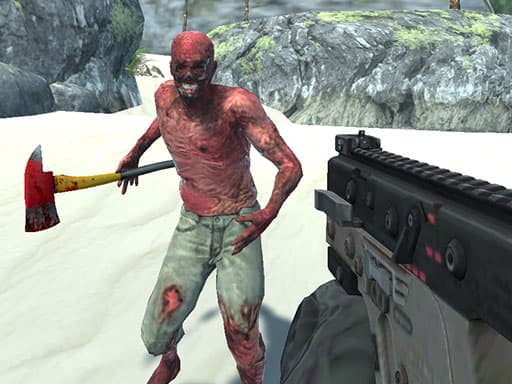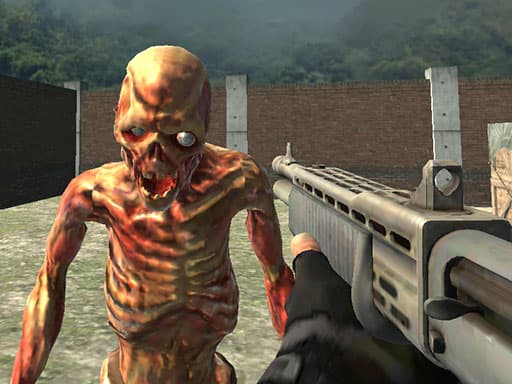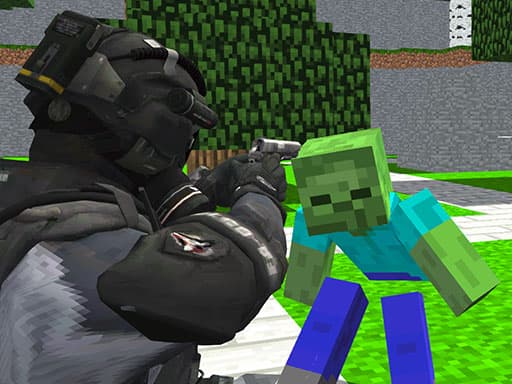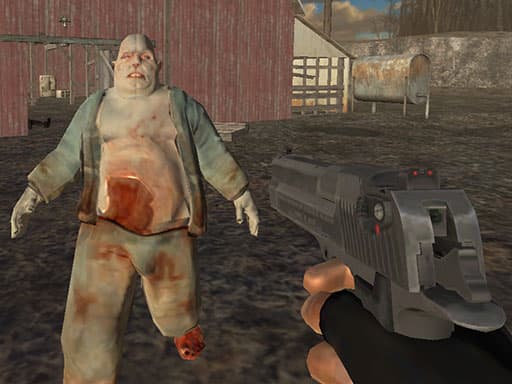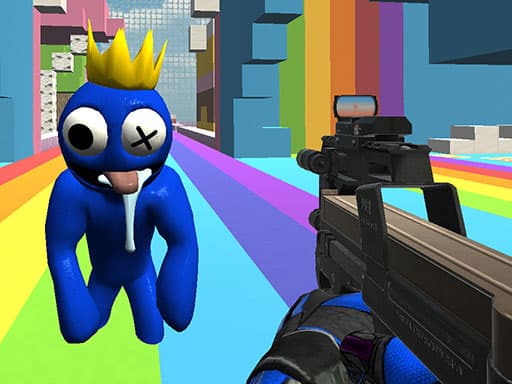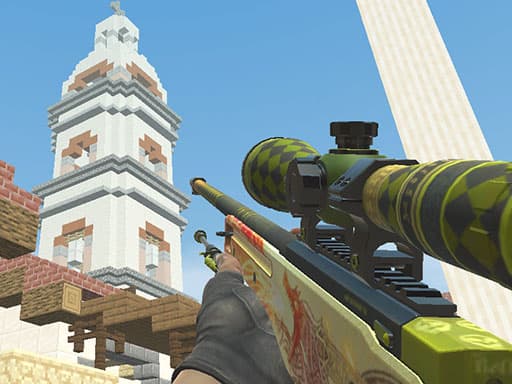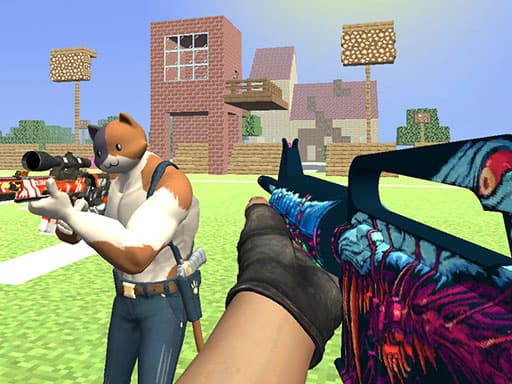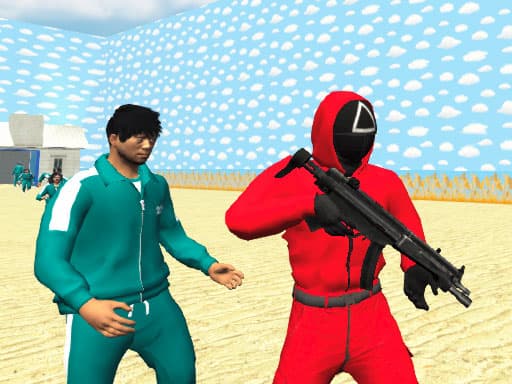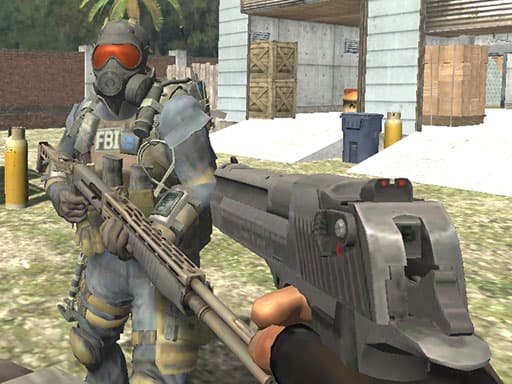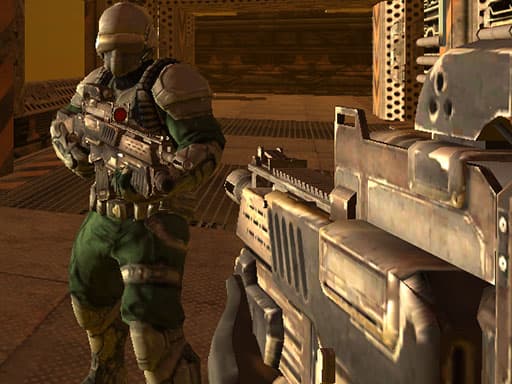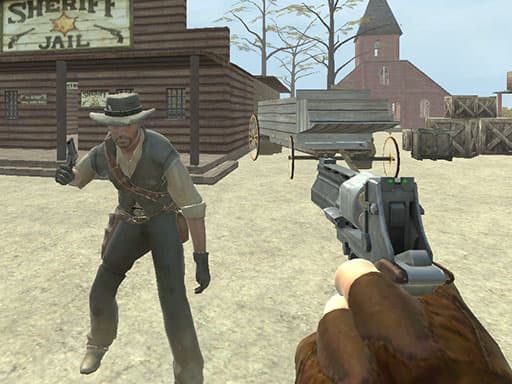

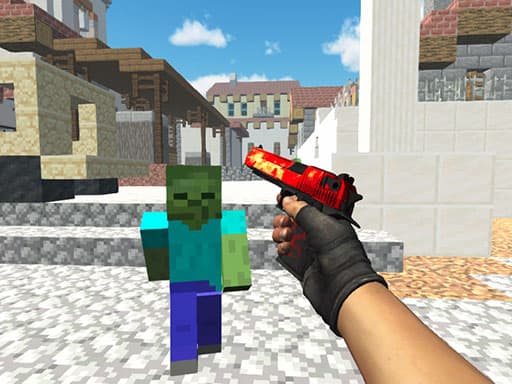
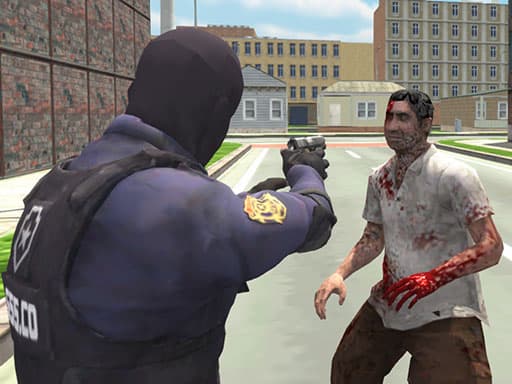
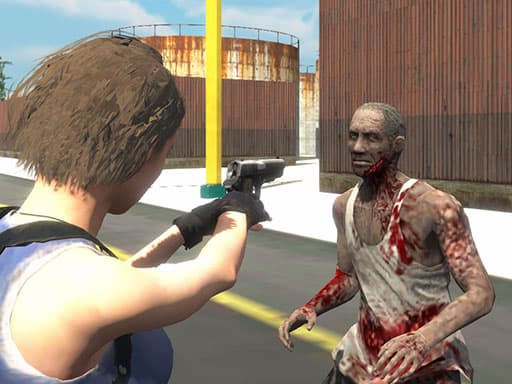
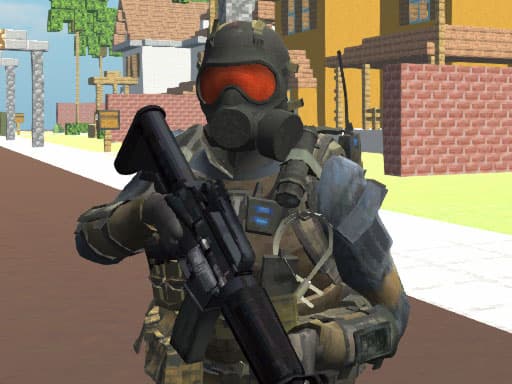
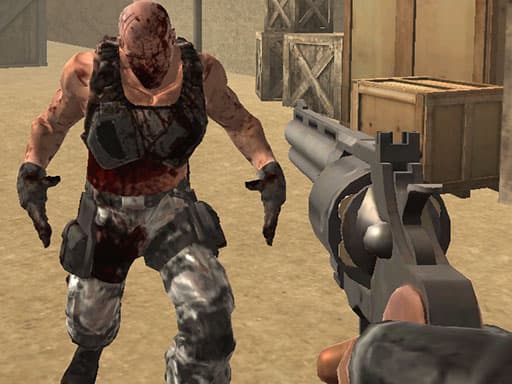
About Call of Ops 3 Zombies
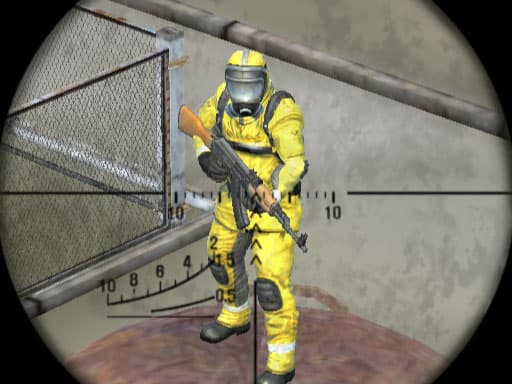
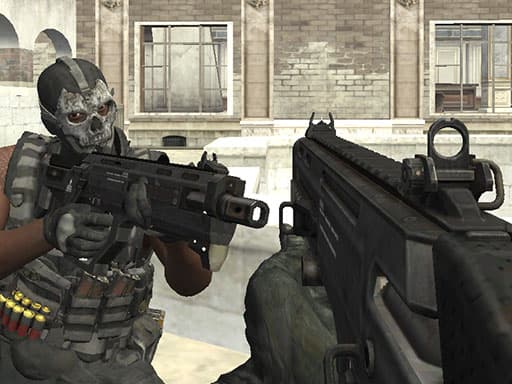
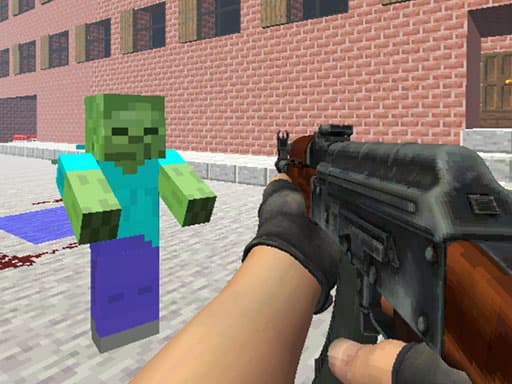
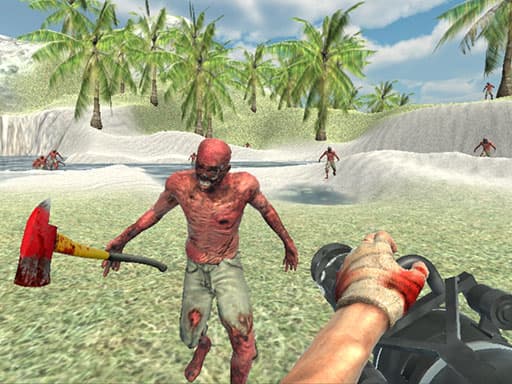
Players keep going for the new weapons they earn. Each round asks you to shoot a set number of zombies. Survive it, and you get a new gun to use in the rounds that follow.
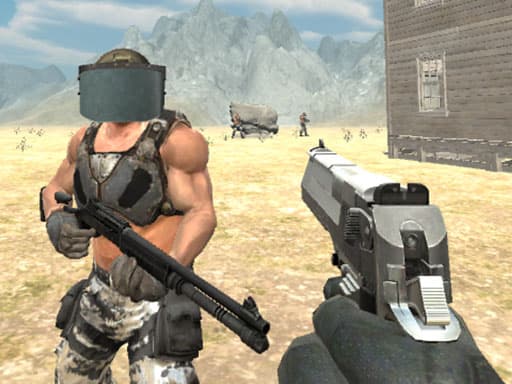
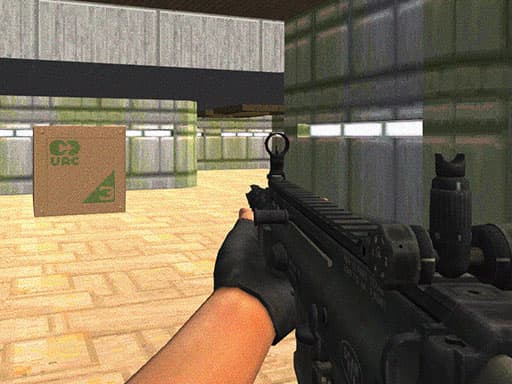
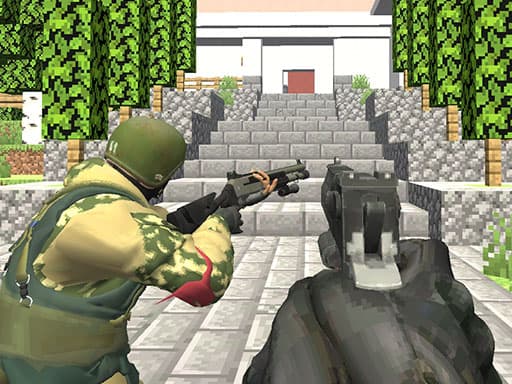
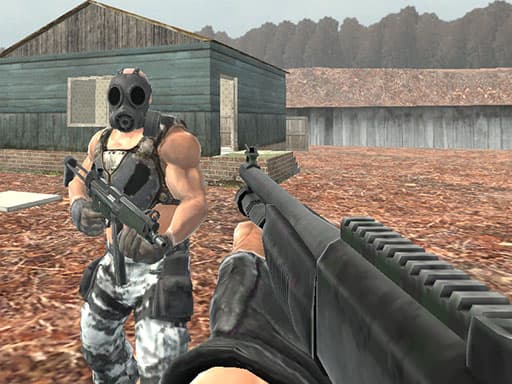
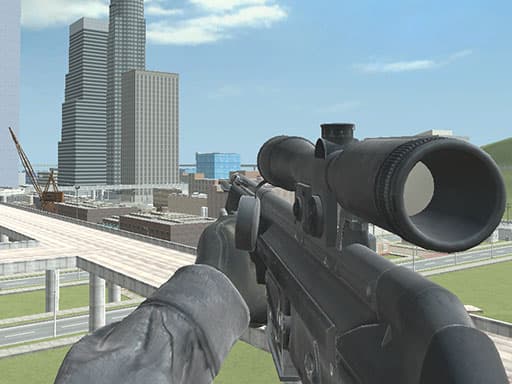
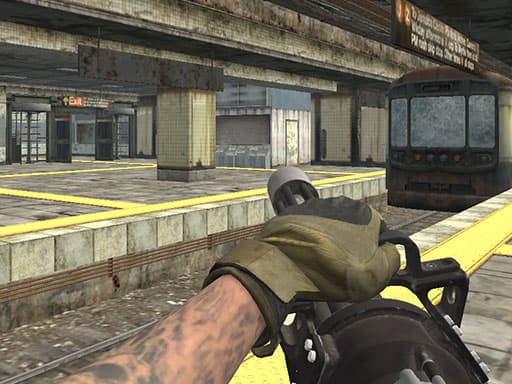
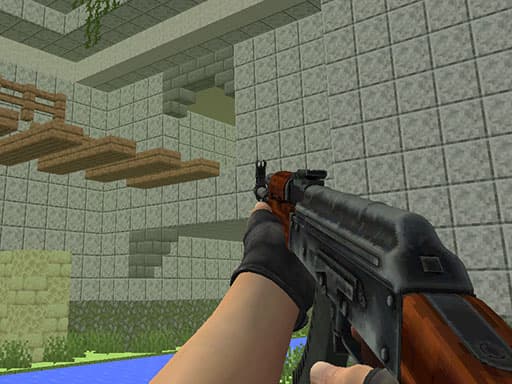
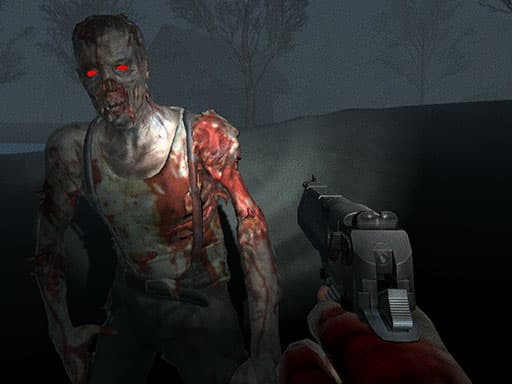
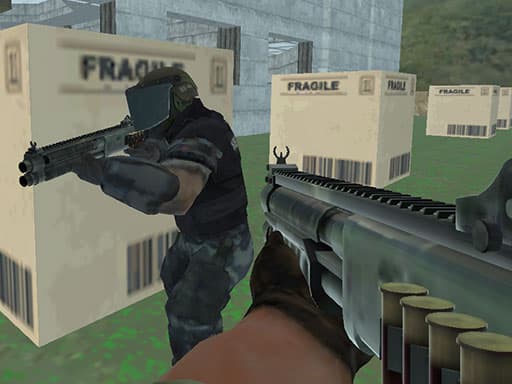
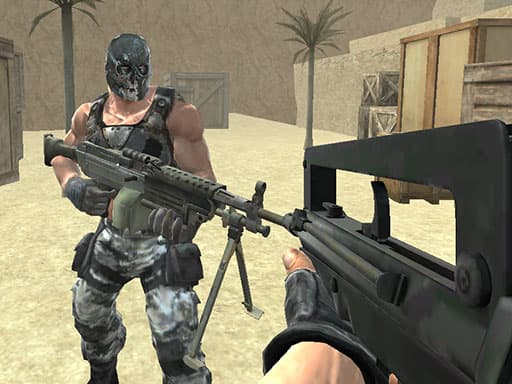
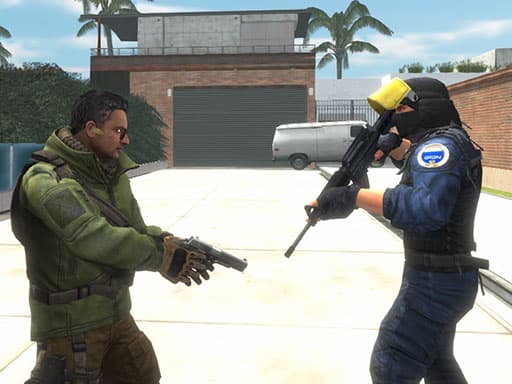
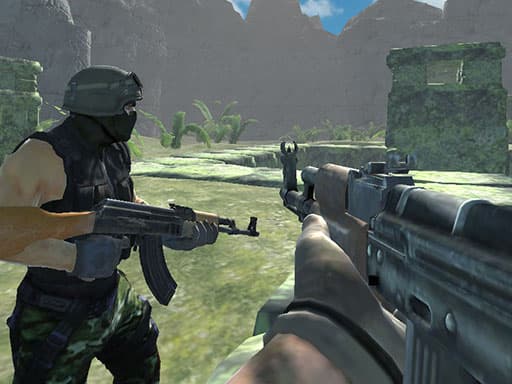
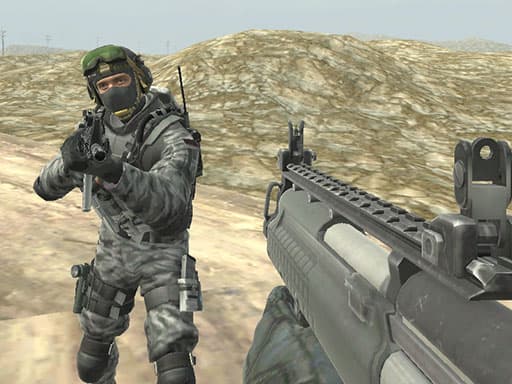
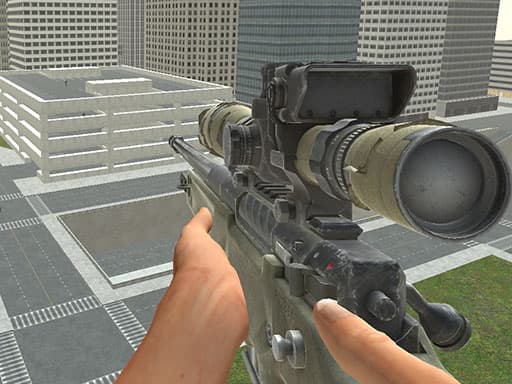
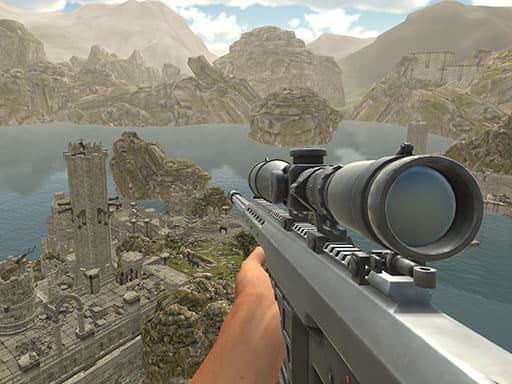
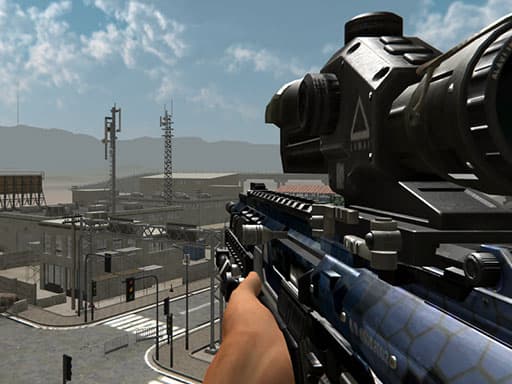
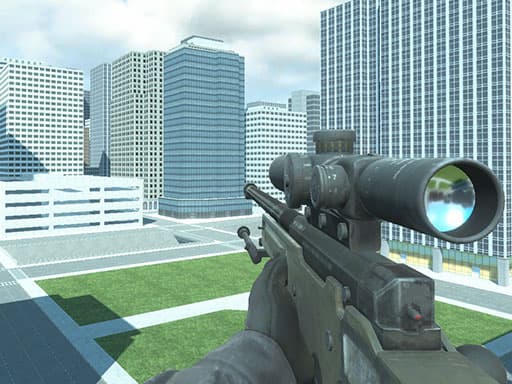
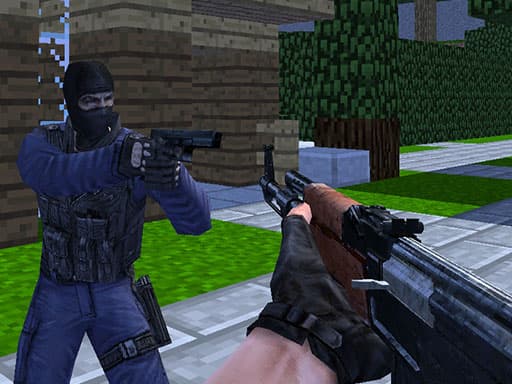
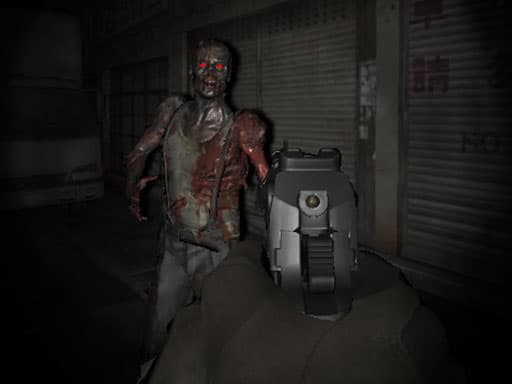
The game is set across three highly detailed maps. Shooting feels intense, and the physics look realistic when zombies fall or bodies move. Each map gives you a new space to fight in.
A round goes well when you keep moving, keep your aim steady and reload before the next wave closes in. Staying alive is the whole point.
How to play
Your mission is to shoot the required number of zombies in each round. Clear the round to survive and earn a new weapon. Use movement and aim to keep zombies at a distance while you fire. Work your way through all three maps as you go.
Controls
- WASD
- move
- Left mouse button
- shoot
- Right mouse button
- aim
- Mouse wheel
- change weapon
- R
- reload
- Space
- jump
Tips
- Switch weapons with the mouse wheel before a new round starts, so you are ready.
- Reload during quiet moments instead of mid-fight, when you have an open gap.
- Use the aim button for more accurate shots at zombies that are farther away.
- Try bullet time when a crowd closes in, to slow things down and line up shots.
Call of Ops 3 Zombies: questions and answers
What do I need to do to finish a round?
You must shoot the given number of zombies in each round. Once you reach that amount, you survive the round and get a new weapon as a reward.
What does the T key do in Call of Ops 3 Zombies?
Pressing T turns on bullet time, which slows the action around you. It can help you aim and react when zombies crowd in on you.
How do I change to a different weapon?
Scroll the mouse wheel to switch between your guns. You can do this at any point, so you can pick the right weapon for each zombie group.
Call of Ops 3 Zombies is a free online game playable in your browser on Poki.game. It works on desktop computers, tablets and mobile phones, with no download or registration needed.