
About Dress Up Babi Doll
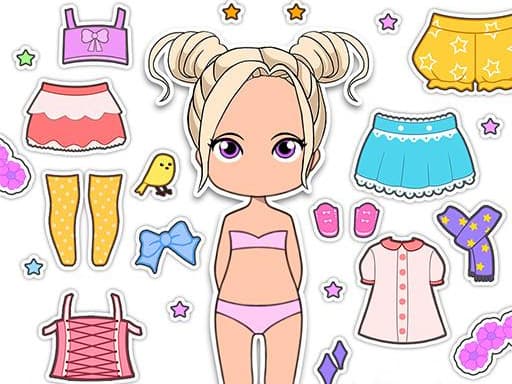
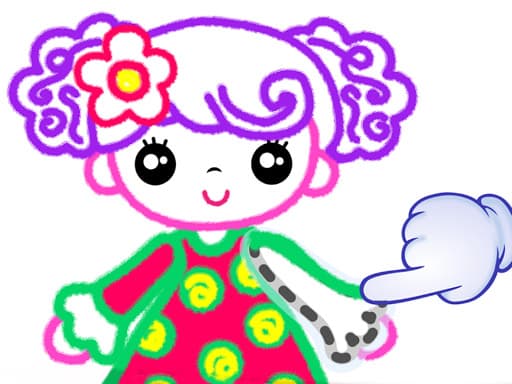
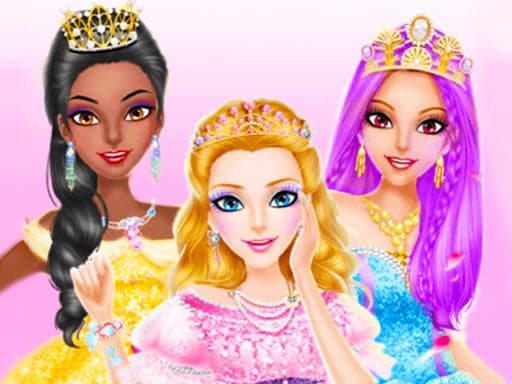
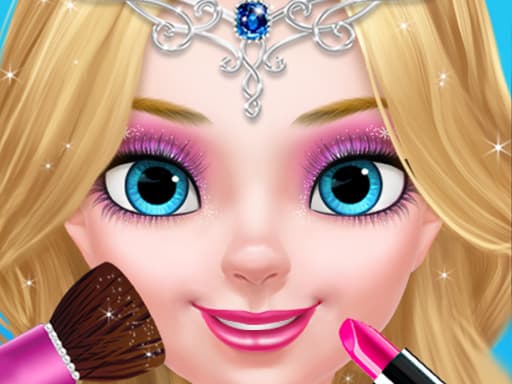
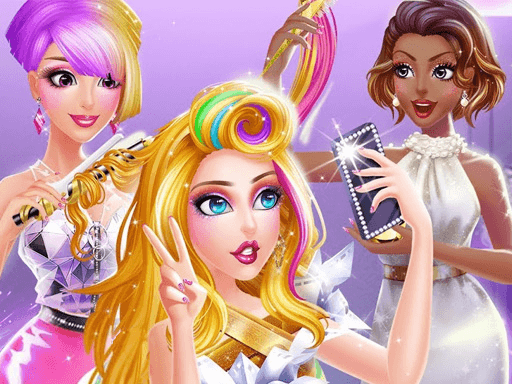
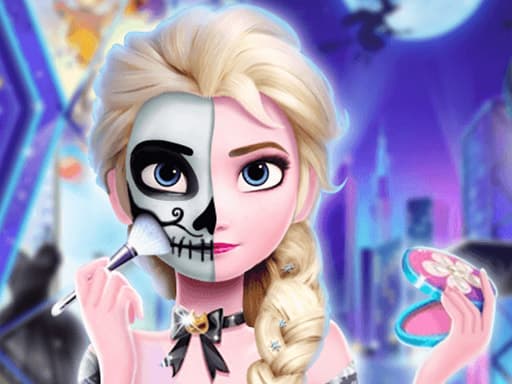
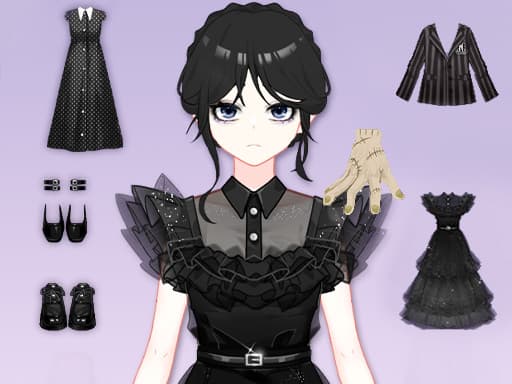
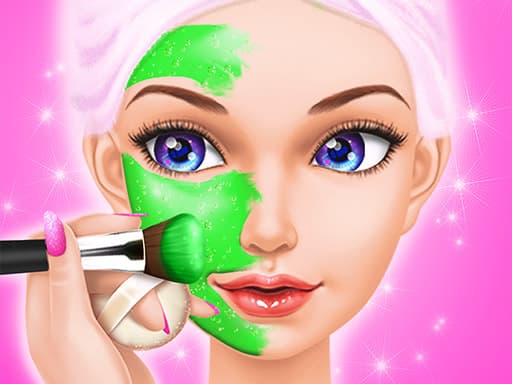
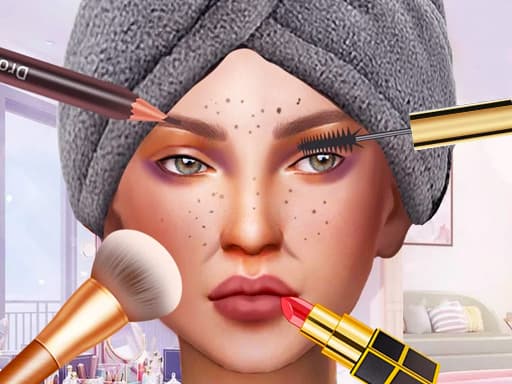
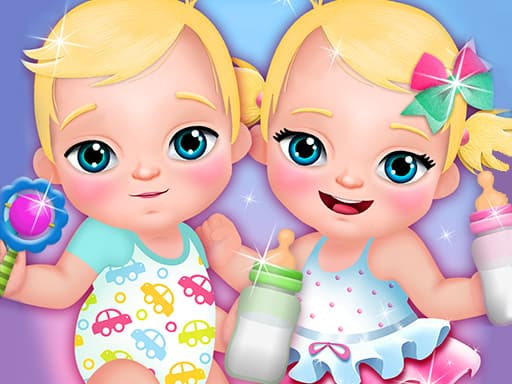
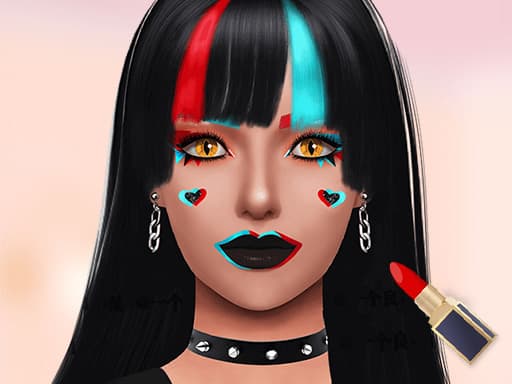
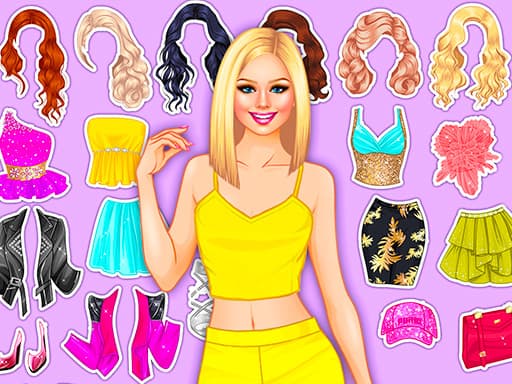
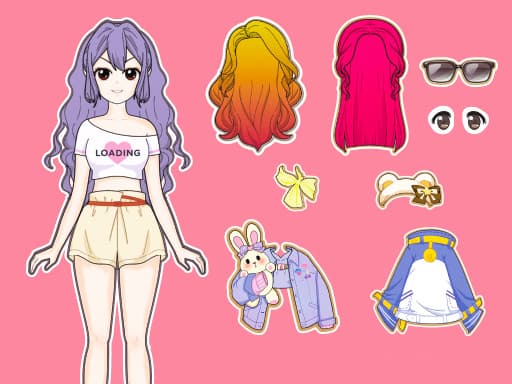
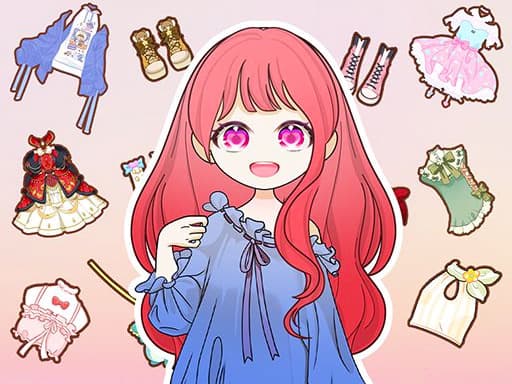
Dressing up a doll is the whole task here. You pick clothes, colours and accessories and build a look you like for a cute doll. The game is about creative choices, not a fixed goal.
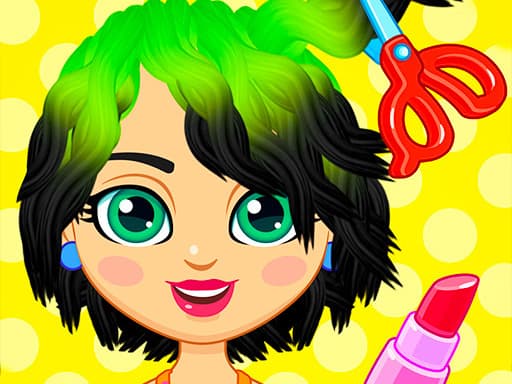
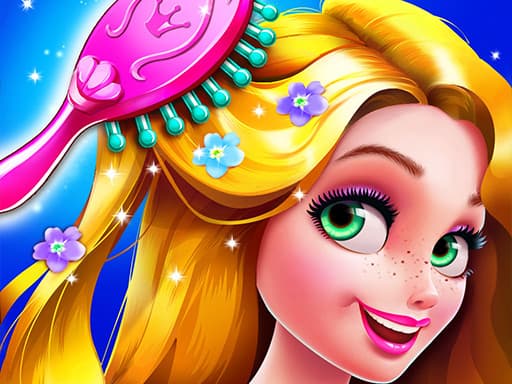
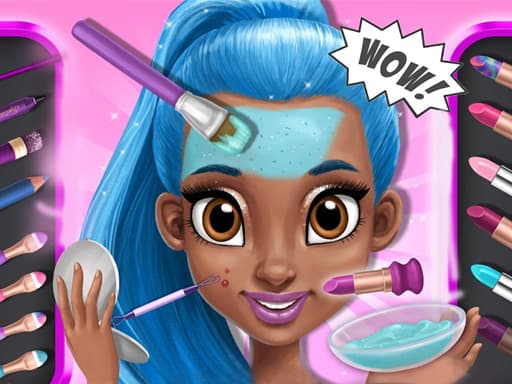
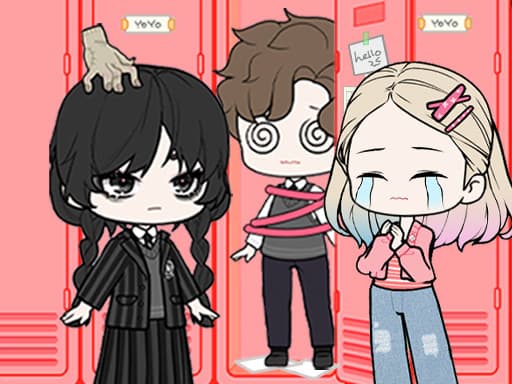
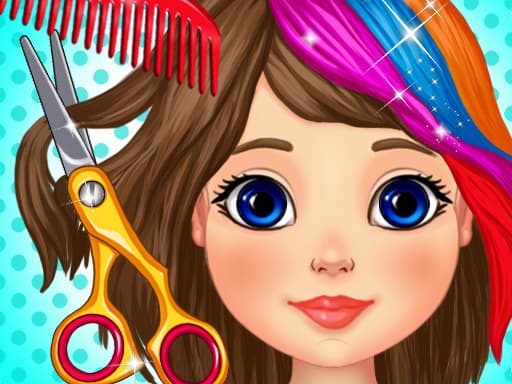
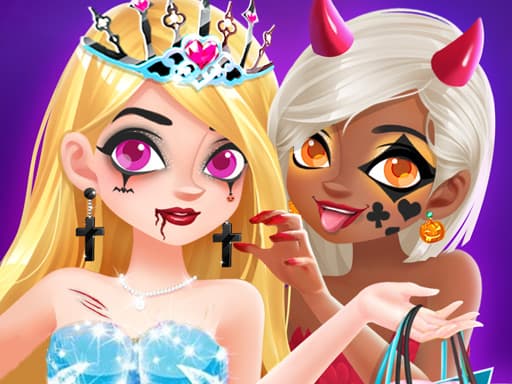
The facts describe changing outfits with plenty of dresses to choose from. You can also change the doll's skin colour, face expression and hairstyle. Once the dress is matched, you add a hat and a purse to finish the look.
Nothing in the game tells you to finish in a certain way, so the fun is in trying different combinations. Keep changing pieces until the doll looks the way you want.
How to play
Choose a doll and start changing her look. Pick a dress first, then try different colours and styles until they match. Change her skin tone, face expression and hairstyle to suit your taste. When the outfit feels right, select a hat and a purse to complete it.
Controls
- Mousetap
- pick clothes, colours, hair and accessories
Tips
- Try the same dress in a few colours before deciding which one suits the doll.
- Change the hairstyle first, then choose clothes that work well with it.
- Add a hat and a purse last, so you can see how the whole outfit comes together.
- Experiment with the face expression to give each doll a different personality.
Dress Up Babi Doll: questions and answers
Can I change the doll's skin colour and face in this game?
Yes. Besides clothes, you can change the doll's skin colour, face expression and hairstyle. Each change helps you build a different look for her.
What do I add after picking the dress?
After matching the clothes, you can choose a cute hat and a purse for the doll. These pieces finish her outfit.
How do I select items in the game?
Use the mouse or tap the screen to pick clothes, colours and accessories. Click or tap any option you want to try on the doll.
Dress Up Babi Doll is a free online game playable in your browser on Poki.game. It works on desktop computers, tablets and mobile phones, with no download or registration needed.