






About Get It Right
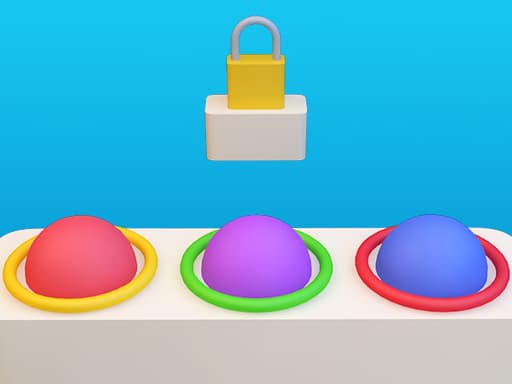
The goal of Get It Right is to crack a hidden code made from colored balls. You work out the right colors and their positions before you run out of tries.
After each guess, the game shows feedback on every position. Green means that ball is right and in the right place. Red means it is wrong. Yellow means the color is in the code, but in a different spot.
Use each round's feedback to narrow things down. Clues from earlier guesses often point toward the next one. You only get a set number of attempts, so each guess should count.
How to play
Place colored balls into the positions of the code, then check your guess. Read the green, yellow and red markers after each attempt. Use them to test one idea at a time and cross out colors that are clearly wrong. Keep going until every position shows green or you run out of guesses.
Controls
- Tap
- play
Tips
- Note which colors show red, since those are ruled out for every position.
- When a color shows yellow, try it in a different position on your next guess.
- Change only one or two positions at a time so you can see what each change does.
- Keep a quick note of each guess and its markers to avoid repeating a failed idea.
Get It Right: questions and answers
What do the green, yellow and red markers mean?
Green means that color is correct in that position. Yellow means the color is in the code but in a different spot. Red means the color is not in the code at all.
Does the game limit how many guesses I can make?
Yes. You must find the correct code within a limited number of attempts, so plan each guess carefully.
How do I place a ball in a position?
Tap to play, then tap the balls and positions as the game asks to build each guess.
Get It Right is a free online game playable in your browser on Poki.game. It works on desktop computers, tablets and mobile phones, with no download or registration needed.