


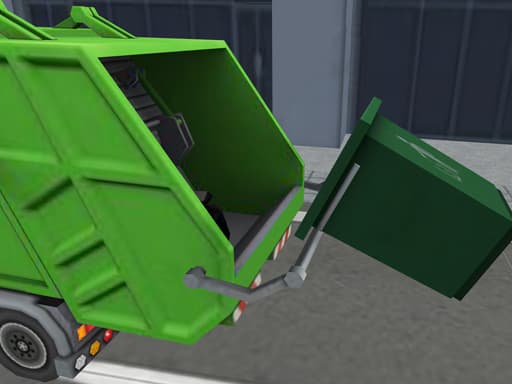

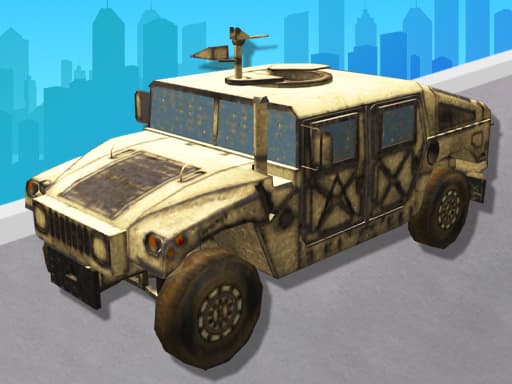
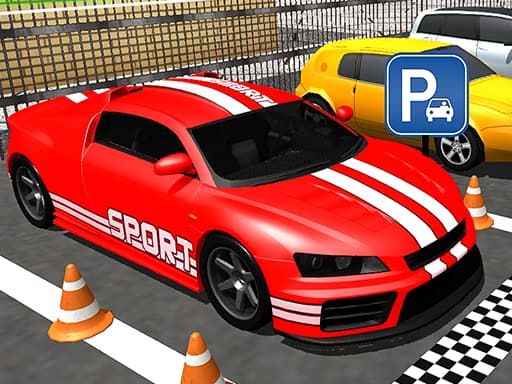

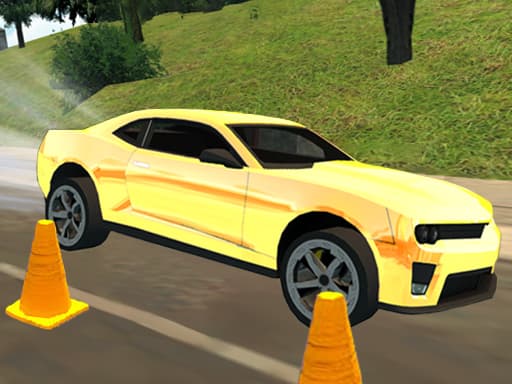

About Heavy Crane Simulator Online
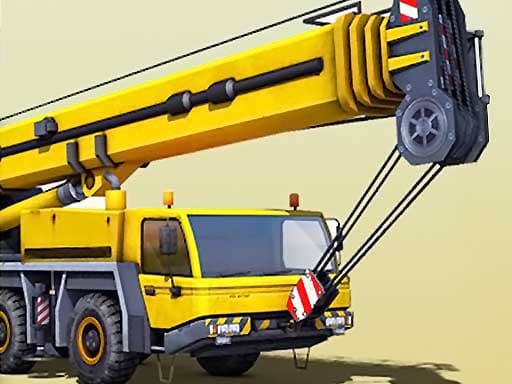
Players keep going by driving a heavy truck with a crane and finishing missions. Completing missions is what unlocks new truck skins to collect.
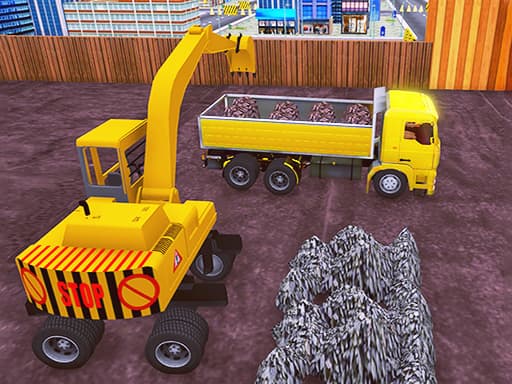
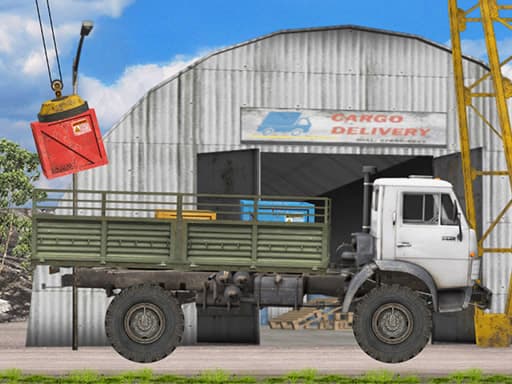
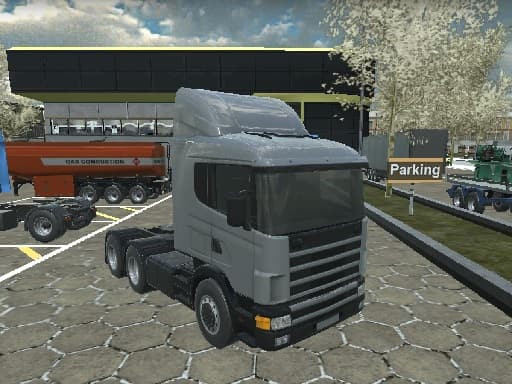
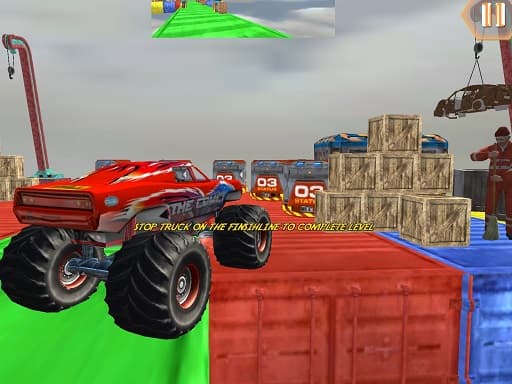
The game is a 3D truck driving and parking simulation built around moving containers. Each level asks you to drive carefully and place cargo where it belongs.
Following the on-screen tips helps you through each level. Steer the truck smoothly, line up the crane, and set every container down with care.
How to play
Drive the truck to the pickup area, then use the crane to lift and move containers. Park carefully and complete every mission on each level. Finishing missions unlocks new truck skins. Follow the tips as you go, since they show what each level expects.
Controls
- WASD
- move the truck
- ↑←↓→
- control the crane
- Q and E
- switch views
Tips
- Move the truck slowly when you approach the container so the crane lines up.
- Check the camera views with Q and E before you lift a heavy load.
- Lower containers gently so they land on the right spot.
- Read the tips on screen at the start of each level to learn the mission.
Heavy Crane Simulator Online: questions and answers
How do I unlock new truck skins?
You unlock skins by completing missions. Finish the missions on each level to add new skins to your collection.
How do I use the crane?
Use the arrow keys to control the crane. Move it over the container, lift it, and carry it to the target spot.
Can I change how I see the scene?
Yes. Press Q and E to switch between camera views, which helps you line up the crane and park the truck.
Heavy Crane Simulator Online is a free online game playable in your browser on Poki.game. It works on desktop computers, tablets and mobile phones, with no download or registration needed.