




About Minecraft Five Differences
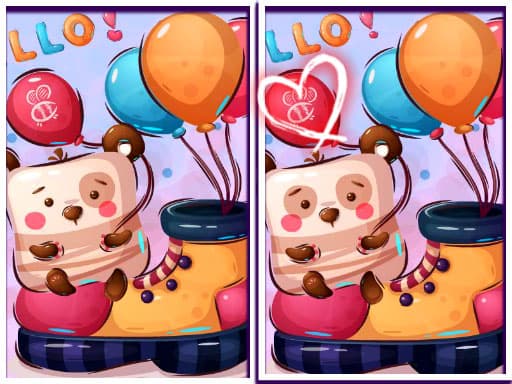
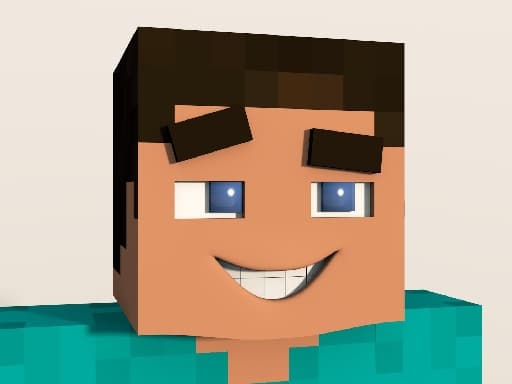
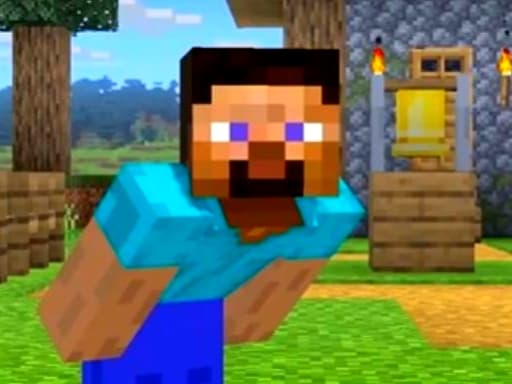
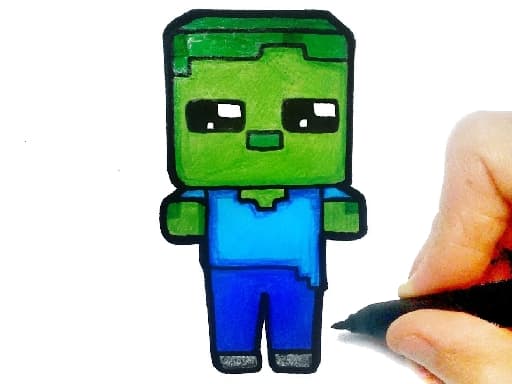
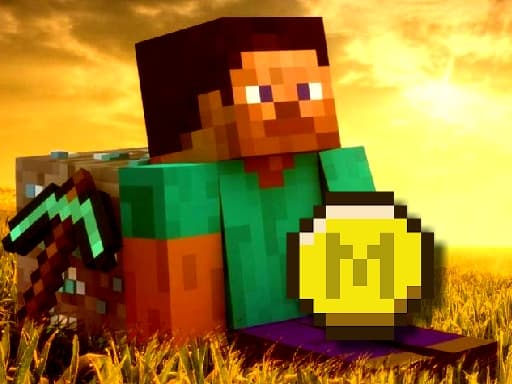
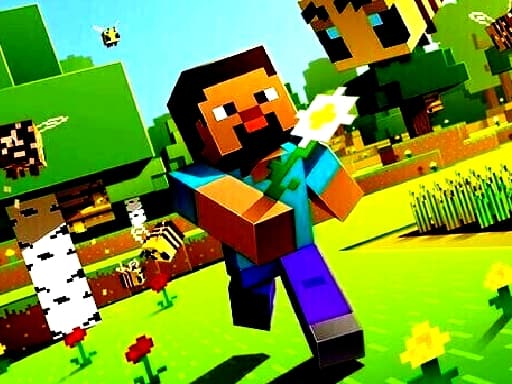
Your job is to compare two pictures and find the spots where they do not match. The pictures show Minecraft scenes that look almost the same at first glance. Find the five differences hidden between them to finish each puzzle.
The game is a spot-the-difference puzzle, so careful looking is the main skill. Scan one picture, then check the matching area in the other. Small changes can be easy to miss, so move slowly across each scene.
How to play
Study both images side by side and look for the five differences. When you spot one, click or tap it to mark it. Keep going until all five are found. Each round is a puzzle to solve by looking closely, not by moving fast.
Controls
- Mousetap
- mark a difference
Tips
- Look at one corner or section at a time, rather than the whole picture.
- Check blocks, colours and objects in the same spot in each image.
- If you get stuck, scan the edges of the scene where changes are easy to overlook.
- Take short breaks when your eyes feel tired, then return with fresh focus.
Minecraft Five Differences: questions and answers
How many differences do I need to find in each picture?
You need to find all five differences between the two Minecraft images. Keep looking until you have marked every one of them.
Can I use the mouse or my finger to mark a difference?
Yes. You can use a mouse click or a tap to mark each difference you find in the picture.
What should I look for if the two images seem the same?
Compare small details like block colours, shapes and objects. The differences are often subtle, so check each part of the scene carefully.
Minecraft Five Differences is a free online game playable in your browser on Poki.game. It works on desktop computers, tablets and mobile phones, with no download or registration needed.