




About One Bit
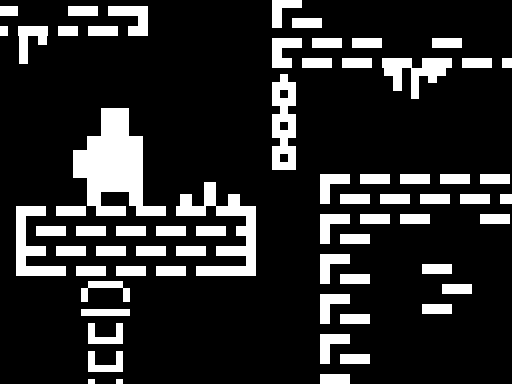
What keeps you going in One Bit is reaching the end of each track. Every stage asks you to clear its obstacles, and finishing them is the win.
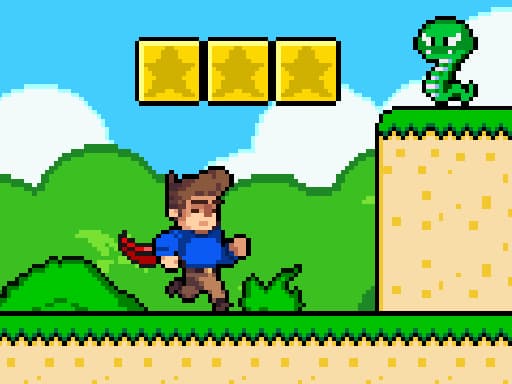
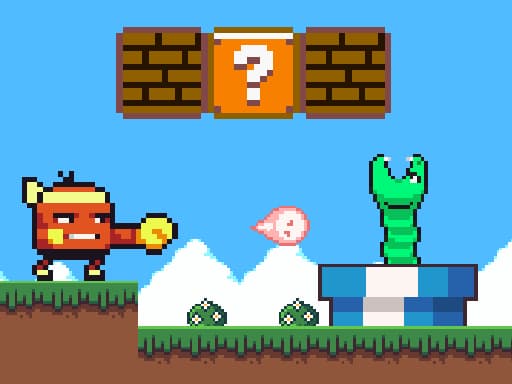
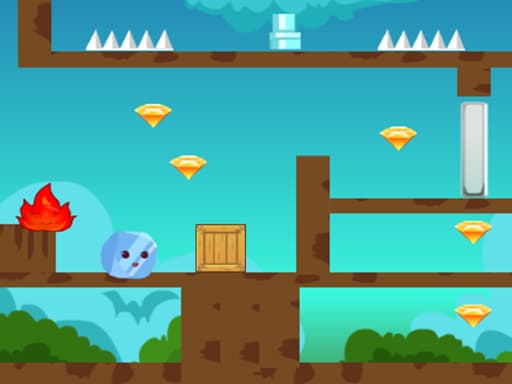
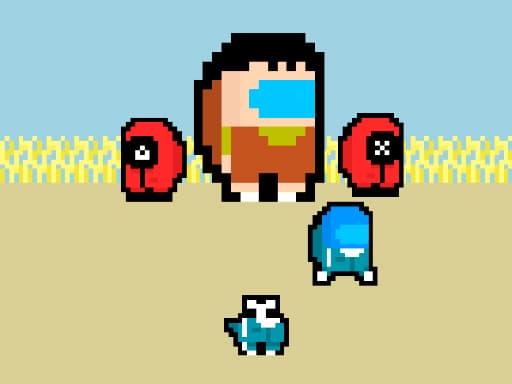
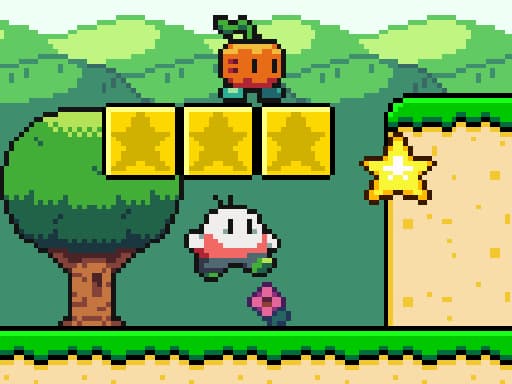
You play a tiny one-bit character moving through a 2D pixel platform adventure. The tracks are made of platforms and hazards that you must cross one step at a time.
Checkpoints help you keep your progress. Set one before a tricky section so a fall does not send you all the way back to the start.
How to play
Move your one-bit character along each track and get past the obstacles in your way. Collect a checkpoint before a hard jump or section so you can return to it if you miss. Keep moving forward, and complete every obstacle to win the game.
Controls
- W A S D↑←↓→
- move your character
- C
- set a checkpoint
Tips
- Set a checkpoint before any risky jump, not after you have already landed safely.
- Take a short look at each obstacle before you commit to a move.
- If a section keeps catching you, slow down and time each step carefully.
- Move in small steps near edges so you can stop before falling off.
One Bit: questions and answers
How do I set a checkpoint in One Bit?
Press the C key while you are in a safe spot on the track. Your checkpoint marks where you can return if you get hurt or fall.
How do I win One Bit?
You win by completing the obstacles on the tracks. Keep moving forward and get past each one until the game is finished.
Can I use touch controls on a mobile device?
Yes. When you play from a mobile device, you can use the touch controls shown on the screen to move your character.
One Bit is a free online game playable in your browser on Poki.game. It works on desktop computers, tablets and mobile phones, with no download or registration needed.