






About Trading Master 3D - Fidget Pop
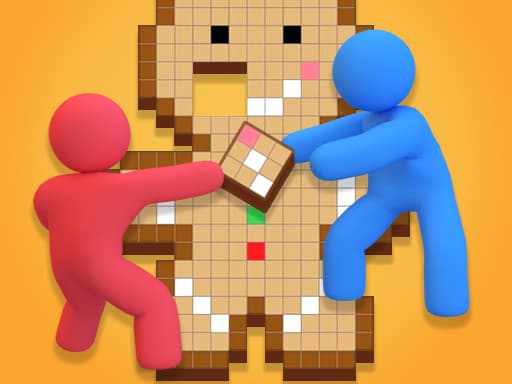
The goal is to make good deals with your opponent by choosing the right items from the table. Each deal is a trade, and you want to come out ahead.
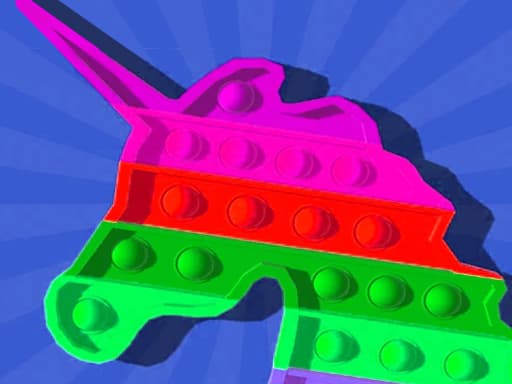
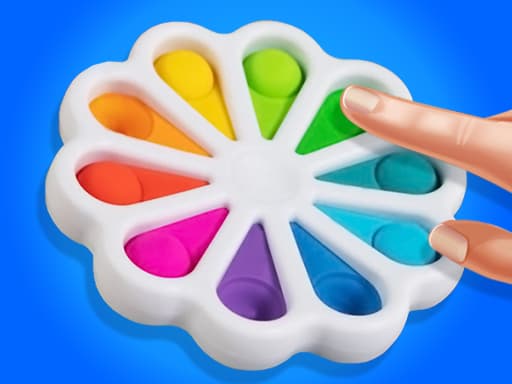
The items are shown in 3D on a table. You pick the ones you want to offer or accept, and a measurement bar on the left shows the value of each article. A deal works best when the marker lands in the green and yellow area of that bar.
Several levels await you, and each deal you finish moves you closer to clearing the whole set.
How to play
Look at the items on the table and pick the ones you want to trade. Check the measurement bar on the left of the article. When the marker sits in the green and yellow area, the deal is in your favour. Complete each deal to move on through the levels.
Controls
- Tapclick
- choose an item or confirm a deal
Tips
- Read the measurement bar before you commit to any trade.
- Aim for the green and yellow area rather than the edges of the bar.
- Take your time with each item, since you can compare them on the table.
- If a deal feels off, look at the next item before you decide.
Trading Master 3D - Fidget Pop: questions and answers
What does the measurement bar on the left show?
It shows the value of the article you are looking at. Trade when the marker is in the green and yellow area, because that is where the deal works out well for you.
How do I make a deal with my opponent?
Tap the items you want to choose, then check the measurement bar. When the bar shows green and yellow, you can complete the trade and move on.
How many levels are there, and how do I finish them?
You complete all the levels by making great deals. Finish each deal in a level to unlock the next one.
Trading Master 3D - Fidget Pop is a free online game playable in your browser on Poki.game. It works on desktop computers, tablets and mobile phones, with no download or registration needed.