

About Army Shooter
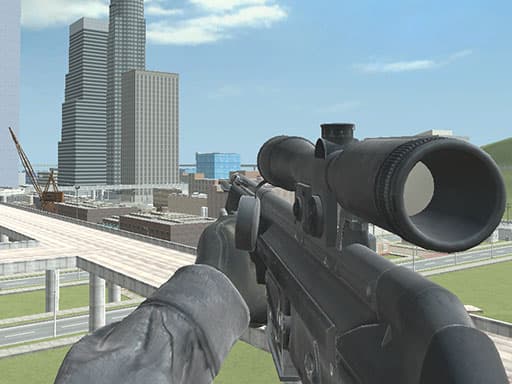
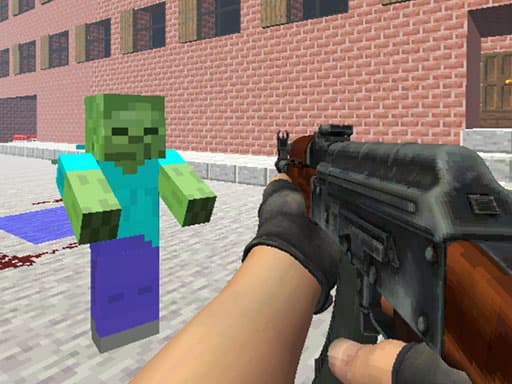
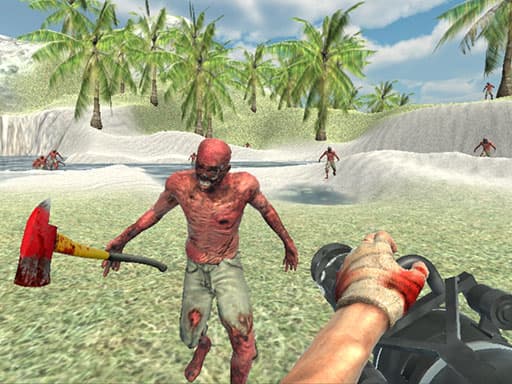
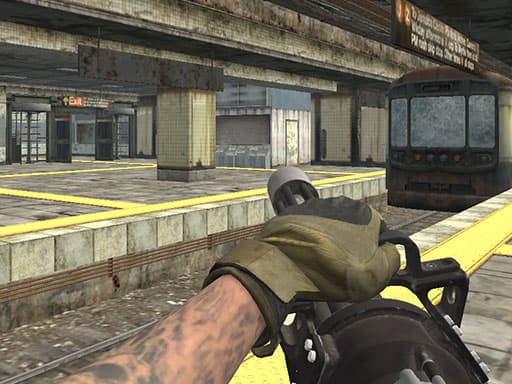
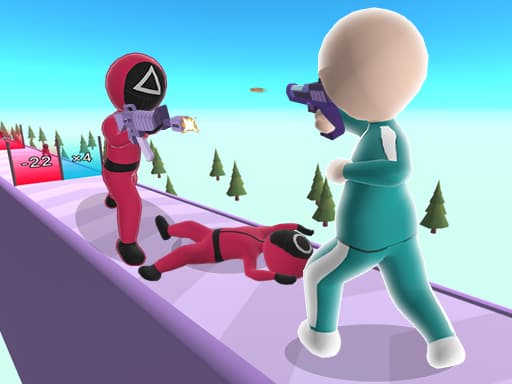
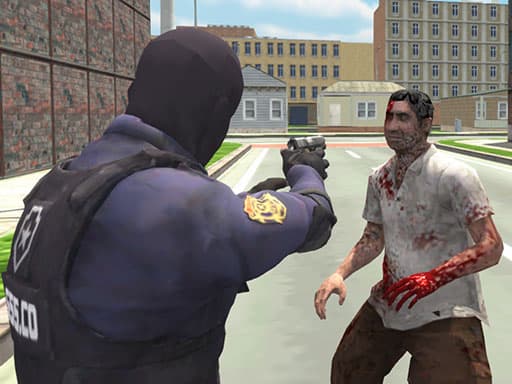
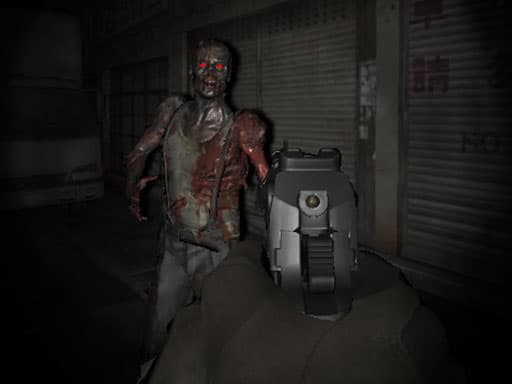
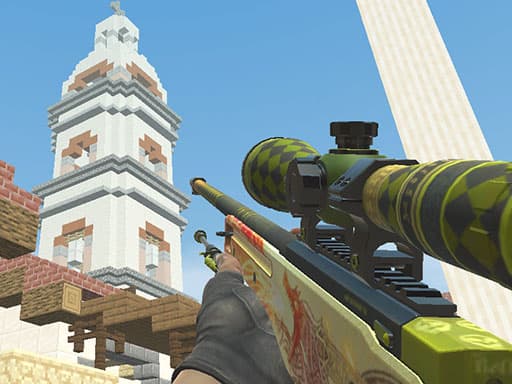
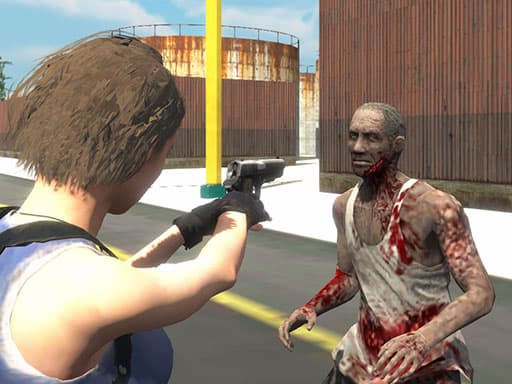
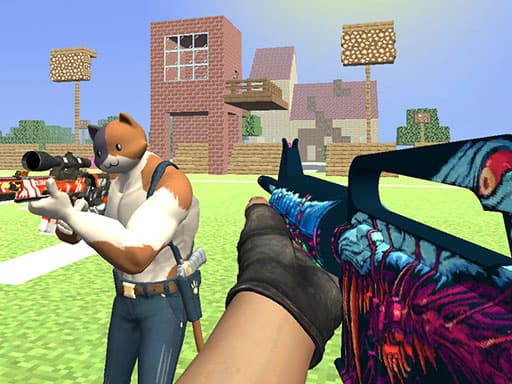
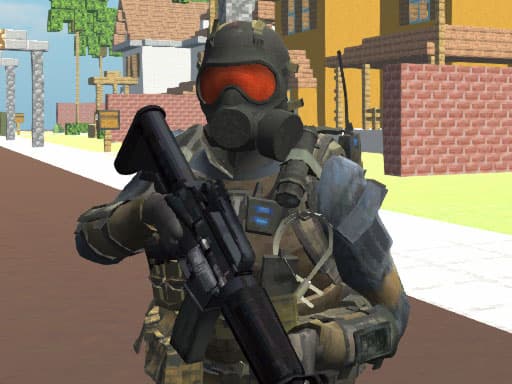
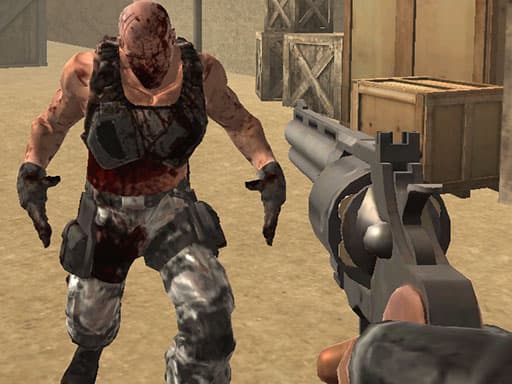
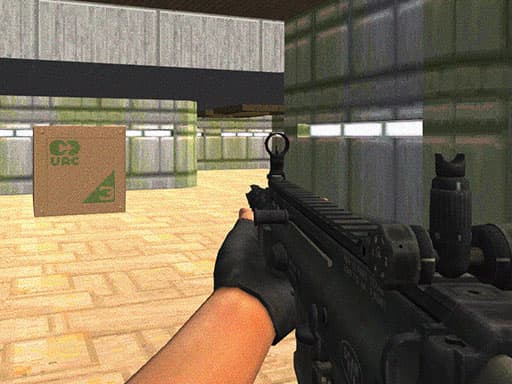
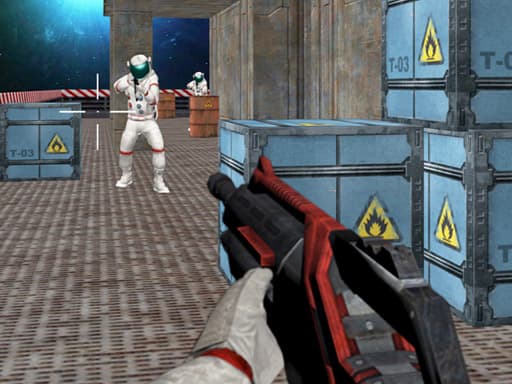
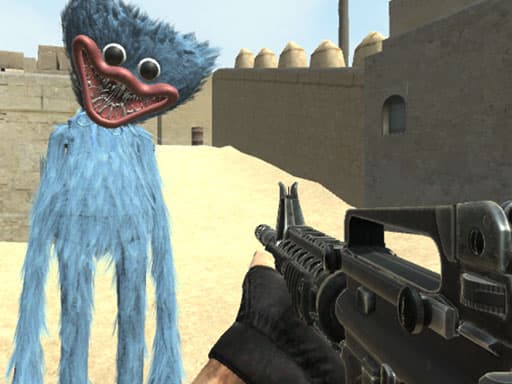
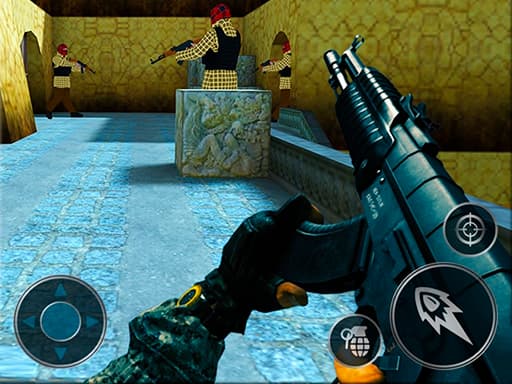
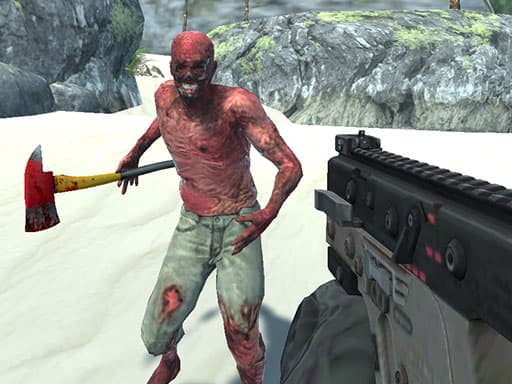
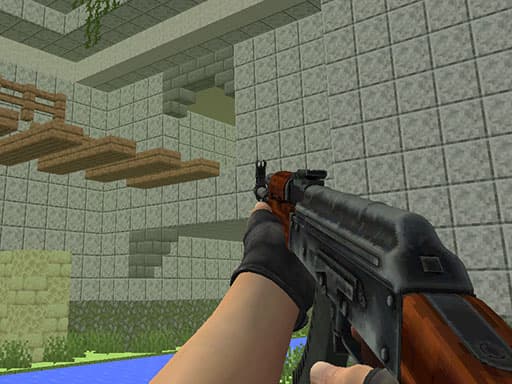
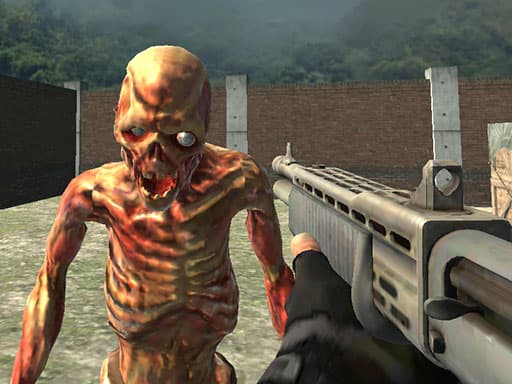
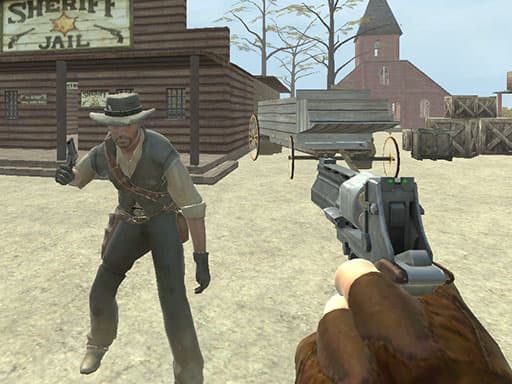
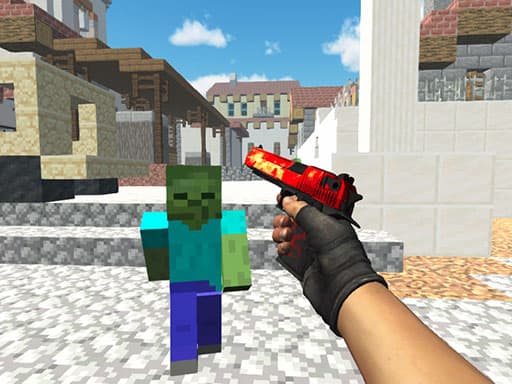
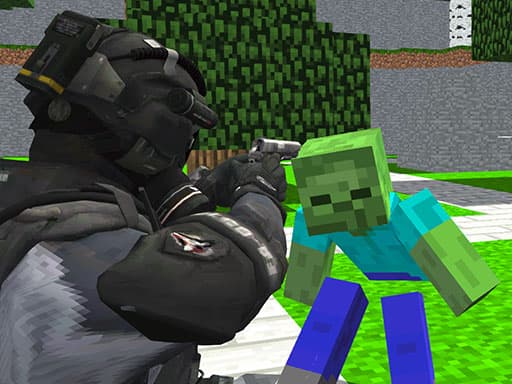
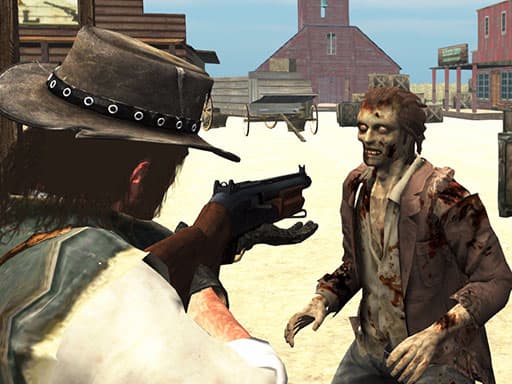
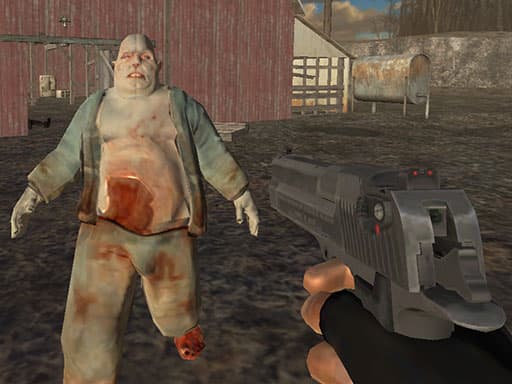
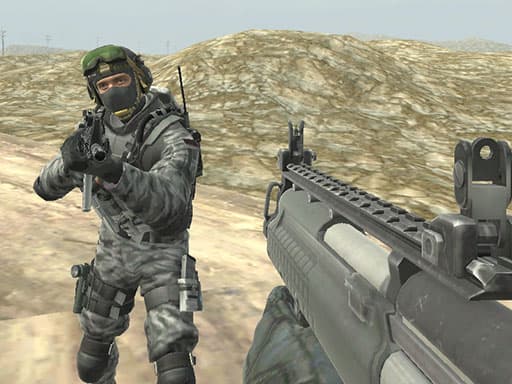
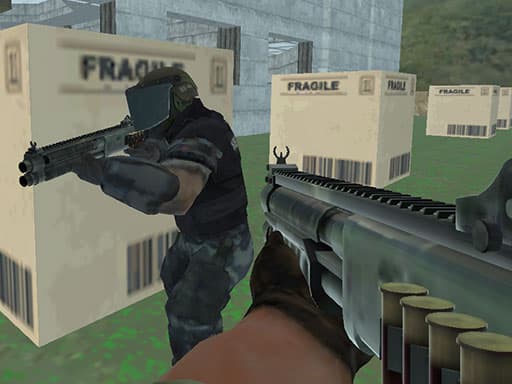
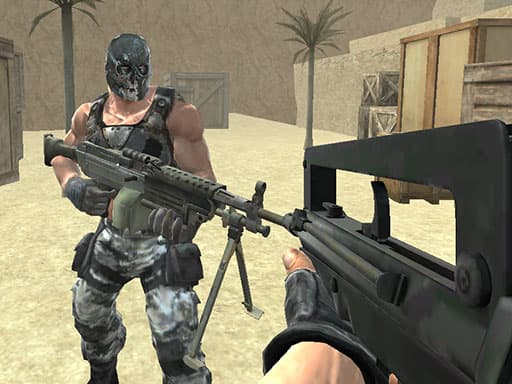
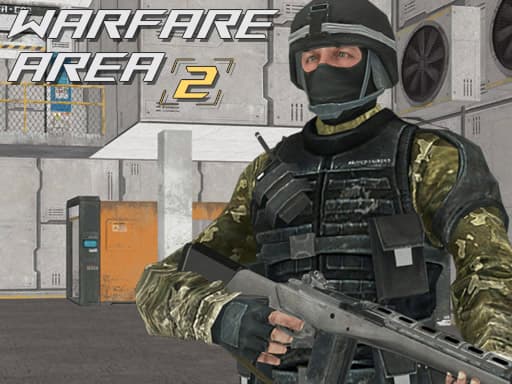
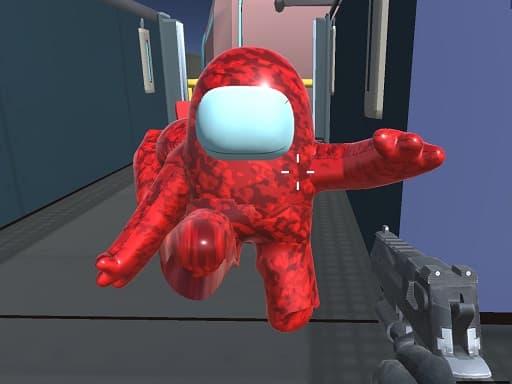
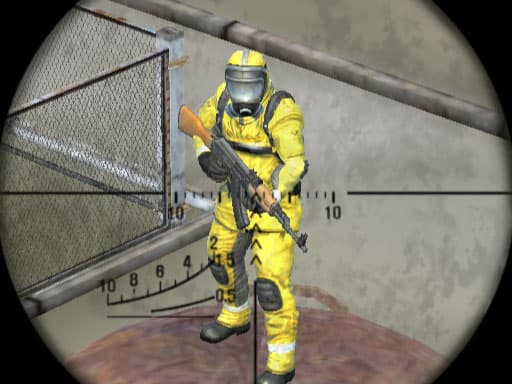
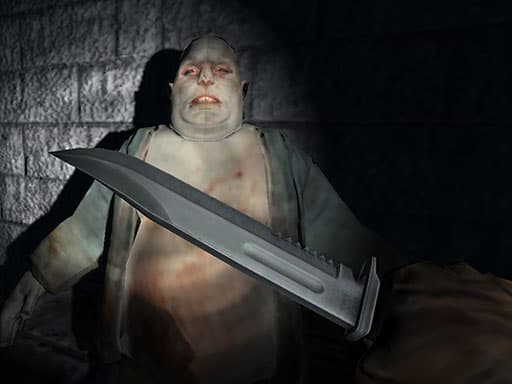
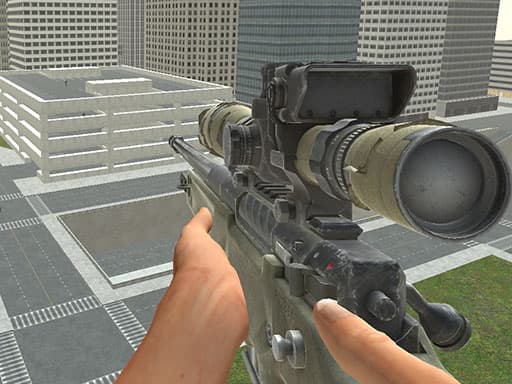
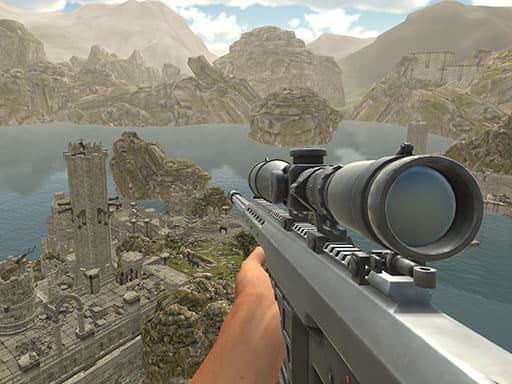
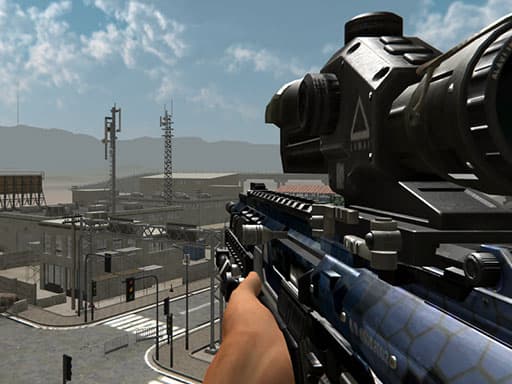
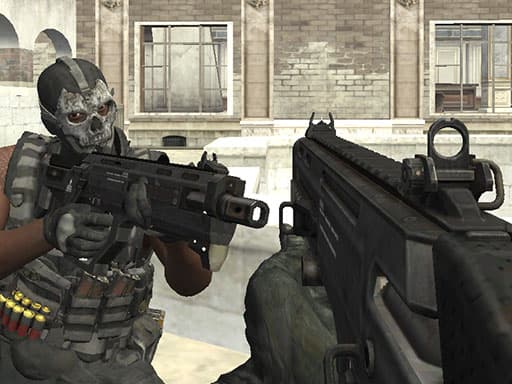
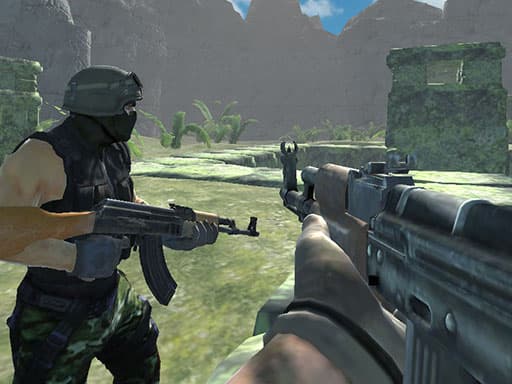
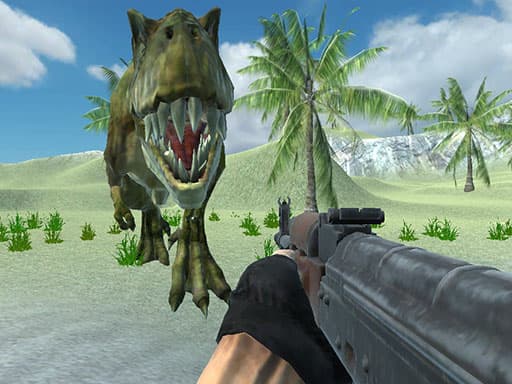
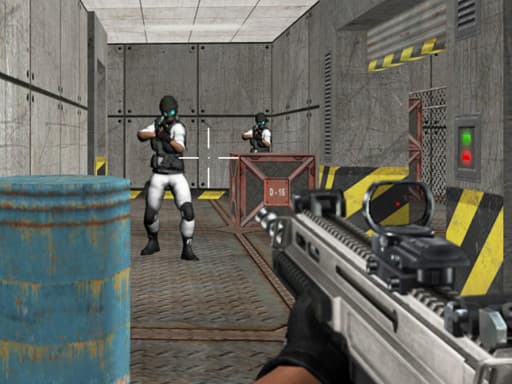
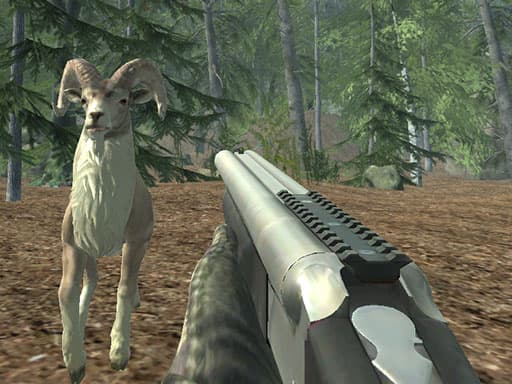
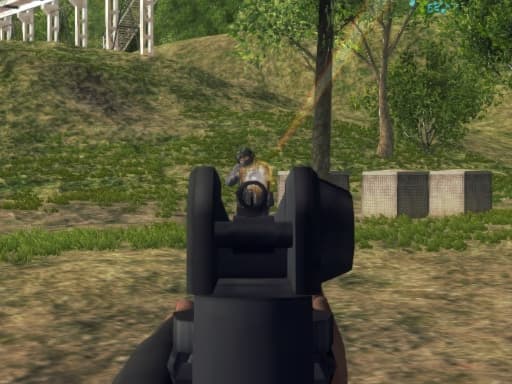
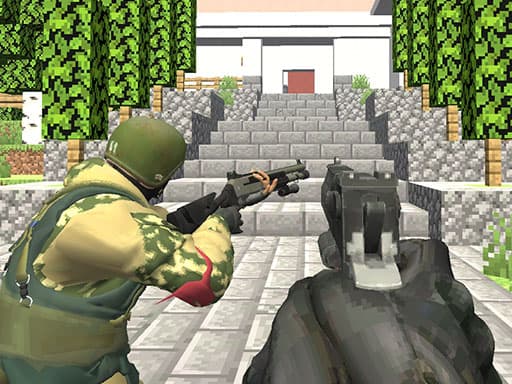
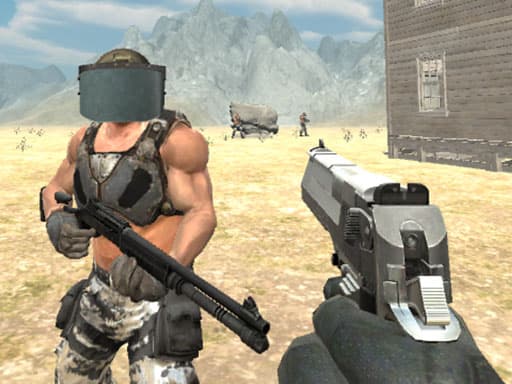
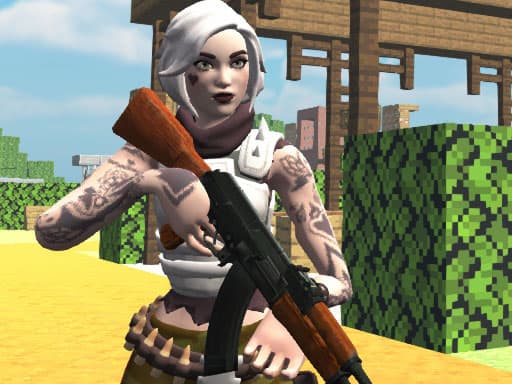
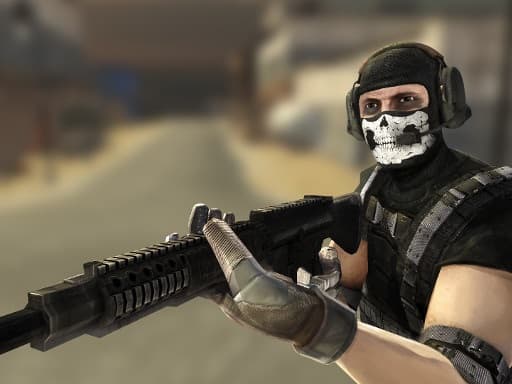
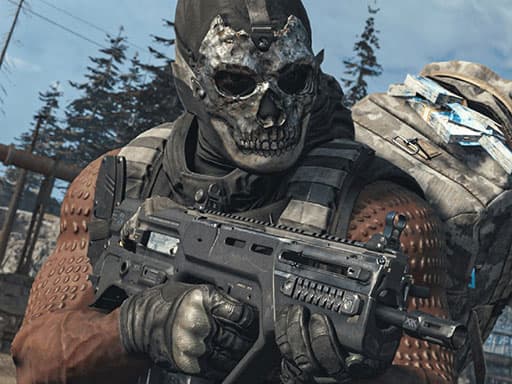
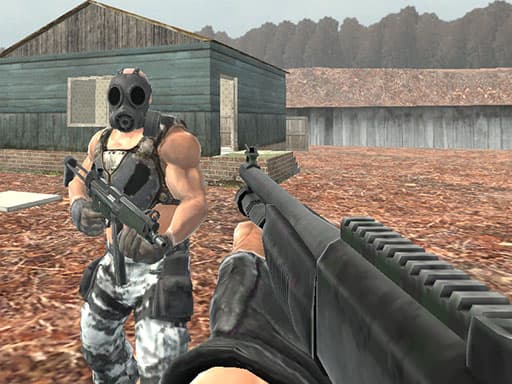
Army Shooter is a shooting game where you move around and fire weapons at targets. The goal is to fight your way through with the guns you carry.
The game lists two game modes and several weapons you can use. You switch between guns with the number keys, so you can pick the right tool for each situation.
You can play from third-person or first-person view. Switching views lets you choose how closely you want to see the action around you.
How to play
Move with WASD or the arrow keys and aim with the right mouse button. Fire with the left mouse button. Switch between weapons with the number keys 1 to 6 to match the situation you face. Press Tab to pause whenever you need a moment to think.
Controls
- WASD↑←↓→
- move
- Left mouse button
- fire
- Right mouse button
- aim
- Space bar
- jump
- Number keys 1 to 6
- change weapon
- Tab
- pause
Tips
- Learn which number key holds each weapon before you need it, so switching is quick.
- Aim with the right mouse button first, then fire, to make each shot count.
- Try both third-person and first-person views with C to see which one suits you.
- Crouch with Ctrl when you need to stay low and harder to spot.
Army Shooter: questions and answers
What do the number keys 1 to 6 do in Army Shooter?
They change your weapon. Each number selects a different gun, so you can swap to the one that fits the moment.
How do I switch between third-person and first-person view?
Press the C key to switch between the two views. You can change at any time while playing.
How do I pause Army Shooter?
Press the Tab key to pause the game. Press it again to pick up where you left off.
Army Shooter is a free online game playable in your browser on Poki.game. It works on desktop computers, tablets and mobile phones, with no download or registration needed.