




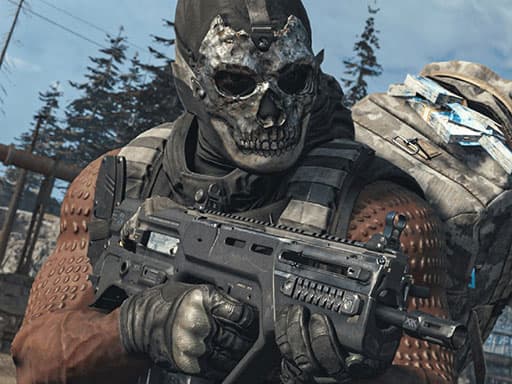
About Army War CS
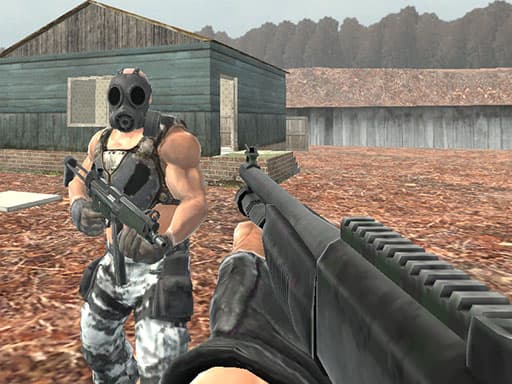
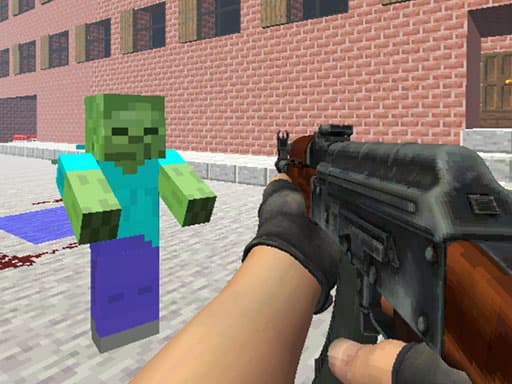
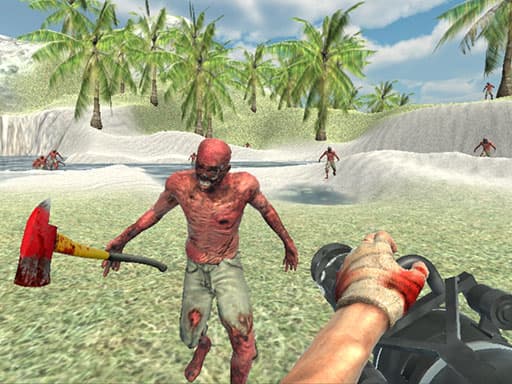
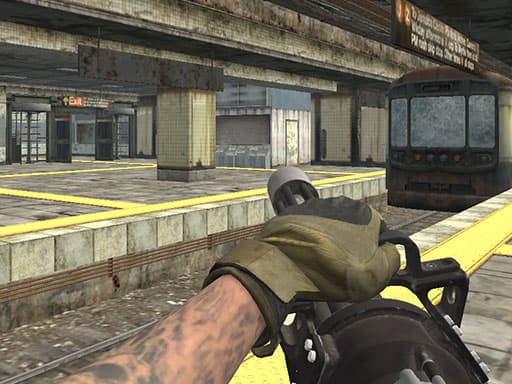
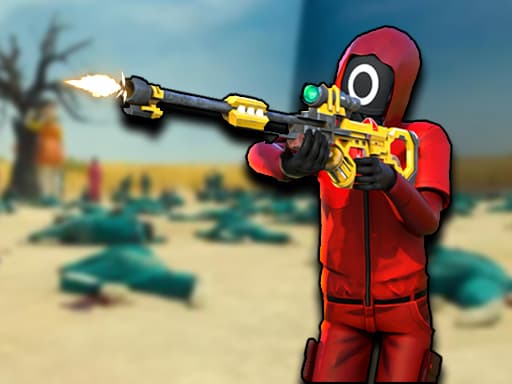
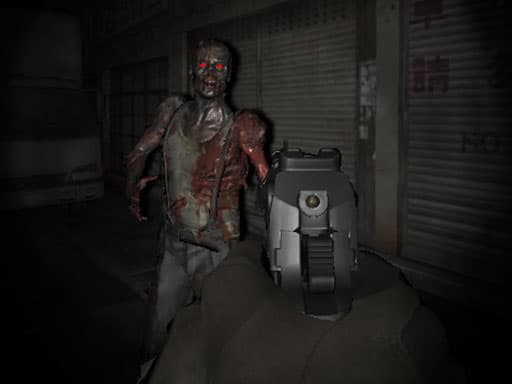
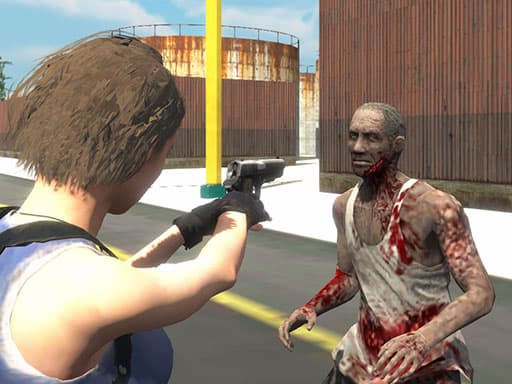
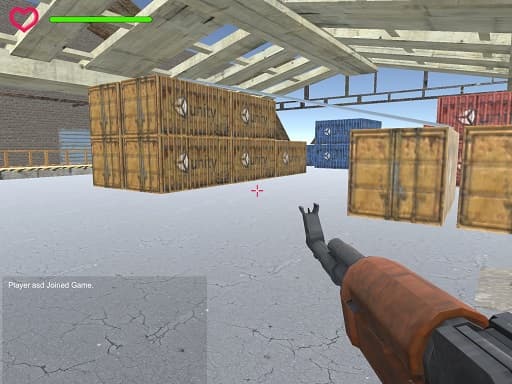
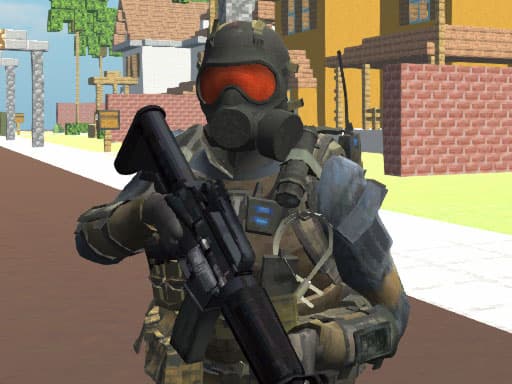
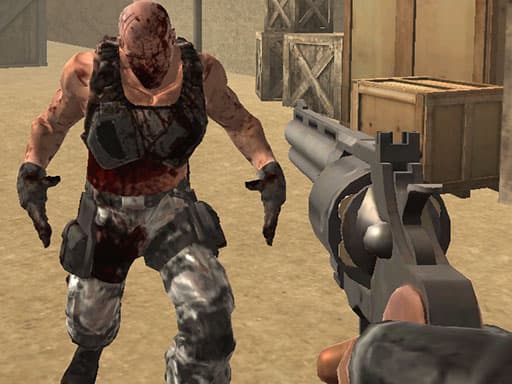
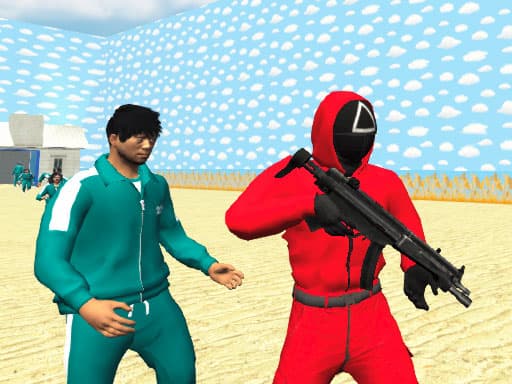
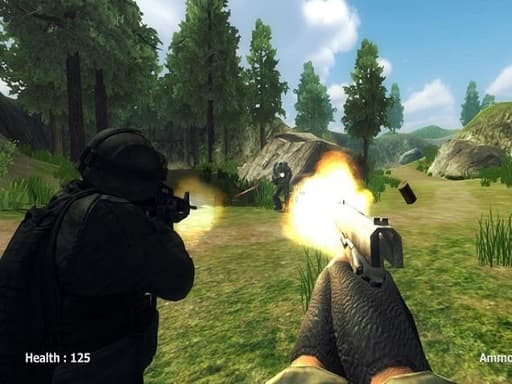
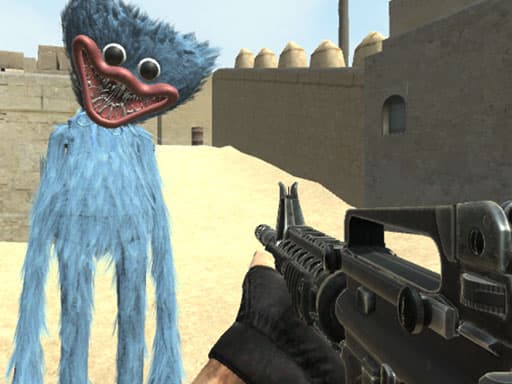
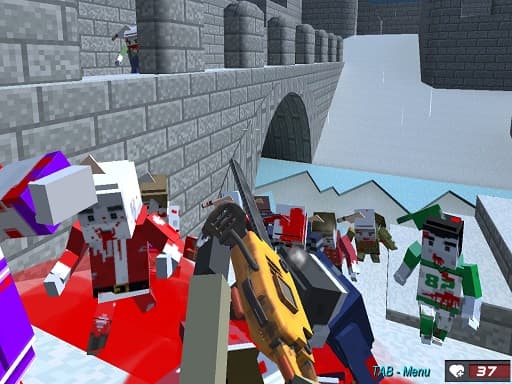
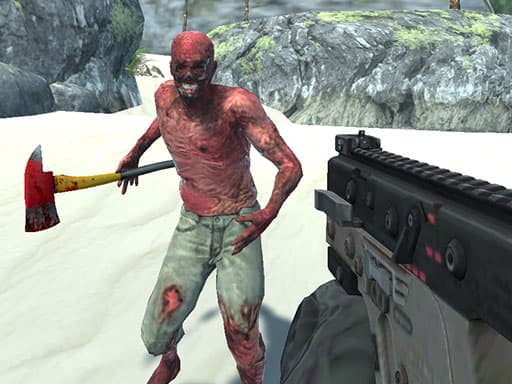
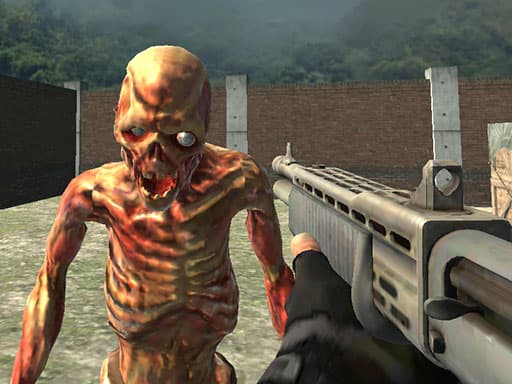
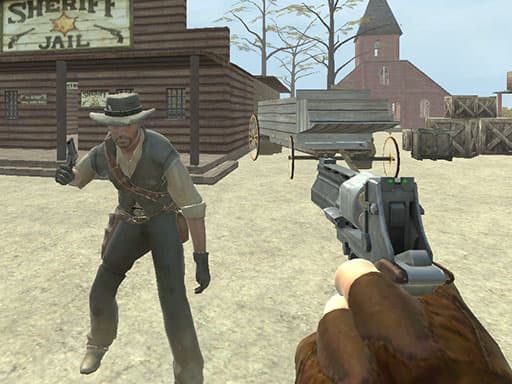
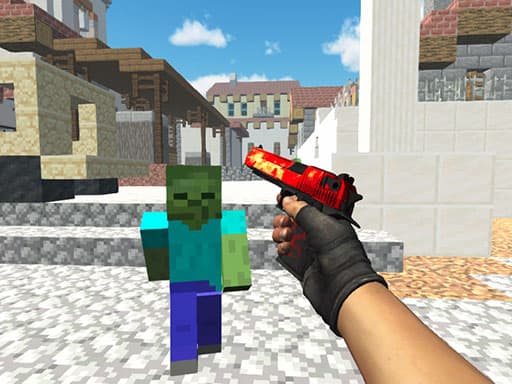
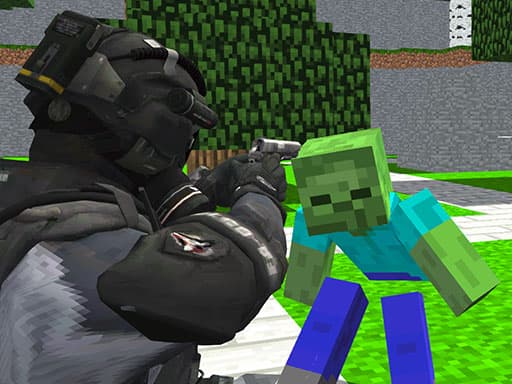
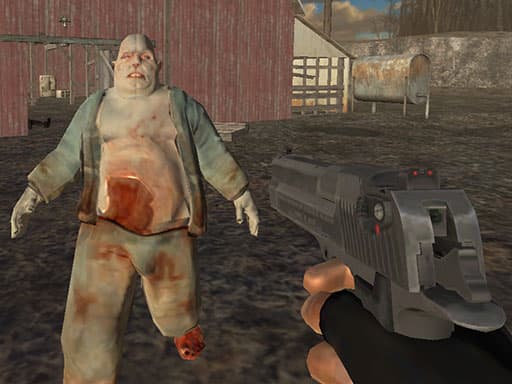
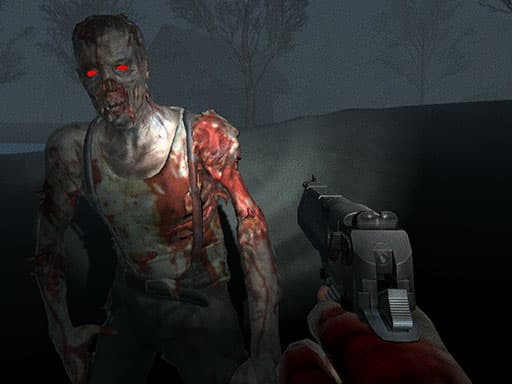
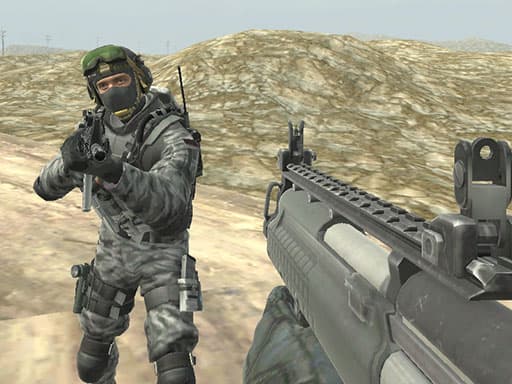
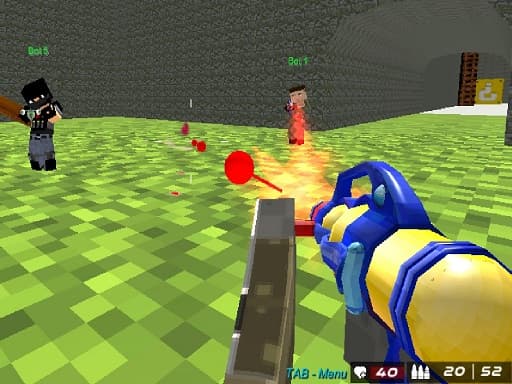
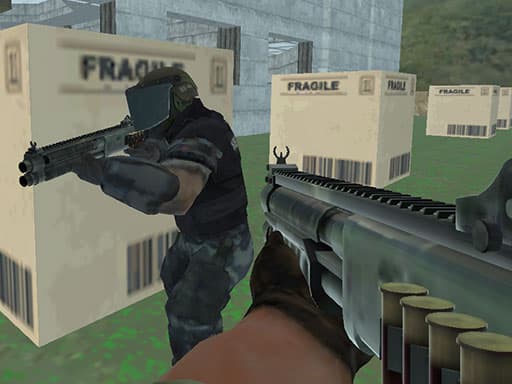
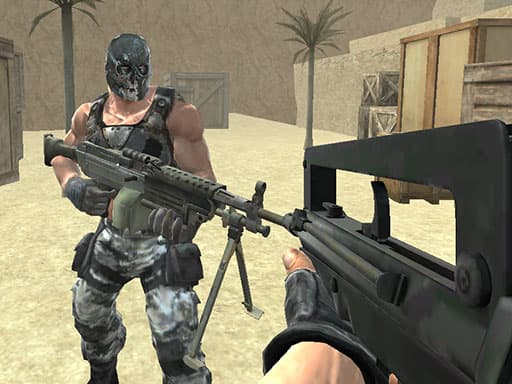
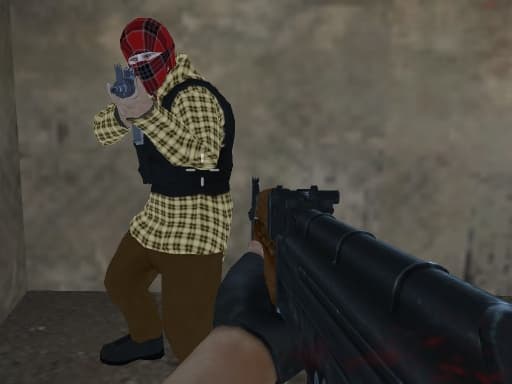
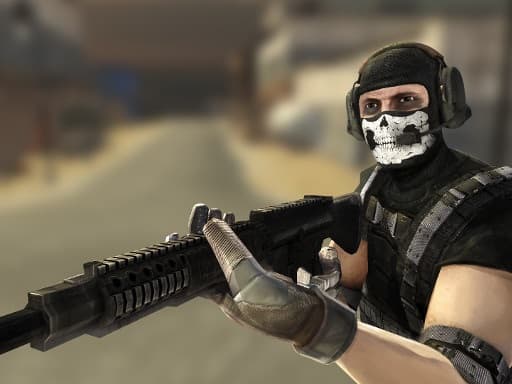
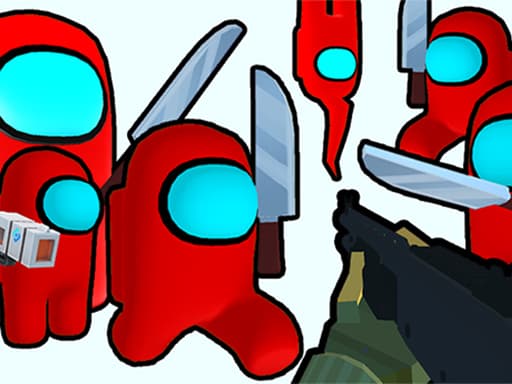
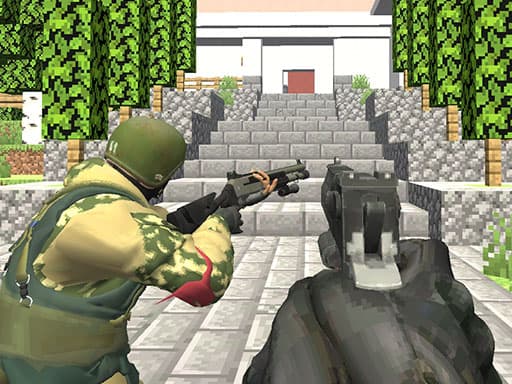
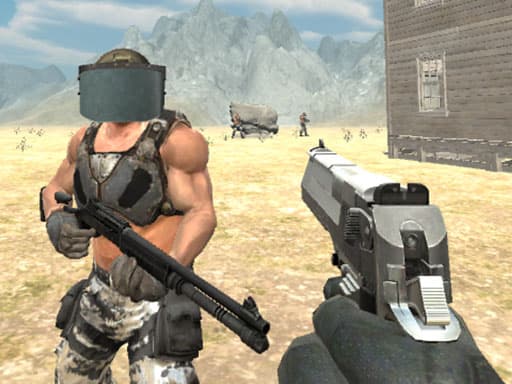
Your mission in Army War CS is simple: eliminate every enemy you find. Each level puts you in a fight where you must clear the area of opponents before moving on.
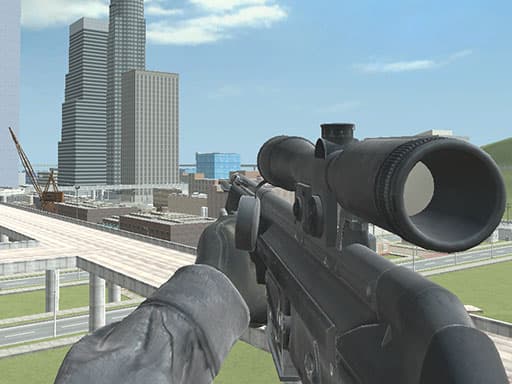
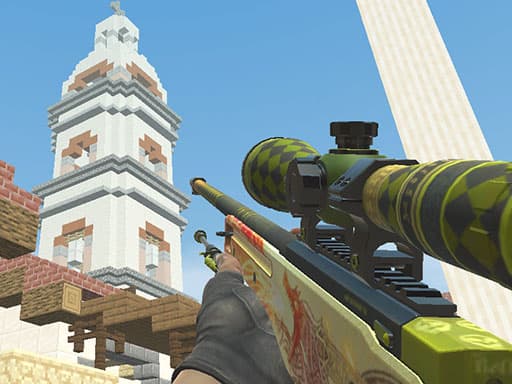
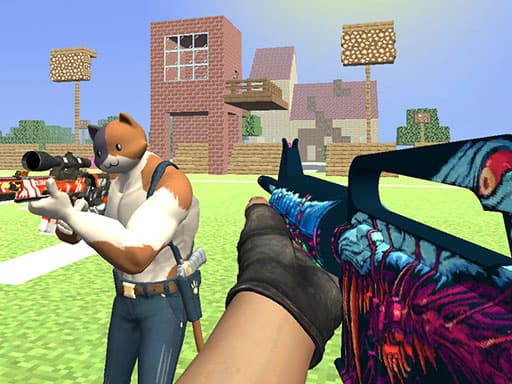
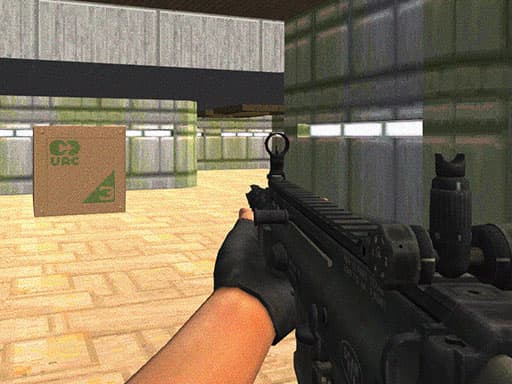
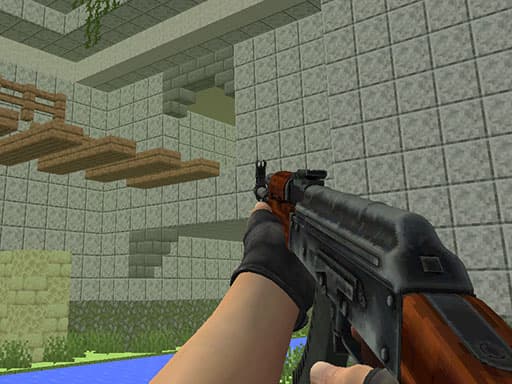
The game has 15 levels, and you can use multiple weapons to get through them. Switching between weapons helps you handle different situations as the fighting changes.
Moving, aiming, and shooting all happen with the keyboard and mouse. Knowing the controls well makes the fights easier to manage.
How to play
Move through each level and find every enemy. Aim with the right mouse button and fire with the left. Use cover and jumping to stay out of danger while you work through the area. Clear the level, then move on to the next one. Keep an eye on your surroundings so you do not get caught by surprise.
Controls
- WASD↑←↓→
- move
- Left mouse button
- fire
- Right mouse button
- aim
- Space bar
- jump
- Ctrl
- crouch
- Left Shift
- run
Tips
- Crouch behind cover when you need a moment to reload or plan your next move.
- Use the grenade on groups of enemies rather than spending it on a single target.
- Aim before you fire, since holding the aim button steadies your shot.
- Pause with Tab to check the layout and think through your next move calmly.
Army War CS: questions and answers
What do I have to do in each level?
You must eliminate everyone in the level. Once the area is clear, you can move on to the next of the 15 levels.
Which weapons can I use?
The game gives you multiple weapons to use across its levels. Try different ones to see which suits your style best.
How do I throw a grenade?
Press the G key to throw a grenade. It is useful when enemies are grouped together in one spot.
Army War CS is a free online game playable in your browser on Poki.game. It works on desktop computers, tablets and mobile phones, with no download or registration needed.