About Barbie Creator
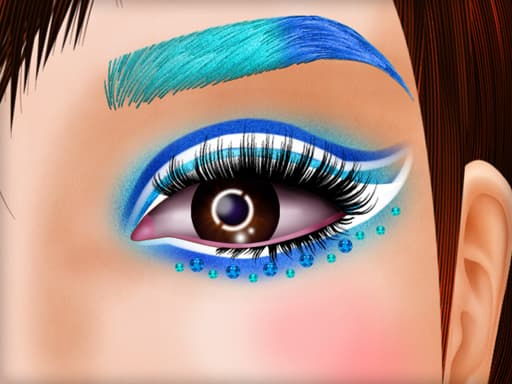
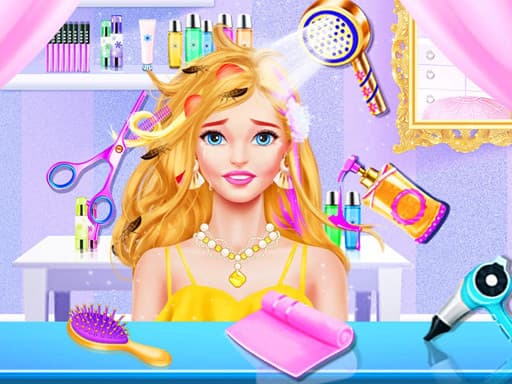
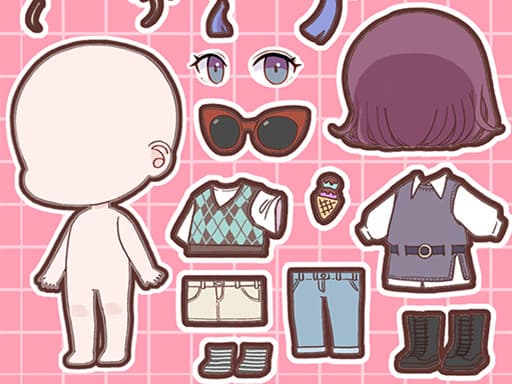
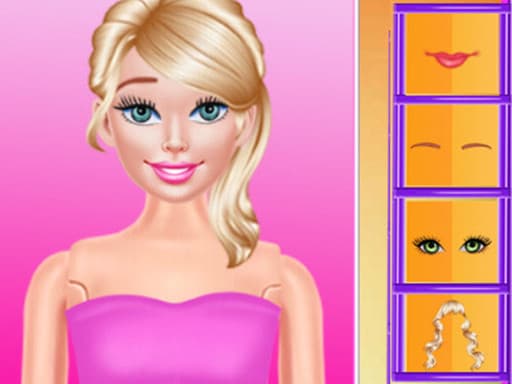
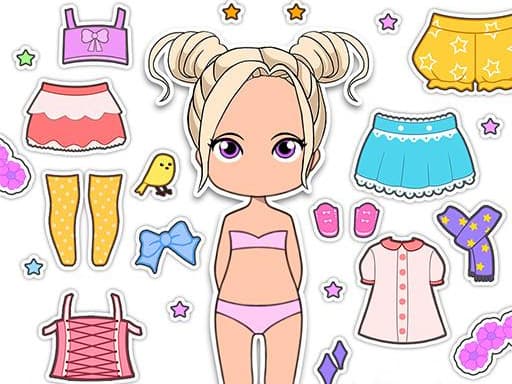
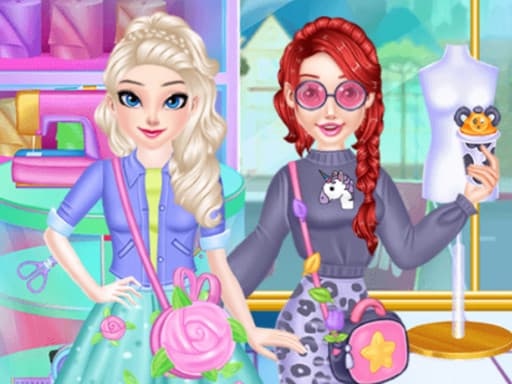
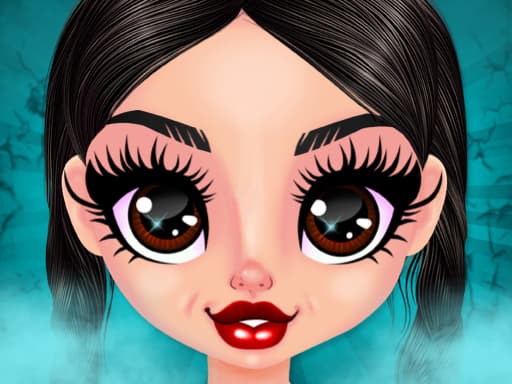
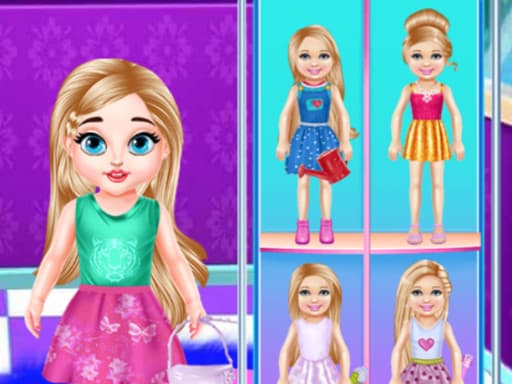
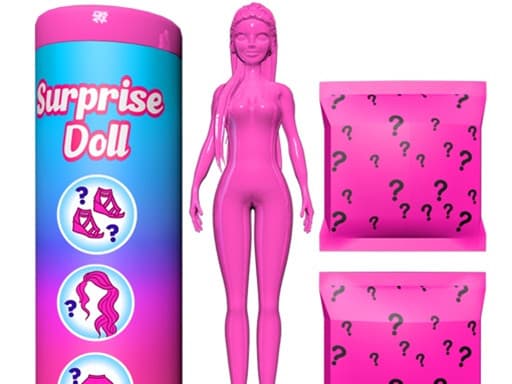
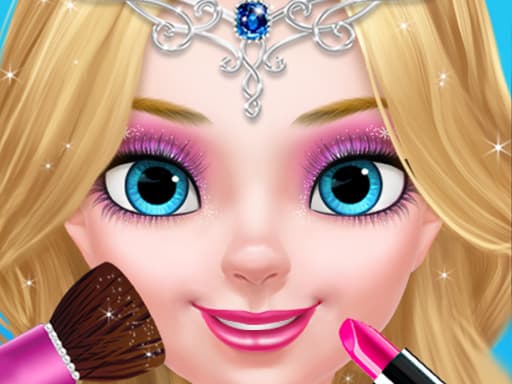
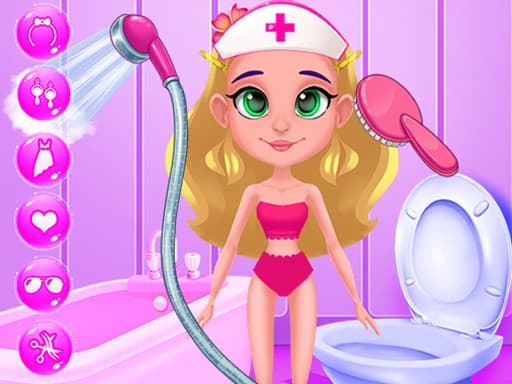
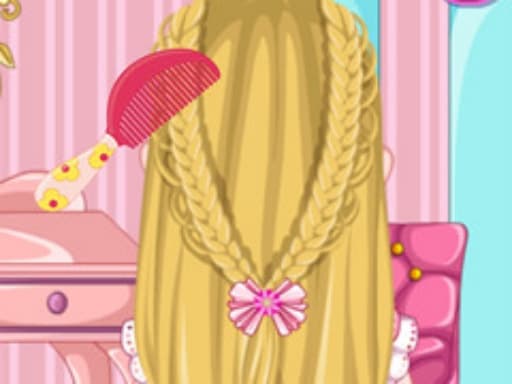
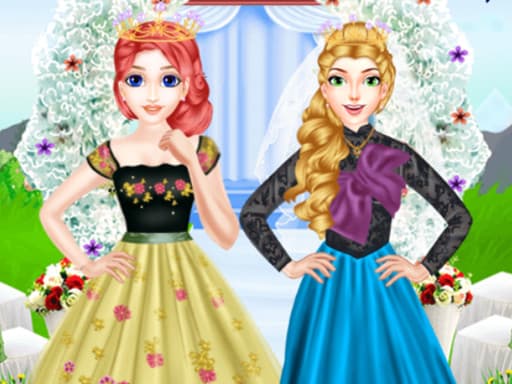
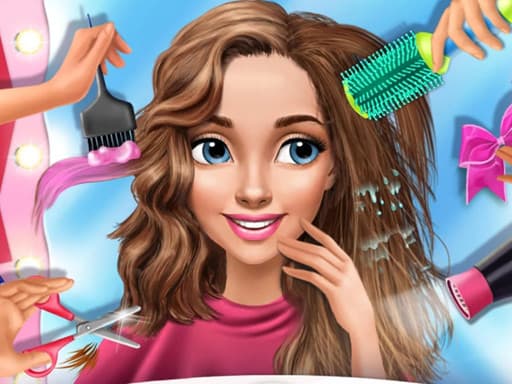
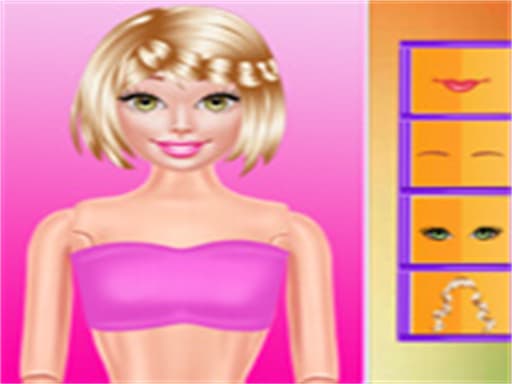
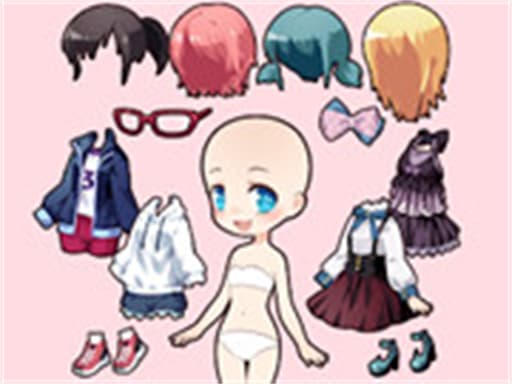
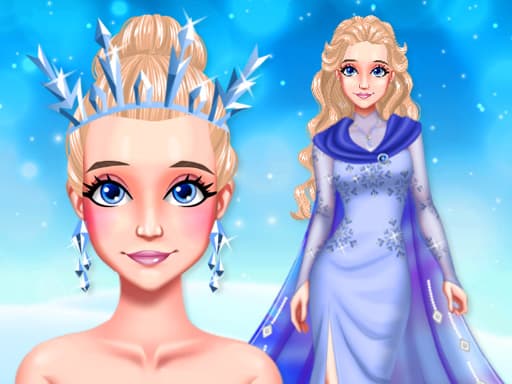
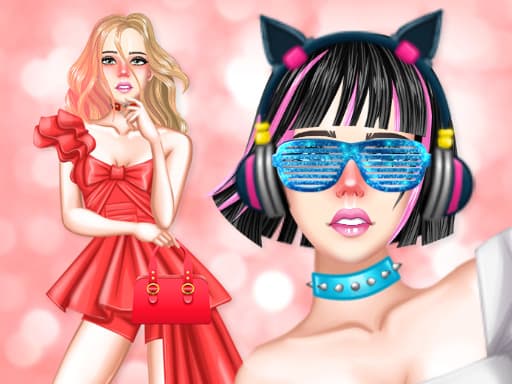
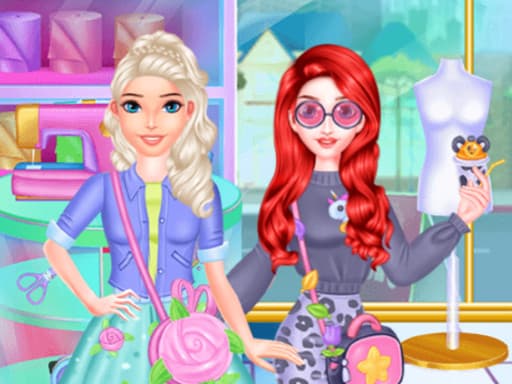
Dressing up a character is the main task in this game. You build a Barbie doll the way you like her, one choice at a time. The page describes picking a hairstyle, then adding eyes, eyebrows and blush for a kawaii look. Outfits and accessories come next, so the doll matches the style you have in mind.
There is no score or goal to reach. The game is about making something you enjoy looking at. When you finish, you can save the character as a wallpaper picture. Try a few different styles to see what suits your taste best.
How to play
Start by choosing a hairstyle for your Barbie doll. Next, pick eyes, eyebrows and a touch of blush to finish her face. Then add clothes and accessories that match the outfit you like. Keep adjusting until she looks the way you want, and save the finished design when you are happy with it.
Controls
- Tapclick
- choose options and place items on your doll
Tips
- Pick the hairstyle first, since it sets the overall feel of the look.
- Try soft blush and simple eyebrows to keep the face sweet and balanced.
- Choose accessories that share a colour with the outfit so they fit together.
- Make a few versions in different styles, then save the one you like best.
Barbie Creator: questions and answers
What do I do first when making my Barbie doll?
Start with the hairstyle, since it shapes the rest of the look. After that, add the face details and then the clothes.
How do I add eyes, eyebrows and blush?
Tap or click the face options to pick the kawaii eyes, eyebrows and blush you want. Each choice changes how your doll's face looks.
Can I save my Barbie design?
Yes. The page says you can save the finished character as a wallpaper picture for your device.
Barbie Creator is a free online game playable in your browser on Poki.game. It works on desktop computers, tablets and mobile phones, with no download or registration needed.