


About Coloring And Learning
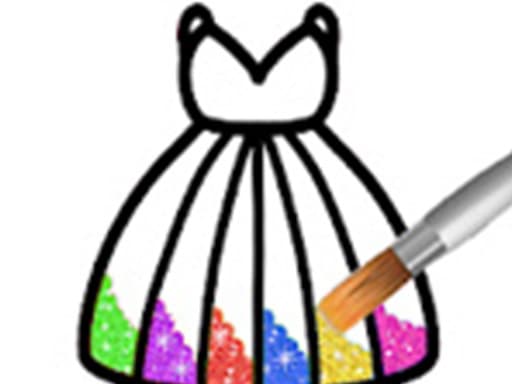
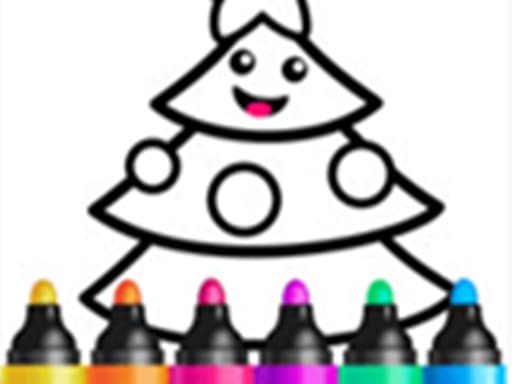
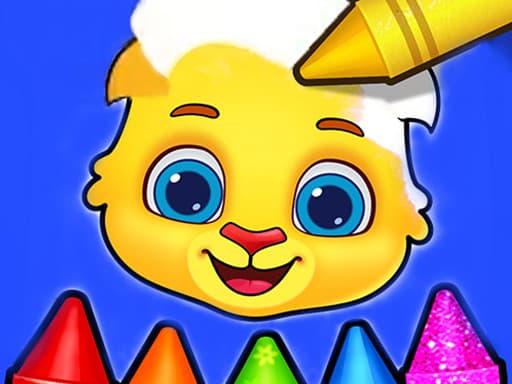
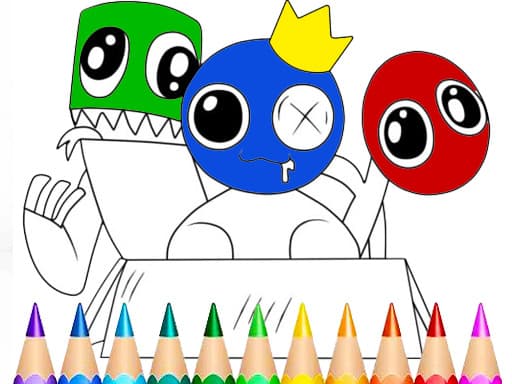
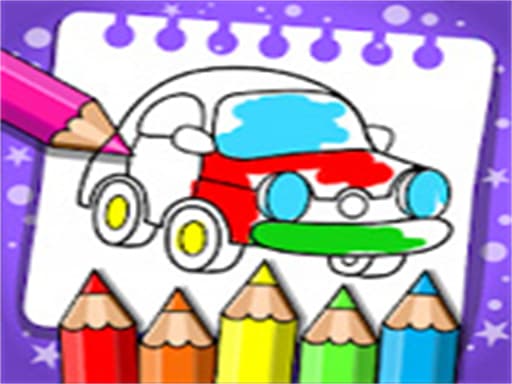
You colour the pictures in this game, one area at a time, with the tools you pick. The pages are drawings you fill in with colour.
The game has more than 250 pages with learning content, so there is a lot to choose from. There is also a free mode where you can draw and doodle without a set picture. A glow mode lets you paint with neon colours.
Tools work much like they do with paper crayons and pens. Try a few different ones to see what each leaves behind on the page.
How to play
Pick a page to start colouring. Choose a colour and a tool, then tap or click the part of the picture you want to fill. You can switch colours and tools whenever you like. In free mode, there is no picture to follow, so you can draw whatever you wish. Try the glow mode when you want bright neon marks on the page.
Controls
- Tapclick
- colour an area or draw a mark
Tips
- Start with a simple page to get used to the colour and tool choices.
- Pick a colour first, then fill several areas before changing again.
- Use free mode when you want to draw without following a picture.
- Try the glow mode when you want bright neon marks on the page.
Coloring And Learning: questions and answers
What does free mode let me do?
Free mode lets you draw, doodle and colour without a set picture. You can use any tools and colours you like to make your own artwork.
What is the glow colouring mode?
Glow mode lets you paint with neon paint, so your doodles look bright and magical on the page. It works the same way as normal colouring.
How do I colour an area on a page?
Pick a colour and a tool, then tap or click the area you want to fill. Repeat this for each part of the picture until you are happy with it.
Coloring And Learning is a free online game playable in your browser on Poki.game. It works on desktop computers, tablets and mobile phones, with no download or registration needed.