


About Blocky wars vehicle shooting multiplayer
What keeps players going here is blasting rivals and earning the win. Your aim is to shoot your way through the blocky battlefield and come out on top.
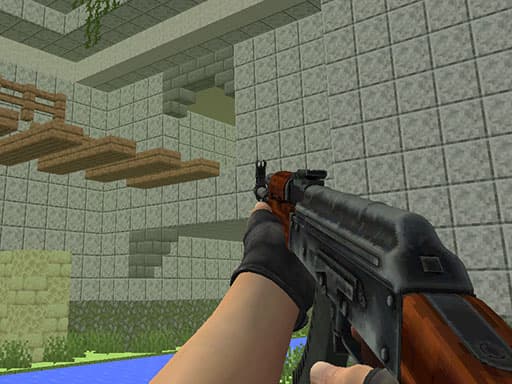
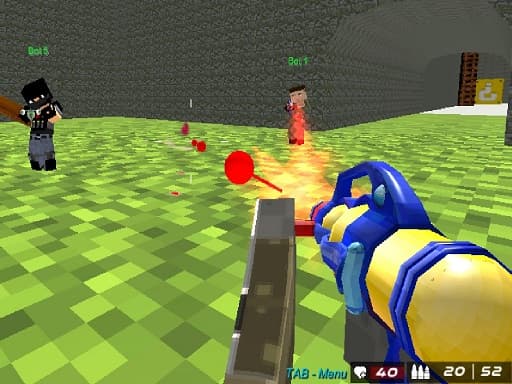
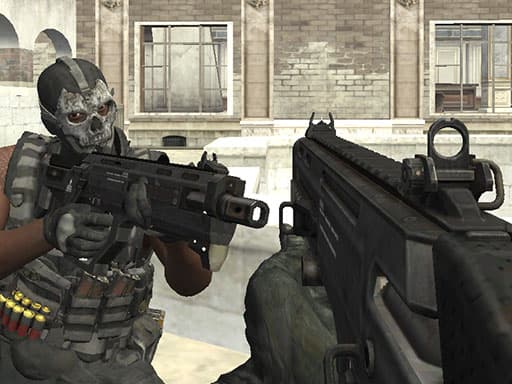
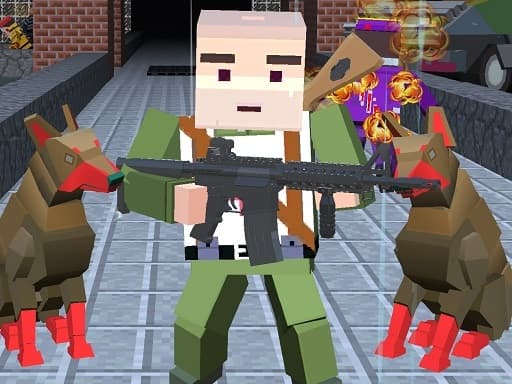
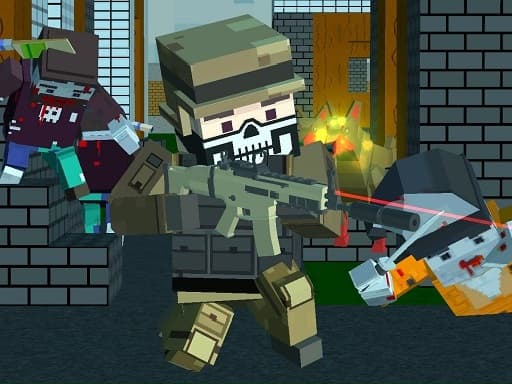
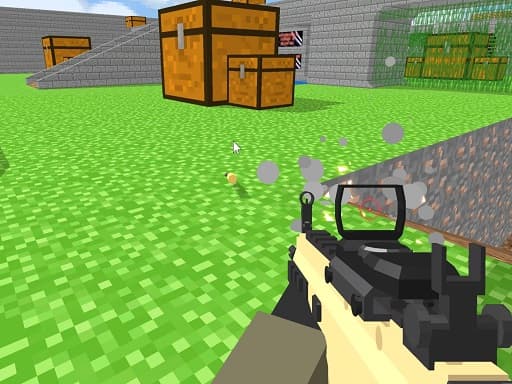
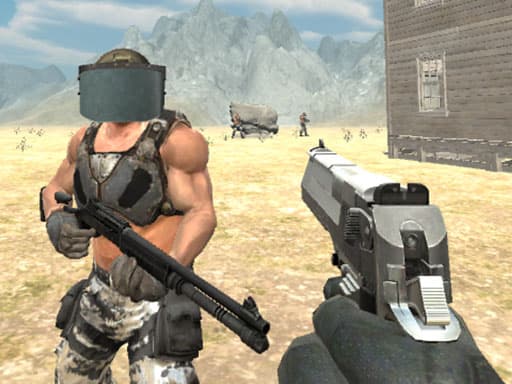
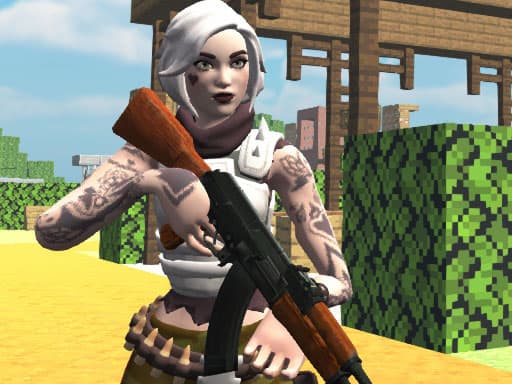
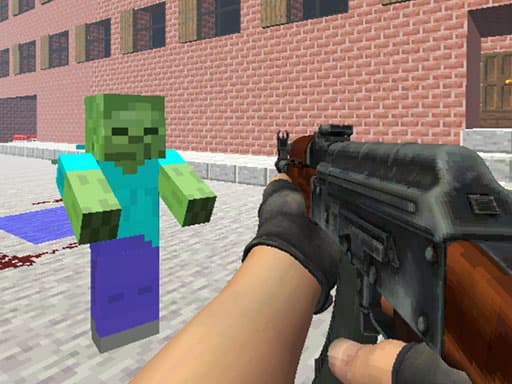
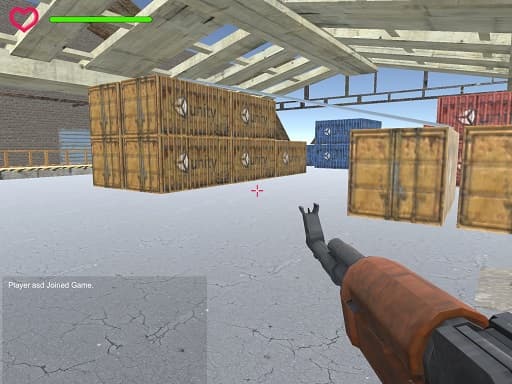
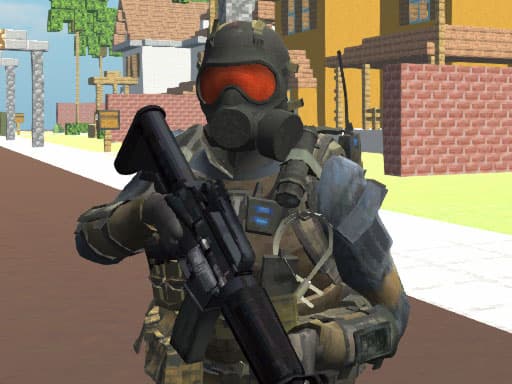
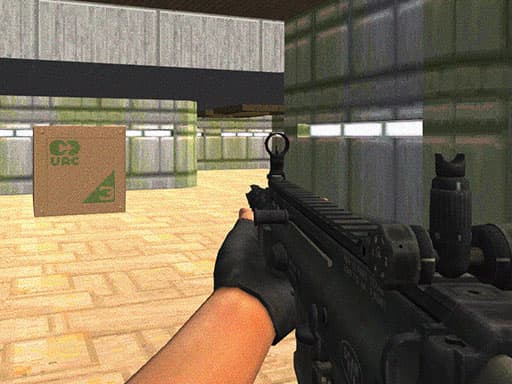
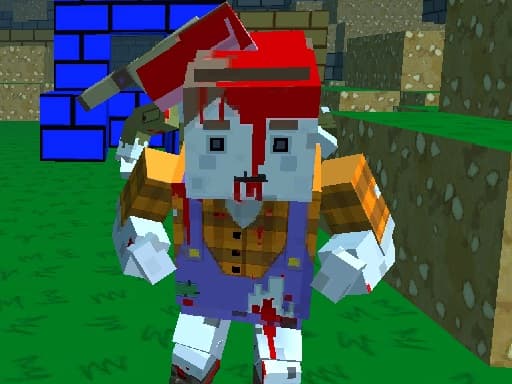
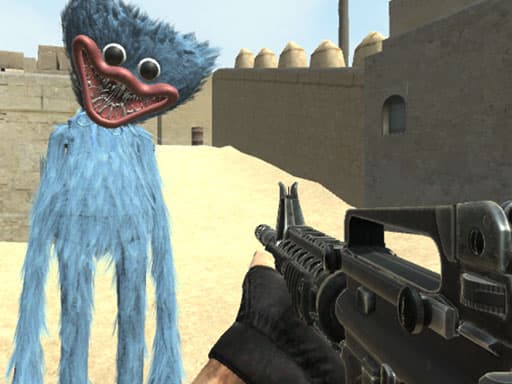
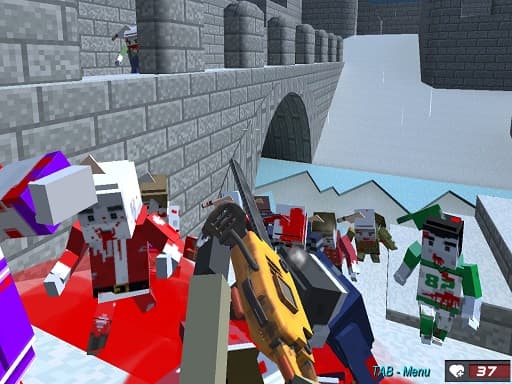
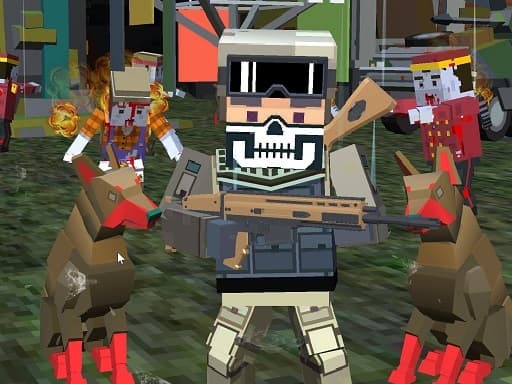
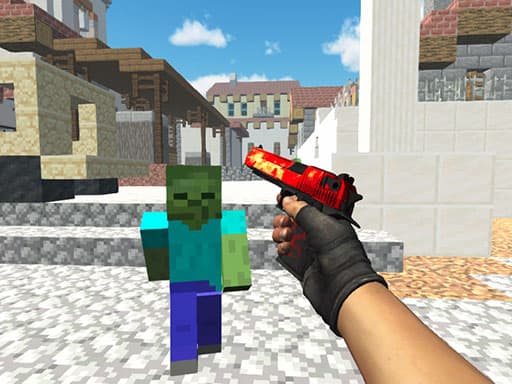
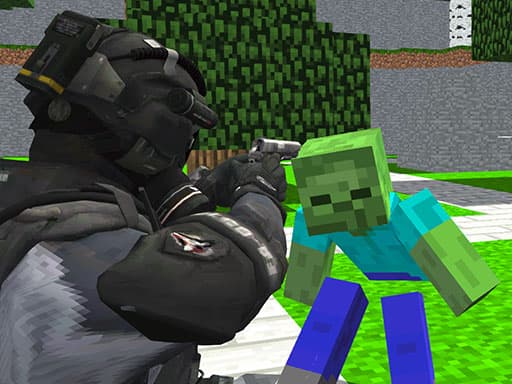
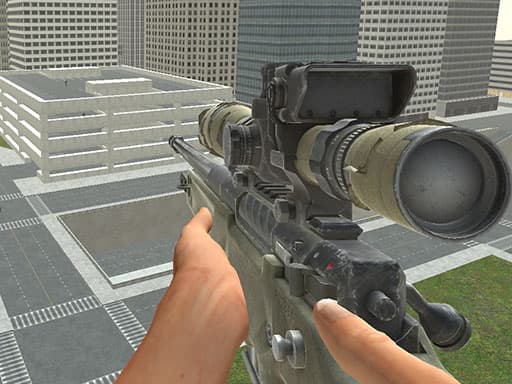
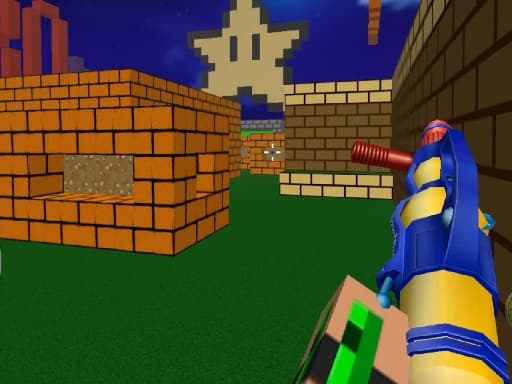
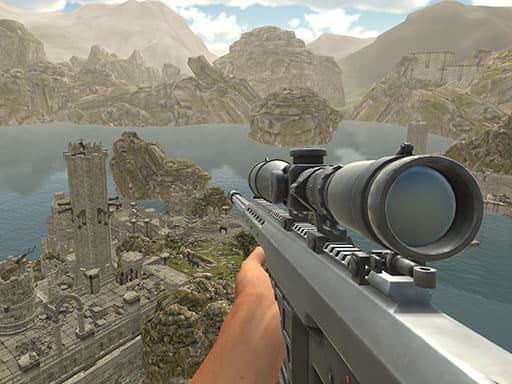
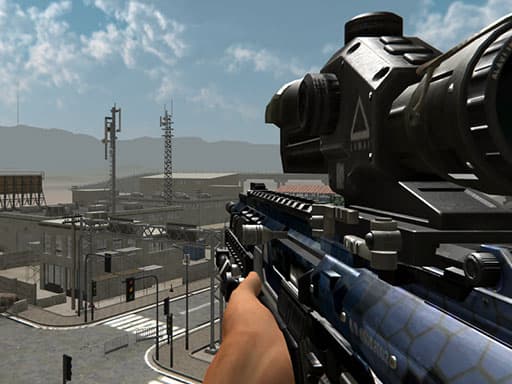
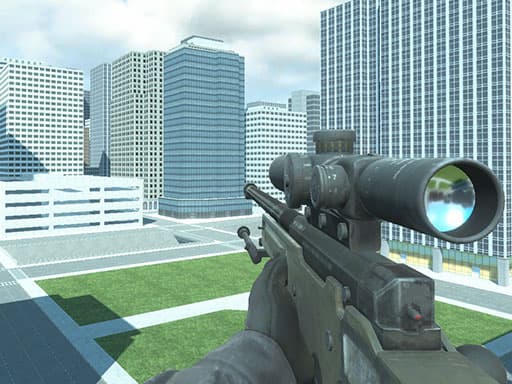
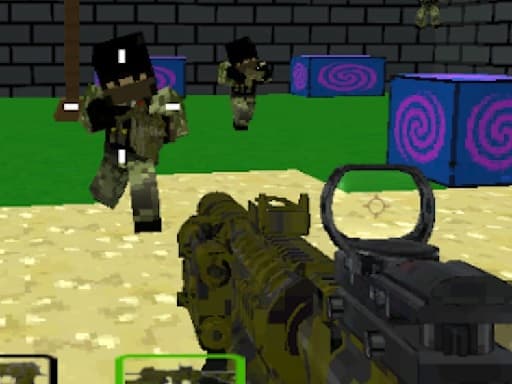
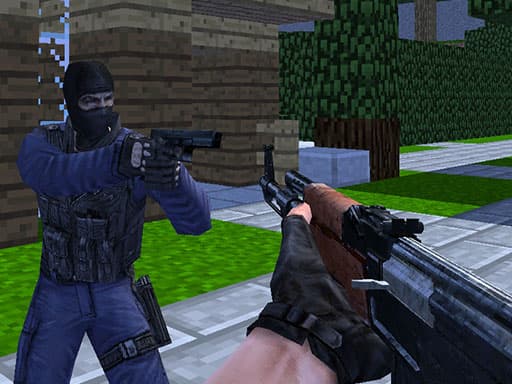
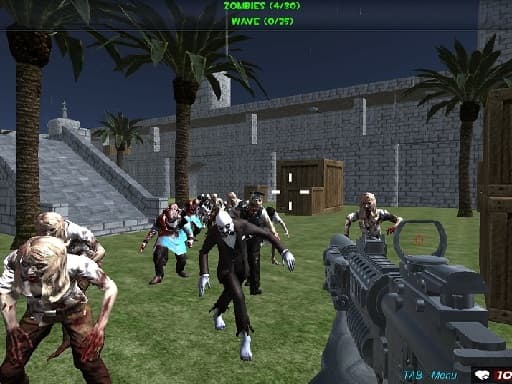
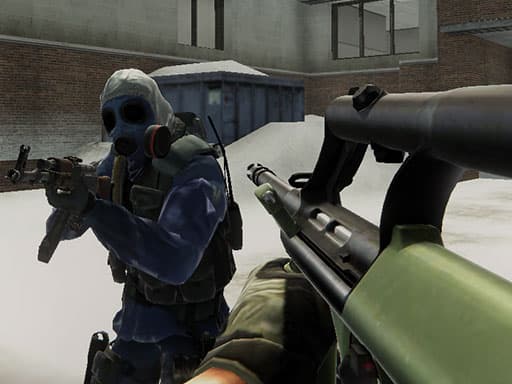
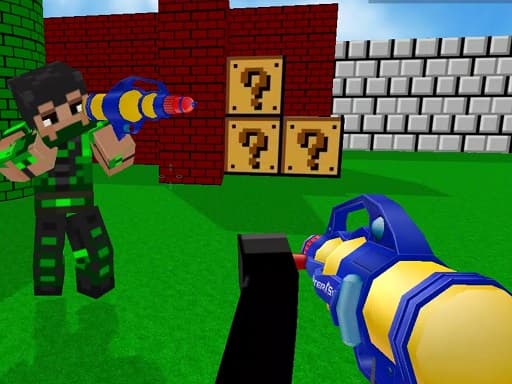
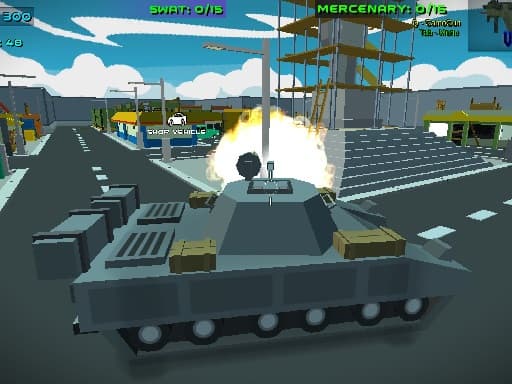
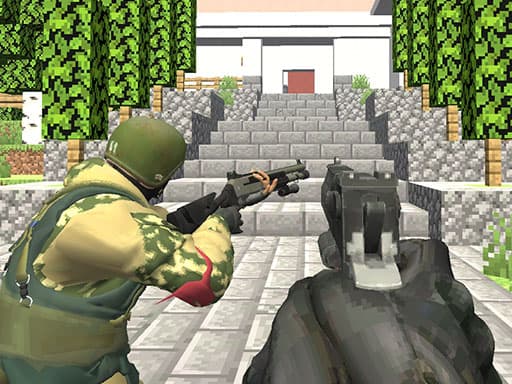
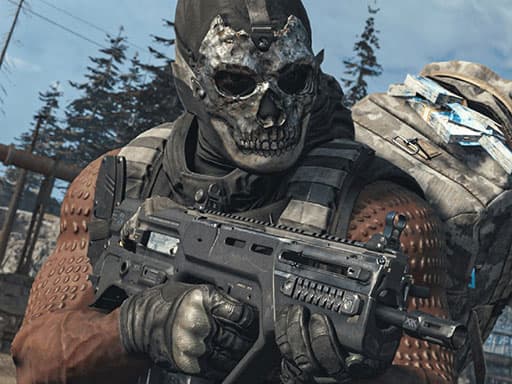
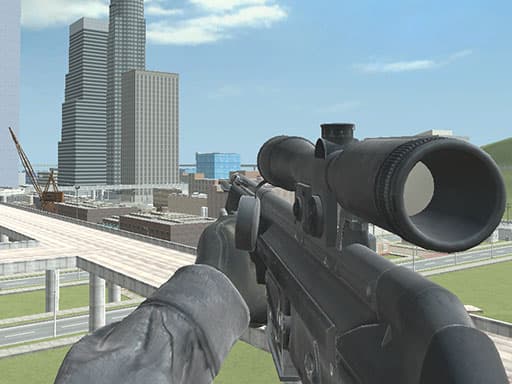
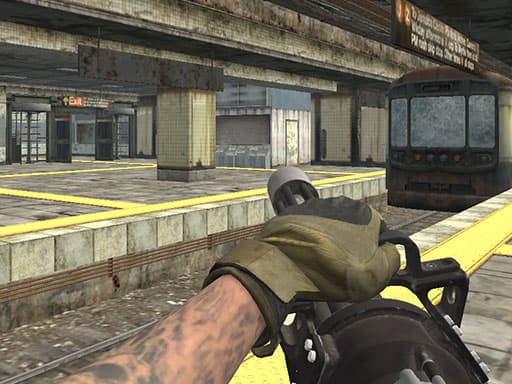
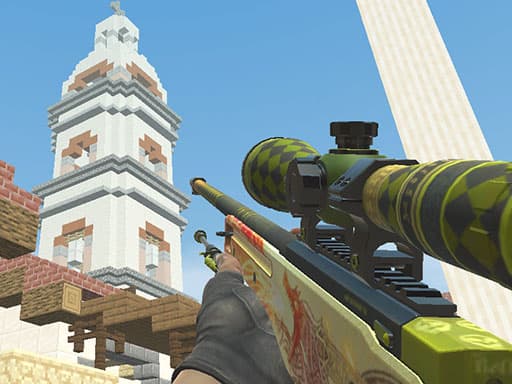
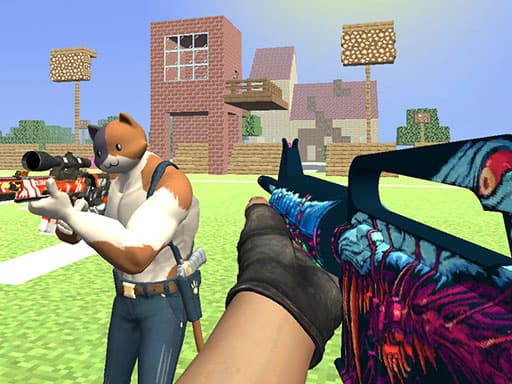
The game is set in a pixel-style world where you drive vehicles and fight on foot. You can take the wheel of tanks, helicopters and cars, along with a range of weapon classes such as Assault, Sniper and Support. You can also look around the map and switch between guns as you go.
A good round comes from keeping moving, picking the right weapon for the moment and staying aware of where the action is. The game also includes a Battle Royale mode and multiplayer matches.
How to play
Use WASD to drive vehicles, including tanks, helicopters and cars, or to move your character on foot. Use the mouse to look around and aim. Scroll to change your gun and use the shooting controls to fire at opponents. Press Tab to open the menu and adjust your setup before or during play.
Controls
- WASD
- drive vehicles or move your character
- Mouse
- look around and aim
- Scroll wheel
- change gun
- Tab
- open the menu
Tips
- Switch guns with the scroll wheel to match the distance to your target.
- Use vehicles to cover ground quickly, then hop out to fight on foot.
- Keep looking around with the mouse so you spot enemies before they reach you.
- Check the menu with Tab now and then to review your options and setup.
Blocky wars vehicle shooting multiplayer: questions and answers
Can I switch weapons during a match?
Yes. Scroll the mouse wheel to change your gun. Several weapon types are available, such as Assault, Sniper and Support, so try a few to see which suits you.
Which keys control the tanks and helicopters?
The WASD keys drive the vehicles, including tanks, helicopters and cars. The same keys move your character when you are on foot.
How do I open the menu?
Press the Tab key to open the menu. From there you can check your options and adjust your setup while you play.
Blocky wars vehicle shooting multiplayer is a free online game playable in your browser on Poki.game. It works on desktop computers, tablets and mobile phones, with no download or registration needed.