





About Color By Number With Frozen II
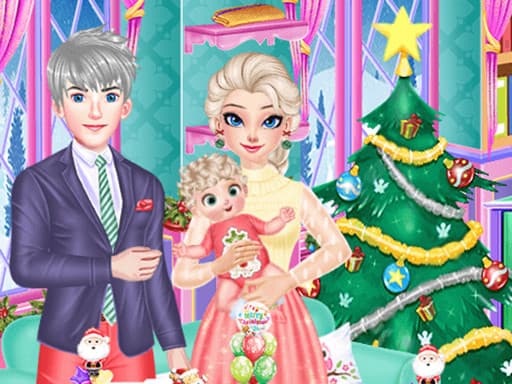
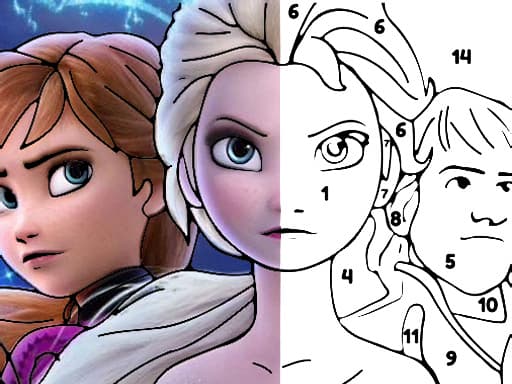
The goal is to fill in a picture of Frozen II characters, one colored section at a time. Each part of the drawing is marked with a number, so you match the number to the right color.
The game is built for kids who enjoy drawing and coloring. There are 12 images to choose from, so there is plenty to pick from. Each finished picture gives a bright, colorful result you can be proud of.
How to play
Pick one of the images to start. Look at the numbers on each section of the drawing. Choose the matching color, then tap or click that section to fill it in. Work slowly and keep the colors in line with the numbers. When every section is filled, the picture is complete and you can move on to the next one.
Controls
- Mousetap
- choose a color and fill a section
Tips
- Start with the big areas first, since they are easier to fill cleanly.
- Check the number on a section before you pick a color, so you do not mix them up.
- Take your time with the small details near the edges to keep the lines neat.
- Try a different image after each one you finish to see all 12 pictures.
Color By Number With Frozen II: questions and answers
How do I know which color goes in each section?
Every section of the drawing has a number on it. Pick the color with the same number, then tap or click that section to fill it in.
How many pictures can I color?
The game includes 12 images to choose from. You can start with any of them and move through the rest as you like.
Can I use my mouse or my finger to color?
Yes. You can use the mouse or tap the screen, so the game works either way you prefer to play.
Color By Number With Frozen II is a free online game playable in your browser on Poki.game. It works on desktop computers, tablets and mobile phones, with no download or registration needed.