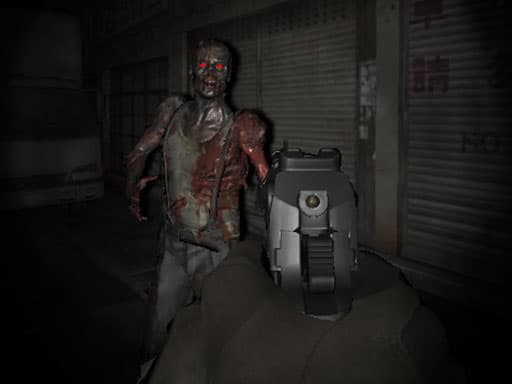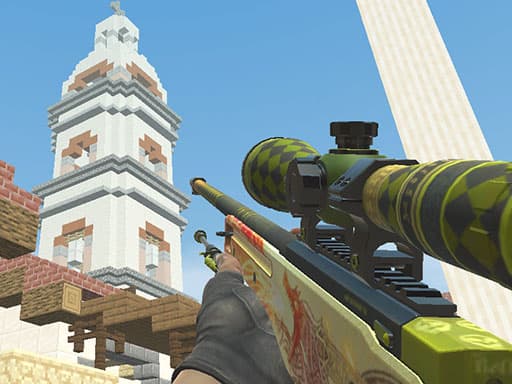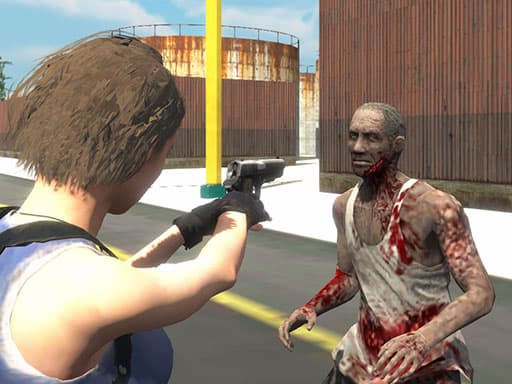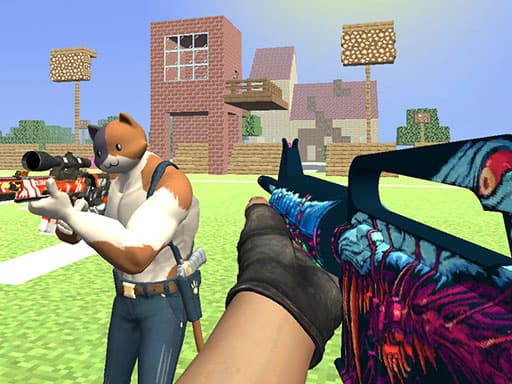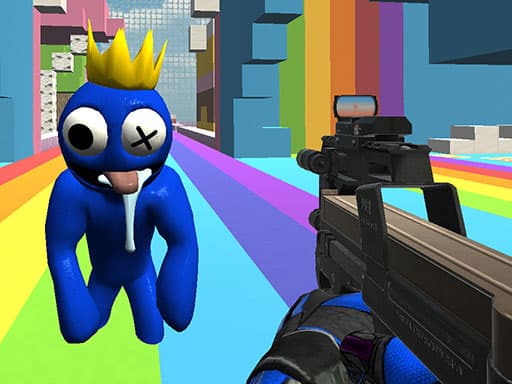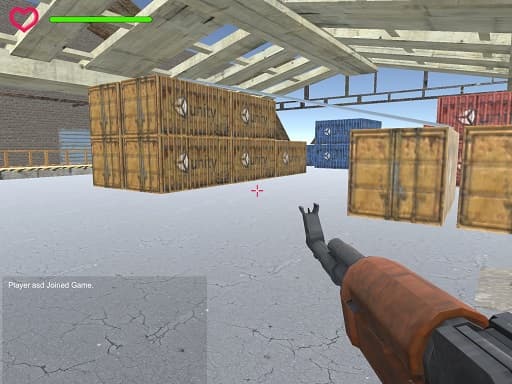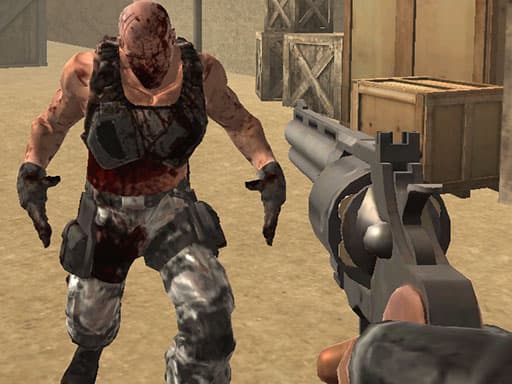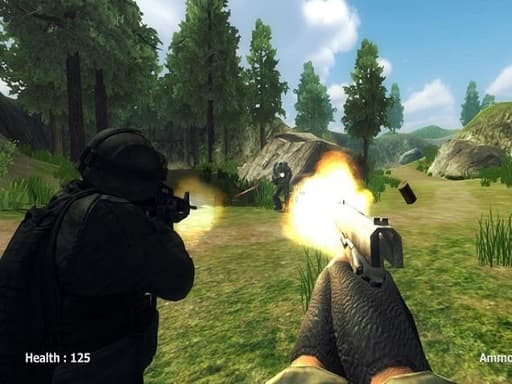


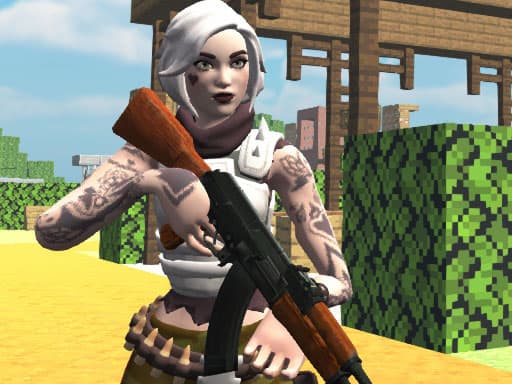
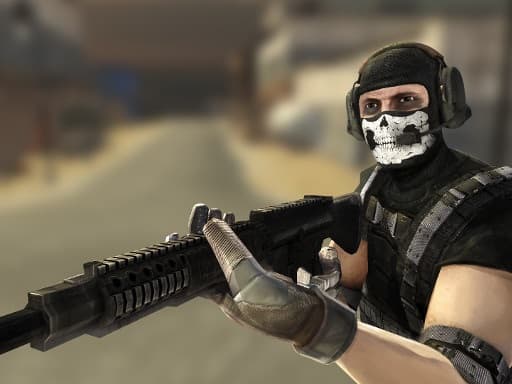
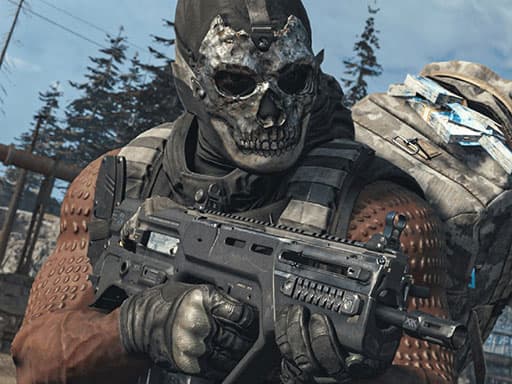
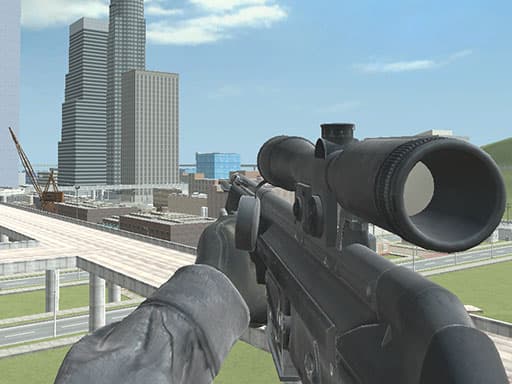
About Commando Girl
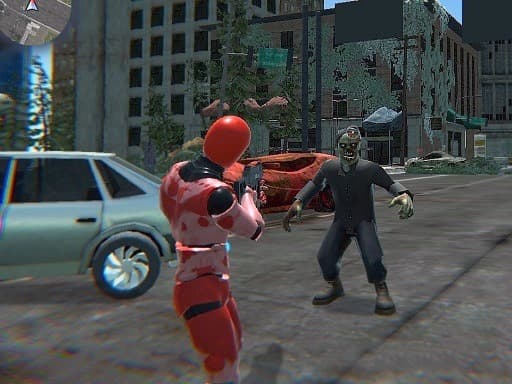
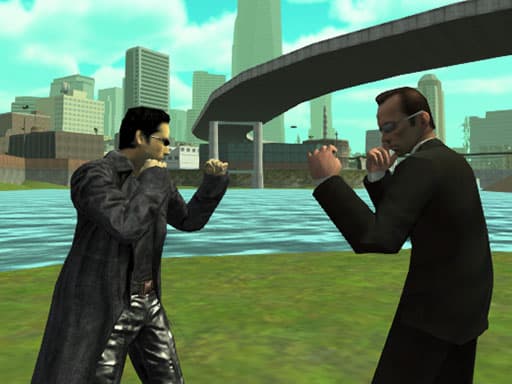
Commando Girl keeps you going through a set of missions, each one a new objective to clear. Finishing one moves you on to the next, and the game offers two modes to play through.
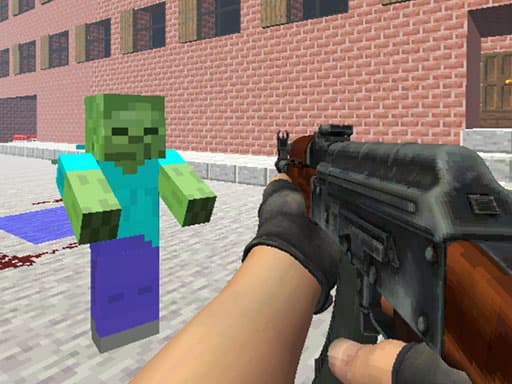
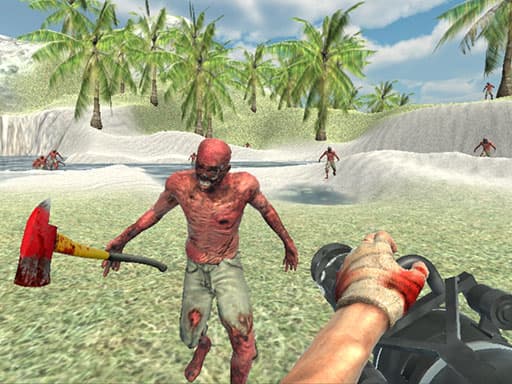
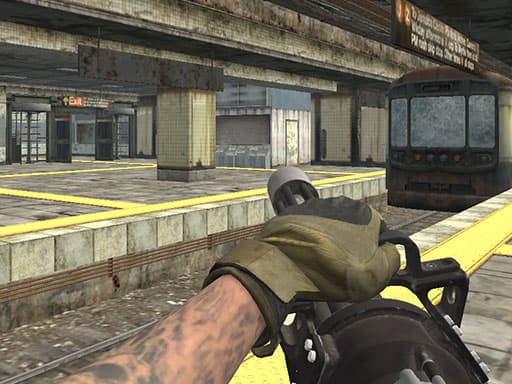
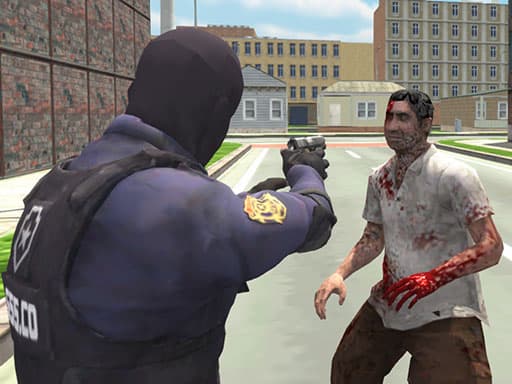
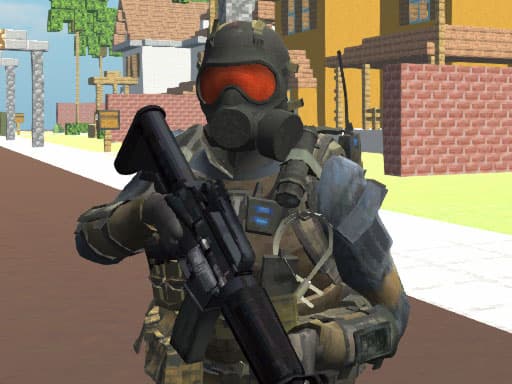
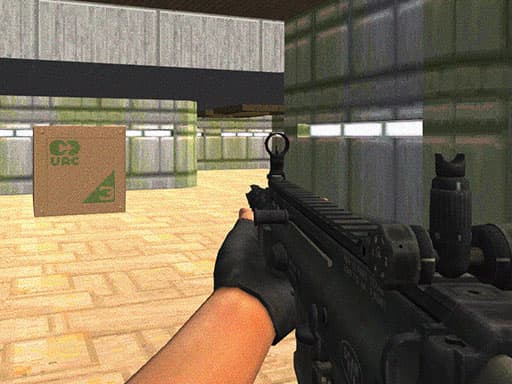
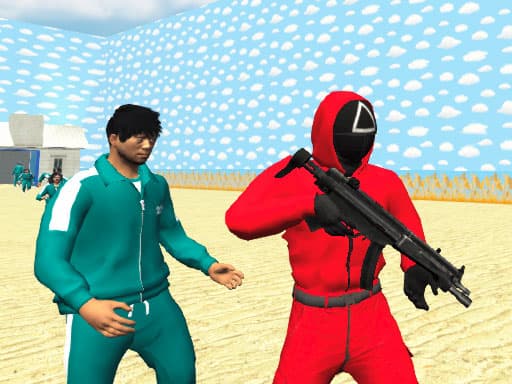
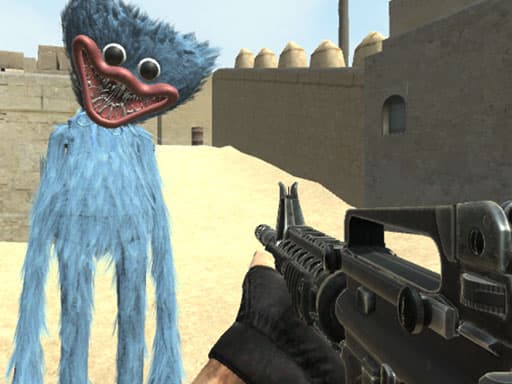
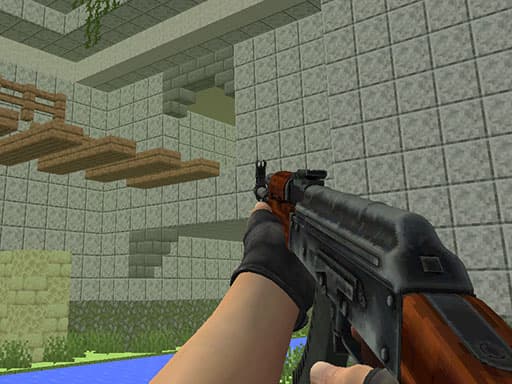
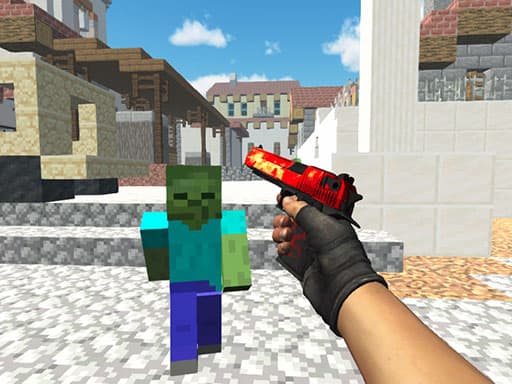
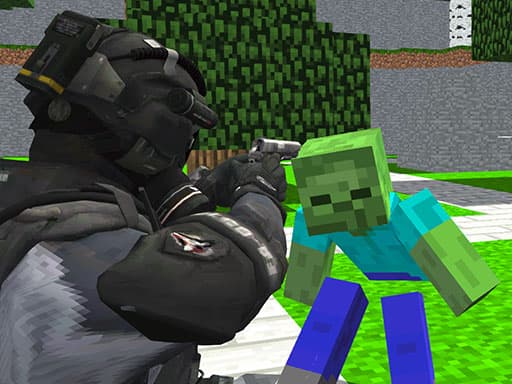
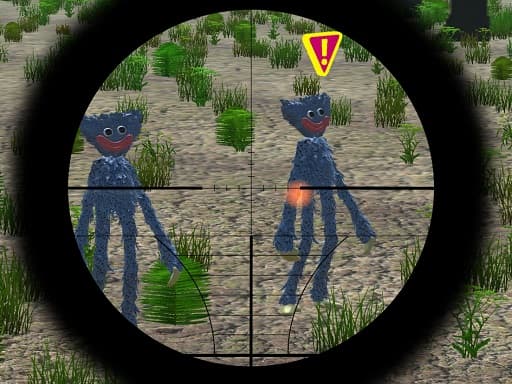
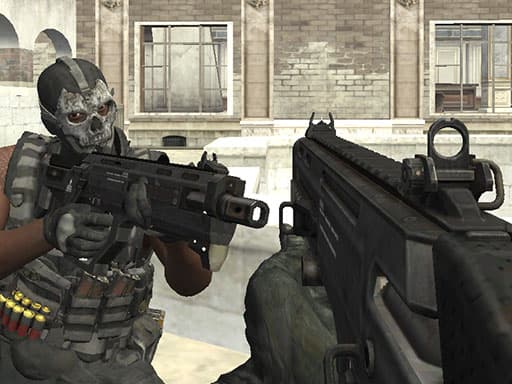
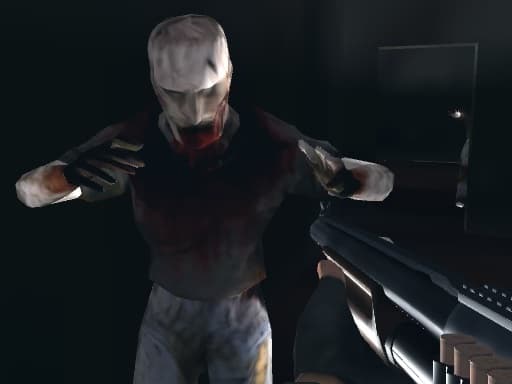
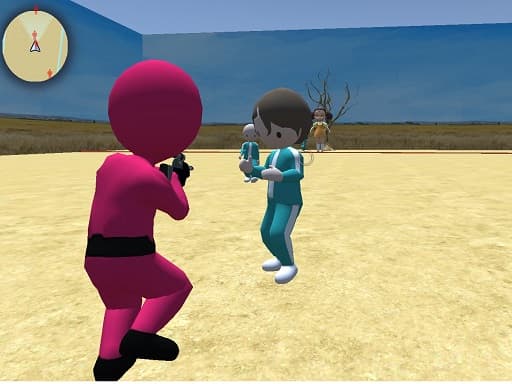
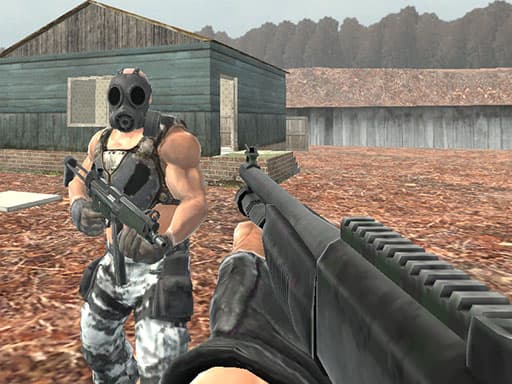
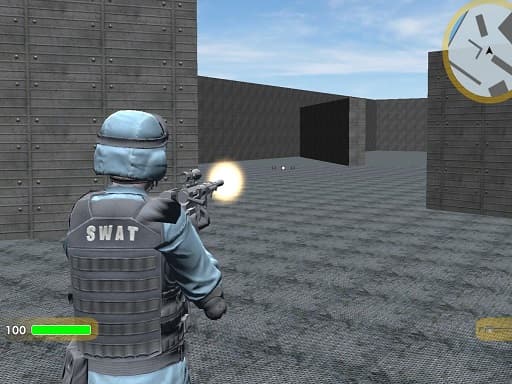
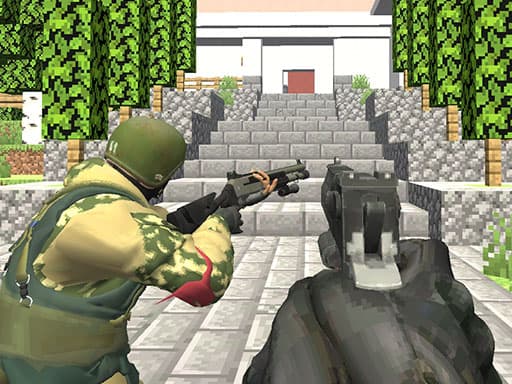
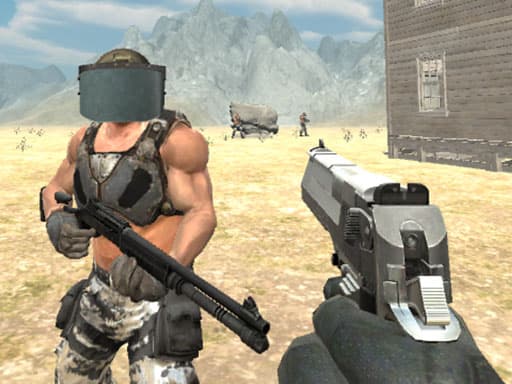
You play as a commando in a third-person shooter set in 3D. You move, aim and fire, and you can switch to a first-person view when you want a closer look at your surroundings. Picking up weapons gives you something new to use as you push through each mission.
The game has a shooting focus, so most of your time goes into moving well and firing accurately while you work through the missions.
How to play
Move through each mission with WASD and aim with the mouse. Fire at threats as you go, and pick up weapons when you find them. Use cover by crouching or going prone, and jump when you need to clear an obstacle. Keep moving between missions to see what the game has in store.
Controls
- WASD
- move
- Mouse
- aim and fire
- Space
- jump
- Z
- crouch
- X
- prone
- C
- switch to first person
Tips
- Crouch or go prone when you want to make a smaller target.
- Switch to first person when you need a closer look at a tight spot.
- Pick up any weapon you find, since a new one can change how you handle a fight.
- Pause with Escape whenever you need a moment to check your position.
Commando Girl: questions and answers
How do I switch to first-person view?
Press C to change to first person. Press C again if the game lets you switch back to your usual view.
How do I pick up a weapon?
Move close to a weapon and press F to pick it up. Once you have it, you can aim and fire with the mouse.
What do the crouch and prone keys do?
Z makes your commando crouch, and X makes her lie prone. Both change your height, which can help you take cover.
Commando Girl is a free online game playable in your browser on Poki.game. It works on desktop computers, tablets and mobile phones, with no download or registration needed.