






About FNF FPS
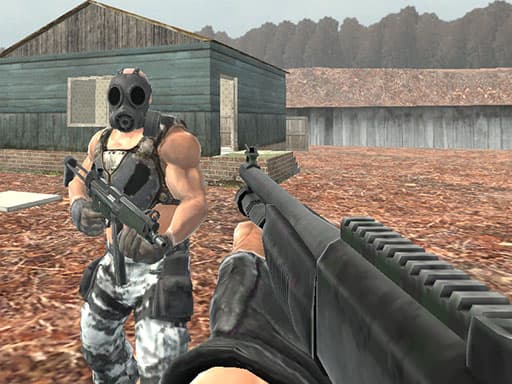
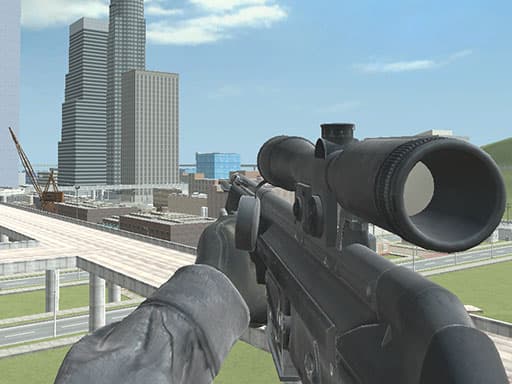
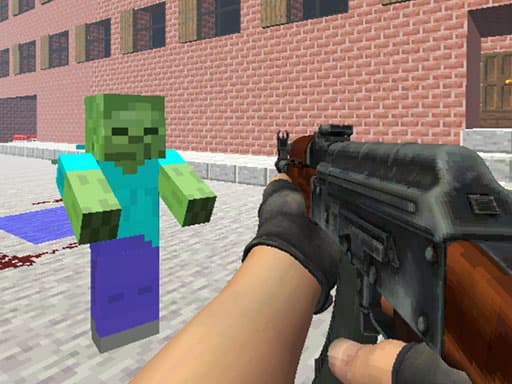
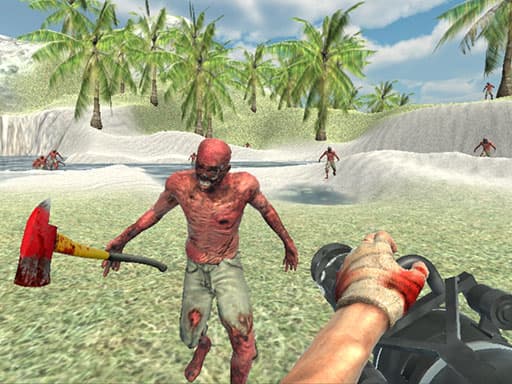
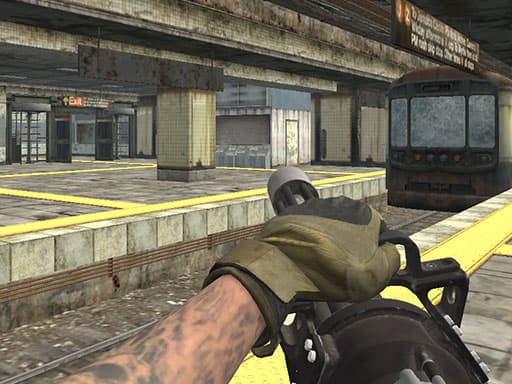
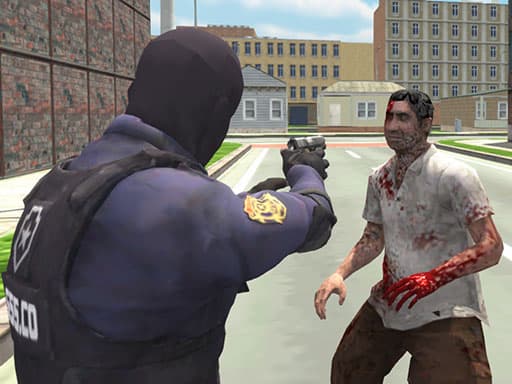
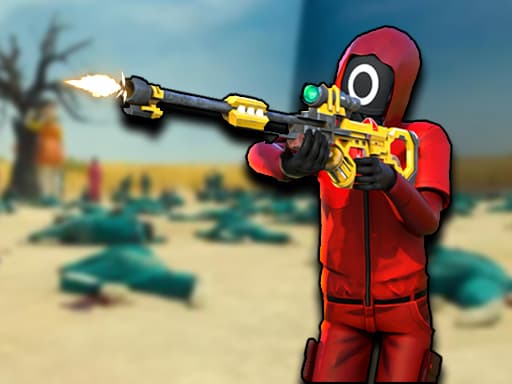
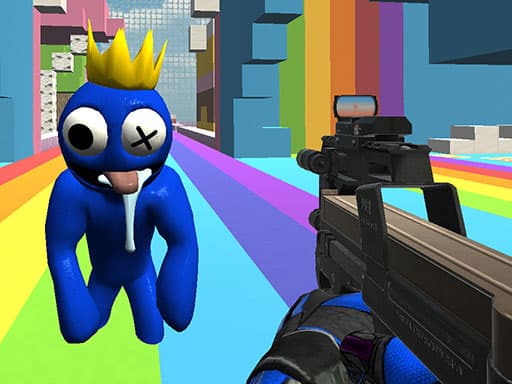
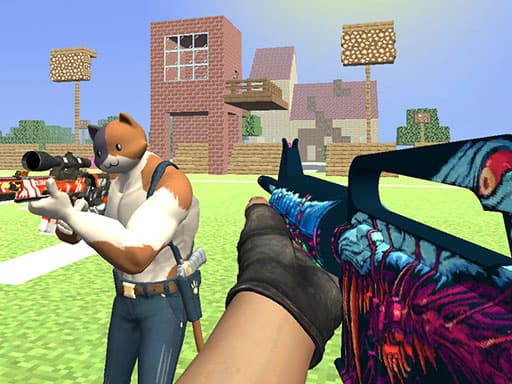
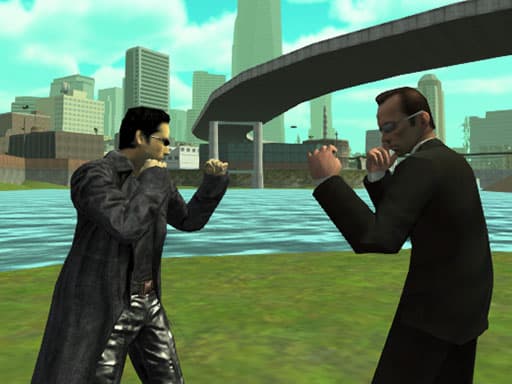
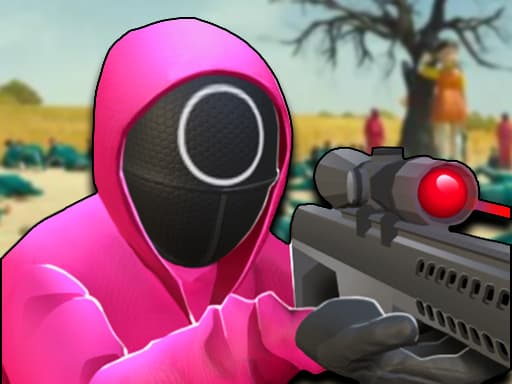
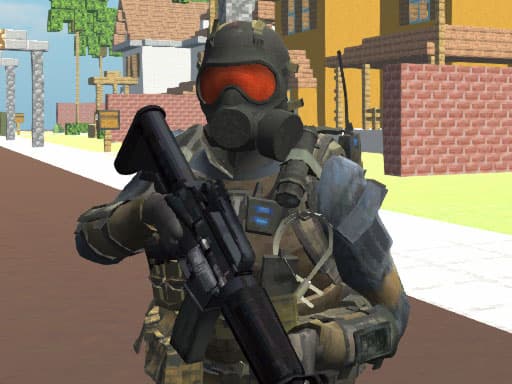
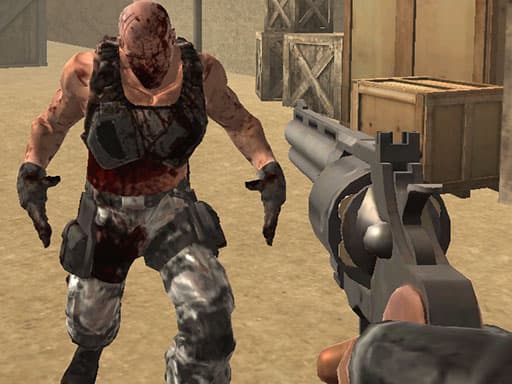
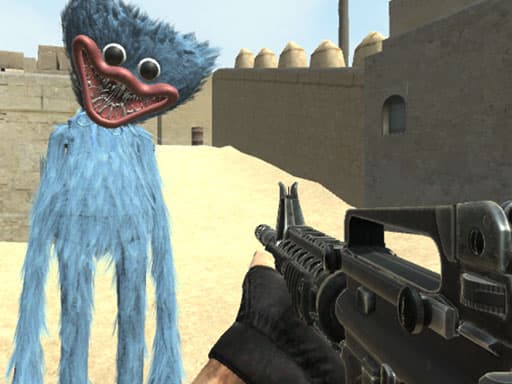
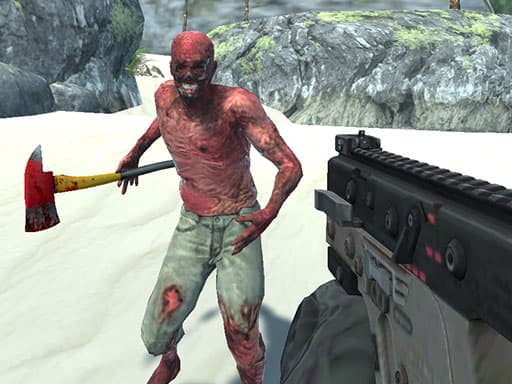
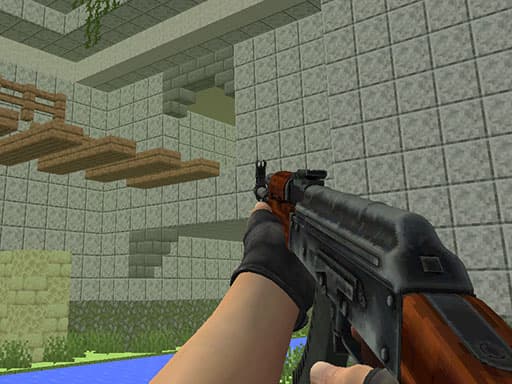
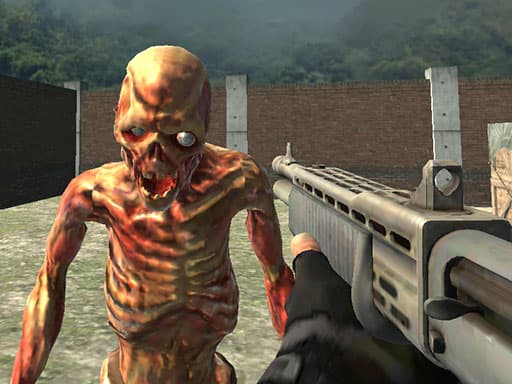
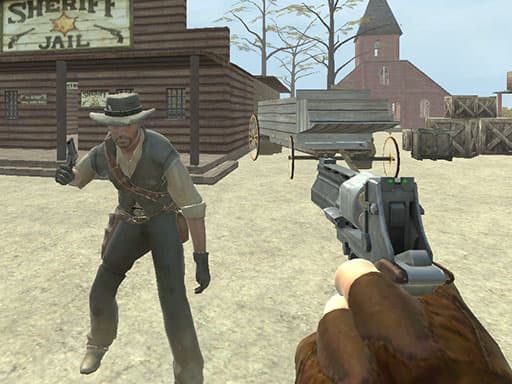
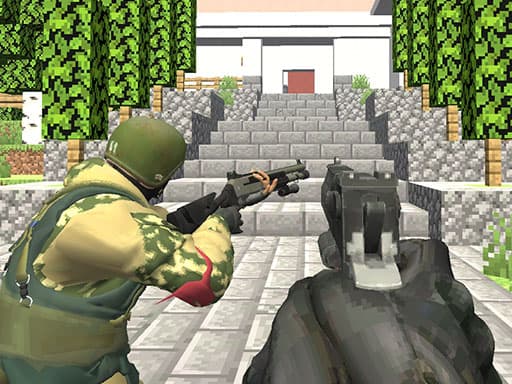
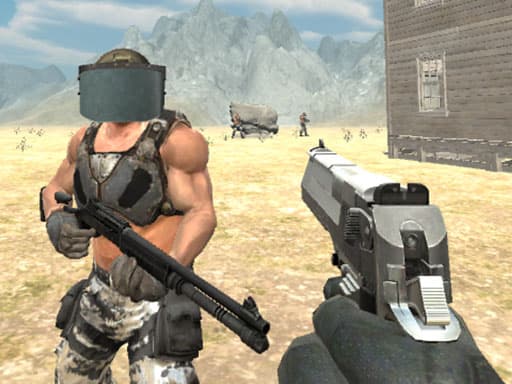
You control a hero who moves, aims and shoots through a 3D version of Friday Night Funkin'. Your goal is to defeat all the bad guys and rescue your girlfriend.
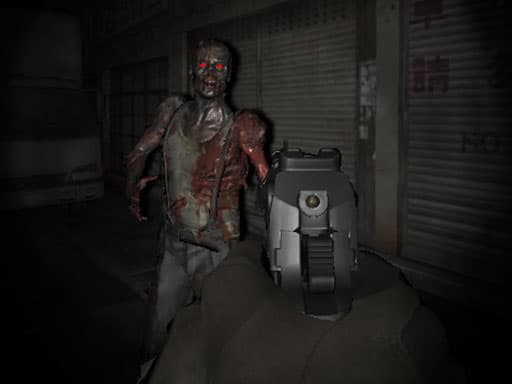
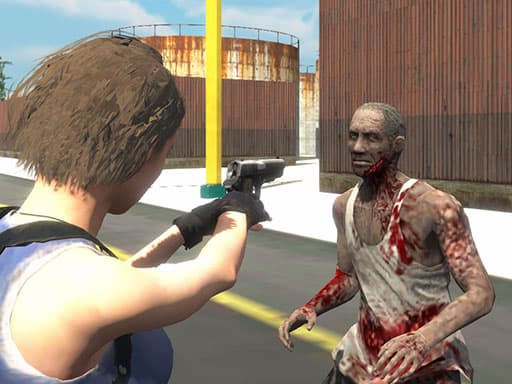
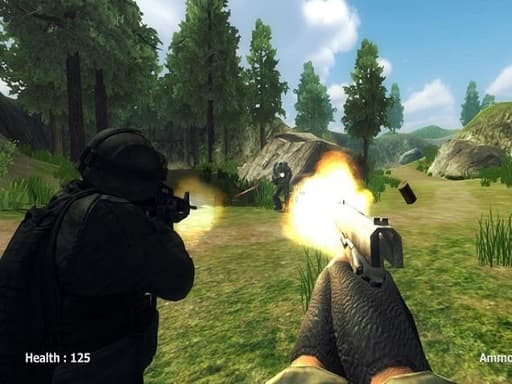
The game plays as a first-person shooter. You run, jump and fire to clear each threat before it reaches you. Staying mobile and keeping your aim steady helps you survive the fights.
The controls are simple to pick up. Movement uses the keyboard, while the mouse handles shooting and aiming. Try each key in a quiet moment to see how it feels.
How to play
Move around the area with the keyboard and look for the bad guys. Shoot them with the left mouse button and aim with the right button for more precise shots. Use running and jumping to dodge danger and reach new positions. Keep moving, because standing still makes you an easy target.
Controls
- WASD
- move
- Left mouse button
- shoot
- Right mouse button
- aim
- Shift
- run
- Space
- jump
- T
- slow motion
Tips
- Use slow motion with T when enemies crowd in, so you can line up your shots.
- Reload with R between fights, before you run out of ammo mid-battle.
- Aim with the right mouse button when a target is far away for more accurate hits.
- Jump and run to change your position, so enemies cannot predict where you will be.
FNF FPS: questions and answers
What is the main goal in FNF FPS?
Your goal is to kill all the bad guys and rescue your girlfriend. Shooting enemies with the left mouse button is the main way to progress.
What does the slow-motion key do?
Pressing T slows time, which gives you a short moment to aim and react. It is useful when several enemies approach at once.
Which key changes the camera view?
Press C to change the camera. Try it to find the view that makes aiming and watching your surroundings easiest for you.
FNF FPS is a free online game playable in your browser on Poki.game. It works on desktop computers, tablets and mobile phones, with no download or registration needed.