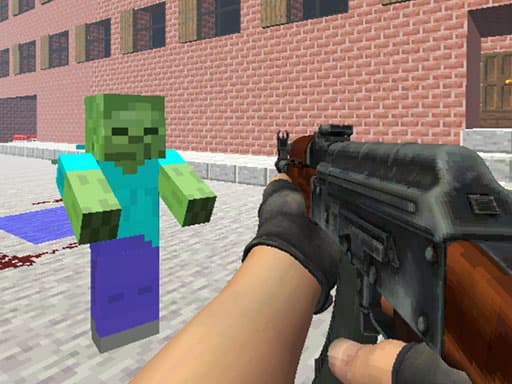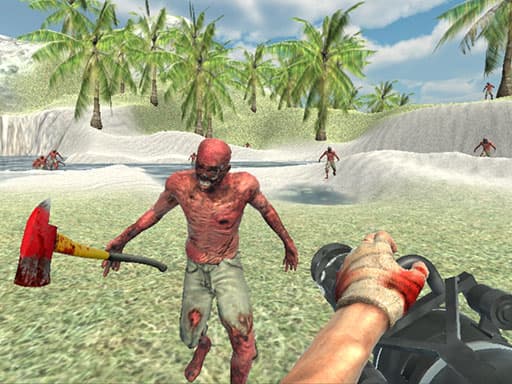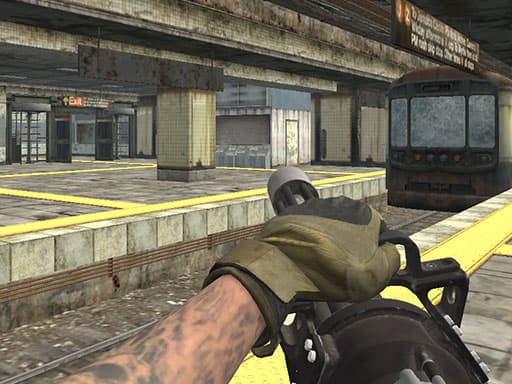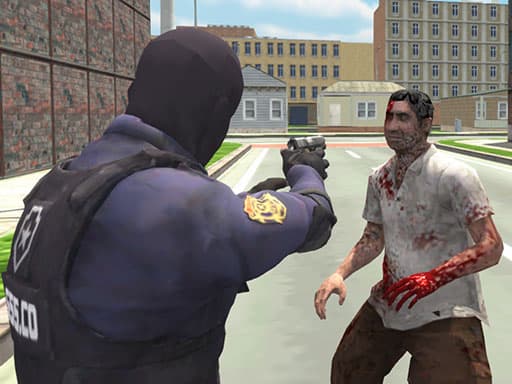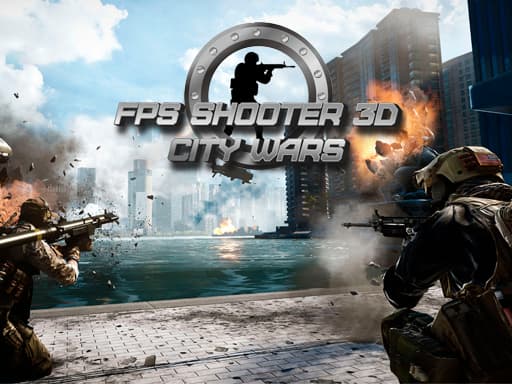



About FPS Shooter 3D City Wars
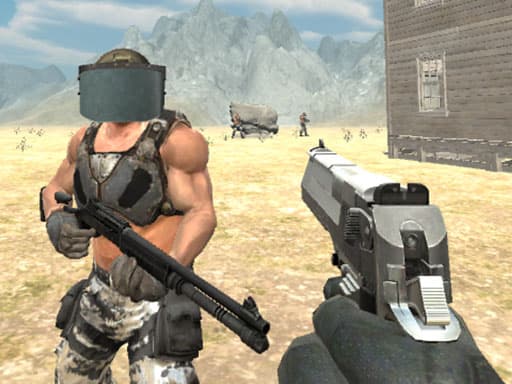
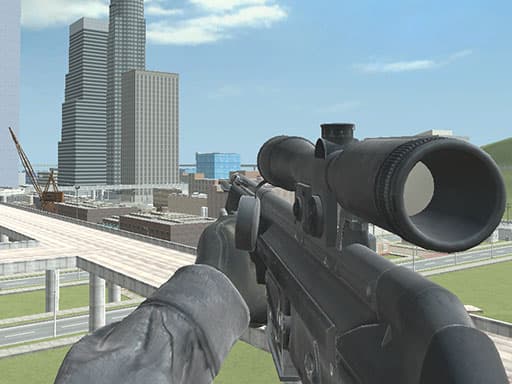
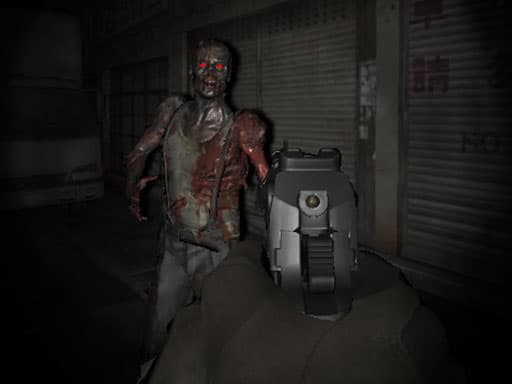
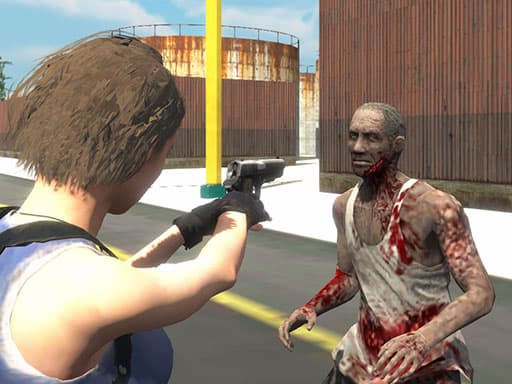
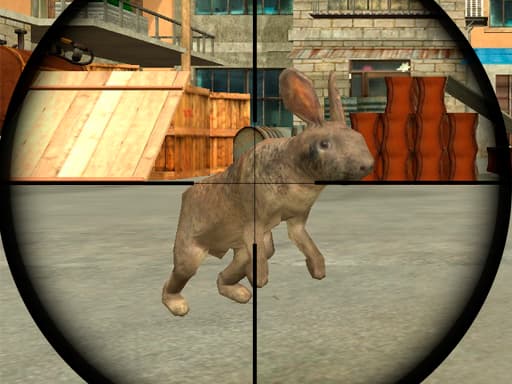
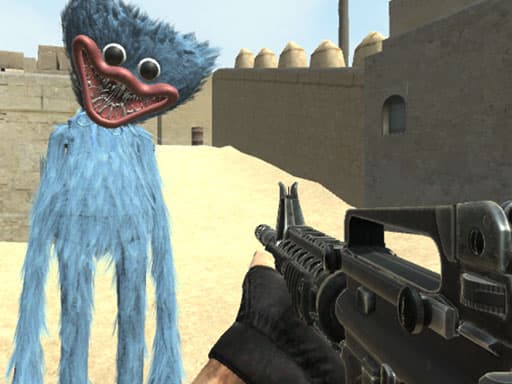
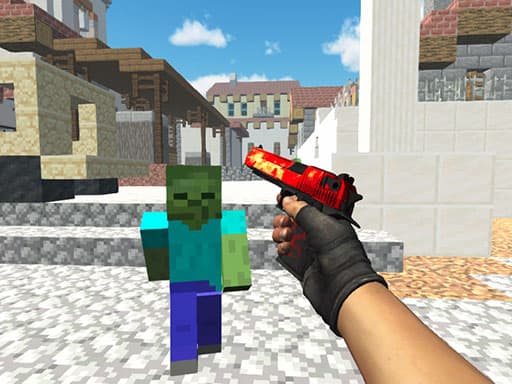
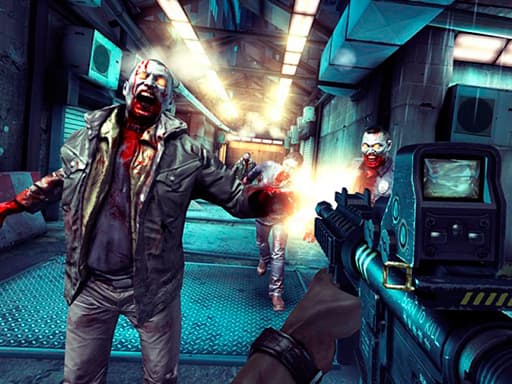
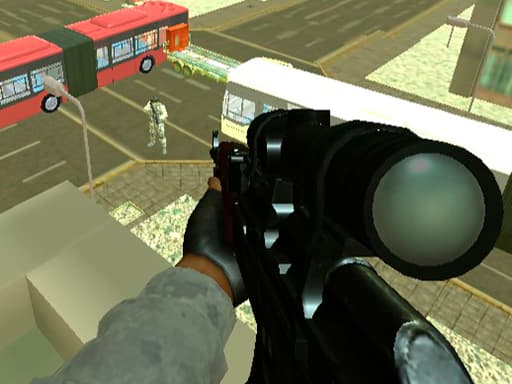
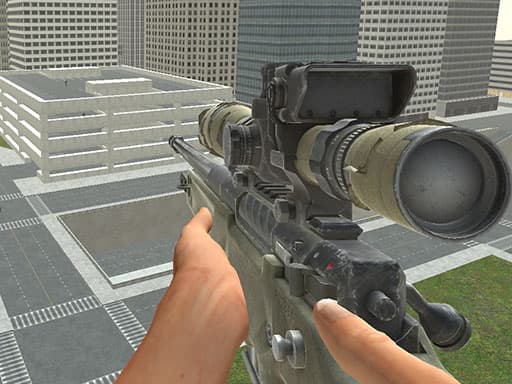
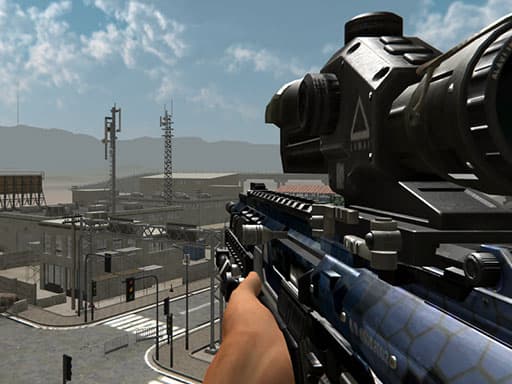
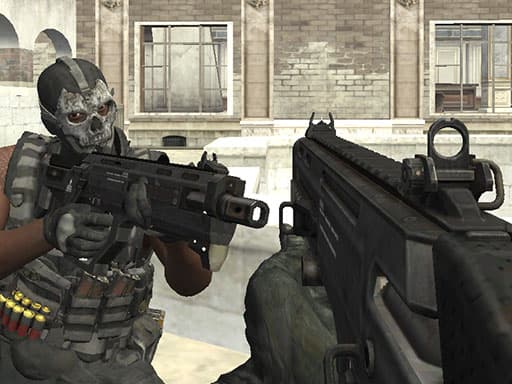
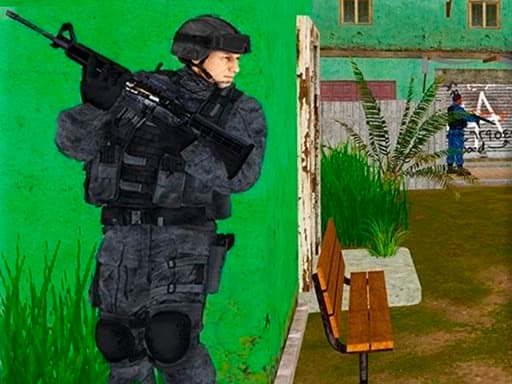
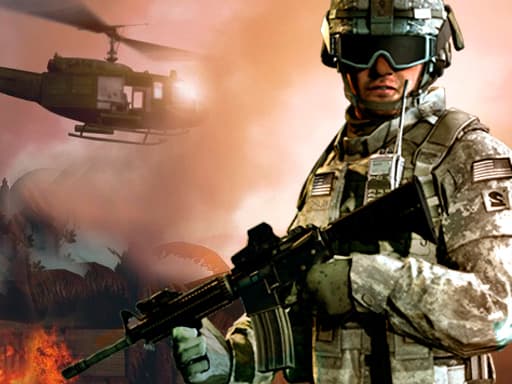
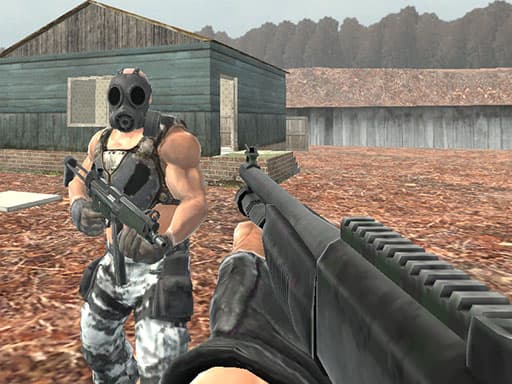
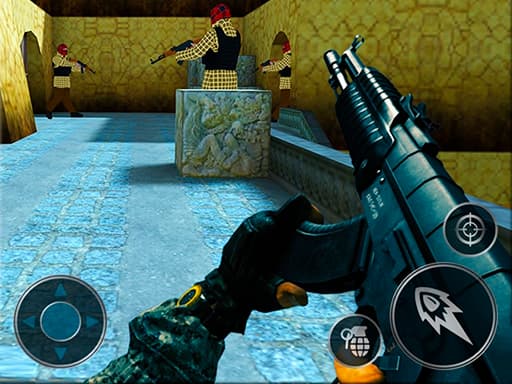
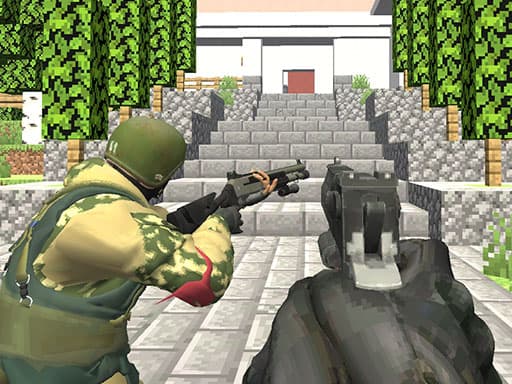
FPS Shooter 3D City Wars is a first-person shooting game. You move through a city and fight with your team against terrorist groups. The goal is to take apart their organizations, so you need to act quickly.
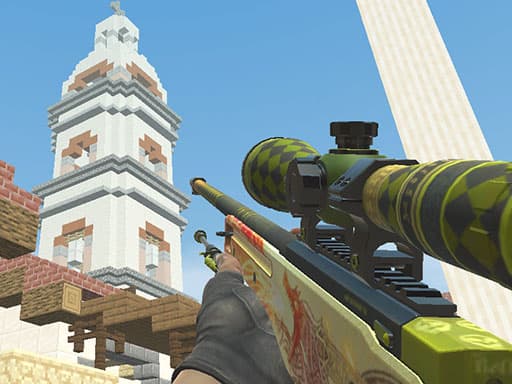
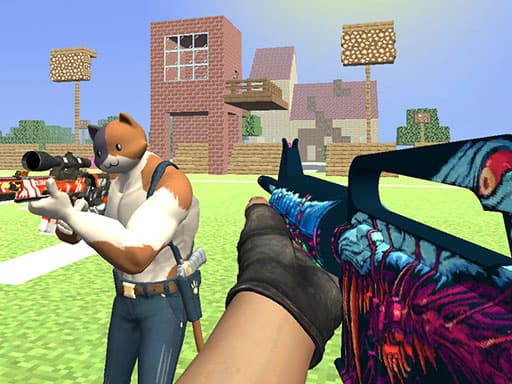
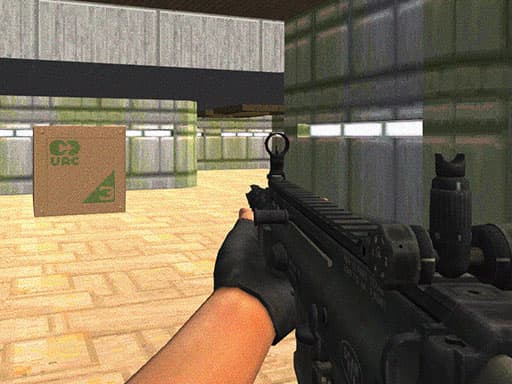
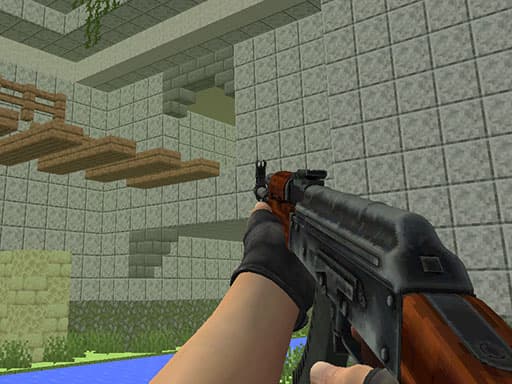
You aim, shoot, and move around cover from a first-person view. Moving, jumping, crouching and lying down all change how you stay out of sight. Reloading at the right moment keeps you ready for the next fight.
How to play
Start by moving with WASD and looking around to find enemies. Aim with the right mouse button, then fire with the left. Use crouch and lie down to make yourself a smaller target. Reload with R when your weapon runs low. Use the tilt keys to peek around corners before you step into the open.
Controls
- WASD
- move
- Space
- jump
- Ctrl
- crouch
- X
- lie down
- Left mouse button
- shoot
- Right mouse button
- aim
Tips
- Crouch or lie down behind cover before you reload.
- Use the tilt keys to look around a corner without exposing your whole body.
- Try time dilation when several enemies appear at once to get a moment to think.
- Keep an eye on your team and move up with them instead of running ahead alone.
FPS Shooter 3D City Wars: questions and answers
What does the time dilation key T do?
Pressing T slows time for a short moment. It gives you a bit more room to aim and react. Use it when a fight gets busy.
How do I aim and shoot?
Hold the right mouse button to aim and press the left mouse button to fire. Aiming first helps your shots land more often.
Can I hide from enemies?
Yes. Crouch with Ctrl or lie down with X to lower your profile. Tilting with Q and E lets you check a corner before you move out.
FPS Shooter 3D City Wars is a free online game playable in your browser on Poki.game. It works on desktop computers, tablets and mobile phones, with no download or registration needed.