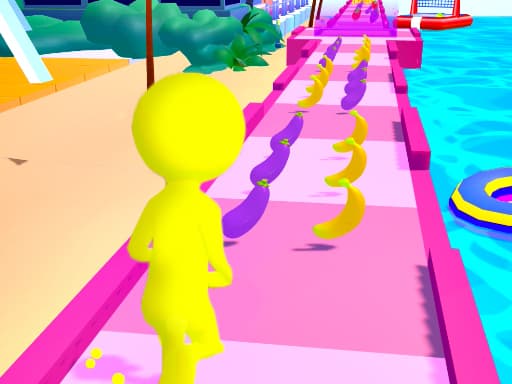










About Fun Draw Race 3D
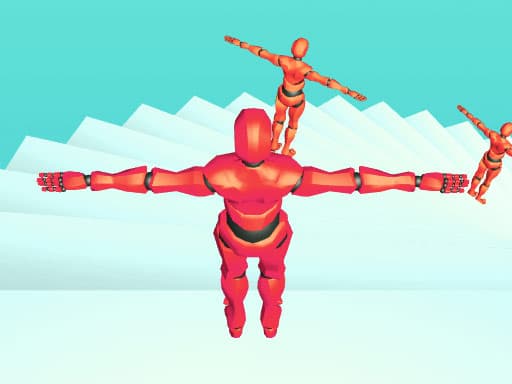
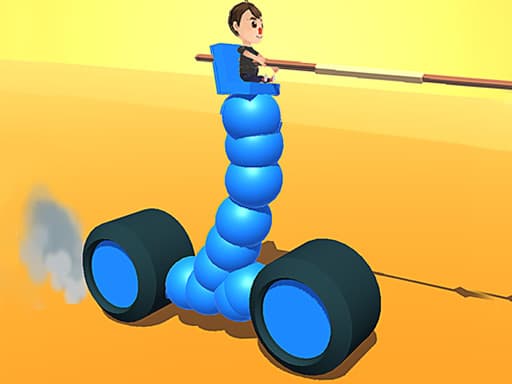
What keeps you going is the chance to win each race. Every track has its own obstacles, and you need the right legs to get past them. Your robot's speed and balance depend on the shape you draw.
You build those legs by drawing on the screen. Each challenge calls for a different design, so you will need to think about what the next track asks for. The game is set in a 3D race where the track changes from one course to the next.
How to play
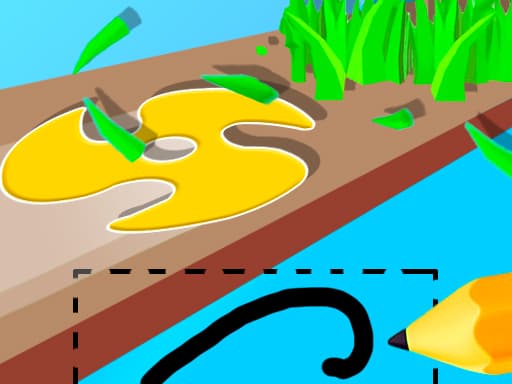
Before each race, draw a pair of legs for your robot. Slide your finger across the screen to draw each shape. When the race starts, your robot runs on the legs you made. You can change and improve the legs while you run, so keep an eye on how the robot is doing. Draw a new design when the obstacles on the track call for it.
Controls
- Slide
- draw the legs
Tips
- Look at the obstacles on the track before you draw your legs.
- Try a different shape for each challenge instead of reusing one design.
- Adjust the legs while you run if the robot starts to struggle.
- Keep your drawings simple so the robot stays steady on the track.
Fun Draw Race 3D: questions and answers
How do I make my robot's legs?
Slide your finger across the screen to draw each leg. Your drawing becomes the legs your robot runs on in the race.
Can I change the legs after the race starts?
Yes. The game says you can modify and optimize the legs at any time while you are running.
What makes a track harder?
Each track course has different obstacles. You need to draw a unique shape for each challenge you face along the way.
Fun Draw Race 3D is a free online game playable in your browser on Poki.game. It works on desktop computers, tablets and mobile phones, with no download or registration needed.