


About GTA Cars Jigsaw
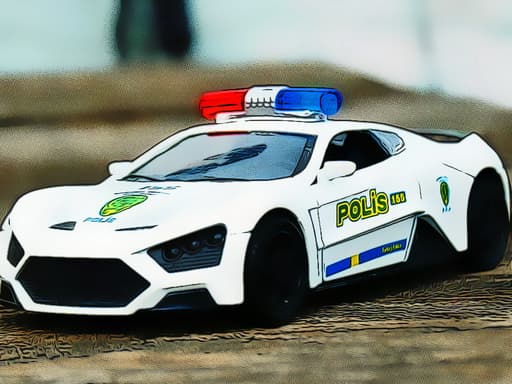
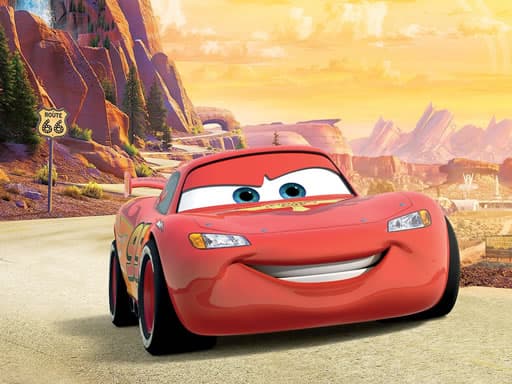
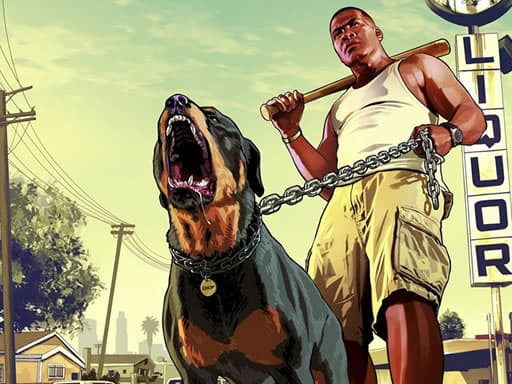
What keeps you going here is finishing each picture. Every completed jigsaw shows a full car scene, and the next one is waiting to be started.
You pick one of the 12 images first. Then you choose a difficulty. Easy uses 25 pieces, medium uses 49 and hard uses 100. Each step up gives you a bigger puzzle to solve.
Start with easy if you want a quick finish. Move to medium or hard when you want more time with each picture.
How to play
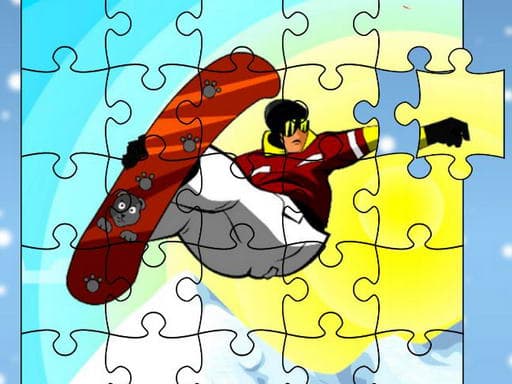
Choose one of the 12 car images, then pick easy, medium or hard. Drag the scattered pieces into place until the whole picture is rebuilt. The fewer pieces there are, the faster you can complete it. Hard mode asks for patience and close attention to edges and colours.
Controls
- Mouse
- pick up and move pieces
- Tap
- pick up and move pieces on a touch screen
Tips
- Sort out the edge pieces first. They give you the frame to build from.
- Group pieces by colour, like the paint, the road or the sky, before you start joining.
- Try easy mode first to learn how the pieces fit together.
- Take a short break if you lose focus. A fresh look often spots the piece you missed.
GTA Cars Jigsaw: questions and answers
How many pieces are in each mode?
Easy mode has 25 pieces, medium has 49 and hard has 100. You choose the mode after you pick your image.
How many car pictures can I choose from?
There are 12 images to pick from. You choose one before you select the difficulty level.
Can I play with a touch screen?
Yes. Tap and drag the pieces on the screen, or use a mouse if you prefer.
GTA Cars Jigsaw is a free online game playable in your browser on Poki.game. It works on desktop computers, tablets and mobile phones, with no download or registration needed.