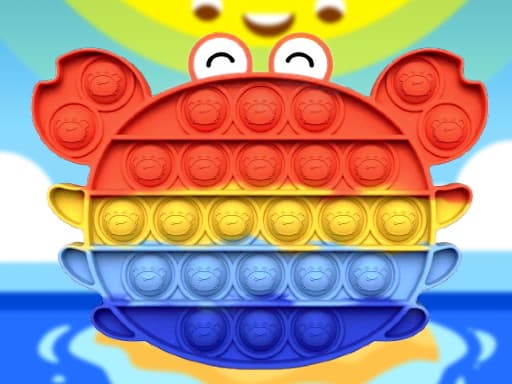






About Pop It Crabs Jigsaw
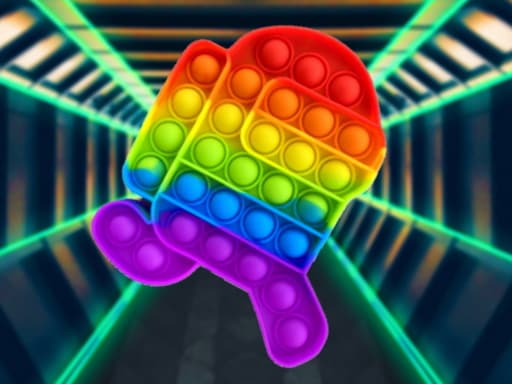
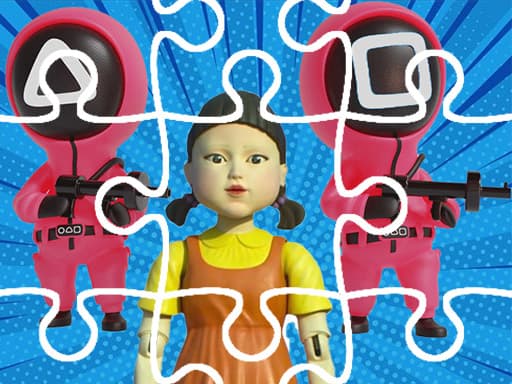
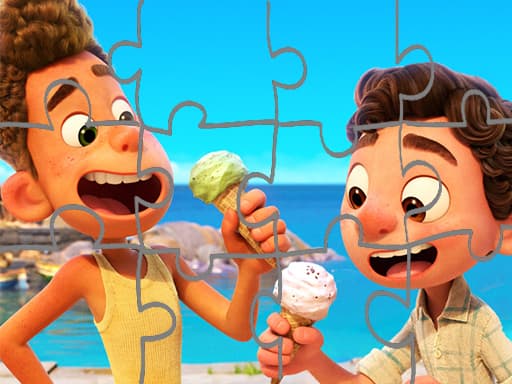
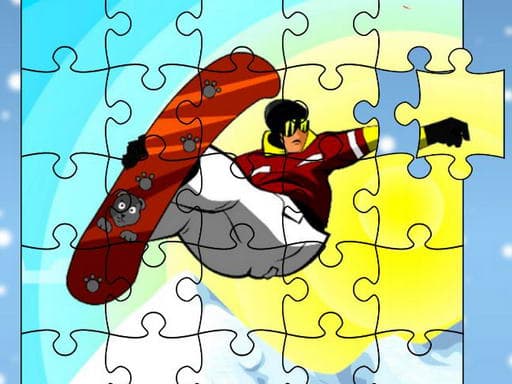
The goal is to rebuild a picture by fitting its pieces back into place. Each round starts with a jigsaw puzzle you solve by dragging the pieces onto the board.
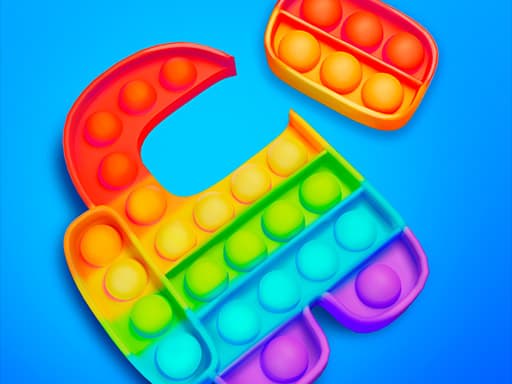
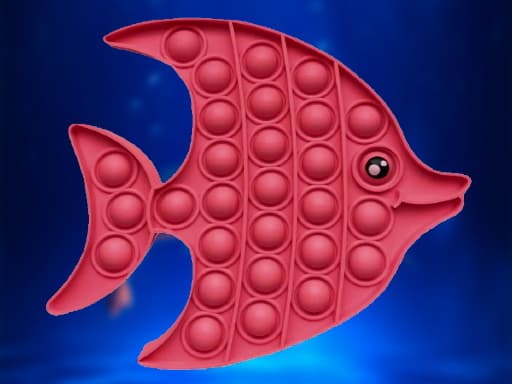
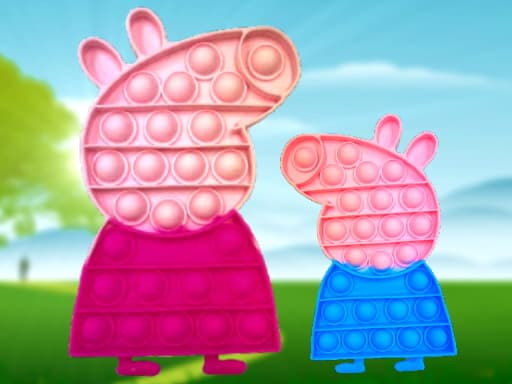
The game offers six images to choose from. You can also pick one of three modes before you start a puzzle. Each mode changes how the picture is set up for that round.
Pop It Crabs Jigsaw is a puzzle game for kids and casual players. Take your time, look at the picture, and work out where each piece belongs.
How to play
Pick one of the six images, then choose a mode and start the puzzle. Drag each piece from where it sits and drop it onto the board. Keep placing pieces until the whole image is complete and the picture appears.
Controls
- Mouse
- drag pieces and drop them into place
Tips
- Start with the corners and the edge pieces, since they are easier to place.
- Look for matching colours at the edges of nearby pieces before you drop them.
- Keep the finished picture in view so you know what each piece should show.
- If a piece does not fit, try another spot instead of forcing it into place.
Pop It Crabs Jigsaw: questions and answers
What do I need to do to finish a crab puzzle?
Drag every piece from the tray and drop it onto the board. The puzzle is finished when all the pieces form the complete image.
How do I move a piece?
Click and hold a piece with the mouse, then drag it to where you think it belongs. Let go of the mouse button to drop it there.
How do I change the picture or the mode?
Choose one of the six images and one of the three modes before you start the game. Pick a new option when you want a different puzzle.
Pop It Crabs Jigsaw is a free online game playable in your browser on Poki.game. It works on desktop computers, tablets and mobile phones, with no download or registration needed.