
About Master Craft
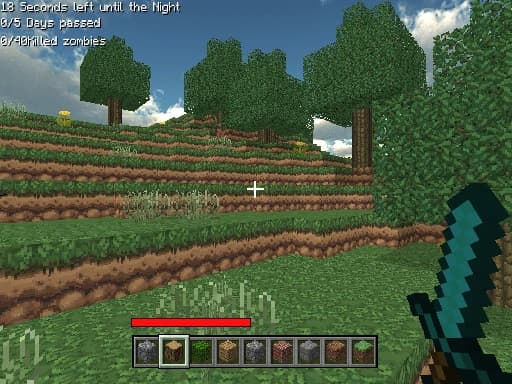
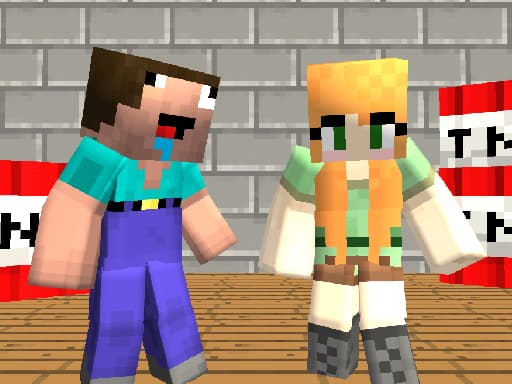
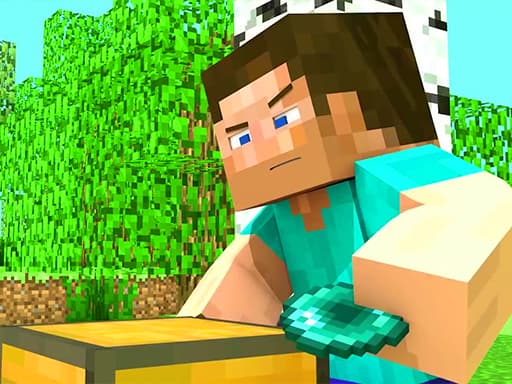
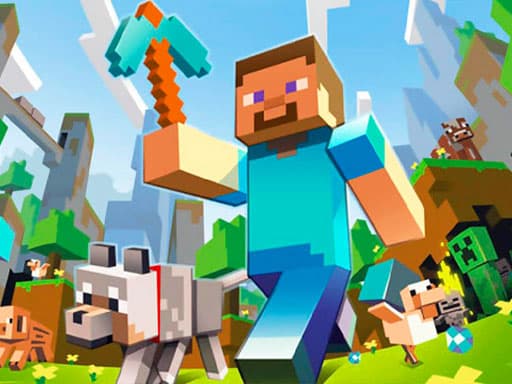
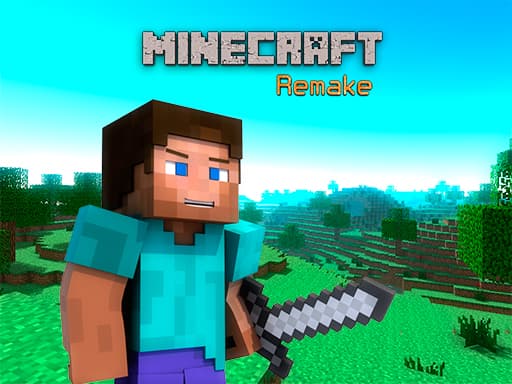
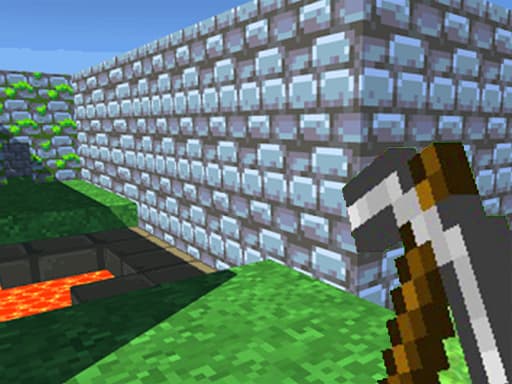
You look after your own character in a blocky 3D world. Your goal is to survive and build structures out of blocks.
The world is endless, so you can keep exploring and building for as long as you like. Mining, placing blocks and shaping your surroundings are the core activities. Crafting is part of the game, so combining materials helps you build.
Early on, it helps to gather a few basic materials before trying anything ambitious. Then start with a small shelter and grow from there.
How to play
Move around the world with the keyboard and look with the mouse. Collect blocks from the terrain and place them to build walls, floors and roofs. Keep your character safe while you work. Build simple shapes first, then combine them into bigger buildings as your confidence grows.
Controls
- Mouse
- look around and aim
- W A S D
- move your character
Tips
- Collect a handful of blocks before you start a big project.
- Build a small shelter first so you have somewhere safe to rest.
- Use flat ground for your first builds to keep walls straight.
- Try a new building style each session to see what you can make.
Master Craft: questions and answers
What do I use to place blocks in Master Craft?
The facts mention building with blocks, so you place them to shape walls, floors and roofs. Use the mouse to aim where each block goes.
Can I explore the world in Master Craft?
Yes. The world is endless, so you can walk in any direction. Keep an eye on your surroundings as you travel.
How do I move my character around?
Use the W, A, S and D keys to walk. Move the mouse to turn and look up or down at what you want to build.
Master Craft is a free online game playable in your browser on Poki.game. It works on desktop computers, tablets and mobile phones, with no download or registration needed.