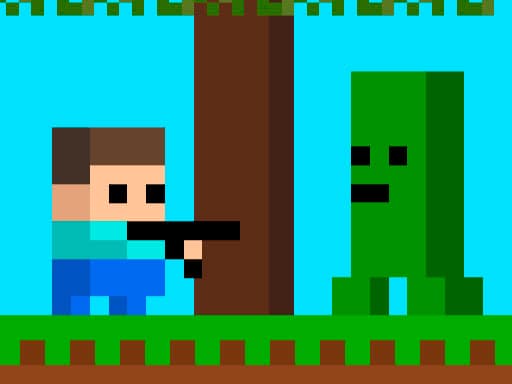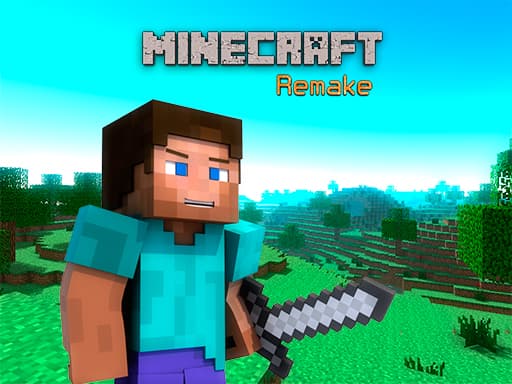



About Minecraft Remake
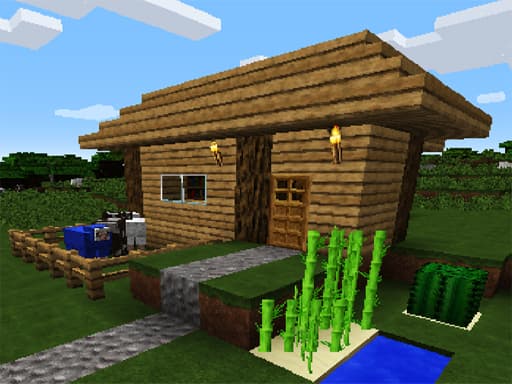
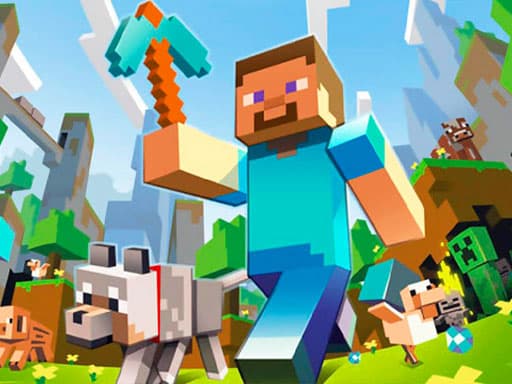
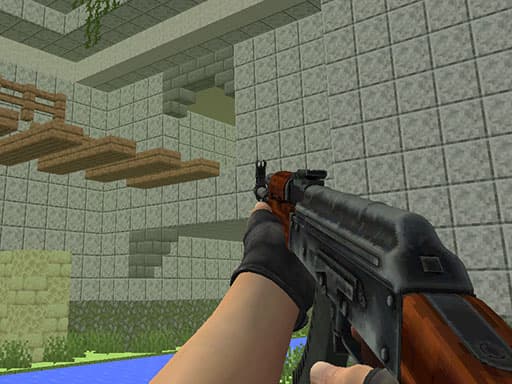
The goal is to explore a large world and build things with blocks. You can make anything from a simple home to a grand castle.
The world is infinite, so you can keep walking and discovering new ground. Crafting and building are the main activities, and you shape the landscape around you one block at a time.
A good round usually means you have a plan. Gather what you need, then place your blocks steadily to grow a structure you are proud of.
How to play
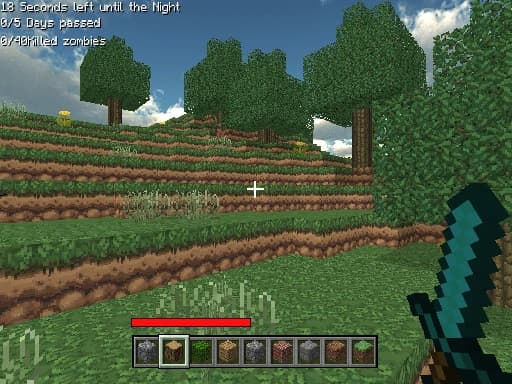
Walk around the world and look for materials you can use. Break blocks to collect them, then place them where you want to build. Start small with a shelter, then expand into bigger projects as you gain more blocks. Use the block selection to keep your building materials ready. There is no set path through the game, so you can build whatever you like.
Controls
- WASD↑←↓→
- move
- Left Shift
- sprint
- Mouse
- look around
- Scroll wheel
- switch block
- Space
- jump
- Right mouse button
- place block
Tips
- Start with a small shelter so you have somewhere safe to build from.
- Switch blocks with the scroll wheel to keep different materials close at hand.
- Use sprint to cover ground quickly when you are exploring a new area.
- Build in layers, placing a floor first so your walls and roof line up neatly.
Minecraft Remake: questions and answers
What do I do with the left mouse button?
The left mouse button destroys the block you point at. Use it to clear space or collect the material from that block.
How do I place a block?
Point at a spot and press the right mouse button to place the block you have selected. Use the scroll wheel first if you want a different kind.
What is the middle mouse button for?
Pressing the middle mouse button picks up the block you are looking at, so it becomes your selected block. You can also press E to do the same.
Minecraft Remake is a free online game playable in your browser on Poki.game. It works on desktop computers, tablets and mobile phones, with no download or registration needed.