

About WorldCraft: 3D Build & Craft
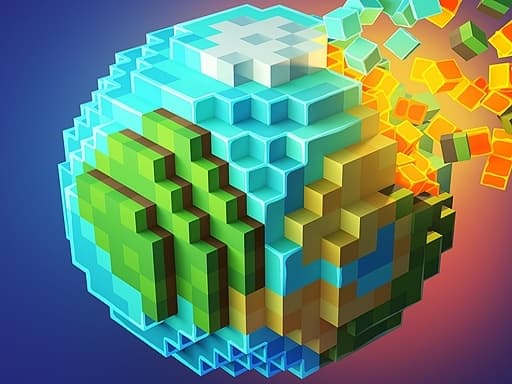
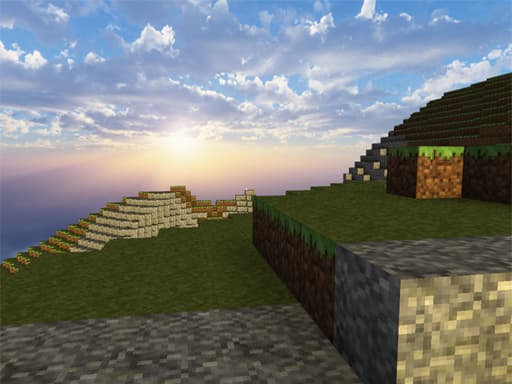
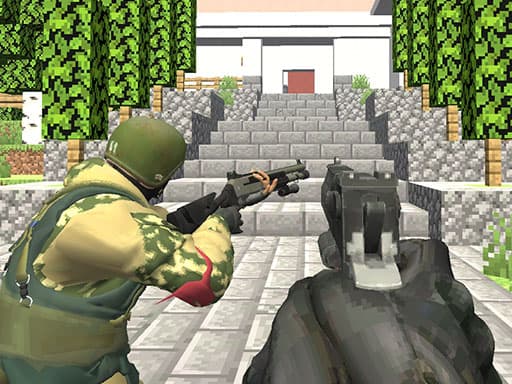
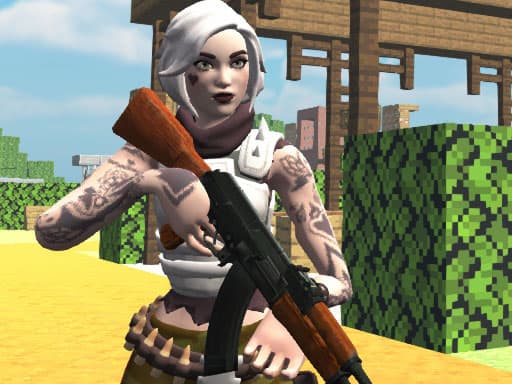
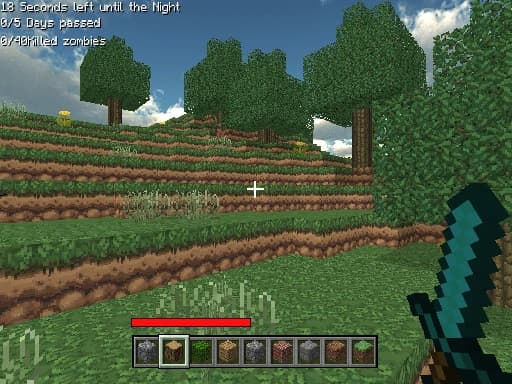
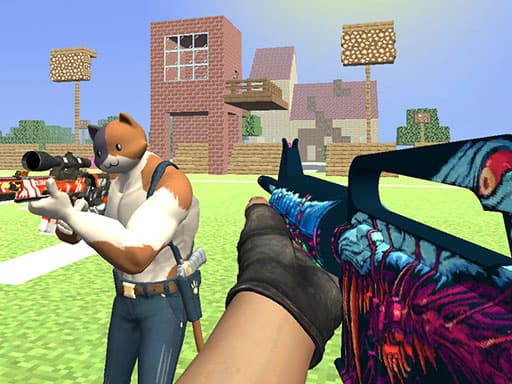
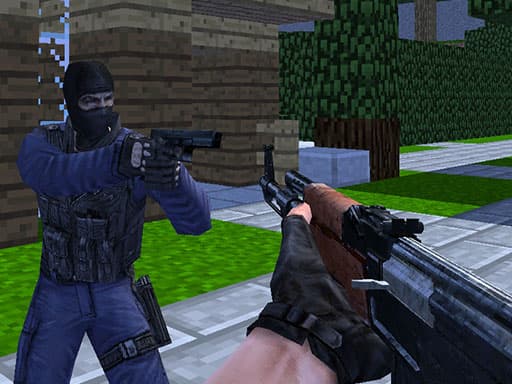
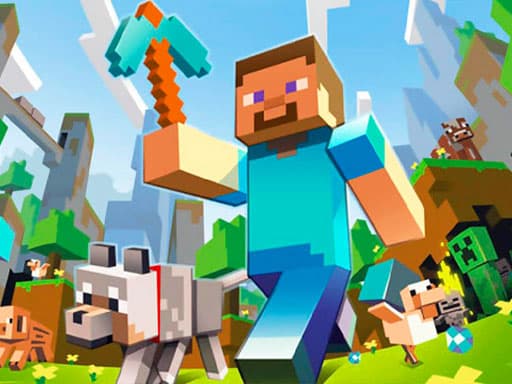
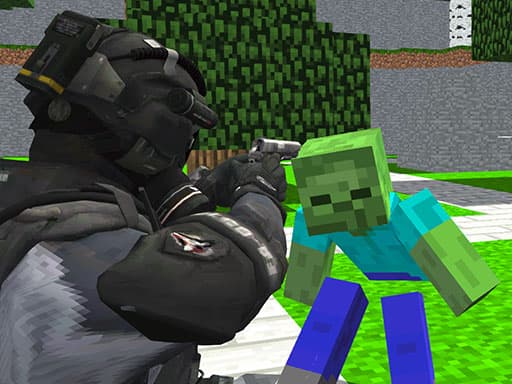
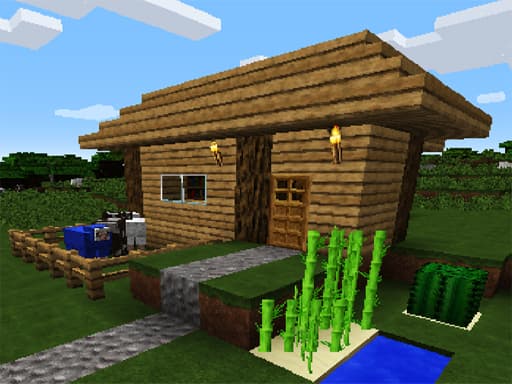
The goal is to explore a blocky 3D world and build things with cubes. You craft your own blocks, then use them to make cities, gardens and houses.
The world has a winter setting, and you can explore new worlds as you go. Exploring and building are the main ways to play.
Building is the heart of the game. Plan a layout first, then place cubes one at a time until your structure takes shape.
How to play
Walk around the world and look for a spot to build. Craft cubes, then place them to form walls, floors and roofs. Break cubes you no longer need to reshape your build. Keep adding to the same area so your city, garden or house grows over time.
Controls
- W A S D
- move
- Left Click
- destroy a cube
- Right Click
- build a cube
- Escape
- exit
Tips
- Start with a simple foundation so later walls and roofs sit straight.
- Break a few cubes to fix a mistake rather than rebuilding everything.
- Build in small sections, then move on, so the work stays easy to manage.
- Try a garden or a small house first to learn how cube placement feels.
WorldCraft: 3D Build & Craft: questions and answers
How do I place a cube in the world?
Aim at the spot you want and right click to build. The cube appears on the surface you are pointing at.
How do I remove a cube I placed by mistake?
Point at the cube and left click to destroy it. It is removed, so you can place it again or leave the space empty.
Can I explore the winter worlds on my own?
Yes. Use W, A, S and D to walk around and look for places to build. The game also lets you explore new worlds as you go.
WorldCraft: 3D Build & Craft is a free online game playable in your browser on Poki.game. It works on desktop computers, tablets and mobile phones, with no download or registration needed.