






About Super Mario Go
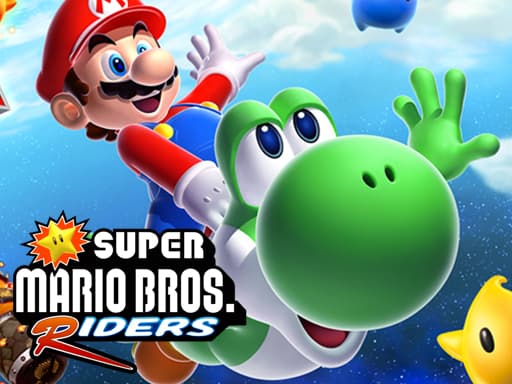
The goal is to get Mario safely through each stage of the adventure. Moving forward is what keeps the run going.
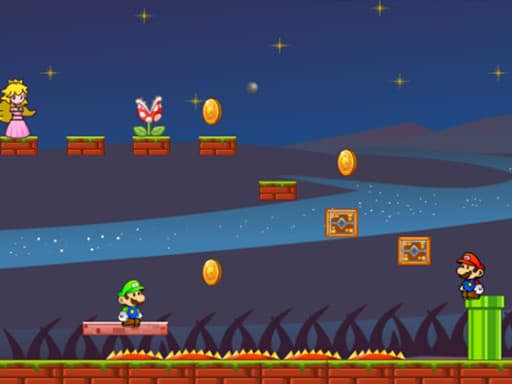
The facts describe a side-scrolling platformer in the classic style. You move through each level from left to right, jumping over and past obstacles as you go.
Mario can also shoot. Use the shot when a threat is in front of you, and keep moving so you do not get stuck in one spot.
How to play
Move Mario left or right along each stage and jump when you reach a gap or an obstacle. Use the shoot button to deal with enemies from a distance. The round is about steady progress through the level. Keep moving forward, time your jumps carefully, and do not stop in the path of danger.
Controls
- Left and Right arrow keys
- move Mario left or right
- Space
- jump
- D
- shoot
Tips
- Look ahead before you jump so you can see the next gap or obstacle.
- Use short jumps for small gaps and longer ones for wider drops.
- Shoot enemies from a distance when you can, rather than running straight into them.
- Keep Mario moving so you stay ahead of the danger on screen.
Super Mario Go: questions and answers
What does the D key do in Super Mario Go?
The D key makes Mario shoot. Use it to deal with enemies in front of you while you keep making progress through the stage.
How does Mario jump in this game?
Press the Space bar to jump. Time your presses to clear gaps and reach higher platforms as you move from left to right.
Which keys move Mario through the stage?
The Left and Right arrow keys move Mario along the stage. Hold them to keep going forward and to close the distance to the next obstacle.
Super Mario Go is a free online game playable in your browser on Poki.game. It works on desktop computers, tablets and mobile phones, with no download or registration needed.