

About Traffic Racer Online
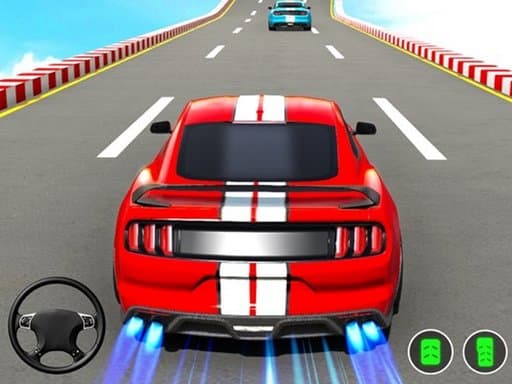
Your goal is to drive your car to the end line of each track without crashing. Every stretch of road has a set distance, and you need to get through it safely to reach the finish.
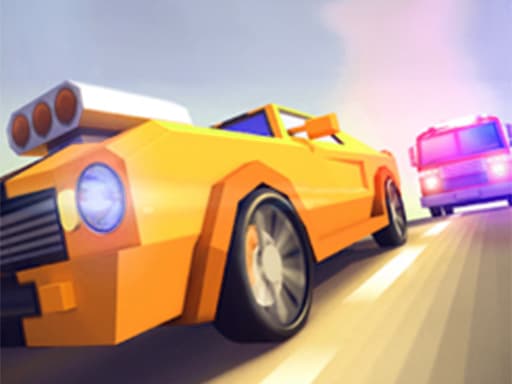
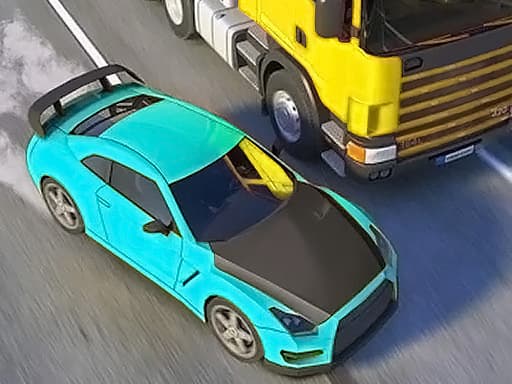
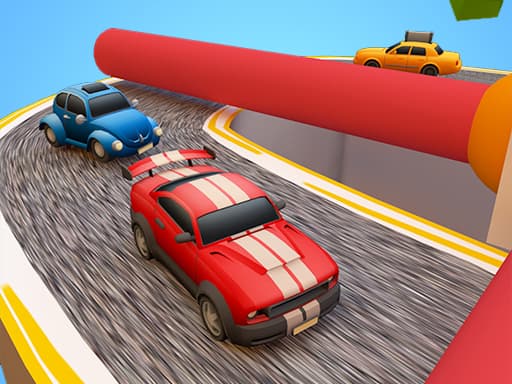
The road is busy, so keep your eyes on the traffic around you. Steer past other cars, and try to keep a steady pace. A crash ends the run, so slow and careful driving matters more than speed alone.
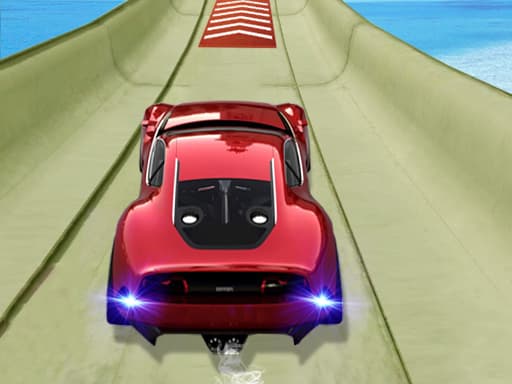
Nitro gives your car a short boost above its normal top speed. It can help you cover ground faster, but it does not replace careful steering. Use it when the road ahead is clear.
How to play
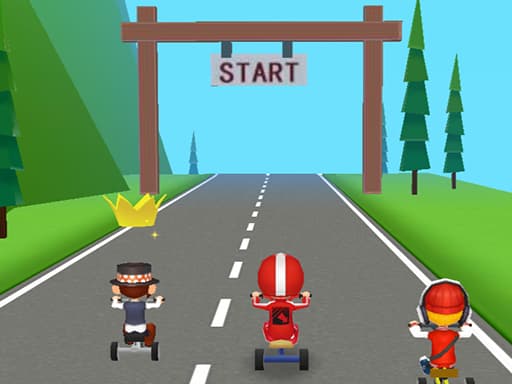
Drive from the start to the end line of the track while avoiding every other vehicle. Reach the finish without a single crash to complete the stretch. Use nitro when you have a clear lane ahead, so you cover more distance in less time. Watch for openings in traffic before you speed up or change lanes.
Controls
- ↑←↓→
- move your car
- Space
- use nitro
Tips
- Check the lanes ahead before you change direction, not after.
- Save nitro for long clear stretches where the road is open.
- Ease off the gas a little when traffic bunches up in front of you.
- Stay calm and steady; one quick mistake can end the run.
Traffic Racer Online: questions and answers
What happens if my car crashes?
A crash means the run is over, so you need to start again. Your main job is to reach the end line without hitting any other car.
How do I make my car go faster?
Press Space to use nitro, which speeds your car past its normal top speed. Use it when the lane ahead is clear so the boost helps you most.
Which keys steer the car?
The arrow keys move your car around the track. Use them to slip between traffic and keep your path clear of other vehicles.
Traffic Racer Online is a free online game playable in your browser on Poki.game. It works on desktop computers, tablets and mobile phones, with no download or registration needed.