About Venom Zombie Shooter
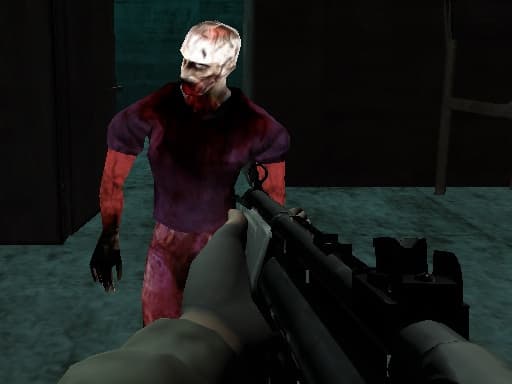
The goal is to clear every zombie in each mission and leave the area clean. You work through a series of missions, each with its own set of undead to remove.
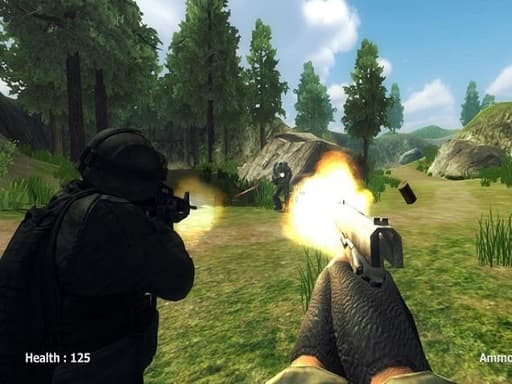
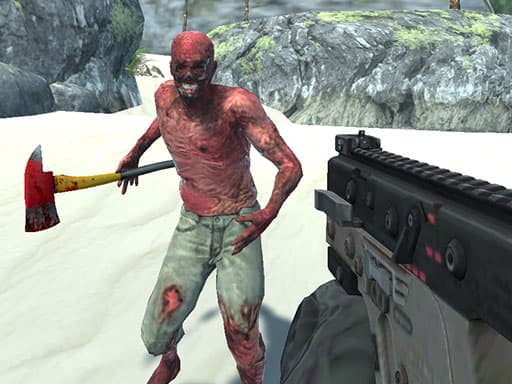
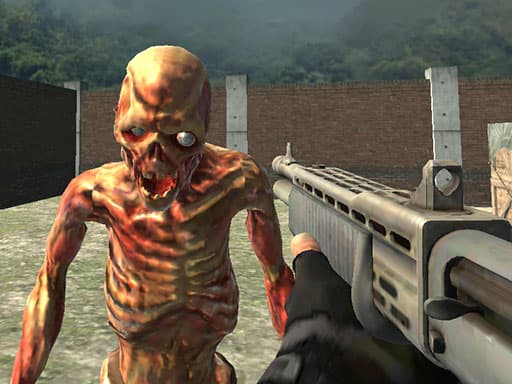
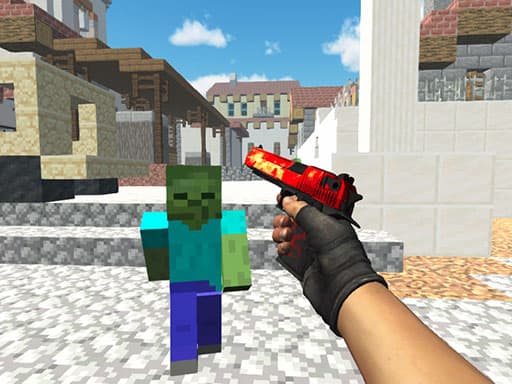
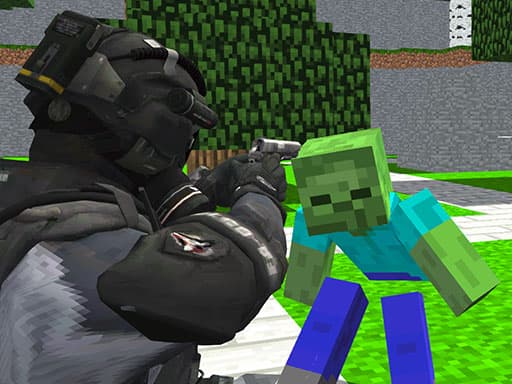
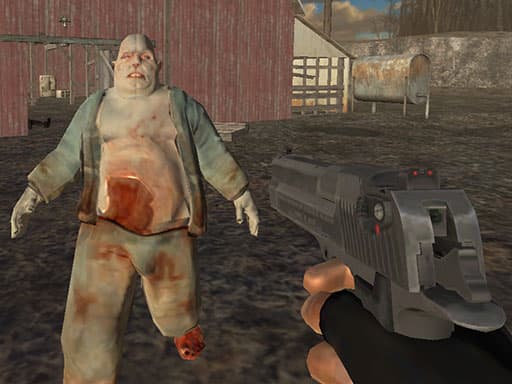
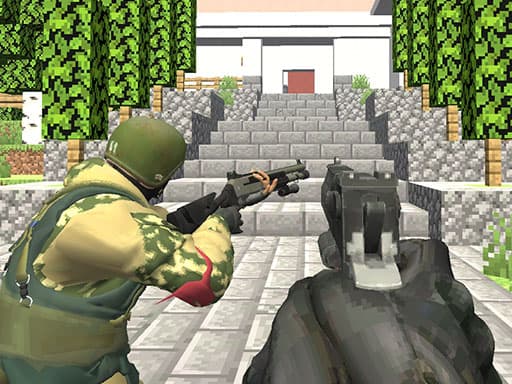
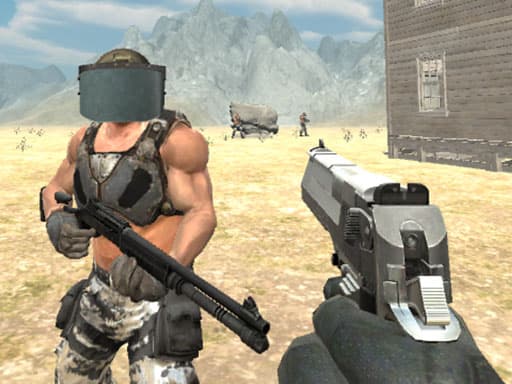
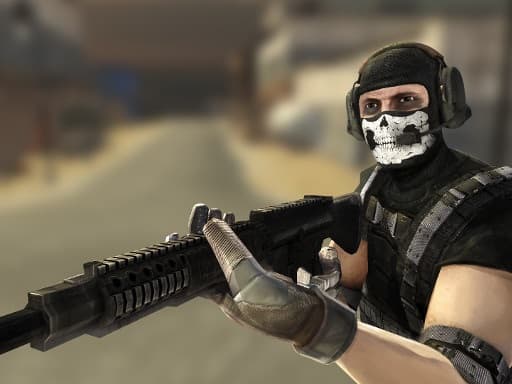
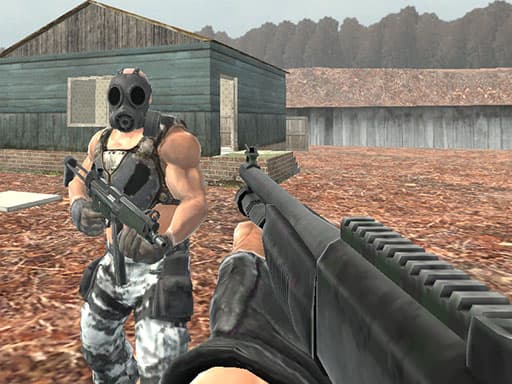
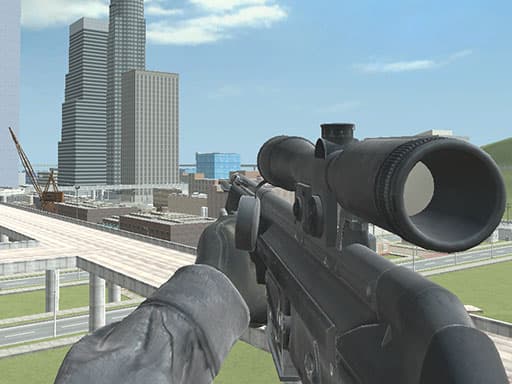
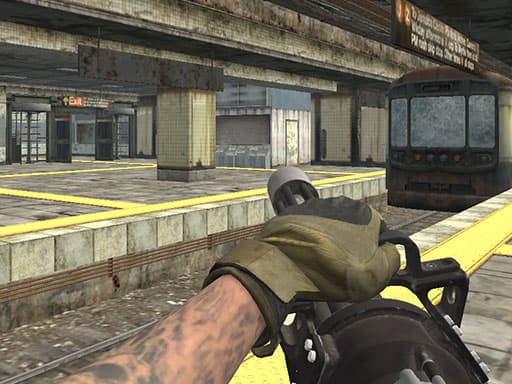
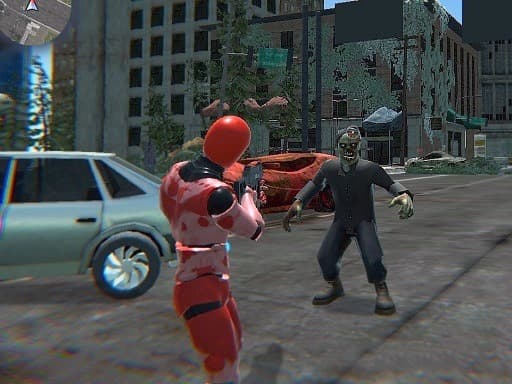
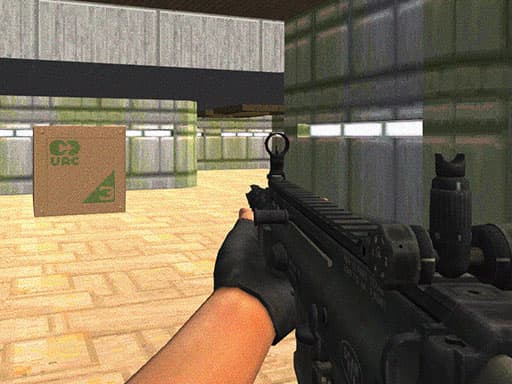
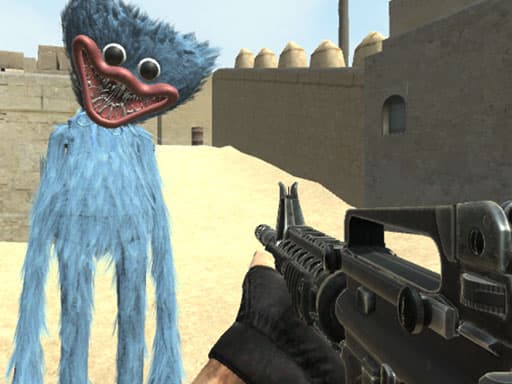
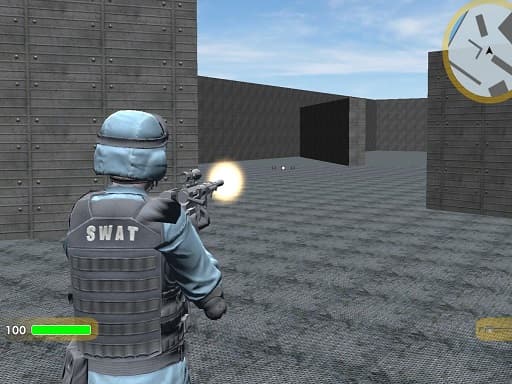
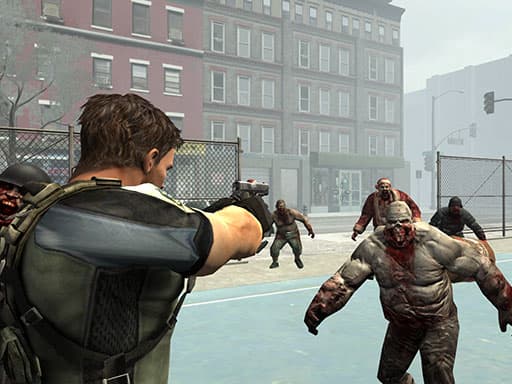
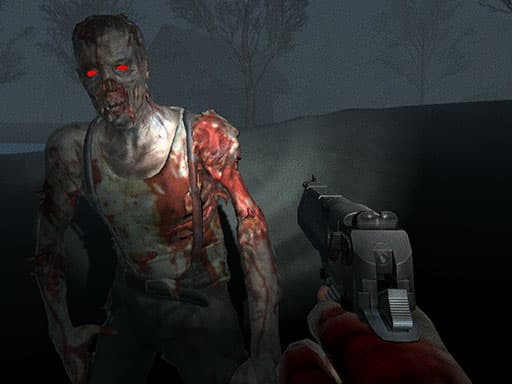
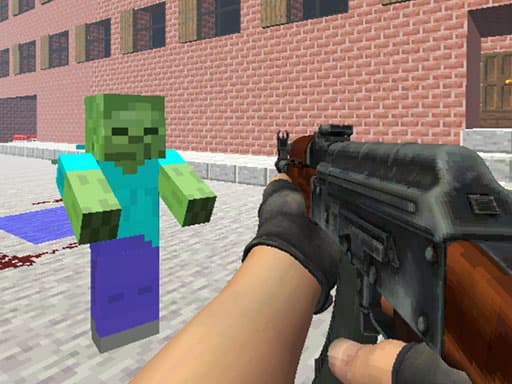
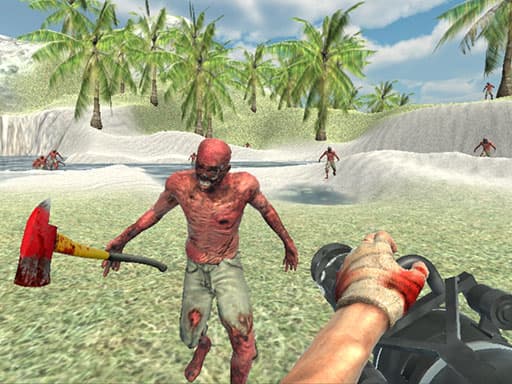
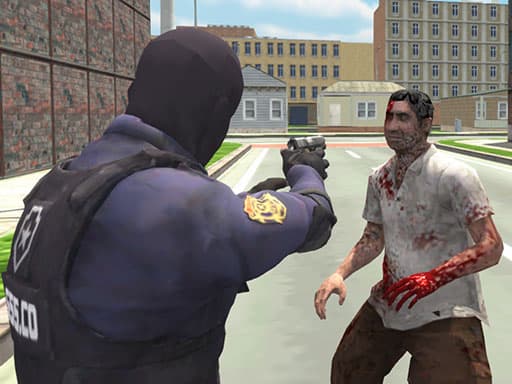
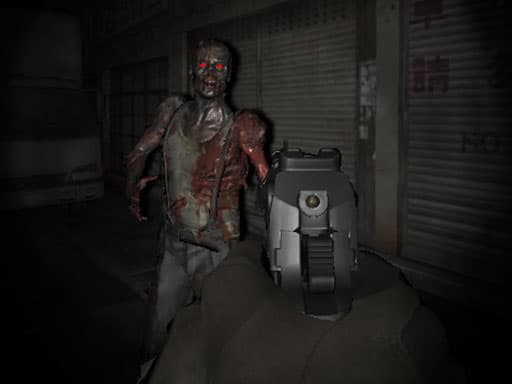
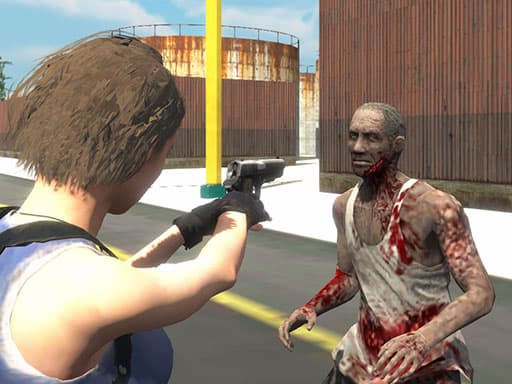
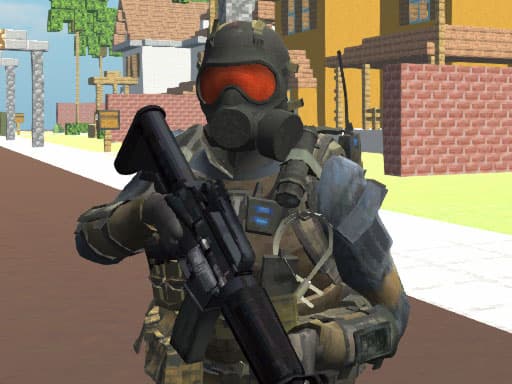
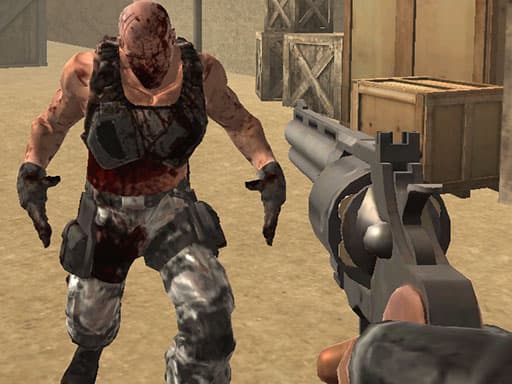
Venom Zombie Shooter is a 3D shooter with a horror feel. You move through each location with a gun in hand, shooting zombies as they come. Each mission is finished once no zombies are left.
The game offers several missions and a choice of weapons that you switch between with the number keys. Aiming and moving carefully helps you keep control of each fight.
How to play
Move through each mission and shoot every zombie you find. Use the left mouse button to fire and the right to aim. Switch weapons with keys 1 to 7 to match the zombies in front of you. A mission ends when the area is clear of undead.
Controls
- W A S D
- move
- Left mouse click
- shoot
- Right mouse click
- aim
- Space
- jump
- Tab
- pause
- 1 to 7
- change weapon
Tips
- Aim with the right mouse button before you fire for steadier shots.
- Keep moving so zombies have a harder time reaching you in a group.
- Use the number keys to swap weapons quickly when a new type of enemy appears.
- Press Tab to pause and take a breath before you enter a crowded room.
Venom Zombie Shooter: questions and answers
How do I finish a mission in Venom Zombie Shooter?
You finish a mission by killing every zombie in the area. Your job is to clean the place, so no undead should be left standing.
Which key switches my weapon?
Press the number keys 1 to 7 to change weapons. Each key picks a different gun, so you can use the right one for each situation.
How do I aim and shoot?
Hold the right mouse button to aim, then click the left mouse button to shoot. Aiming first gives you a more accurate shot at the zombies.
Venom Zombie Shooter is a free online game playable in your browser on Poki.game. It works on desktop computers, tablets and mobile phones, with no download or registration needed.