




About Zombie Virus FPS
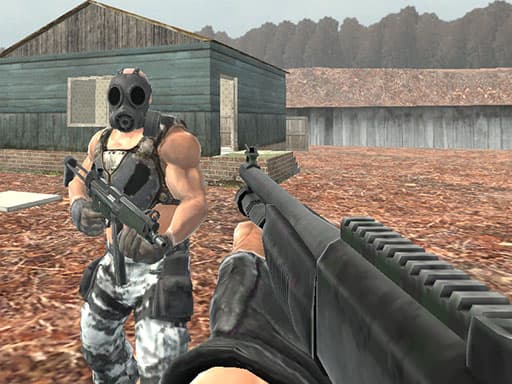
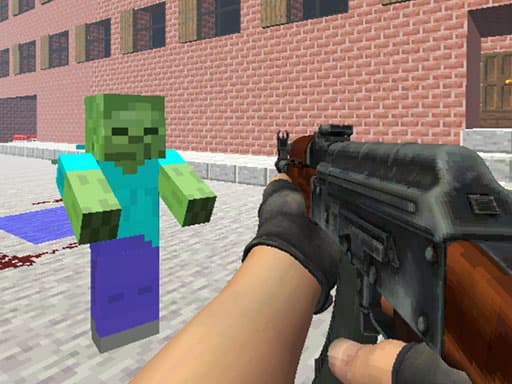
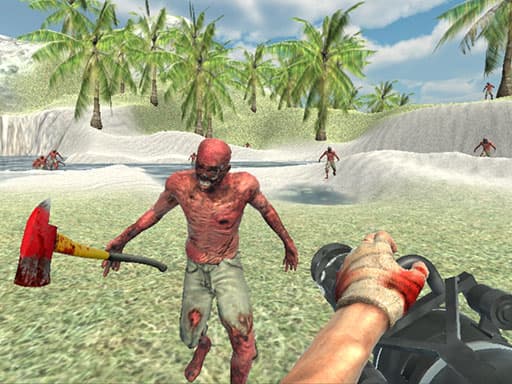
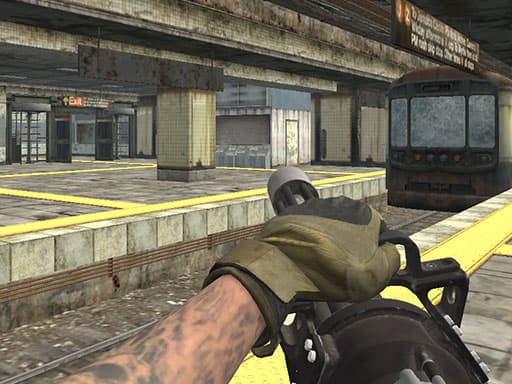
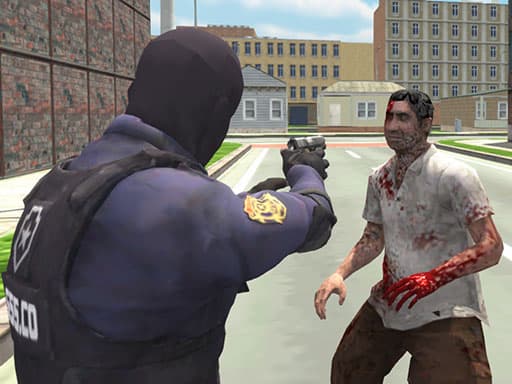
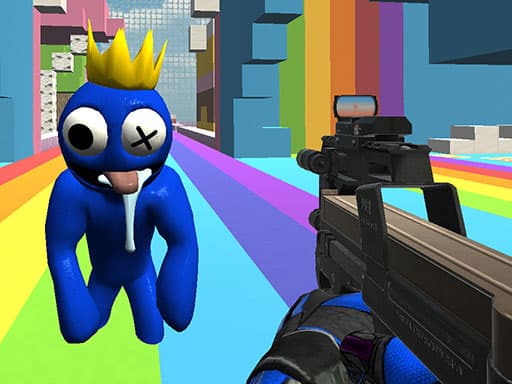
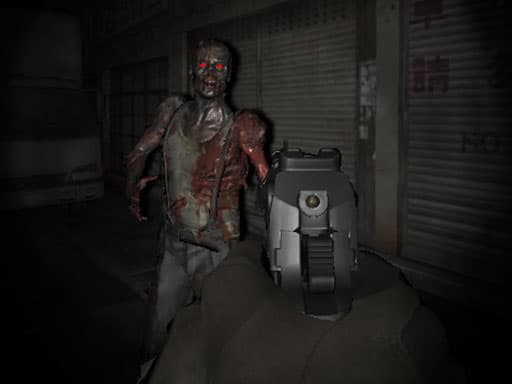
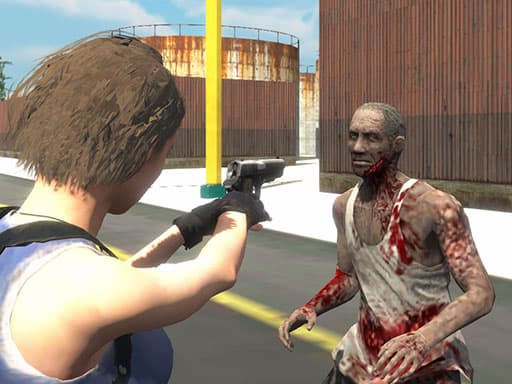
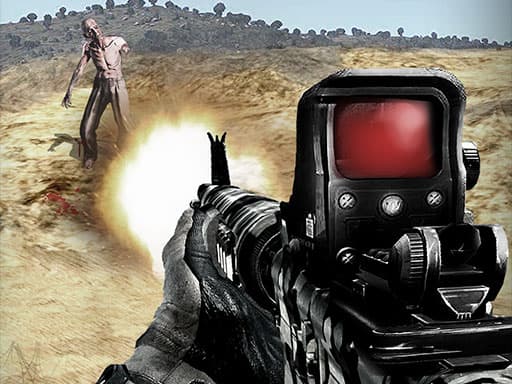
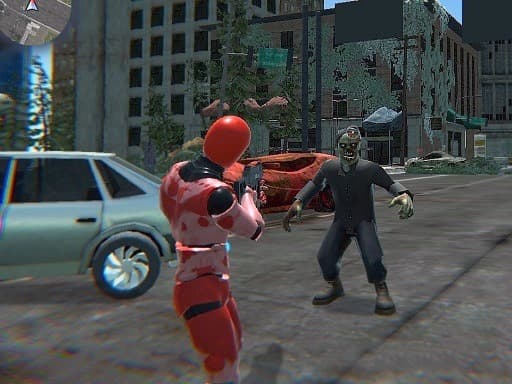
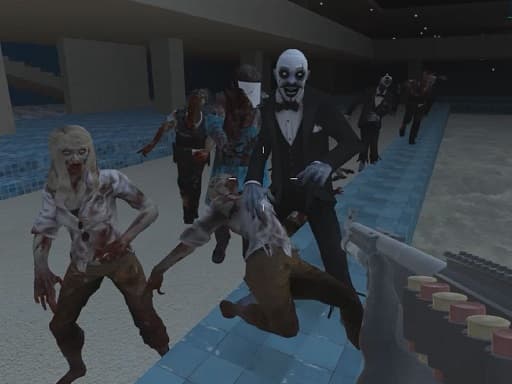
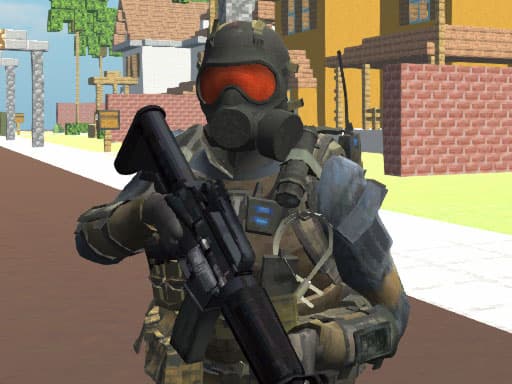
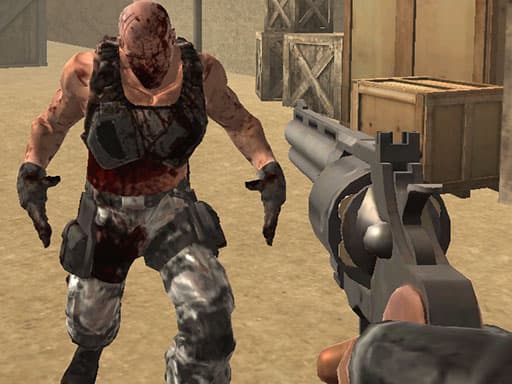
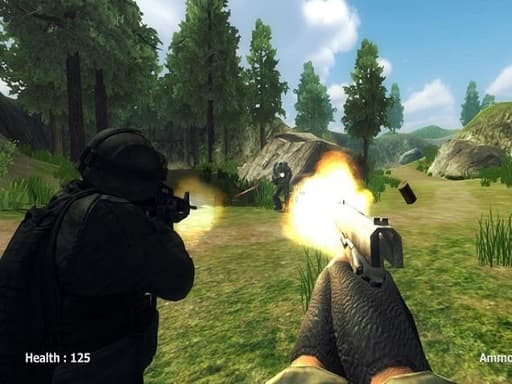
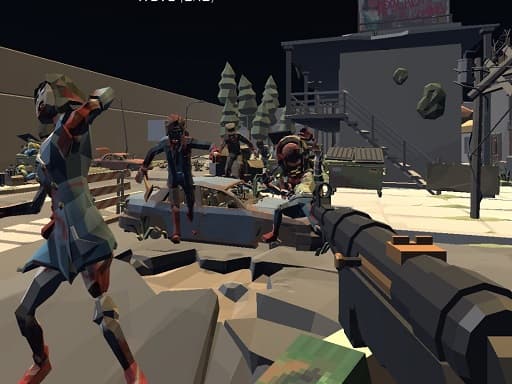
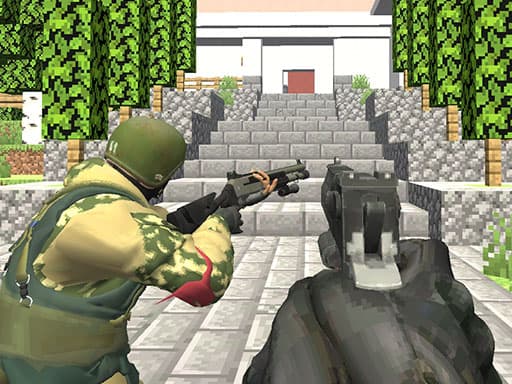
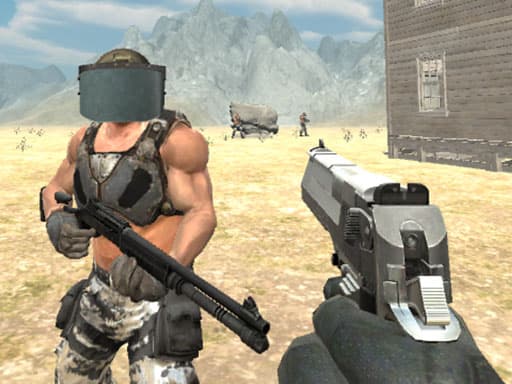
You aim and shoot your way through waves of zombies. Your character is the one you control, and the goal is to survive each mission by destroying the enemies in your path. Each campaign has its own difficulty, and the number of enemies changes from one to the next.
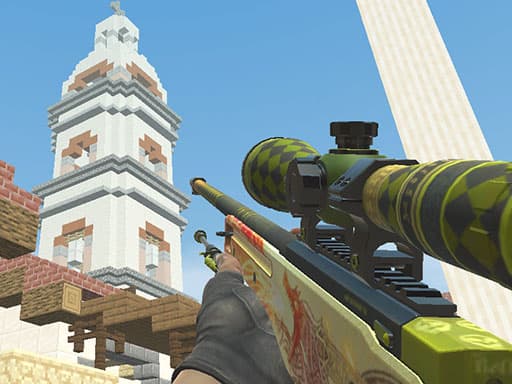
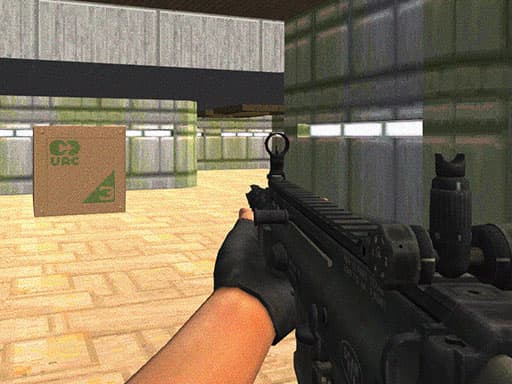
The game is set on a jungle map, with several game modes and a range of guns to try. Missions are played offline, so you can focus on the shooting without distractions. Keep moving, keep your aim steady, and pick the right weapon for the threat in front of you.
How to play
Move around the jungle map with the keyboard and look around with the mouse. Aim with the mouse, shoot the zombies, and switch guns when you need a different weapon. Each campaign gets harder as the enemy count rises, so pace yourself and stay alert.
Controls
- WASD
- move
- Mouse
- aim, look around, shoot
- Space
- jump
- Shift
- run
- Tab
- open menu
Tips
- Keep moving so zombies have a harder time lining up their shots on you.
- Use the Shift key to run when you need to put distance between you and a group.
- Change guns to suit the situation, since some weapons work better in close range.
- Try an easier campaign first to learn the map and controls before the harder ones.
Zombie Virus FPS: questions and answers
What do I need to do to clear a mission?
Destroy the zombies in each campaign to complete it. The number of enemies you face depends on the campaign you choose and its difficulty.
How do I switch between guns?
Use the mouse to change your gun during play. Different guns suit different fights, so swap them when a zombie group gets close.
Can I open the menu while I am playing?
Yes. Press Tab to open the menu, and use it to check your options or change settings during a round.
Zombie Virus FPS is a free online game playable in your browser on Poki.game. It works on desktop computers, tablets and mobile phones, with no download or registration needed.