About 2020 Realistic Tank Battle Simulation
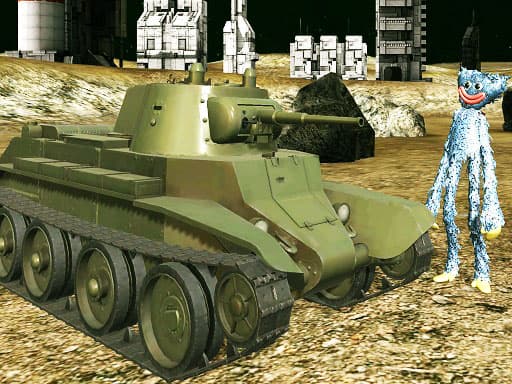
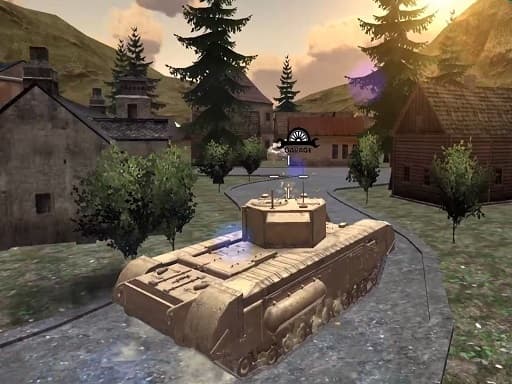
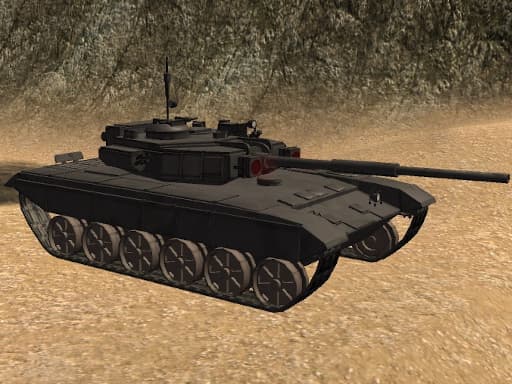
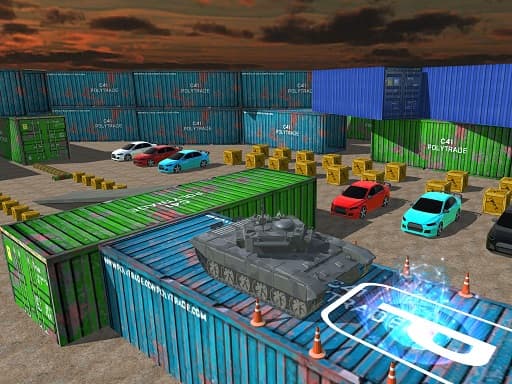
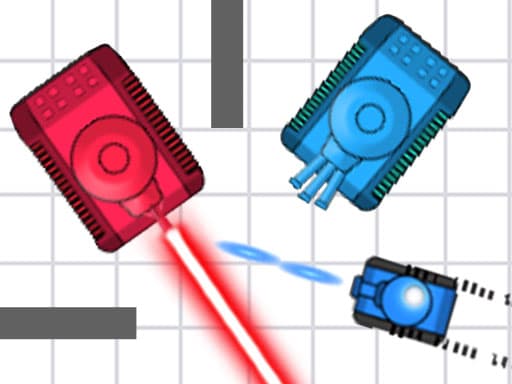
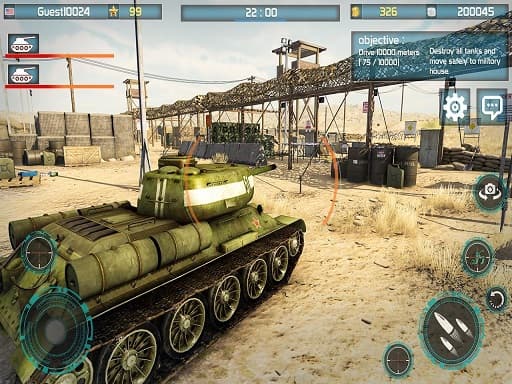
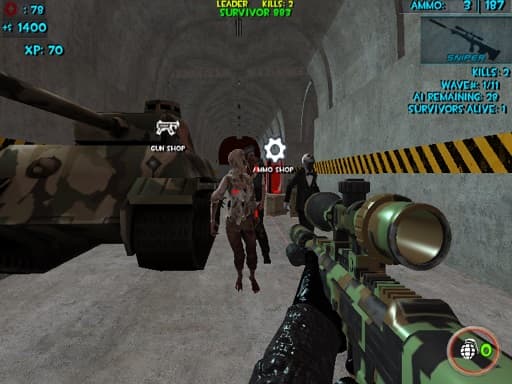
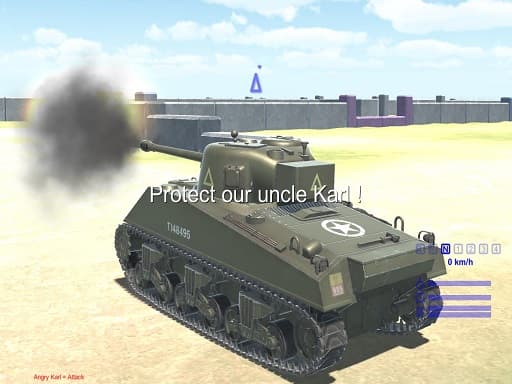
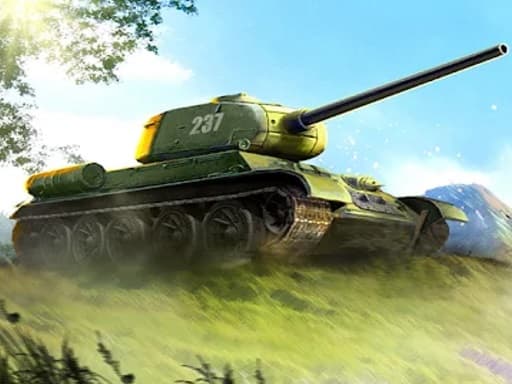
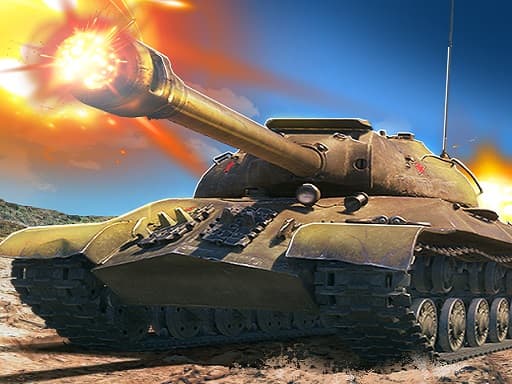
You control a tank in a realistic battle. Your job is to drive, aim and fire your way through each mission.
The game offers several missions, different tanks and a map built to feel like a real battlefield. Each mission asks you to take on targets with care.
Keep your tank moving and pick your shots. Use the mouse to aim, choose the target you want, and fire when the line is clear.
How to play
Move your tank with the WASD keys and turn your aim with the mouse. Click to shoot, and use the mouse to pick the target you want to engage. Press Tab to restart the mission if things go wrong. Press Left Shift to bring the mouse cursor back and leave the mission.
Controls
- WASD
- move your tank
- Mouse
- aim and choose a target
- Click
- shoot
- Tab
- restart the mission
- Left Shift
- show the mouse and exit the mission
Tips
- Keep moving with WASD so enemies find it harder to hit you.
- Choose your target with the mouse before you fire, rather than shooting wildly.
- If a mission goes badly, press Tab to restart and try a different approach.
- Press Left Shift whenever you want the cursor back to leave the mission.
2020 Realistic Tank Battle Simulation: questions and answers
How do I move my tank?
Use the W, A, S and D keys to drive forward, turn left, reverse and turn right. Movement keeps your tank out of enemy sights.
How do I shoot and pick a target?
Move the mouse to aim, then click to fire. The mouse is also how you choose which target to engage.
How do I restart a mission or leave it?
Press Tab to restart the current mission. Press Left Shift to show the mouse cursor, which lets you exit the mission.
2020 Realistic Tank Battle Simulation is a free online game playable in your browser on Poki.game. It works on desktop computers, tablets and mobile phones, with no download or registration needed.