

About Tank Simulator
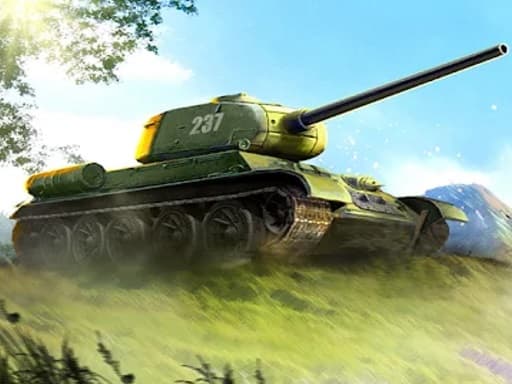
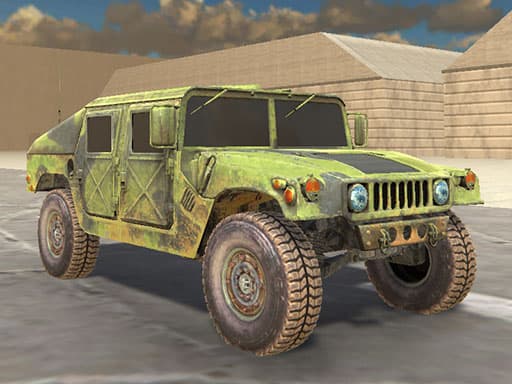
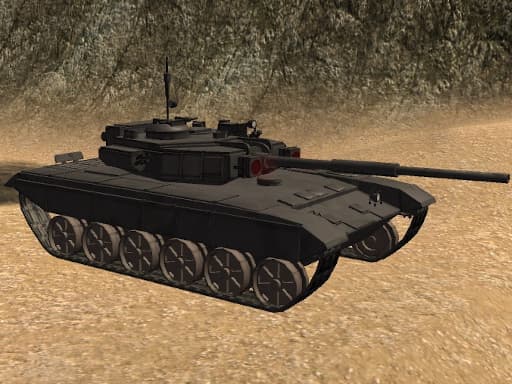
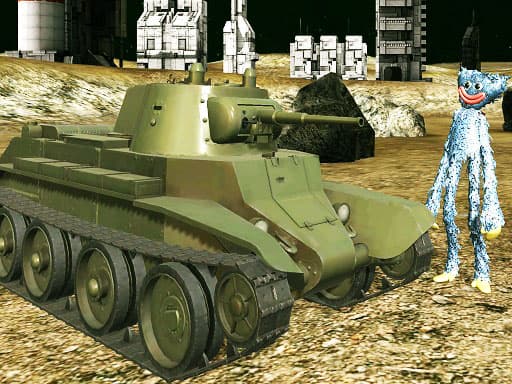
The goal of Tank Simulator is to drive a tank and shoot your way around. You can explore the crowded city roads or head out into the desert.
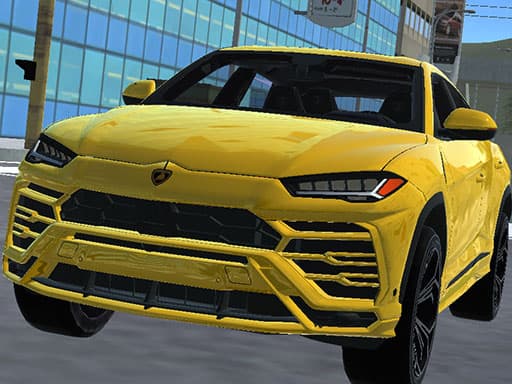
There are two game maps to choose from. The tank is your main vehicle, and you can press F to climb in and out of cars and motorbikes too. Drive carefully through busy streets and pick a direction in the open desert.
Use the arrow keys or WASD to steer, and aim your shots with the mouse.
How to play
Start in a tank and drive through the city or across the desert. Press F to get in or out of a vehicle, and press left mouse to fire. Press C to switch the camera view, which can help you see what is ahead. Press K to teleport your tank when you need to move somewhere fast. Press Tab to pause and take a breather.
Controls
- ↑←↓→WASD
- drive the vehicle
- Left mouse button
- shoot
- C
- change the tank camera view
- F
- get on or off a vehicle
- K
- teleport in the tank
- Tab
- pause or resume
Tips
- Try the C key to change the camera view before a tricky turn.
- Use the desert map when you want wide open space to practise driving.
- Press F to swap into a car or motorbike when you want a faster ride.
- Pause with Tab whenever you need a moment to plan your next move.
Tank Simulator: questions and answers
What does the F key do in Tank Simulator?
The F key gets you on and off a vehicle. You can use it to climb into the tank or to swap into a car or a motorbike.
Can I teleport my tank in Tank Simulator?
Yes. Press the K key to teleport in the tank. It is a quick way to move around the map.
Which maps can I play in Tank Simulator?
There are two game maps. One is a crowded city with busy roads, and the other is a desert.
Tank Simulator is a free online game playable in your browser on Poki.game. It works on desktop computers, tablets and mobile phones, with no download or registration needed.