





About Minecraft World Adenture
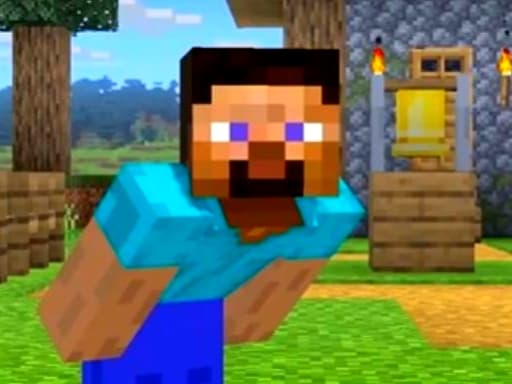
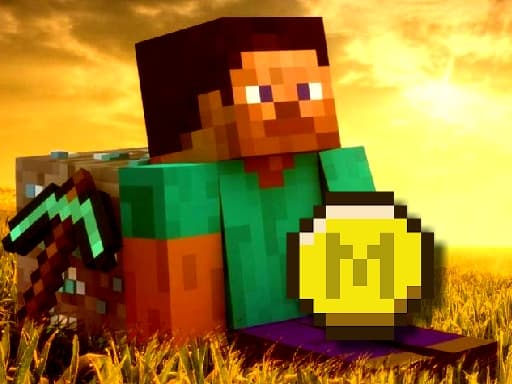
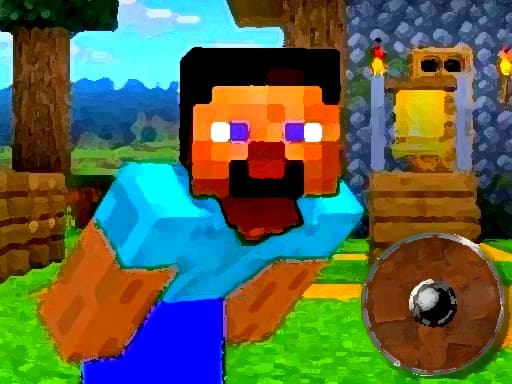
Minecraft World Adventure is set in the blocky, pixelated world of Minecraft. You play as Steve, who starts out standing on a spinning platform. Your goal is to find your way home.
On the way, you cross a series of challenges and obstacles. The game is built around jumping, so every leap has to be timed to clear hazards and keep you on the move. Quick reactions and well-timed jumps help you survive each stage.
How to play
Steve begins on a spinning platform far out in the Minecraft universe. Each jump takes you a step closer to home, but a missed jump or a collision with an obstacle ends the attempt. Watch the rhythm of the platform and the hazards ahead, then jump at the right moment to keep moving forward.
Controls
- Mouse
- jump
- Spacebar
- jump
Tips
- Watch the spinning platform for a moment before your first jump to learn its rhythm.
- Jump a little early rather than late, since timing gives you more room to land safely.
- Keep your eyes on the obstacles coming next, not only the one directly in front of Steve.
- Stay relaxed and keep your reactions quick, because steady taps usually beat rushed ones.
Minecraft World Adenture: questions and answers
What do I press to make Steve jump?
Click the mouse or press the spacebar. Both inputs make Steve jump, so use whichever feels more comfortable.
What are the obstacles Steve has to avoid?
The game describes pitfalls and obstacles that Steve must dodge while navigating the Minecraft universe. Each jump should carry him safely past them.
What happens on the spinning platform at the start?
Steve begins standing on it while it spins, so you need to time your first jump with its movement before you leave it.
Minecraft World Adenture is a free online game playable in your browser on Poki.game. It works on desktop computers, tablets and mobile phones, with no download or registration needed.