


About Pokemon Coloring Book
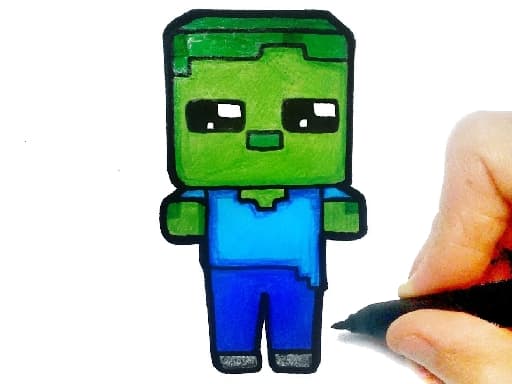
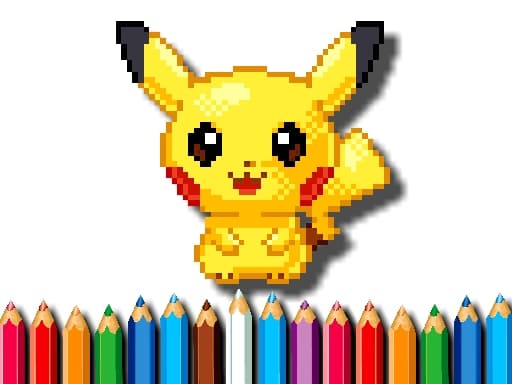
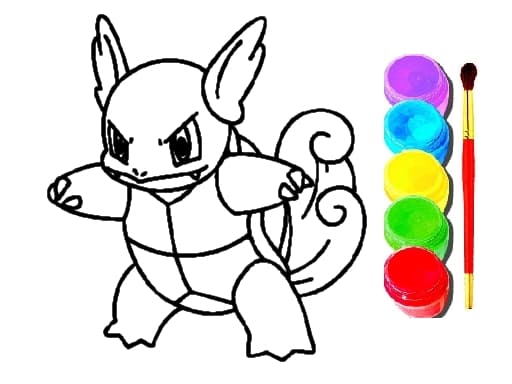
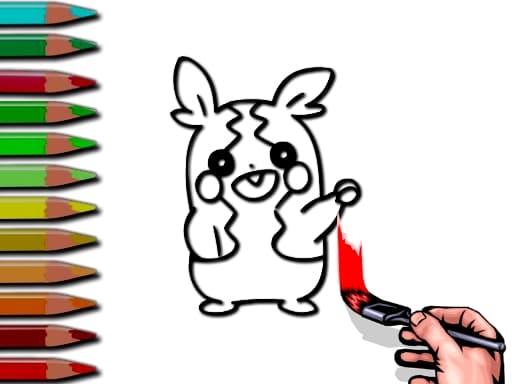
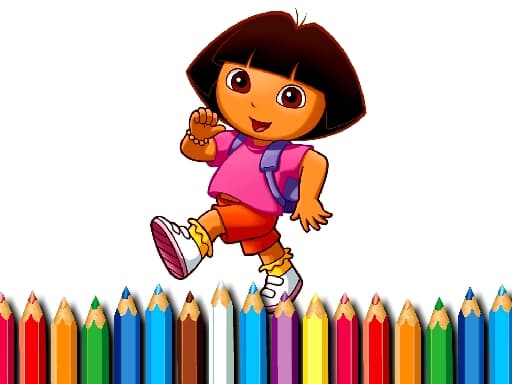
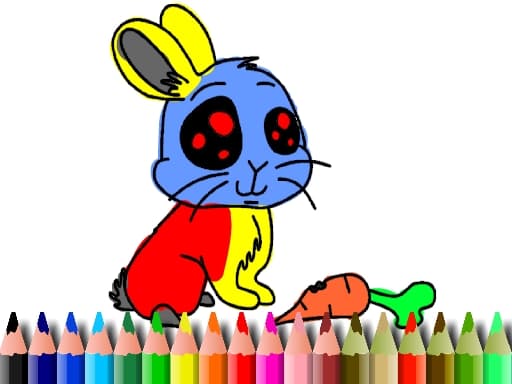
Colouring in is the task this game is built around. You pick a picture of a cute character and fill it with colour, one area at a time. Nothing needs to be finished in any particular order, so you can start wherever you like.
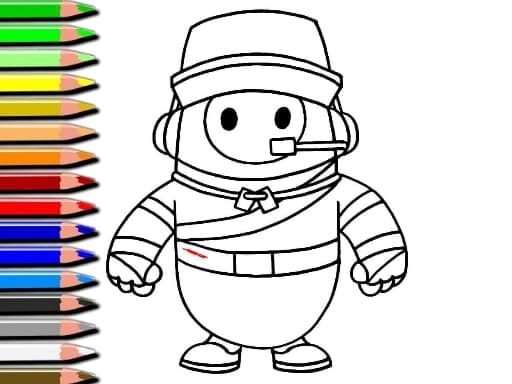
The page offers a set of drawings to choose from. Each one works like a page in a colouring book. You choose the shades you want and paint the parts you like best, so each picture can look different from the last.
Take your time and try different colour choices. There is no fixed way to win, so the fun comes from making each picture look the way you imagine it.
How to play
Pick a drawing to open it. Choose a colour from the palette, then click or tap an area of the picture to fill it. Keep switching colours and filling areas until the drawing looks the way you want. You can choose another picture whenever you like and start again.
Controls
- Mousetap
- choose colours and fill areas
Tips
- Start with the big areas first, then move on to the small details.
- Try a few colours on one drawing before you decide on a final scheme.
- Use the same colour on matching parts, such as ears or tails, for a tidy look.
- Leave some parts white if you want a softer, lighter-looking picture.
Pokemon Coloring Book: questions and answers
Can I pick my own colours for each drawing?
Yes. Choose any colour from the palette and tap an area to fill it. You are free to mix and change colours as often as you like.
Do I have to colour a whole picture before I can switch to another one?
No. You can move to another drawing at any time. Your choices are simply a matter of personal taste, with no rules about finishing.
How do I fix a colour I did not mean to use?
Pick the colour you want and fill the area again. Painting over a section replaces what was there before, so you can keep adjusting.
Pokemon Coloring Book is a free online game playable in your browser on Poki.game. It works on desktop computers, tablets and mobile phones, with no download or registration needed.