







About Squid Game Coloring
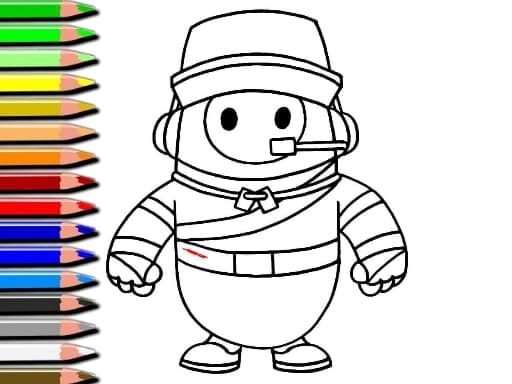
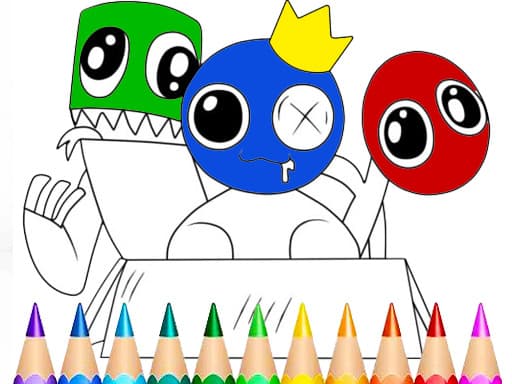
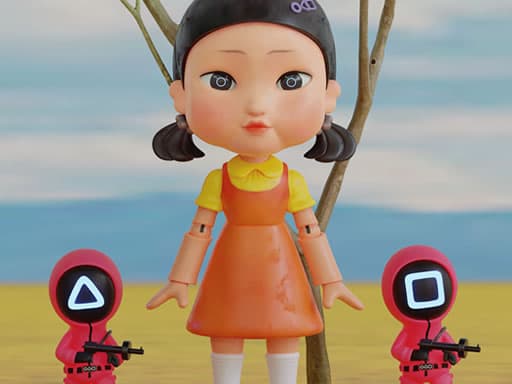
You colour in scenes from Squid Game, a South Korean drama. The player controls the colours and decides how each picture looks.
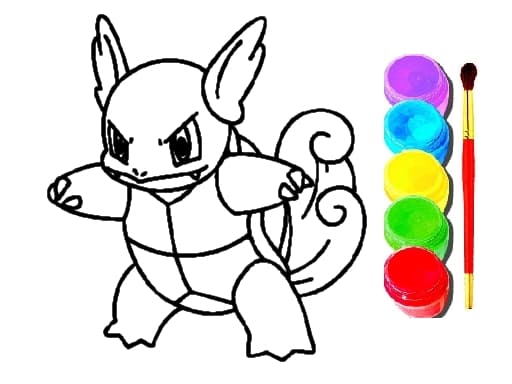
The game offers many images of different scenes from the show. Pick one, choose a colour, and fill the areas you like. There is no set way to finish a picture, so each one can look different.
Take your time with the shapes. Small, careful strokes keep the lines neat, and bold colours can make a scene stand out.
How to play
Open a picture from the collection and pick a colour. Click or tap an area to fill it. Keep choosing colours and filling areas until the scene looks the way you want. You can switch pictures whenever you like and come back to a scene later.
Controls
- Mouse
- choose colours and fill areas
- Tap
- choose colours and fill areas on the screen
Tips
- Start with the large areas, such as backgrounds, before moving to small details.
- Try a limited palette of just a few colours for a cohesive, striking look.
- Zoom in, if your view allows it, to colour edges and tiny shapes more neatly.
- Pick a favourite scene first, so you have a clear image to work towards.
Squid Game Coloring: questions and answers
Can I choose which Squid Game scene to colour?
Yes. The game has many images from different scenes, so you can pick the one you like best. Switch to another picture at any time.
Do I need to use the mouse to play?
No. You can use the mouse or tap the screen, whichever suits your device.
Is there a right way to colour the pictures?
No. The game does not set rules for colours, so you can use any combination you enjoy.
Squid Game Coloring is a free online game playable in your browser on Poki.game. It works on desktop computers, tablets and mobile phones, with no download or registration needed.