






About Sonic Coloring
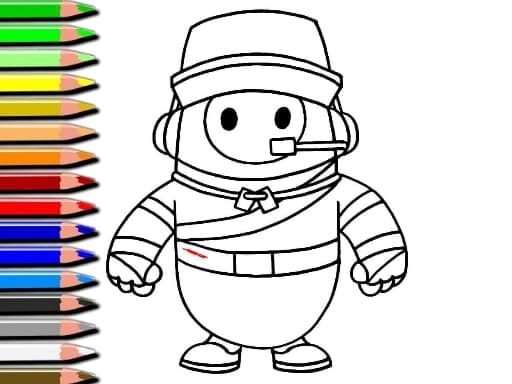
This game is about colouring in pictures. You pick colours and fill in the shapes on each page. The task is painting, not racing or fighting.
The pictures show Sonic the hedgehog and some of his friends from his adventures. The characters are easy to colour because they have simple, clear outlines. There are 8 pictures to colour.
Choose a colour, then tap or click inside a shape to fill it. Work slowly and stay inside the lines for the neatest result.
How to play
Pick a picture and choose a colour from the palette. Then fill each area of the drawing one at a time. Try different colour combinations on the hedgehog and his friends. There are 8 pictures in total, so work through them at your own pace and see how each one turns out.
Controls
- Mouse
- choose colours and fill shapes
- Tap
- choose colours and fill shapes on a touch screen
Tips
- Start with the big areas, like Sonic's body, so the small details are easier to reach.
- Try a few colour combinations on one character before you decide on your final colours.
- Use a bright colour for Sonic and a different one for his friends so they stand apart.
- Take a break between pictures and come back to the next one with fresh ideas.
Sonic Coloring: questions and answers
How many pictures can I colour in this game?
There are 8 pictures about Sonic the hedgehog and his friends. You can work on each one in any order you like.
Do I need to use the mouse, or can I tap the screen?
You can use the mouse to colour, or tap the screen if you are using a touch device. Both work the same way.
Which characters can I colour?
Sonic the hedgehog is the main character, and his famous friends appear on the pages too. Each picture shows adventures from his story.
Sonic Coloring is a free online game playable in your browser on Poki.game. It works on desktop computers, tablets and mobile phones, with no download or registration needed.