


About SpongeBob Halloween Jigsaw Puzzle
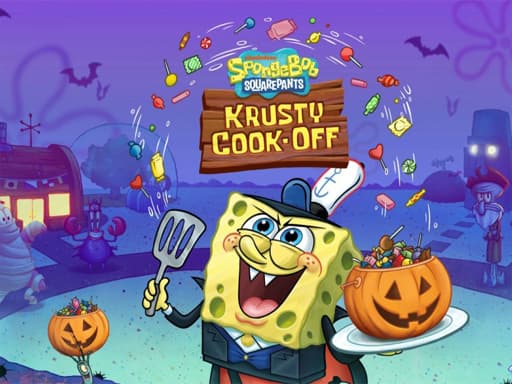
This is a Halloween puzzle set in the SpongeBob world. Your goal is to rebuild a full picture by putting every piece in the right spot.
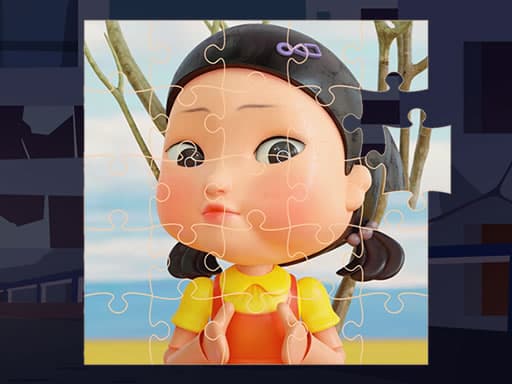
Each picture is split into a grid of pieces. You drag each piece to the place where it belongs. The puzzle is finished when the whole image is complete.
The game has 12 pictures. You can choose from three grid sizes: 2x3, 3x4 or 4x6. Smaller grids are a good start, and larger ones give a longer challenge.
How to play
Pick a picture and a grid size to begin. Pieces are scattered around the board. Drag each piece to its exact location until the full scene is rebuilt. Work on the edges first, then fill in the middle.
Controls
- Mouse
- drag pieces to their places
Tips
- Start with the corners and edge pieces, since they have the fewest possible spots.
- Look at the shapes of the colour blocks to guess where a piece belongs.
- Try 2x3 first to learn the layout before moving to the bigger grids.
- Group pieces with similar colours together before you place them.
SpongeBob Halloween Jigsaw Puzzle: questions and answers
How many SpongeBob Halloween pictures are there?
There are 12 pictures in this game. Each one can be solved on any of the three grid sizes you choose.
What do the grid sizes 2x3, 3x4 and 4x6 mean?
They show how many rows and columns the picture is cut into. A 4x6 grid has the most pieces, so it takes the longest to finish.
How do I move a puzzle piece?
Click a piece with your mouse, hold the button, and drag it to its exact location. Release the button to place it.
SpongeBob Halloween Jigsaw Puzzle is a free online game playable in your browser on Poki.game. It works on desktop computers, tablets and mobile phones, with no download or registration needed.