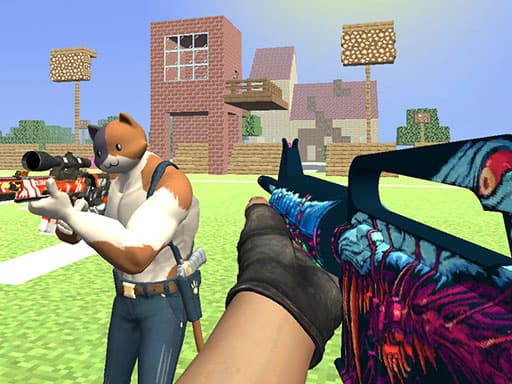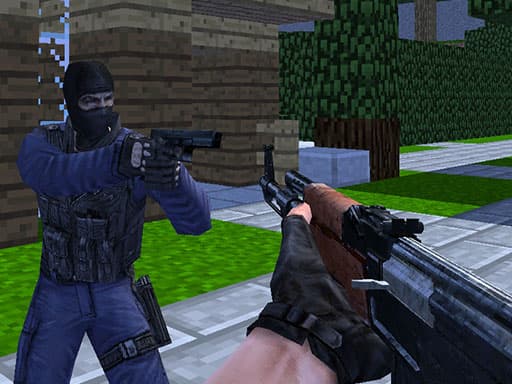

About World Craft HD
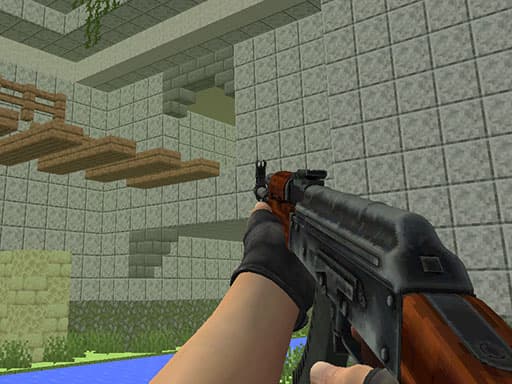
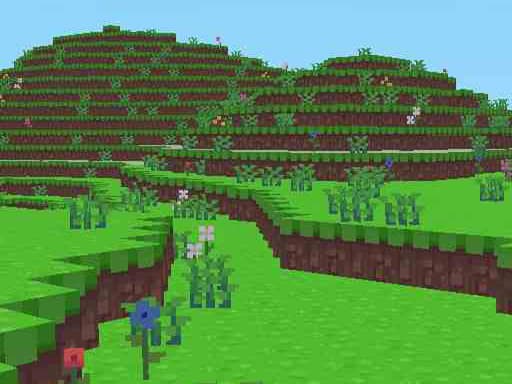
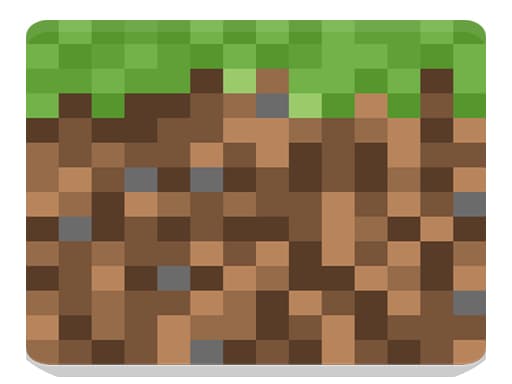
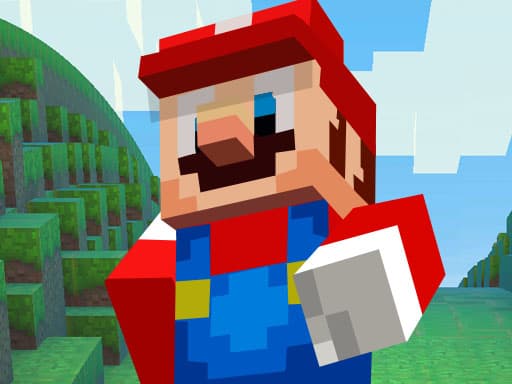
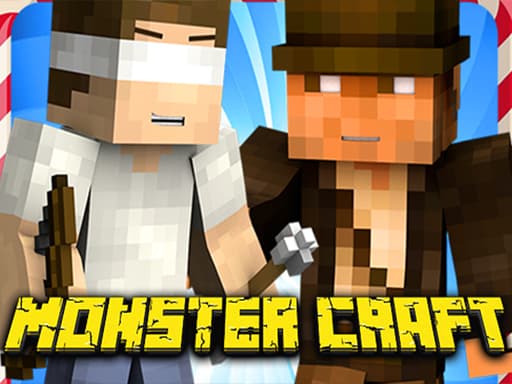
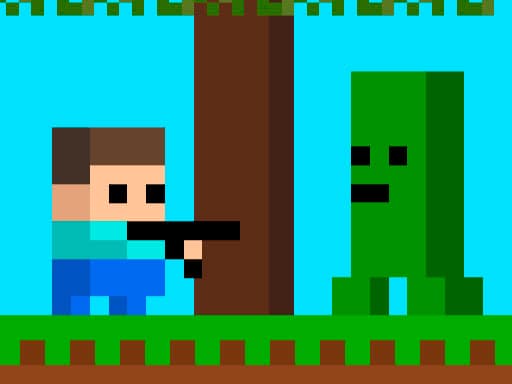
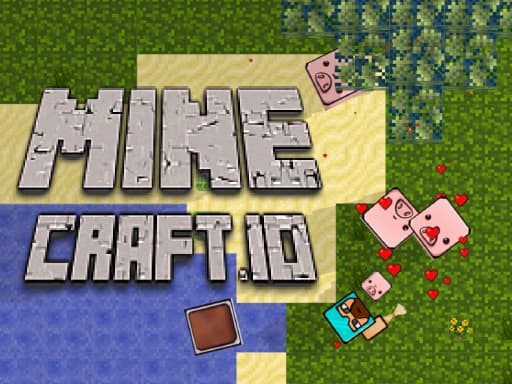
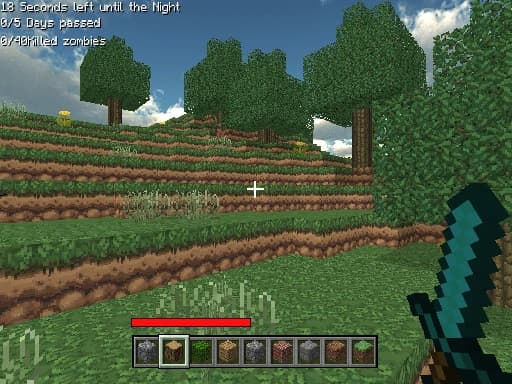
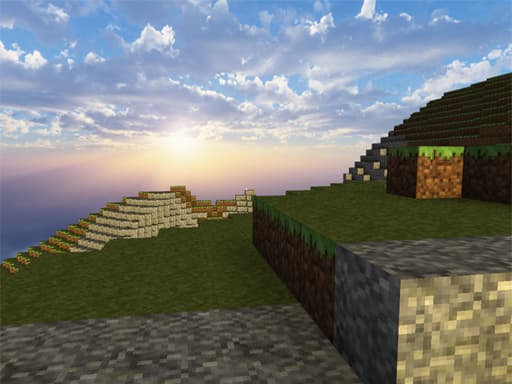
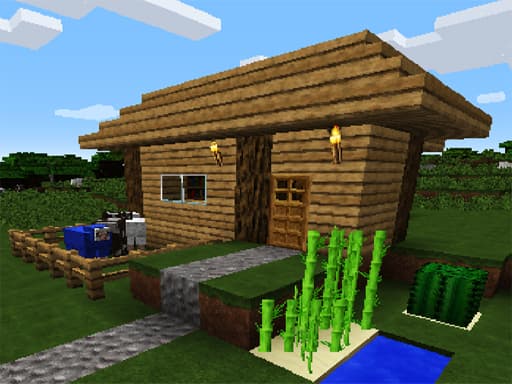
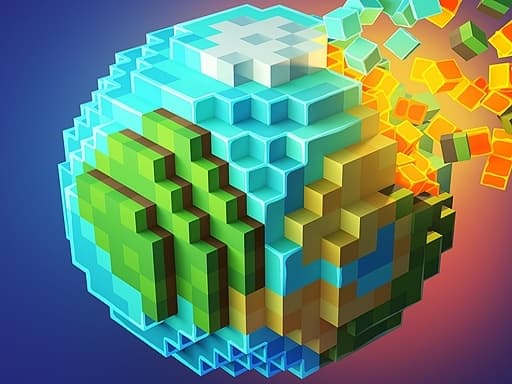
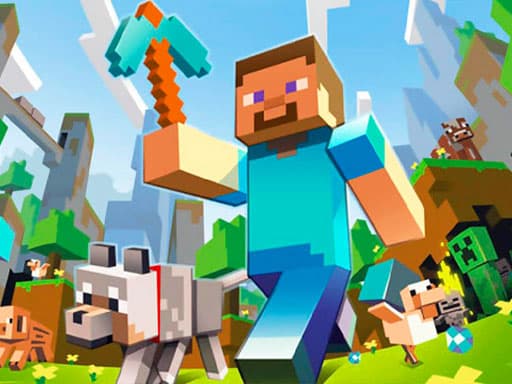
You craft and build with cubes in a blocky 3D world. You can build cities, gardens and your own house, so the player shapes the world from the ground up. Breaking blocks with a click clears space, and placing them with another click adds to what you have made.
The game lists several things to explore: new textures, new environments and new worlds. Sunlight is part of the look. There is also a mention of playing with friends and taking on new adventures, although the details of those modes are not spelled out here.
How to play
Move around the world with the keys and look for a spot to start. Left click to break blocks and clear away what is in the way. Right click to place blocks and build. Start small, like a garden or a single room, then expand from there. Press Escape to leave the game when you are done.
Controls
- W A S D
- move around
- Left click
- destroy blocks
- Right click
- build with blocks
- Escape
- exit the game
Tips
- Clear a flat area first so your builds stay even and easy to finish.
- Try a garden or a small house before you attempt a whole city.
- Break a block whenever you misplace one, so you can try again quickly.
- Explore the different worlds and textures to find a look you enjoy.
World Craft HD: questions and answers
What do I build with the cubes?
You can build cities, gardens and your own house. You pick what to make and place each cube with a right click.
How do I remove a cube I placed by mistake?
Use a left click on the block to destroy it. Then you can place a new one in its spot.
Which keys move my character around?
Use W, A, S and D to walk around the world. Press Escape to leave the game at any time.
World Craft HD is a free online game playable in your browser on Poki.game. It works on desktop computers, tablets and mobile phones, with no download or registration needed.