


About Talking Ben Coloring
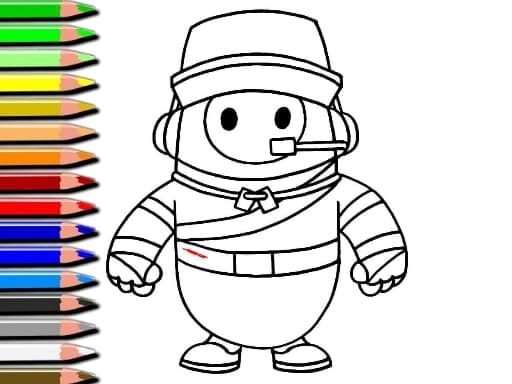
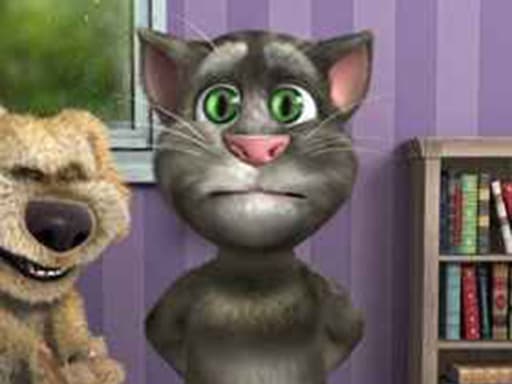
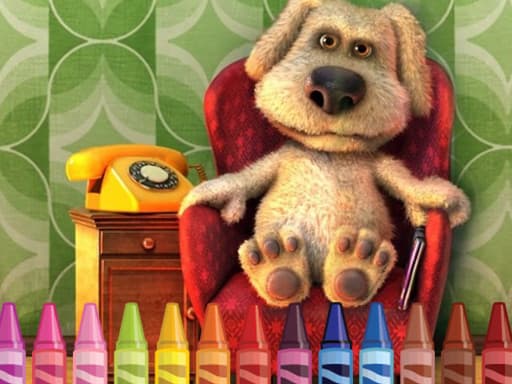
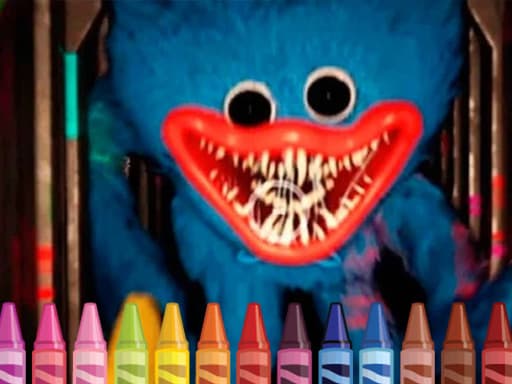
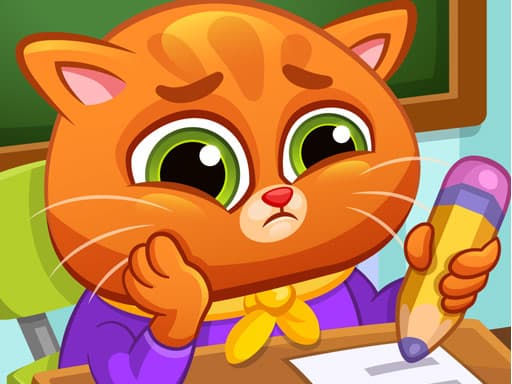
Coloring is the task at the heart of this game. You fill in a picture of Ben with the colors you choose, one area at a time. The page is a coloring book, so there is no fixed goal beyond making the picture look the way you want.
The picture is made for children, and it suits players of any age. You can take your time with each area. Nothing is rushed, so it works well as a calm way to spend a little time.
Pick a color, then press or tap the part of the picture you want to fill. Switching colors often and mixing them gives the page a lively look.
How to play
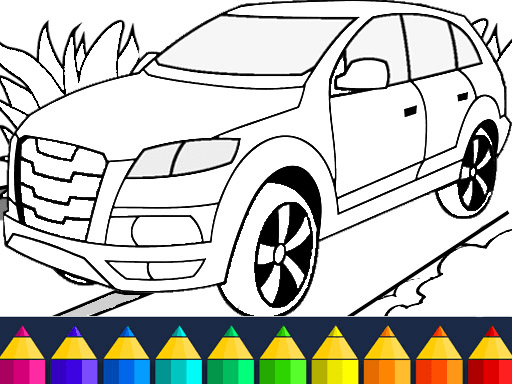
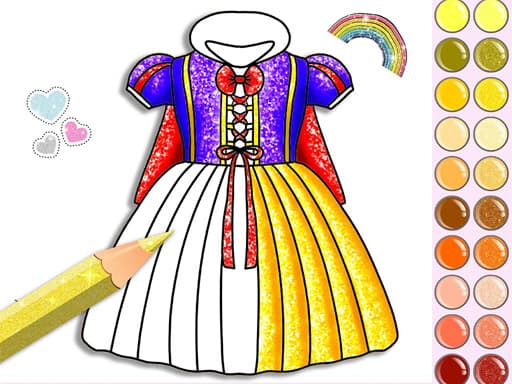
Choose a color from the palette, then click or tap an area of the picture to fill it. Work across the drawing until it looks the way you like. Pick a new color whenever you want a different shade. There is no time limit or score to chase, so you can stop and start whenever you want.
Controls
- Mousetap
- fill an area with the chosen color
Tips
- Start with the big areas first so the picture fills in quickly.
- Try a few different colors for one part to see which one you prefer.
- Leave small details like eyes and buttons for last, when you know the colors.
- Pick a calm, steady pace, since there is no clock pushing you to finish.
Talking Ben Coloring: questions and answers
Do I need to color the whole picture to finish?
The page does not set a finish line. You can fill as much or as little of Ben as you like, then leave whenever you want.
Can I change a color after I fill an area?
Pick a different color and fill the same area again to replace it. This lets you try several shades on one part of the picture.
Is this game only for young children?
The coloring suits children of any age. Adults can enjoy it too, for a relaxed session with no pressure.
Talking Ben Coloring is a free online game playable in your browser on Poki.game. It works on desktop computers, tablets and mobile phones, with no download or registration needed.