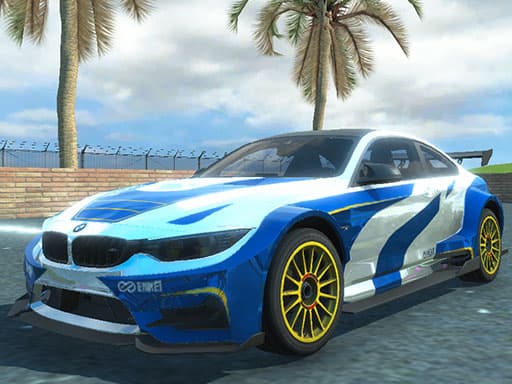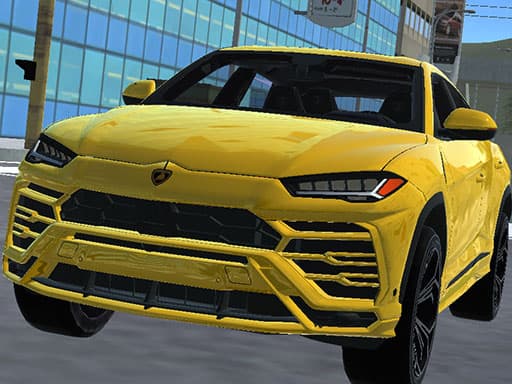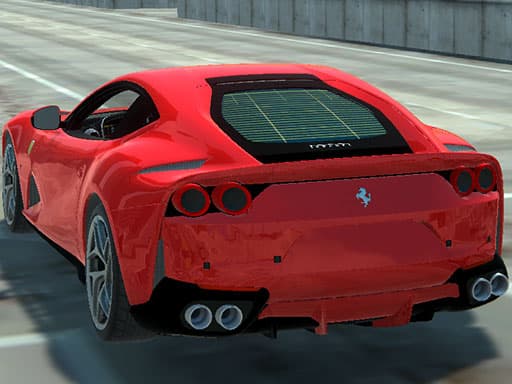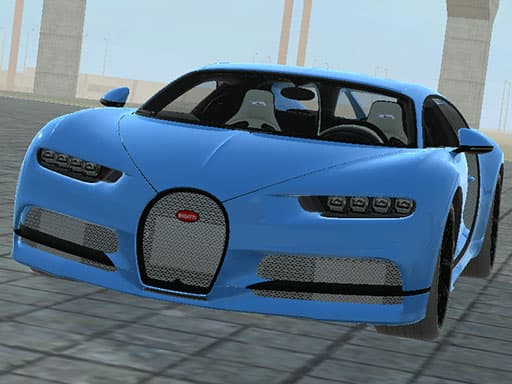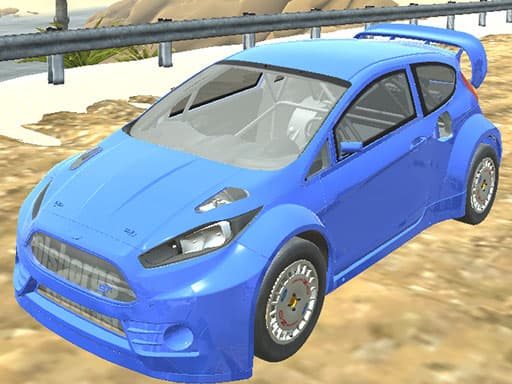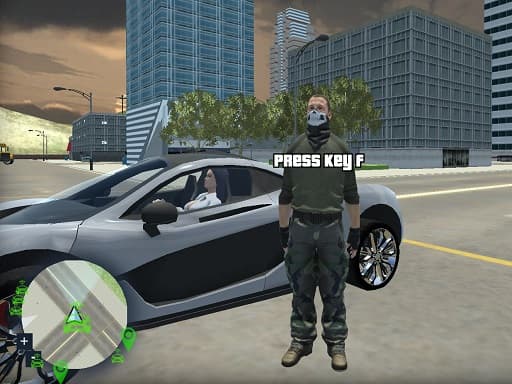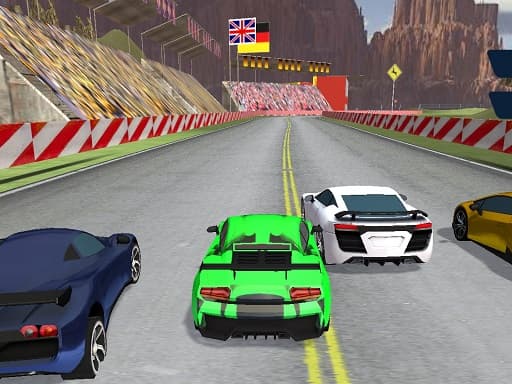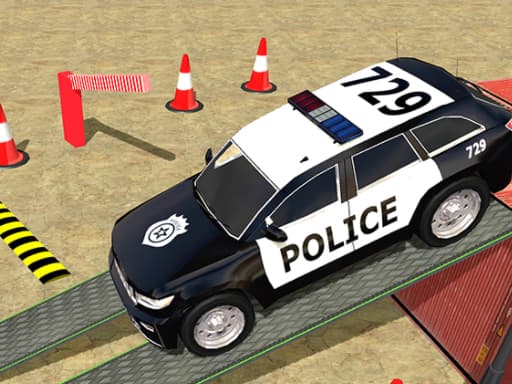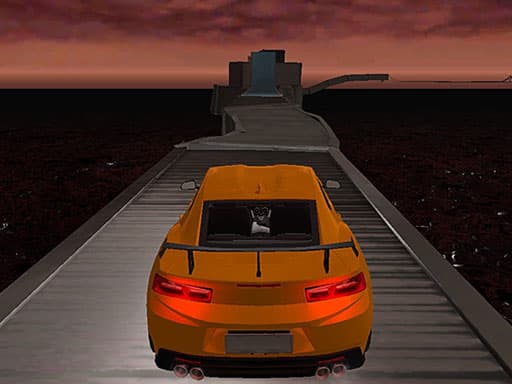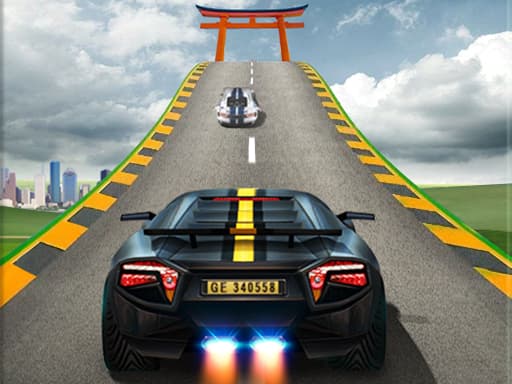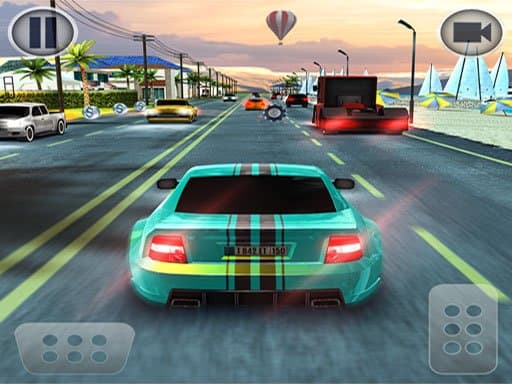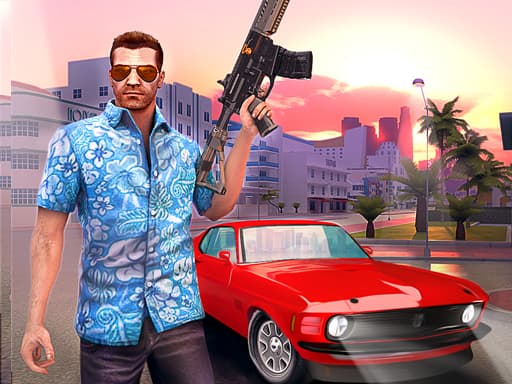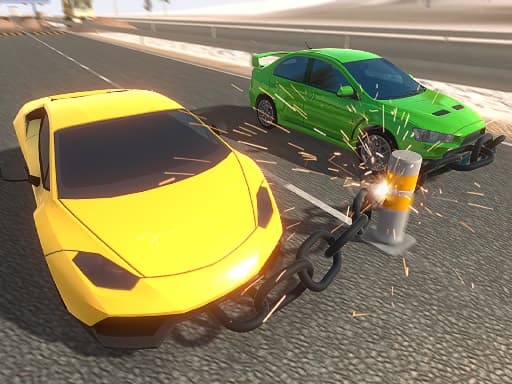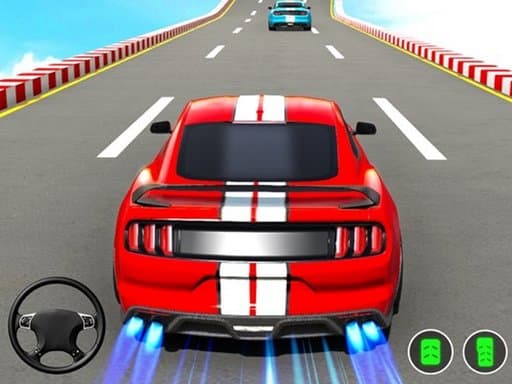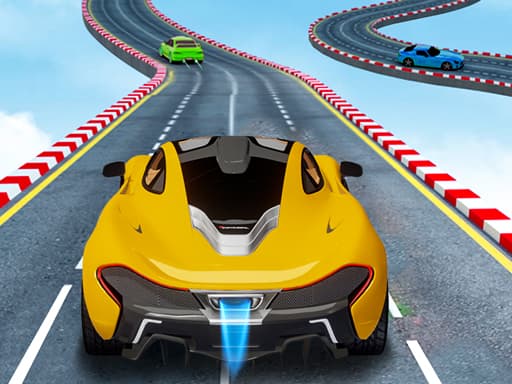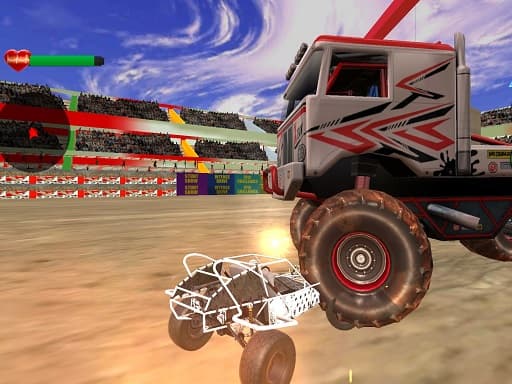



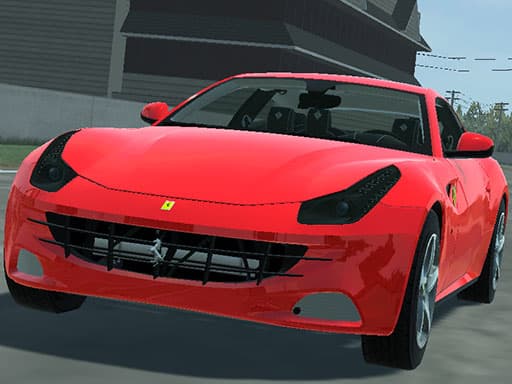
About City of Vice Driving
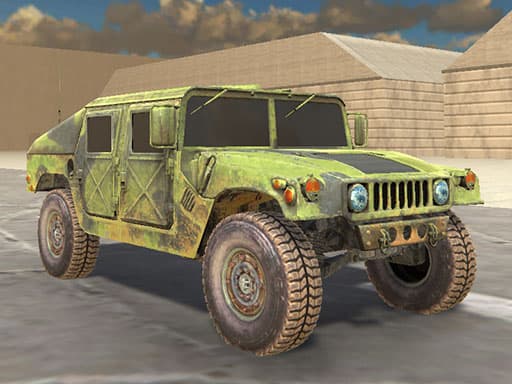
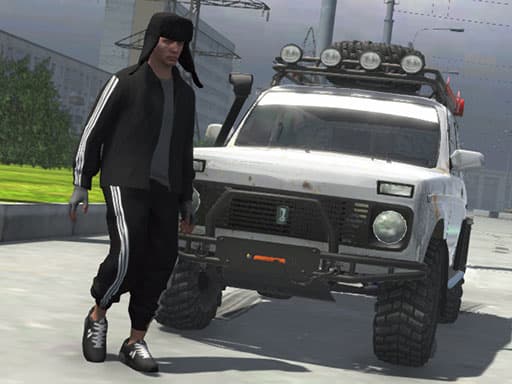
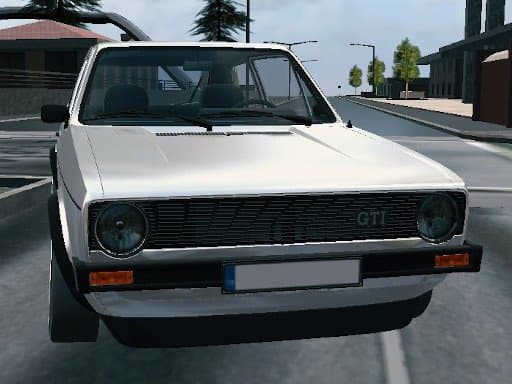
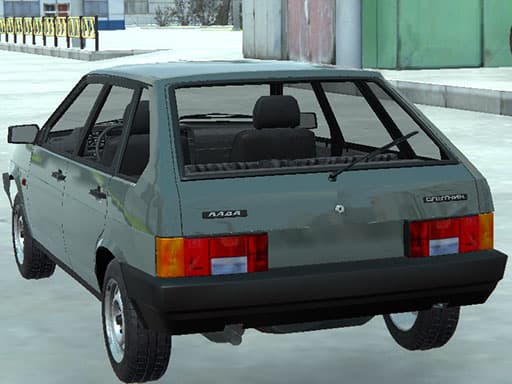
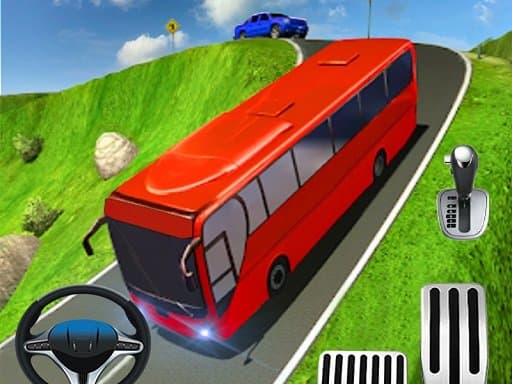
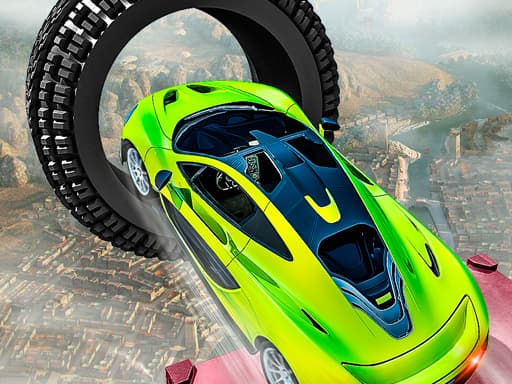
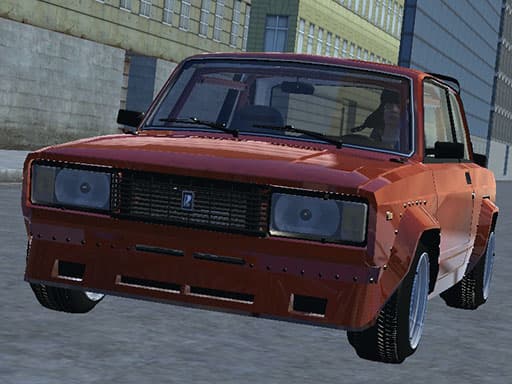
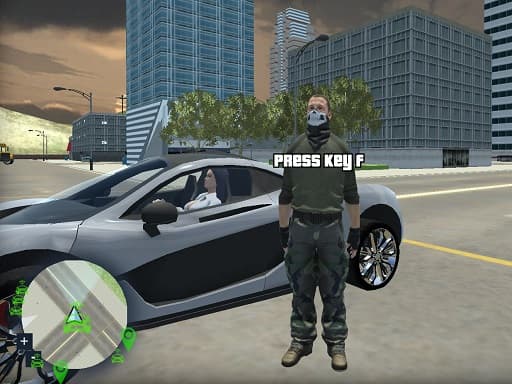
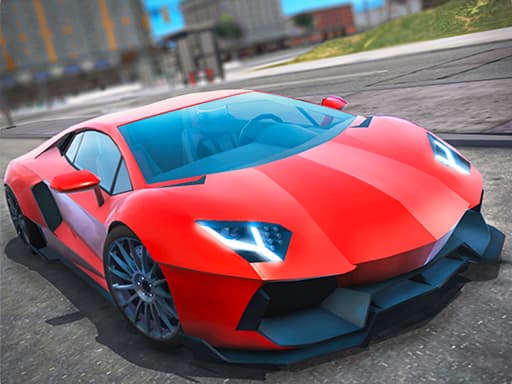
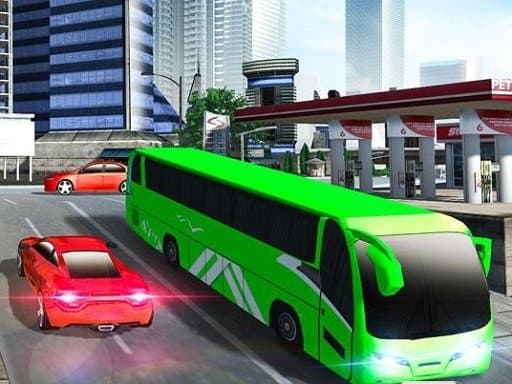
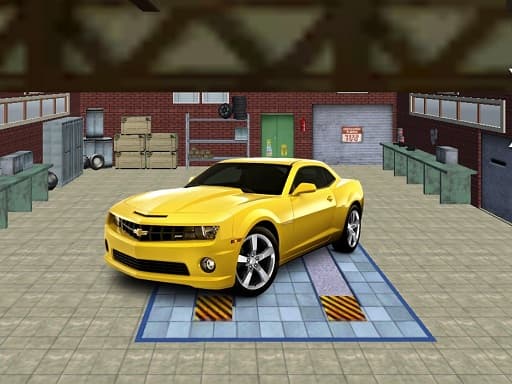
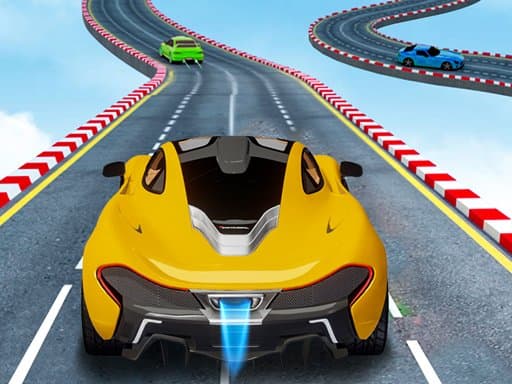
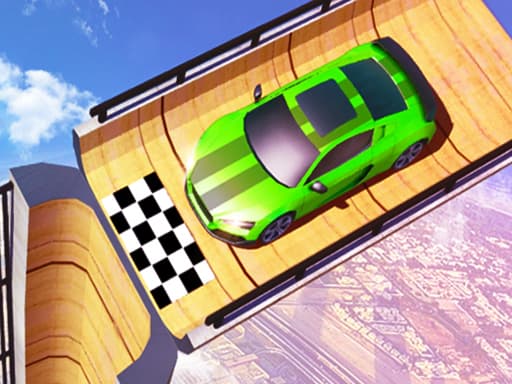
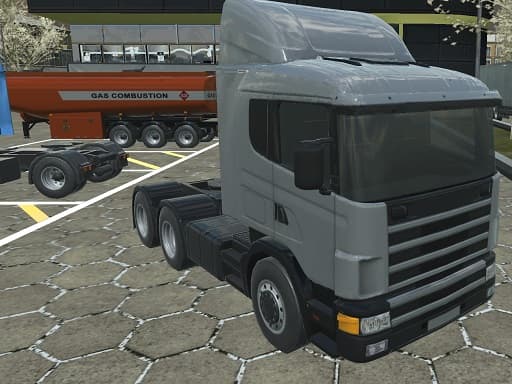
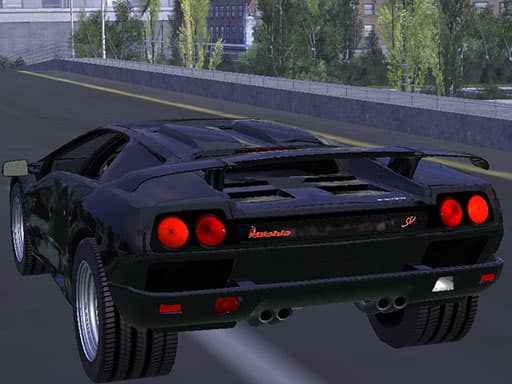
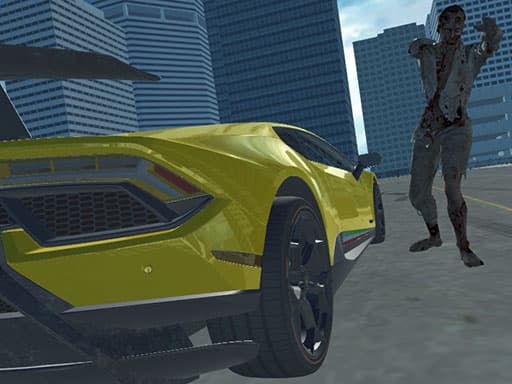
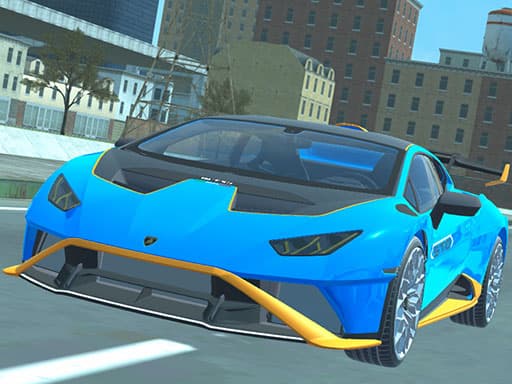
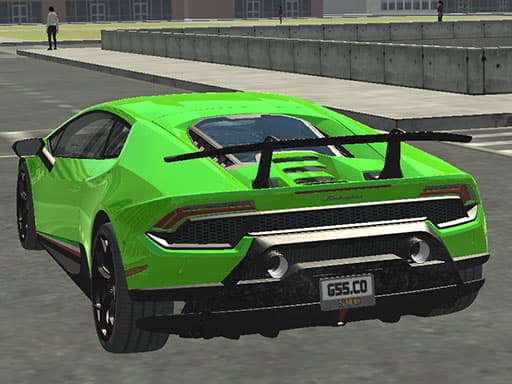
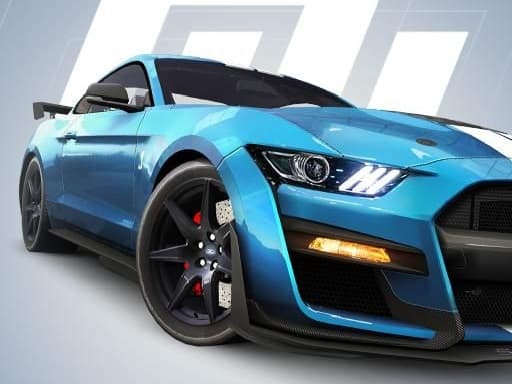
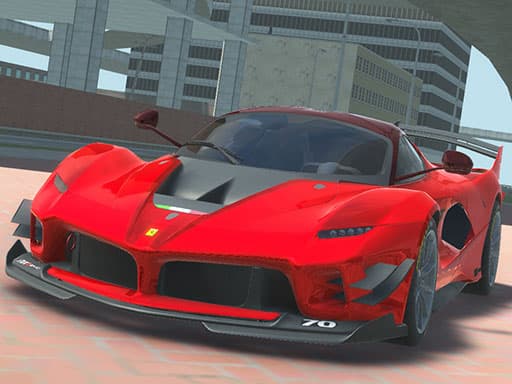
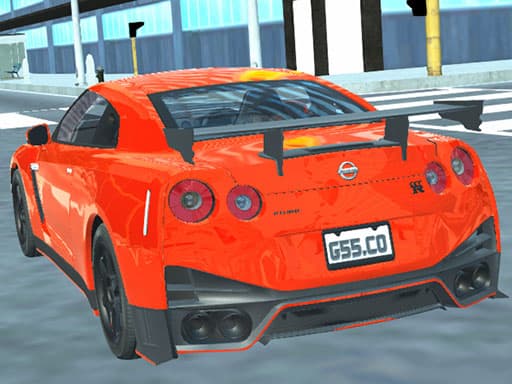
Keep the car moving through the city and see what the roads have in store. The main draw is driving a range of supercars across the streets of the city. The game has no stated missions or scores, so the fun comes from the drive itself: picking a car, finding a good line and seeing the city from different angles.
The visuals are a big part of the appeal. The next-gen graphics make the city worth a slow look, so slow down at junctions and look around. Each car handles a little differently, so spend a few minutes getting used to the one you pick before you push it hard.
How to play
Pick a supercar and drive it across the city roads. Use the keys to steer and accelerate, and tap the brake when you need to slow for a turn or a traffic-heavy stretch. Switch the camera whenever you want a closer view of the car or a wider look at the streets. There is no stated goal, so simply drive and explore.
Controls
- WASD
- drive the car
- Space
- brake
- C
- change camera
Tips
- Practise braking before corners so you can take them smoothly.
- Switch cameras often to find the view that suits your driving style.
- Try each supercar to notice how acceleration and grip feel different.
- Take the quieter roads first to get a feel for the car before going faster.
City of Vice Driving: questions and answers
How do I steer the supercar?
Use the W, A, S and D keys to drive. W accelerates and A and D steer, while S reverses or slows you down.
What does the Space bar do in City of Vice?
Space is the brake. Tap it to slow down before a corner or to stop when you need to.
Can I change how I see the car?
Yes. Press C to change the camera and pick the view that feels best while you drive.
City of Vice Driving is a free online game playable in your browser on Poki.game. It works on desktop computers, tablets and mobile phones, with no download or registration needed.