

About Grand City Driving 2
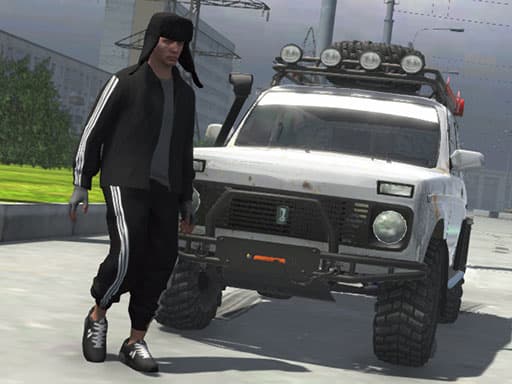
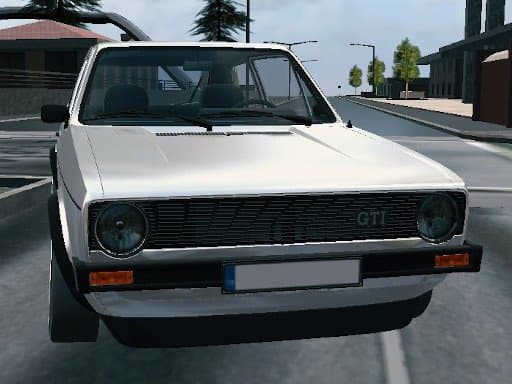
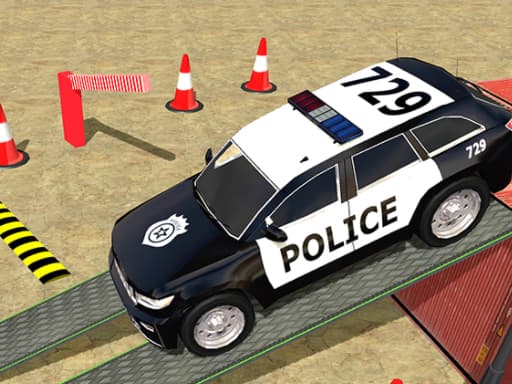
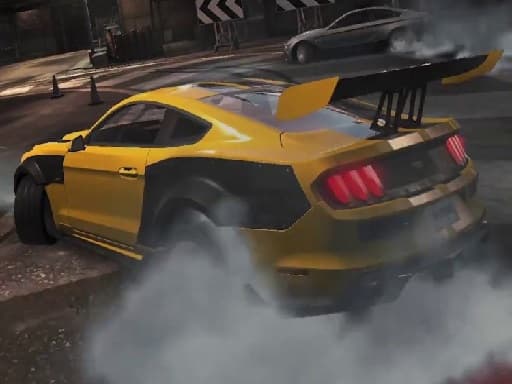
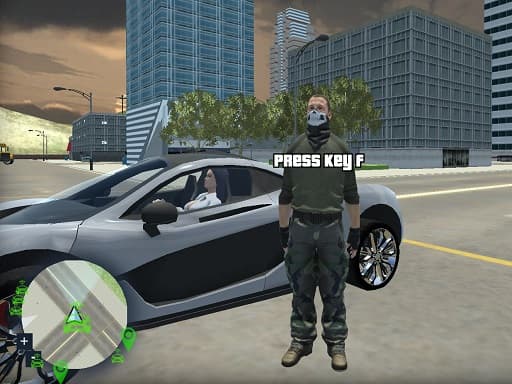
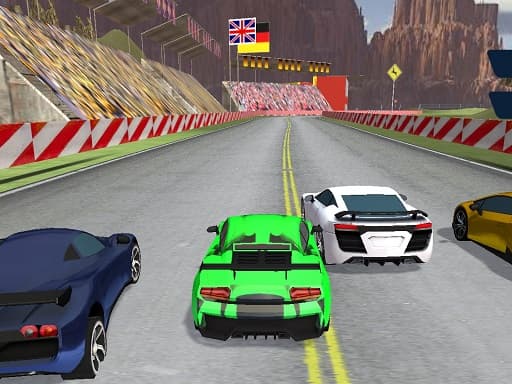
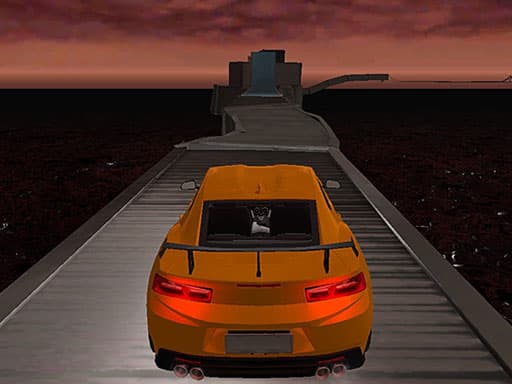
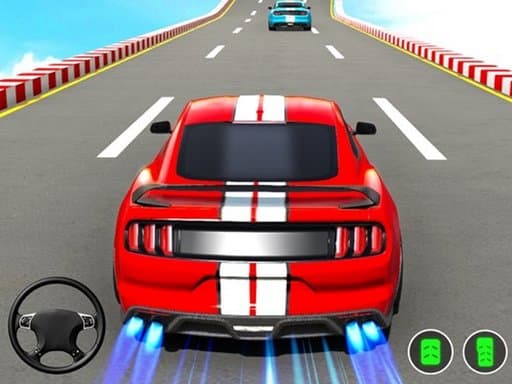
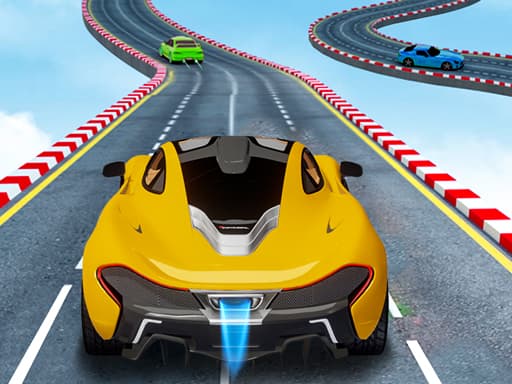
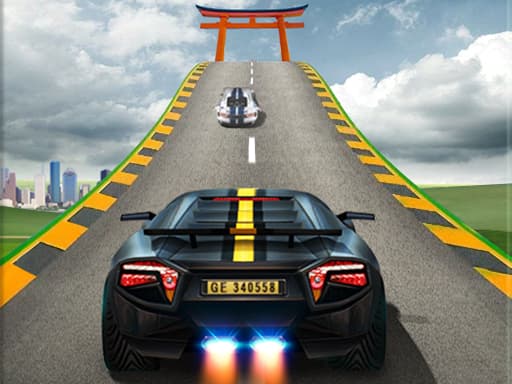
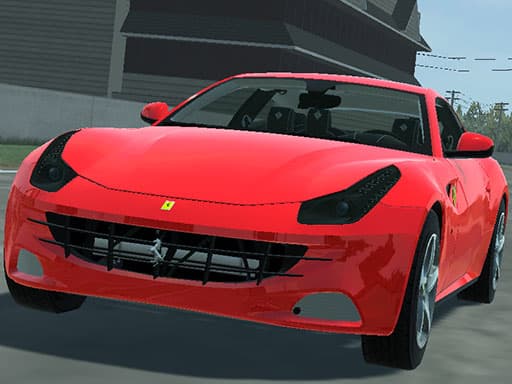
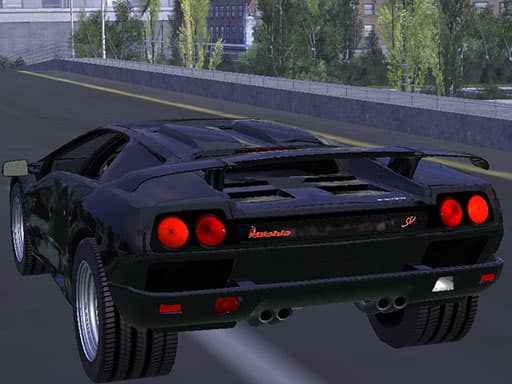
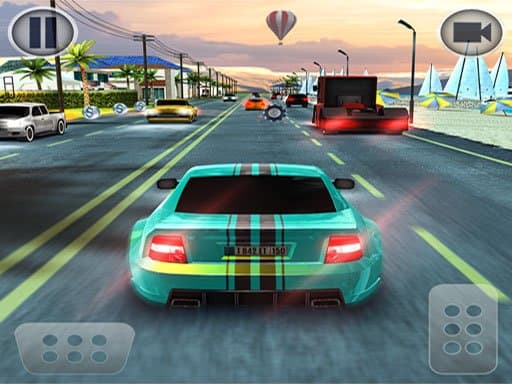
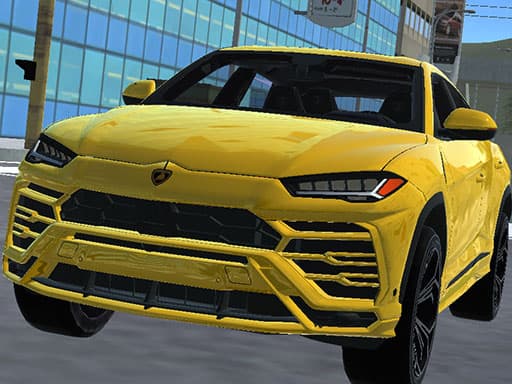
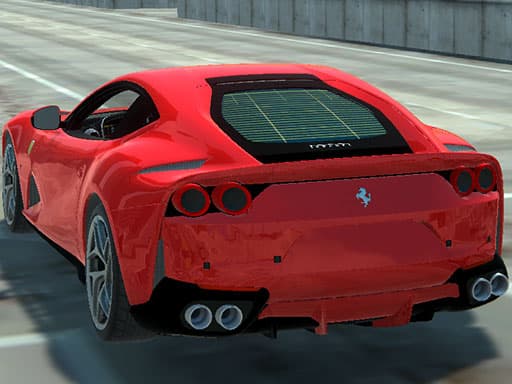
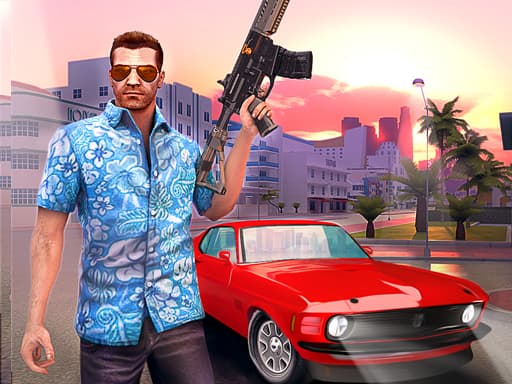
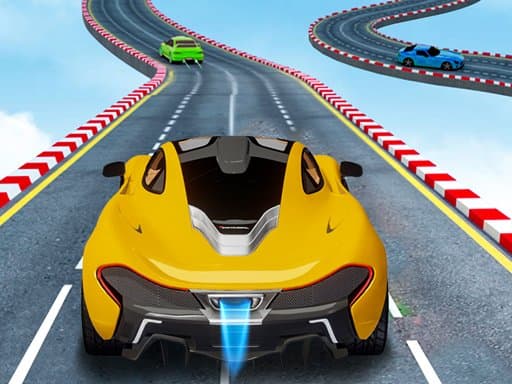
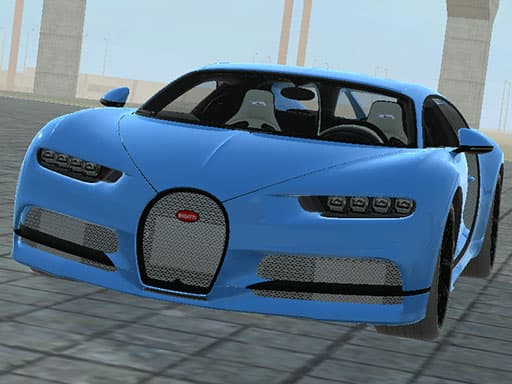
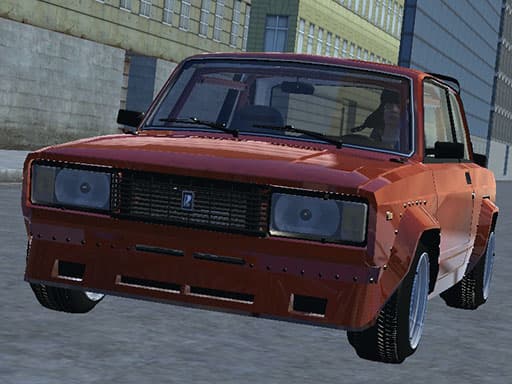
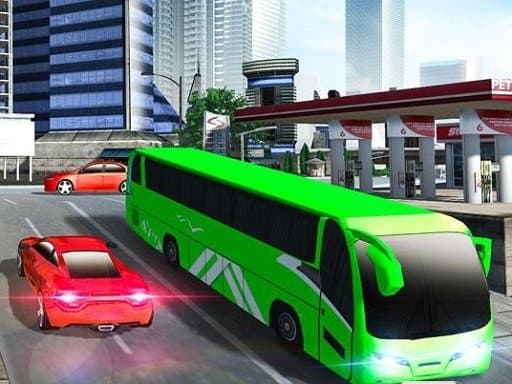
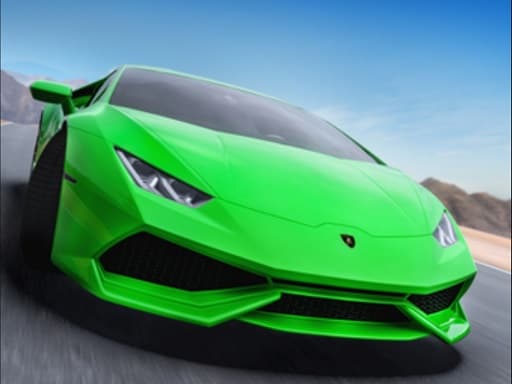
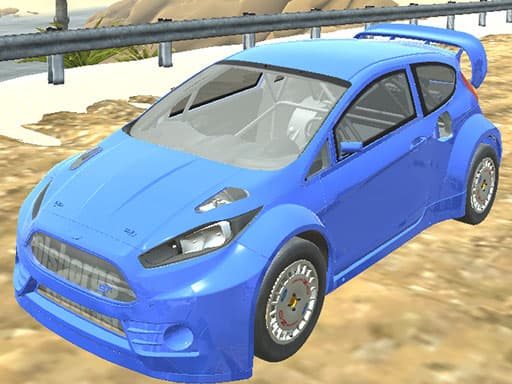
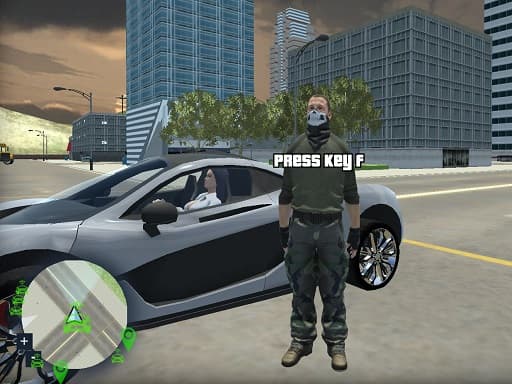
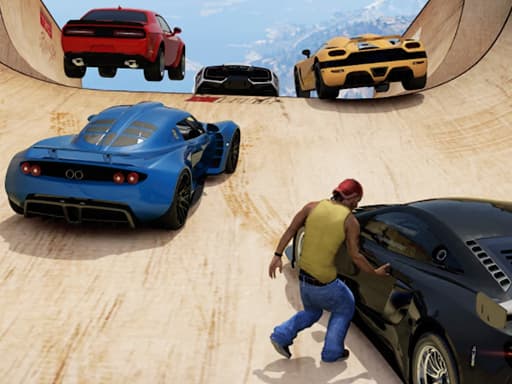
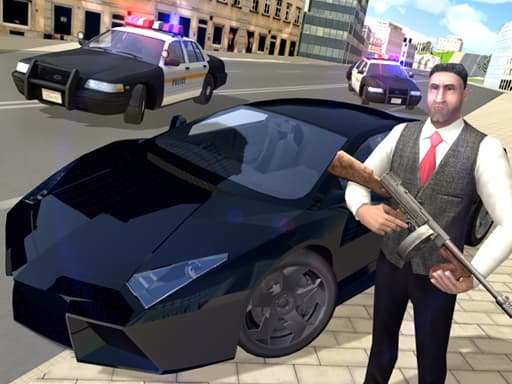
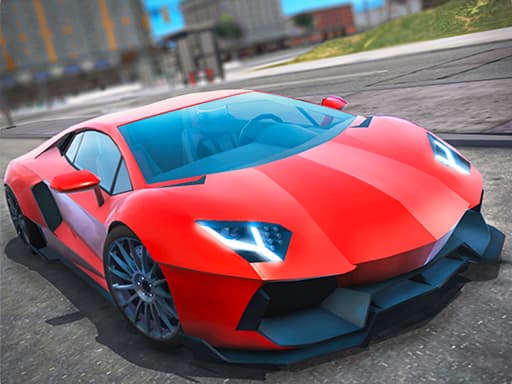
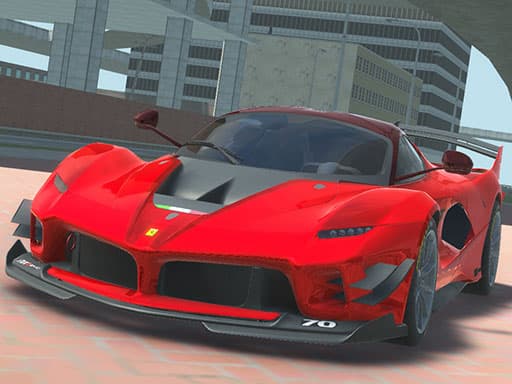
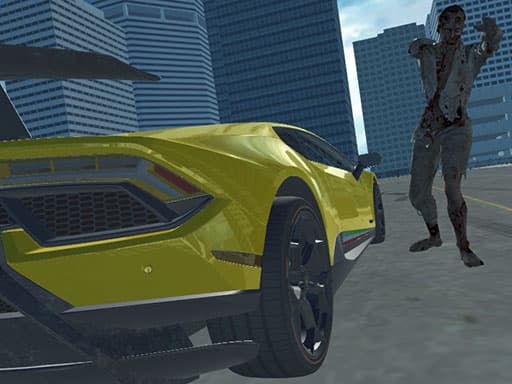
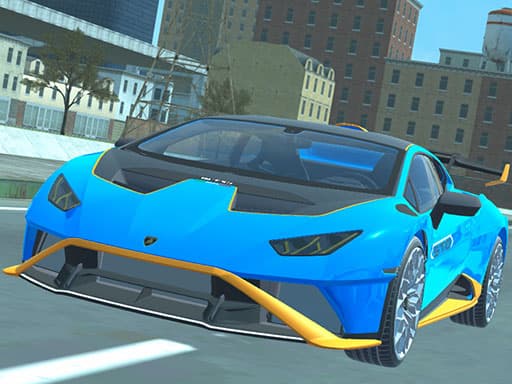
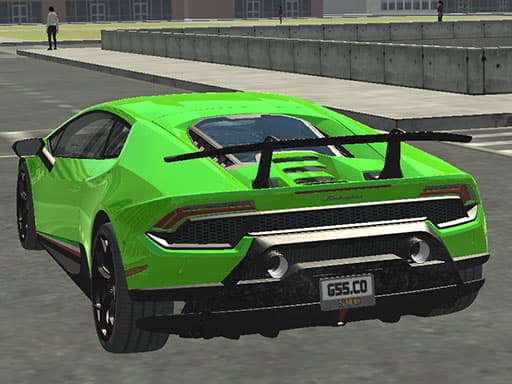
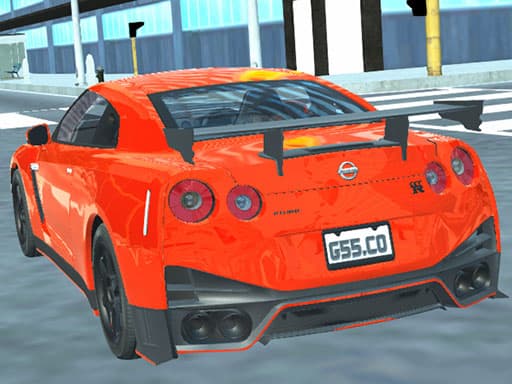
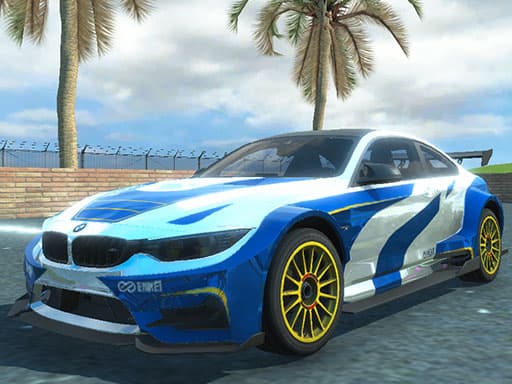
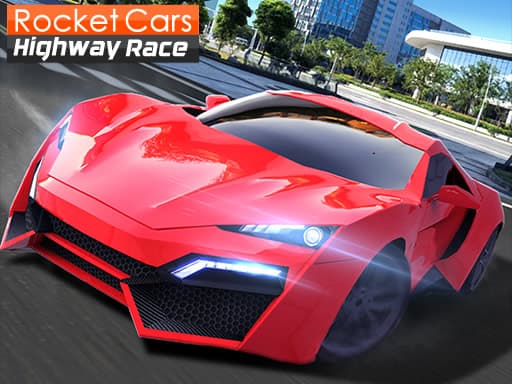
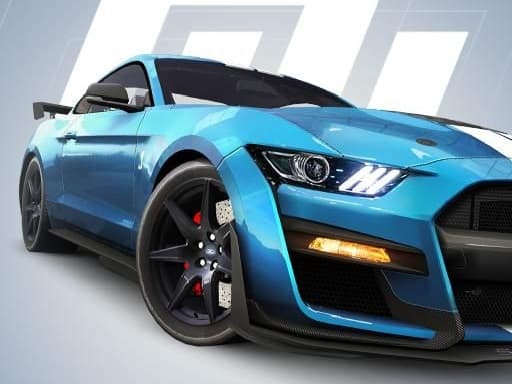
You control a supercar and drive it through a large city. The game gives you plenty of detailed cars to choose from, so each drive can feel a little different.
The city is busy, with many pedestrians on the streets. You can explore every corner of it and smash the people you pass, so the streets are yours to roam. Keep an eye on the crowds as you go, since they are everywhere around you.
The setting is a big open city with lots of detail to take in. Driving through it at your own pace is the heart of the game.
How to play
Drive your supercar around the grand city and explore its streets. Pedestrians fill the roads, and you can smash them as you pass. Use the brake when you need to slow down or turn sharply. Switch the camera to see the road ahead or the car from a different angle.
Controls
- W A S D
- drive and steer
- Space
- brake
- C
- change camera
Tips
- Try a few different supercars to find the handling you enjoy most.
- Use the brake before tight turns so you keep control of the car.
- Switch the camera now and then to see more of the city around you.
- Take a slow lap through the streets first to learn the layout.
Grand City Driving 2: questions and answers
What do I do with the pedestrians in the city?
You can smash the people you meet on the road. They fill the streets, so they are easy to find as you drive.
How do I stop the supercar quickly?
Press Space to brake. Braking early helps you slow down before corners and busy streets.
Can I change how I see the city while driving?
Yes. Press C to change the camera view, which lets you look at the road or the car from another angle.
Grand City Driving 2 is a free online game playable in your browser on Poki.game. It works on desktop computers, tablets and mobile phones, with no download or registration needed.