


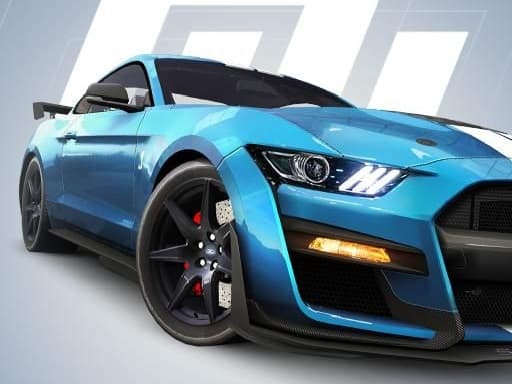
About EVO City Driving
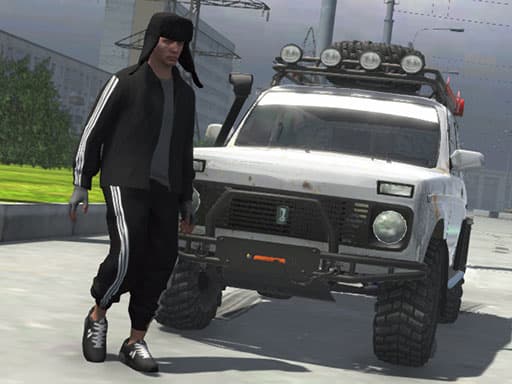
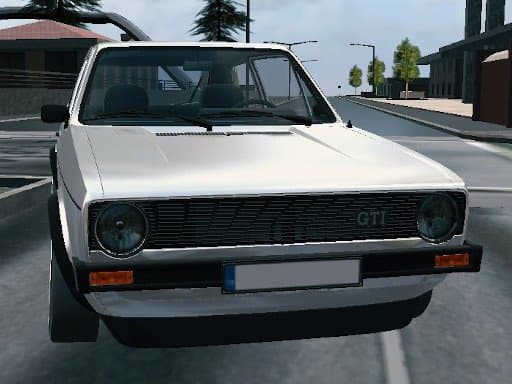
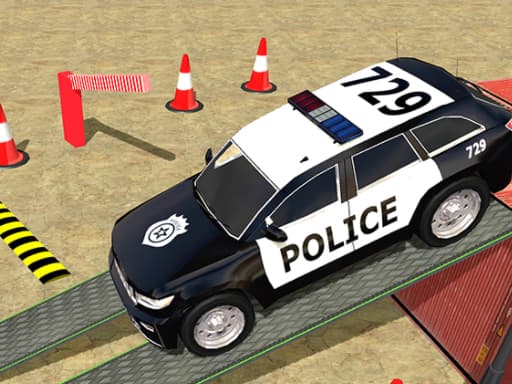
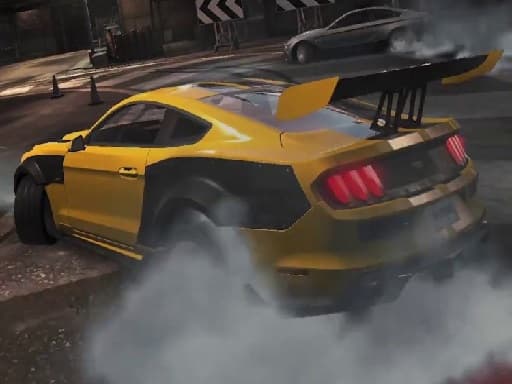
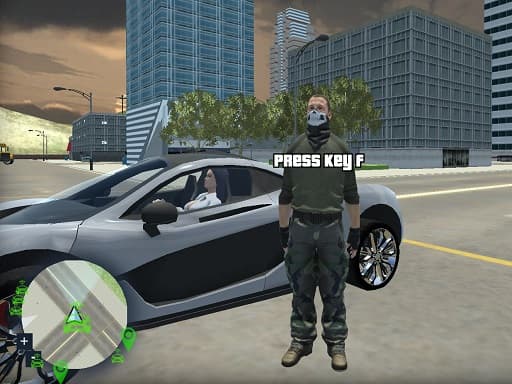
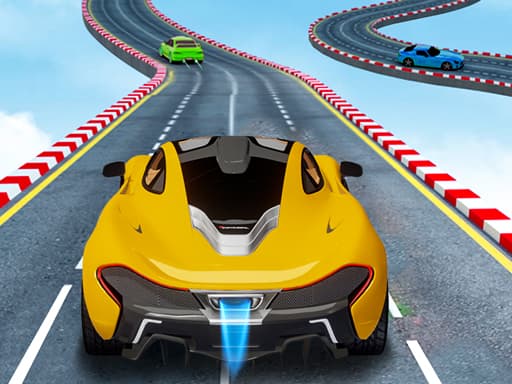
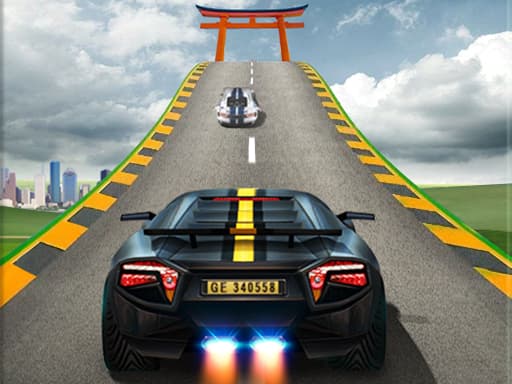
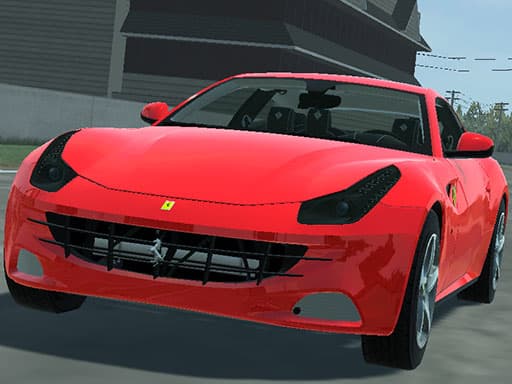
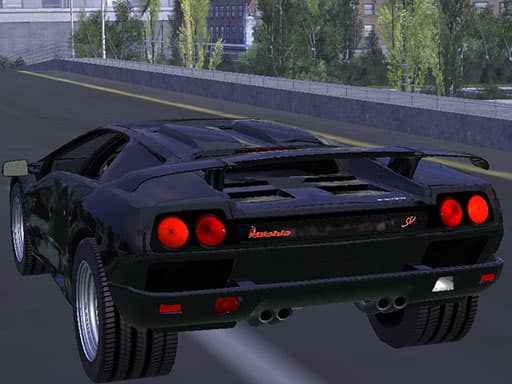
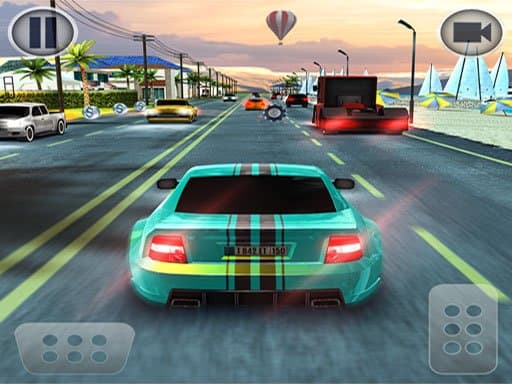
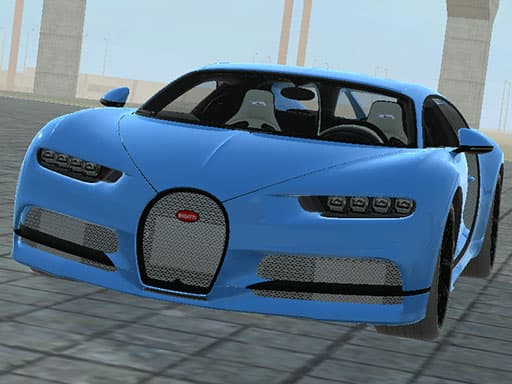
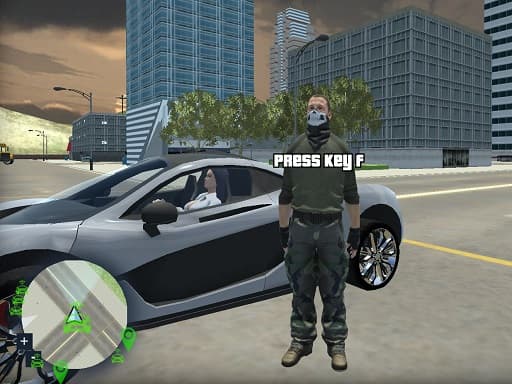
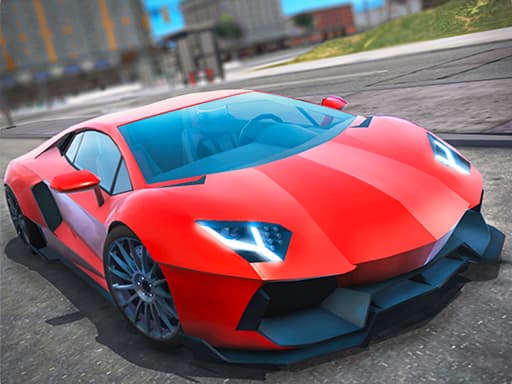
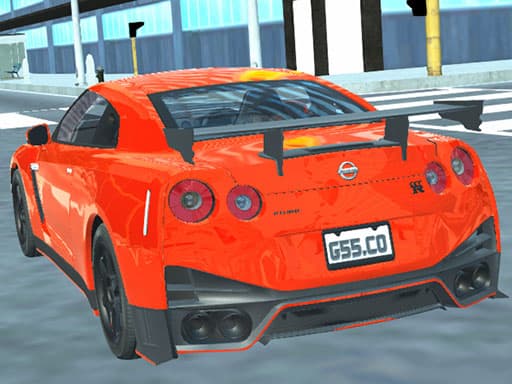
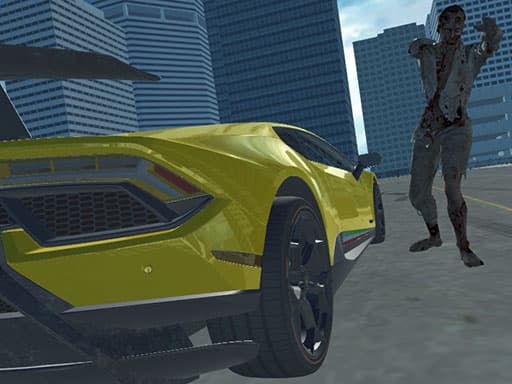
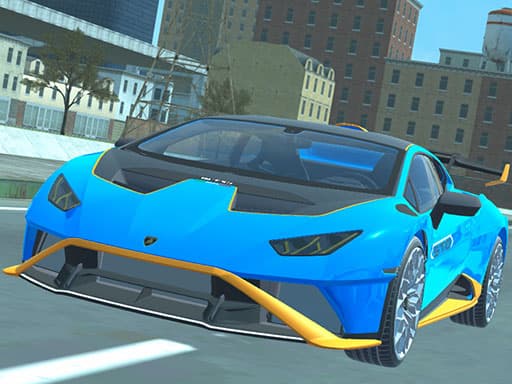
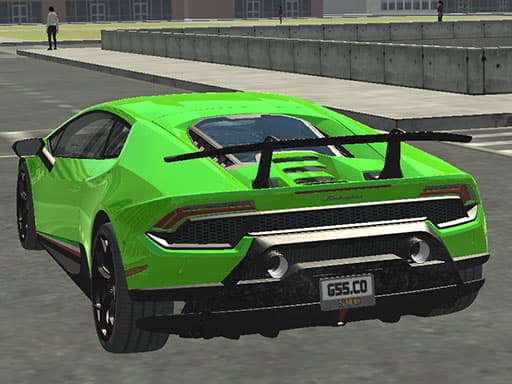
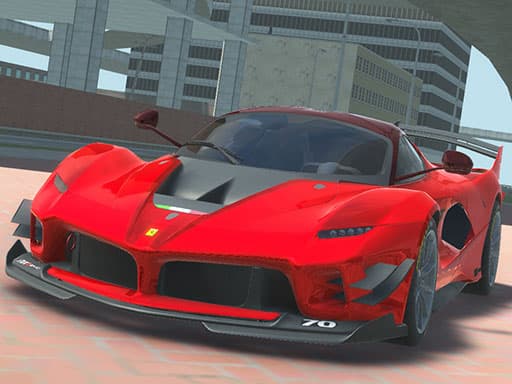
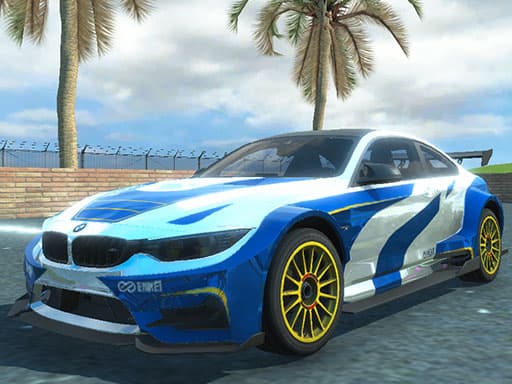
EVO City Driving is set in a town called EVO City, where you can drive a variety of supercars along its streets. The city is the main setting, and exploring it is a big part of the fun.
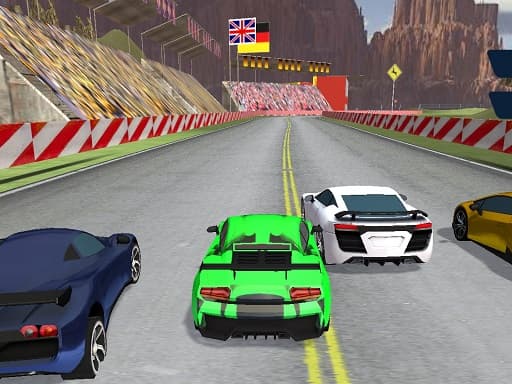
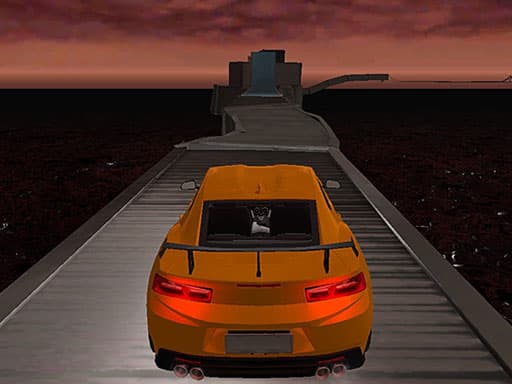
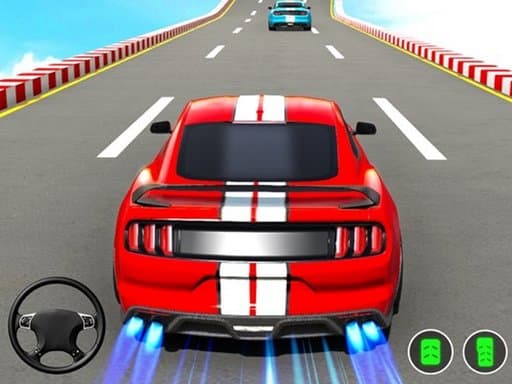
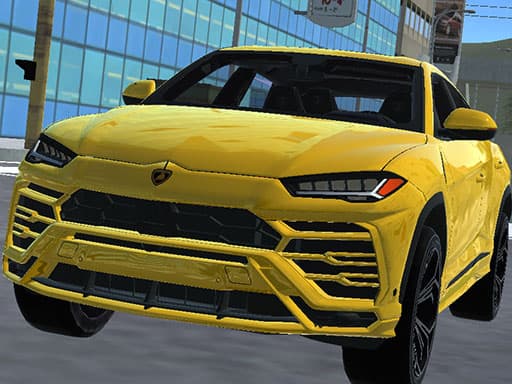
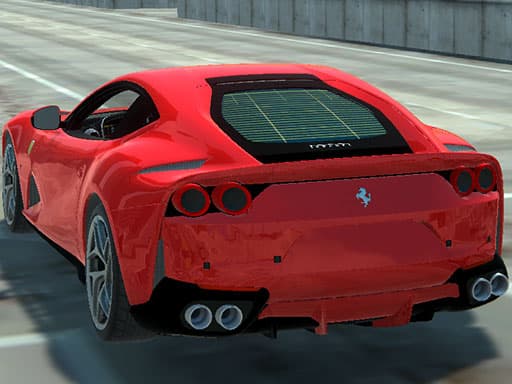
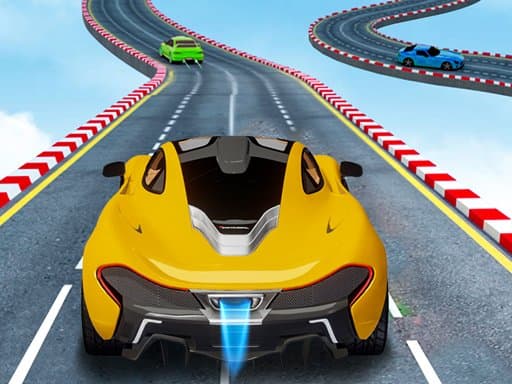
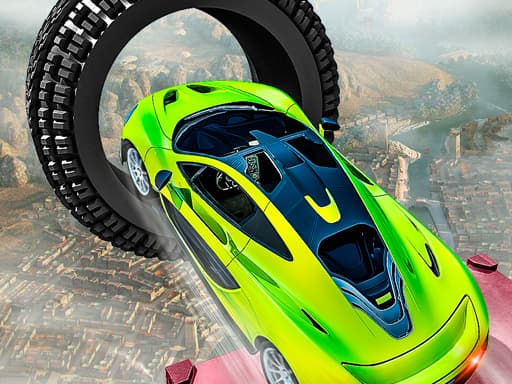
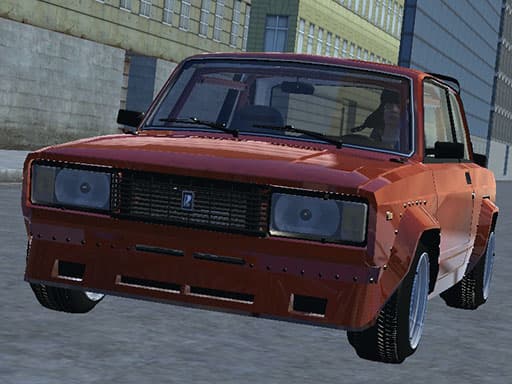
The game offers realistic graphics and a wide choice of supercars. You drive as fast as you can and try to explore every road in town. Taking in the streets and the cars is the point, so there is no need to rush through them.
The game is a racing and driving experience built around speed and discovery. You can drive quickly along the roads or slow down to see more of the city and the way the cars handle.
How to play
Pick a supercar and head out into EVO City. Drive as fast as you can while you learn the roads. Your goal is to explore every road in town, so try different routes and look for places you have not seen before. Use the brake when you need to slow down for a sharp turn, and switch the camera to see your car from another angle.
Controls
- WASD
- drive the car
- Space
- brake
- C
- change camera
Tips
- Try a few different supercars to see how each one feels on the road.
- Use the brake before tight corners so you keep control of your car.
- Switch the camera now and then to get a better view of the road ahead.
- Pick a new street each time you play so you slowly cover the whole town.
EVO City Driving: questions and answers
What do I need to do to finish a round in EVO City Driving?
The goal is to drive as fast as you can and explore every road in town. Aim to cover as much of the city as you can.
How do I slow down in EVO City Driving?
Press Space to brake. It helps you take corners safely and stop when you need to.
Can I change how I see my supercar while driving?
Yes. Press C to change the camera, so you can switch between views while you explore the city.
EVO City Driving is a free online game playable in your browser on Poki.game. It works on desktop computers, tablets and mobile phones, with no download or registration needed.