


About Grand City Driving
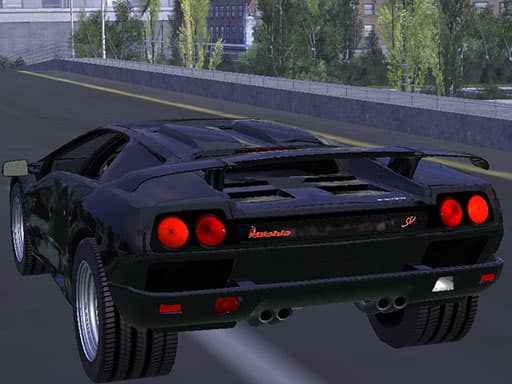
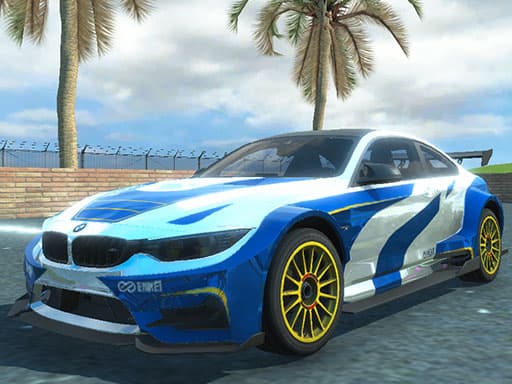
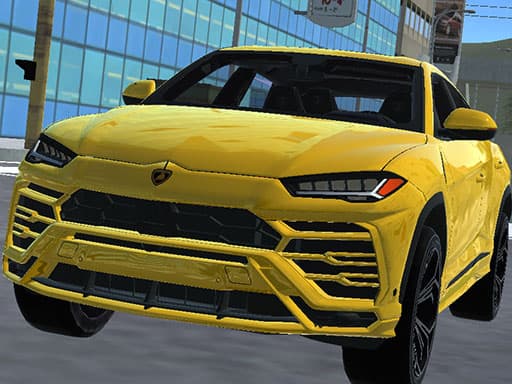
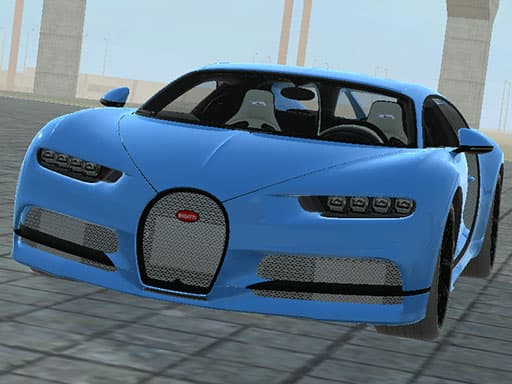
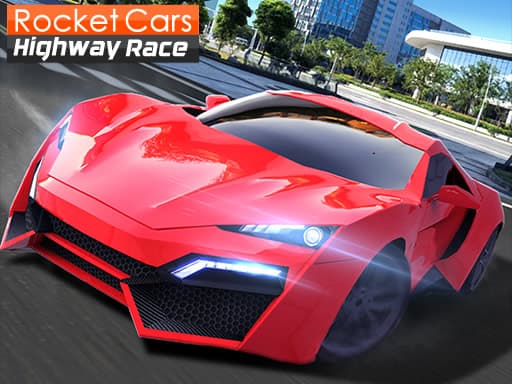
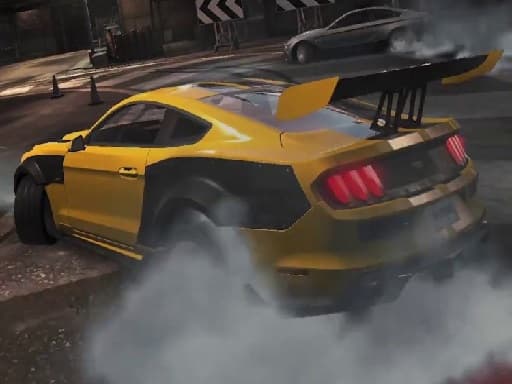
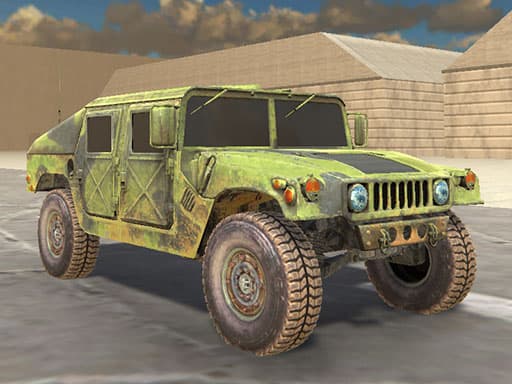
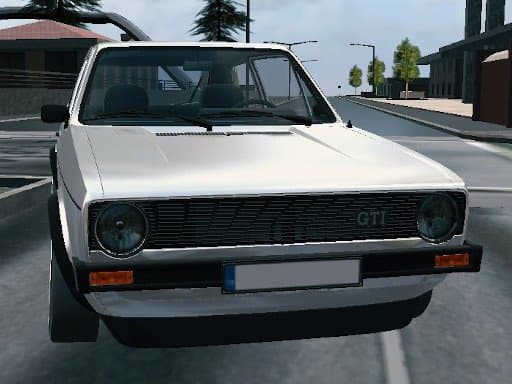
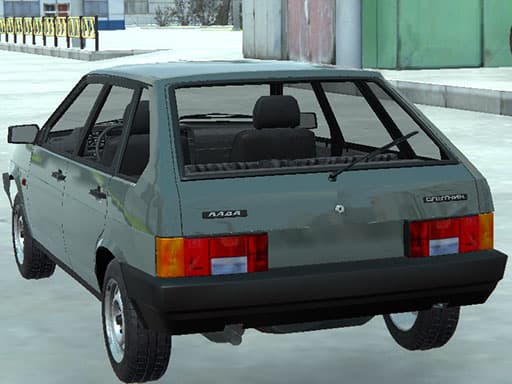
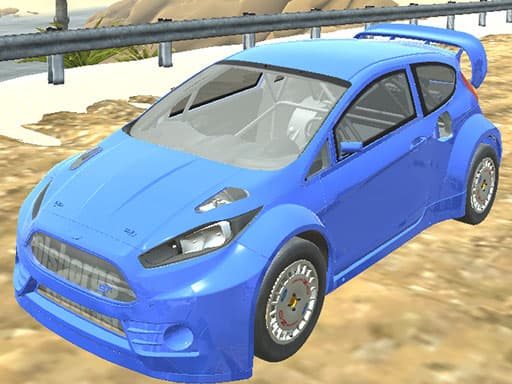
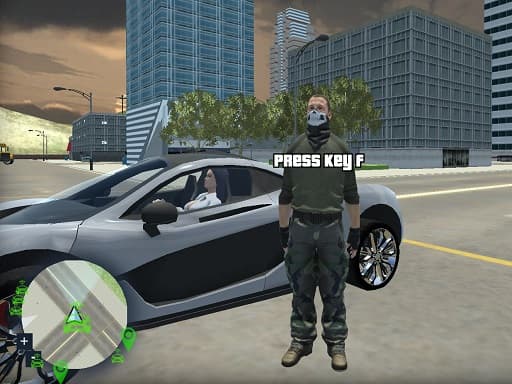
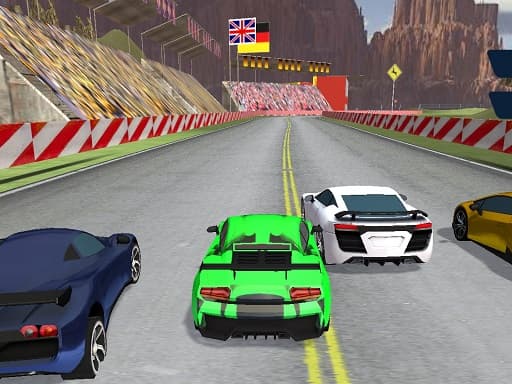
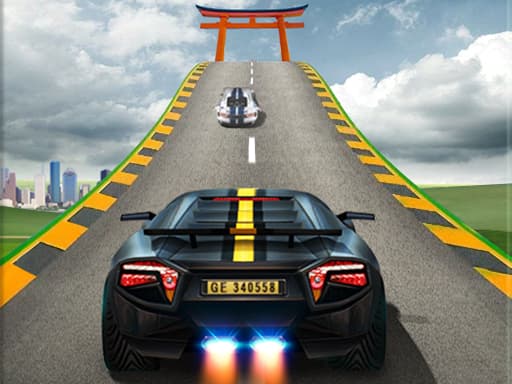
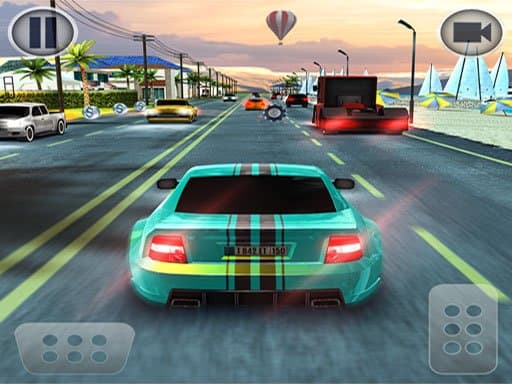
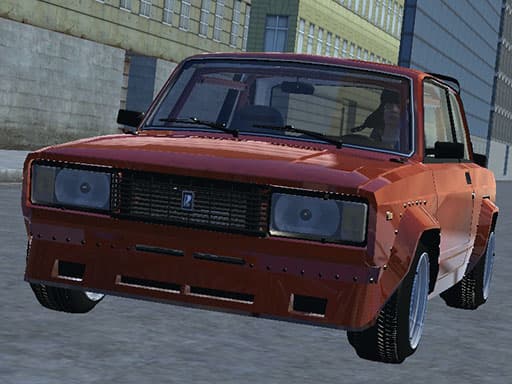
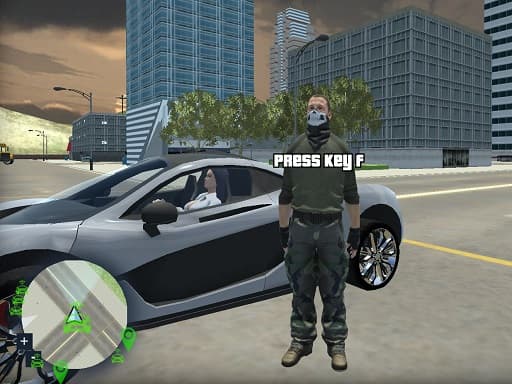
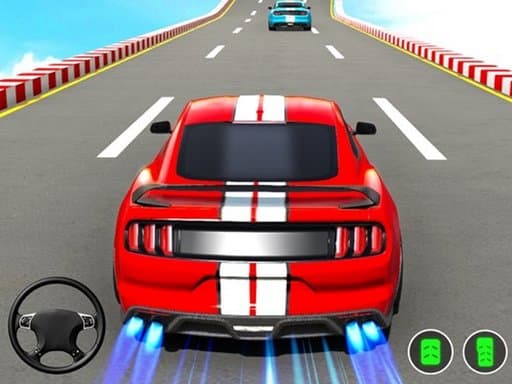
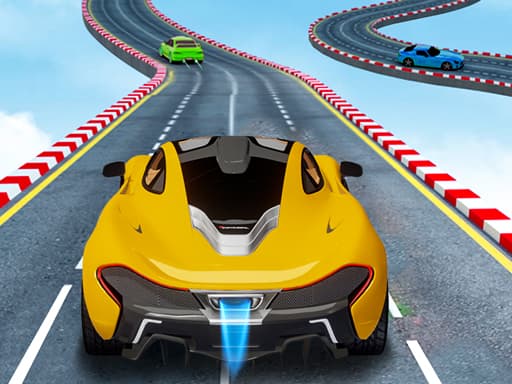
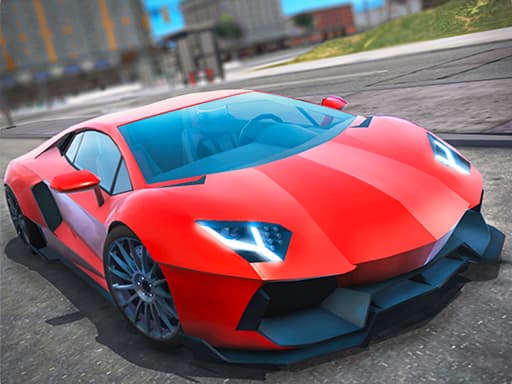
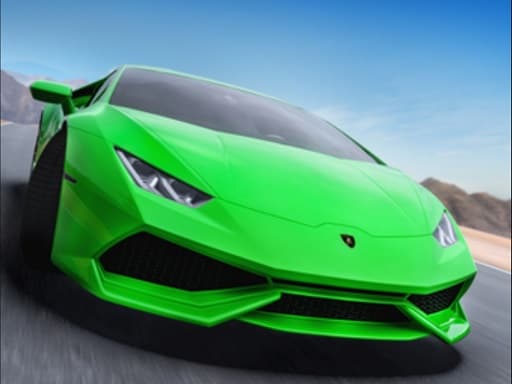
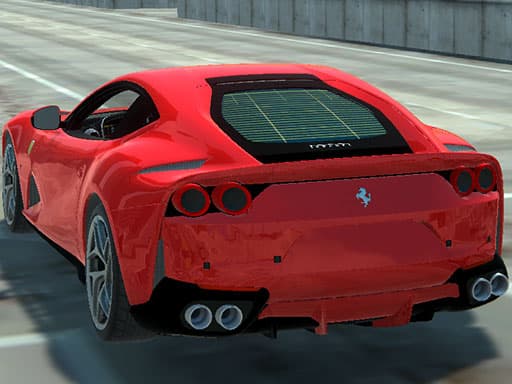
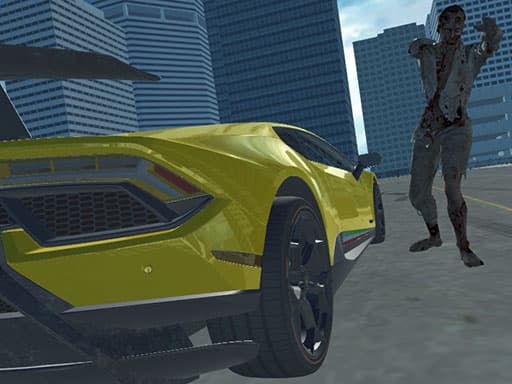
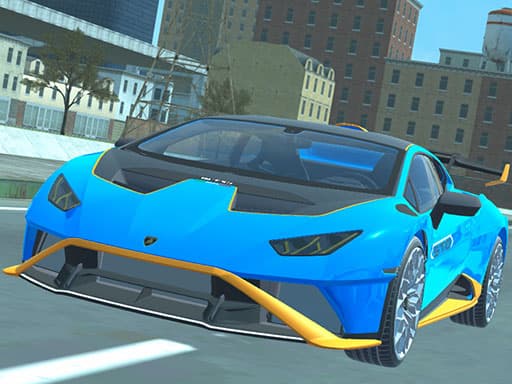
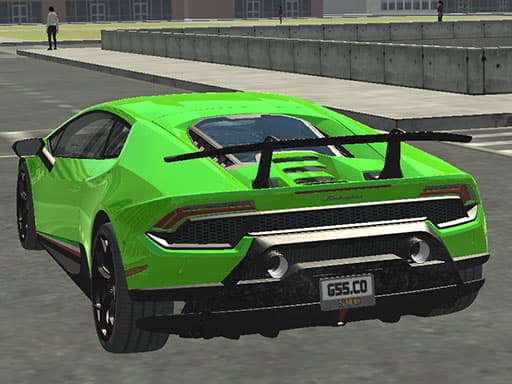
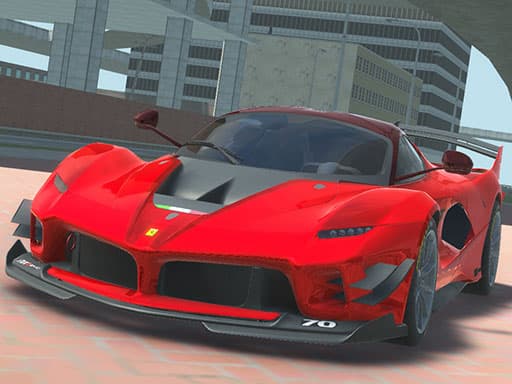
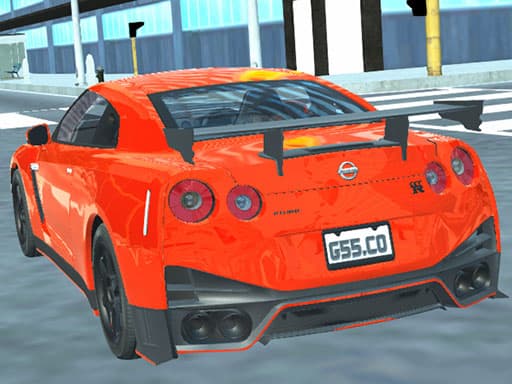
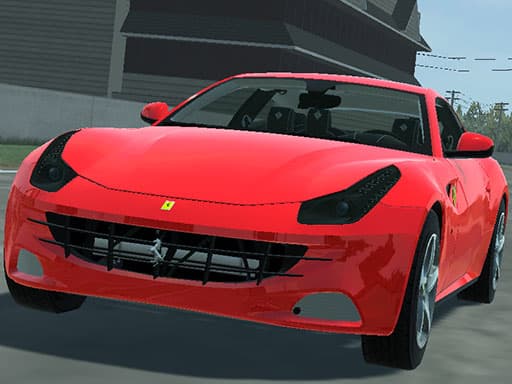
A large city sets the scene here, and you get to drive through it. You choose from several supercars and take each one out onto the open streets to test how it handles.
The city is the main attraction. Pick a car, roam the roads, and get a feel for how fast and how smooth each one feels in traffic and corners. Switching between cars lets you compare how they drive.
This is a driving simulator at heart. There is no set route or finish line in the facts, so the fun comes from exploring and taking your time with each supercar.
How to play
Pick one of the supercars and drive it around the city. Use the keys to steer, accelerate and brake, and switch the camera to see the road from another angle. Drive slowly at first to learn the handling, then speed up on straight roads. Try each car to notice how their speed and grip differ.
Controls
- W A S D
- drive and steer
- Space
- brake
- C
- change camera
Tips
- Start slowly so you learn how each supercar handles before going faster.
- Try the same stretch of road in different cars to feel how they differ.
- Switch the camera view now and then to judge distances more easily.
- Brake early before corners, since supercars can be quick to carry speed.
Grand City Driving: questions and answers
Which cars can I drive in Grand City Driving?
You can select from several different supercars at the start. Each one drives across the grand city, so you can test them one by one.
How do I brake my supercar?
Press the Space bar to brake. Use W, A, S and D to drive and steer while you slow down.
Can I change how I see the road while driving?
Yes, press the C key to change the camera. Try different views to see more of the road ahead.
Grand City Driving is a free online game playable in your browser on Poki.game. It works on desktop computers, tablets and mobile phones, with no download or registration needed.