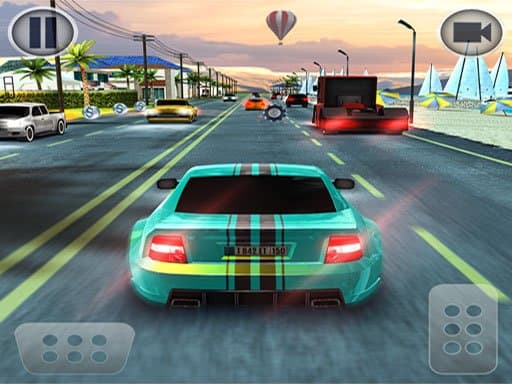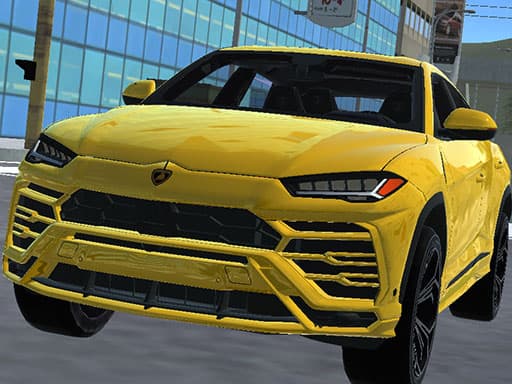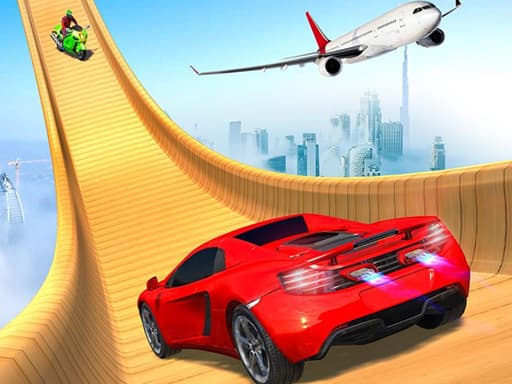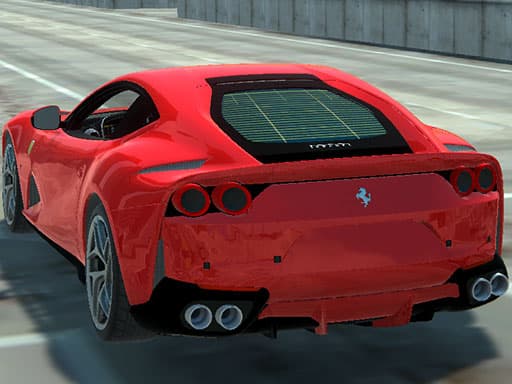
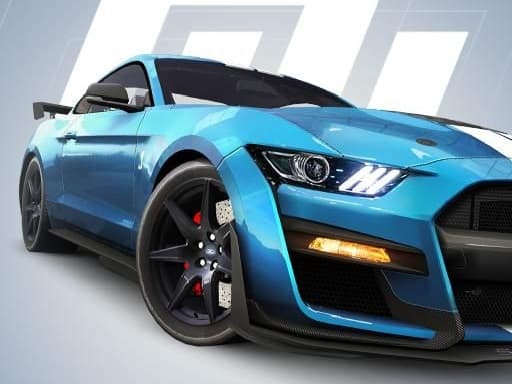
About Real City Driving 2
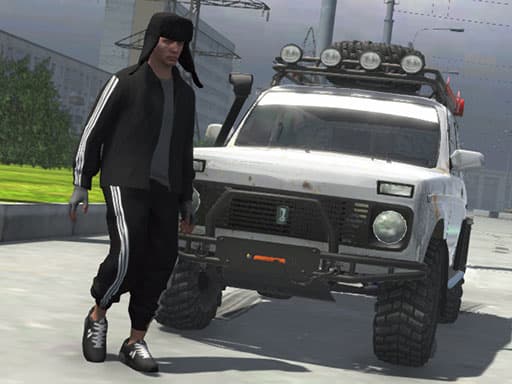
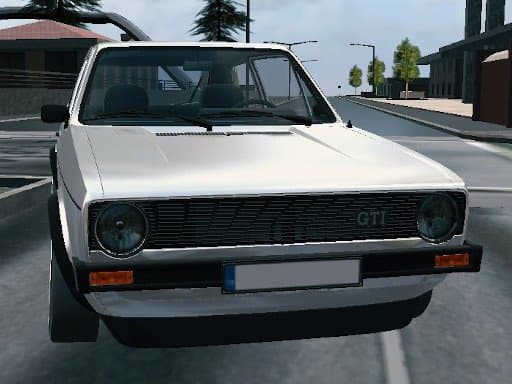
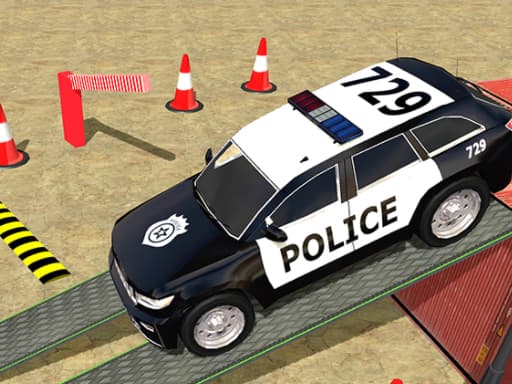
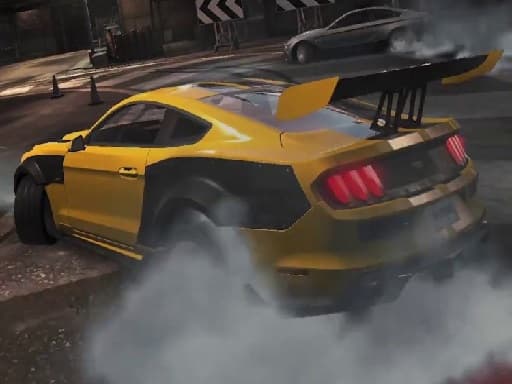
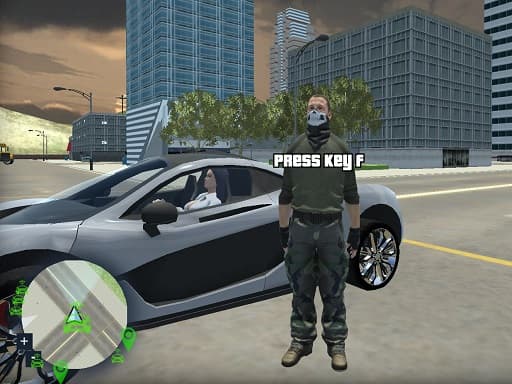
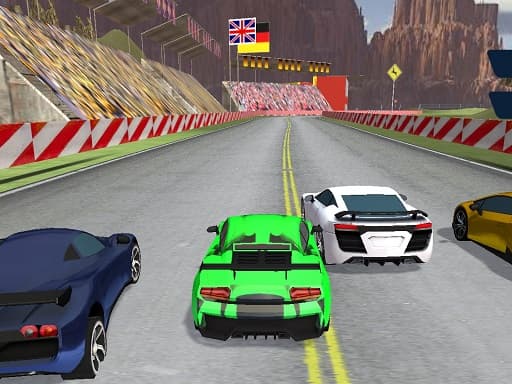
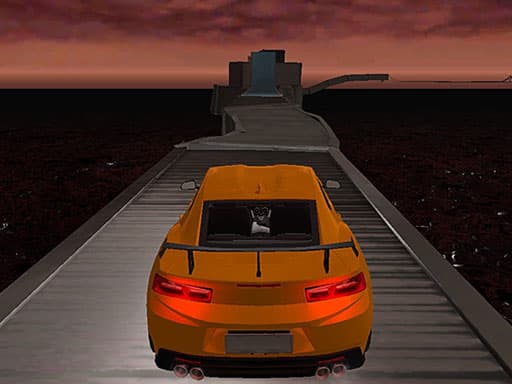
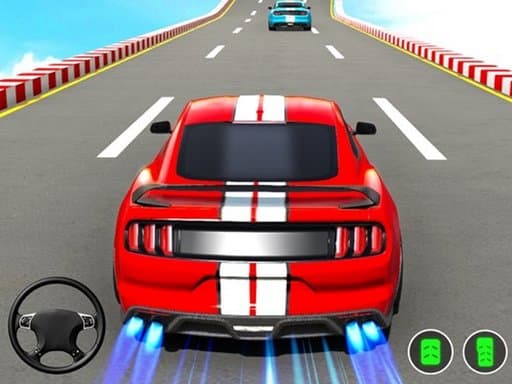
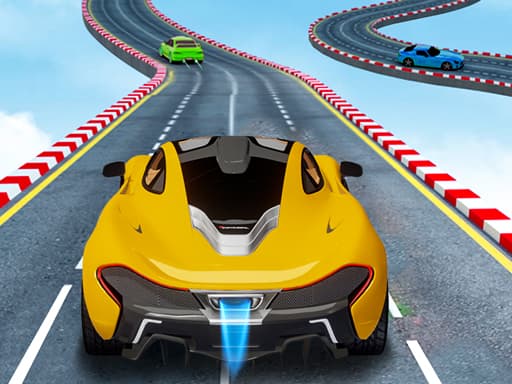
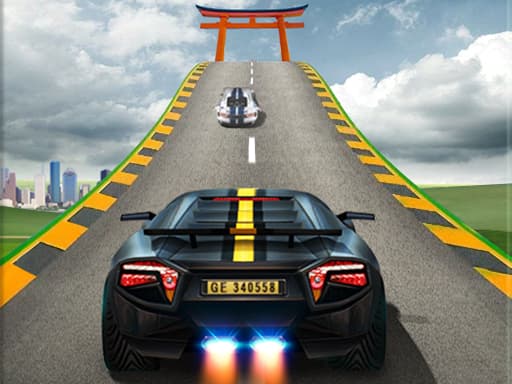
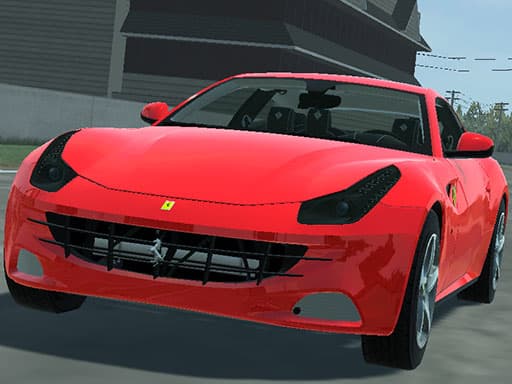
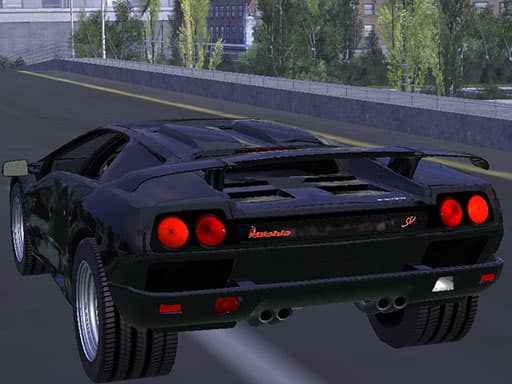
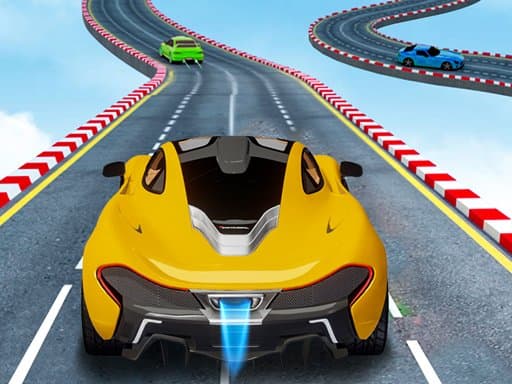
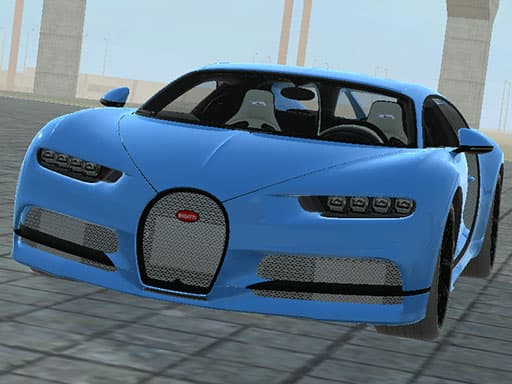
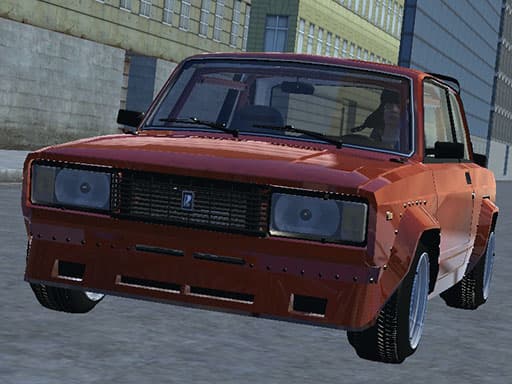
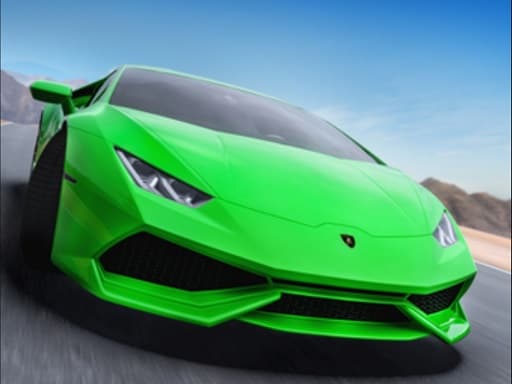
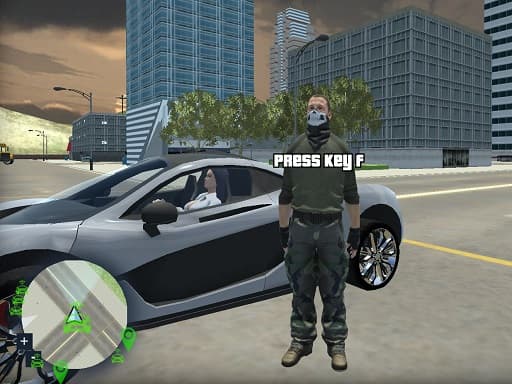
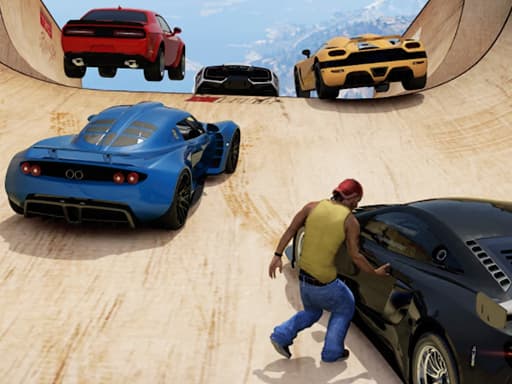
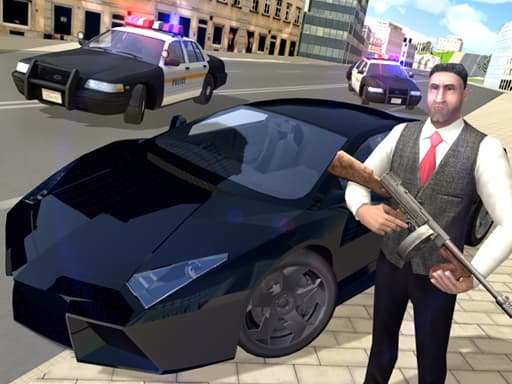
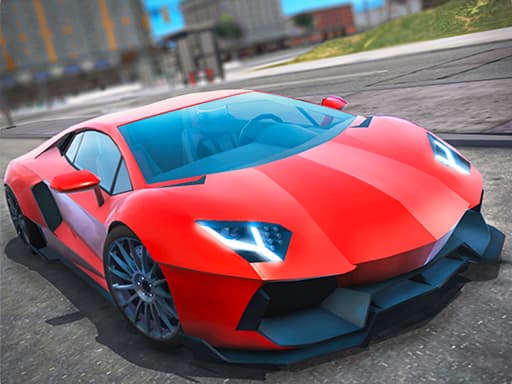
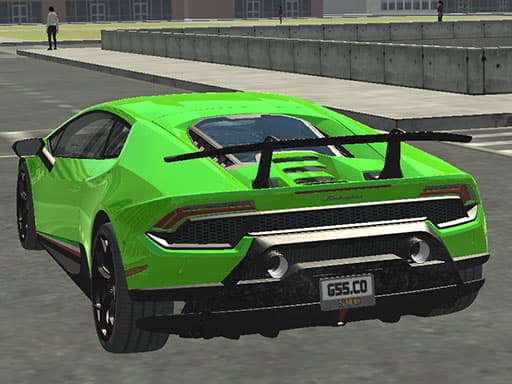
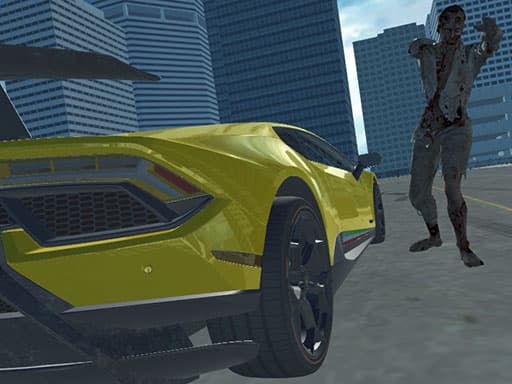
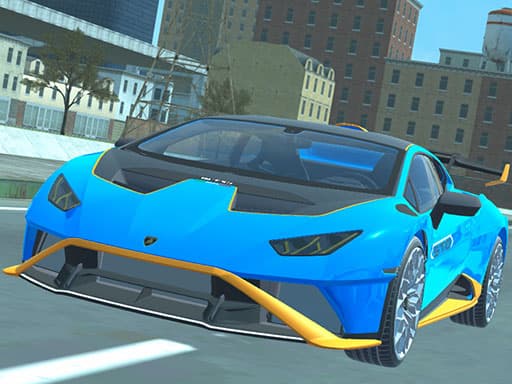
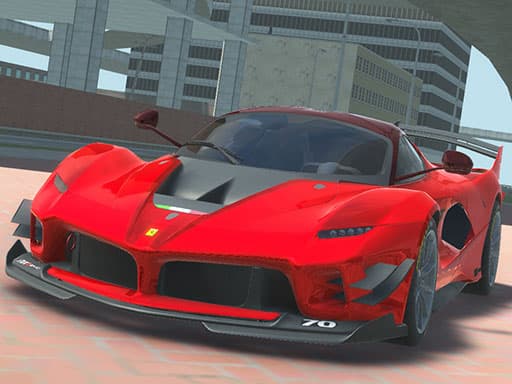
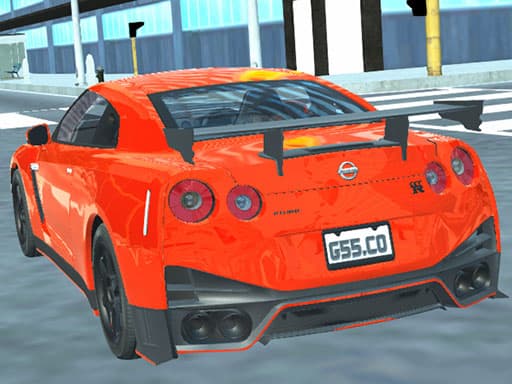
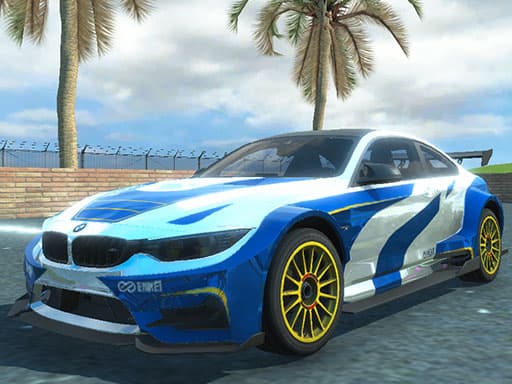
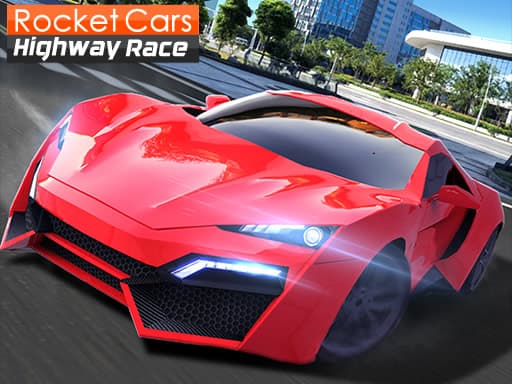
Real City Driving 2 is a racing game where you pick a supercar and drive it through a city. The reward is the thrill of going as fast as you can across open streets. Each run you try to beat your own speed and get further across the map.
You choose from several supercars, and each one gives you a different way to drive. The city is big and open, so you can explore routes, take corners at speed and find your own favourite line. The game is a 3D driving simulation with a calm, steady pace.
How to play
Pick a supercar and start driving across the city. Hold your speed through the open roads and take each corner carefully. Use the brakes when traffic or a sharp bend comes up. Switch camera views to see the road ahead or get a feel for how the car handles. Keep going as far as you can while staying in control.
Controls
- W A S D
- drive and steer
- Space
- brake
- C
- change camera
Tips
- Try a few different supercars to find the one that feels best to you.
- Brake before a sharp corner, not during it, to keep your line tight.
- Switch camera views now and then to judge distance and speed better.
- Take a few easy laps first to learn how each car handles on the road.
Real City Driving 2: questions and answers
What do I do with the supercar in Real City Driving 2?
You pick a supercar and drive it as fast as you can across the city. Steer with the keys, use the brake when you need to slow, and try to cover more ground each run.
How do I brake in Real City Driving 2?
Press Space to brake. Brake before a corner so you can steer through it without losing control of the car.
Can I change the camera in Real City Driving 2?
Yes. Press C to switch between camera views, so you can pick the angle that helps you see the road best.
Real City Driving 2 is a free online game playable in your browser on Poki.game. It works on desktop computers, tablets and mobile phones, with no download or registration needed.