

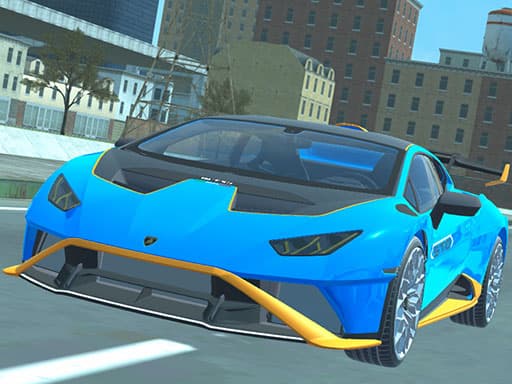
About 3D Cars
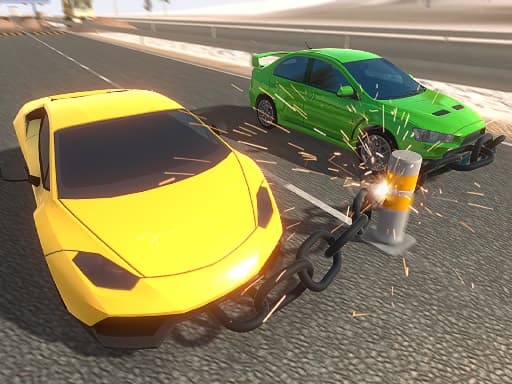
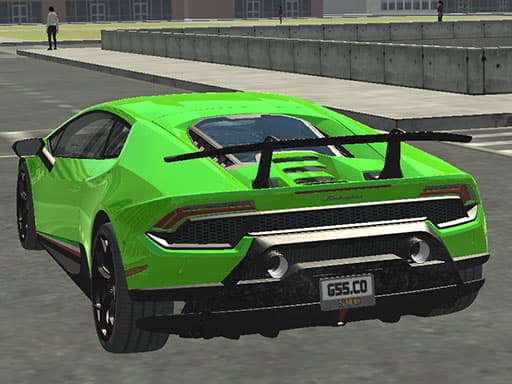
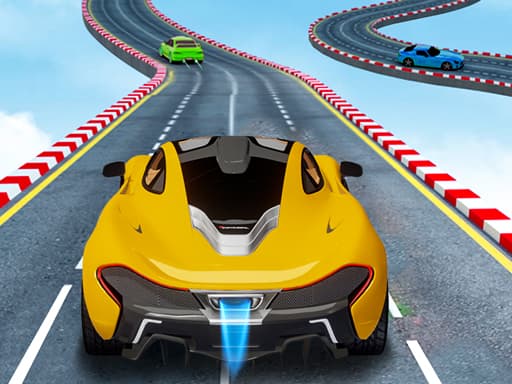
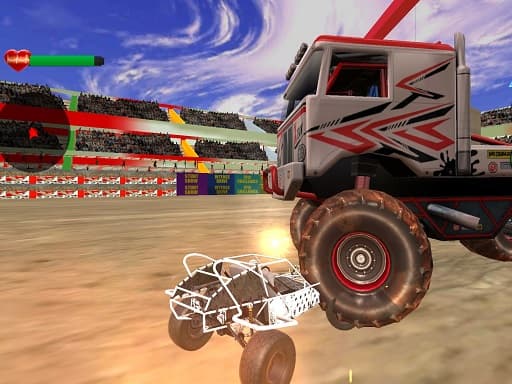
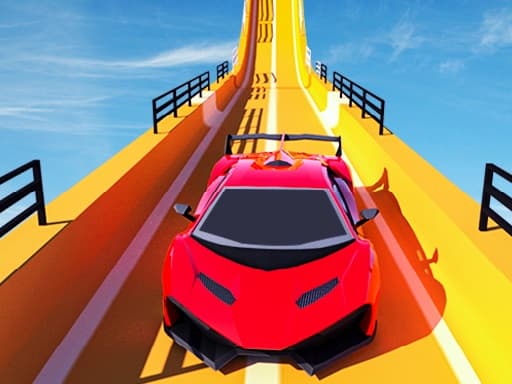
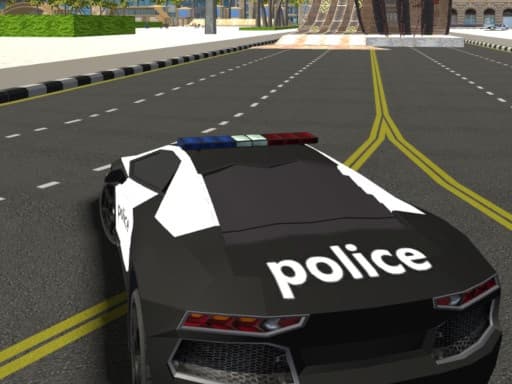
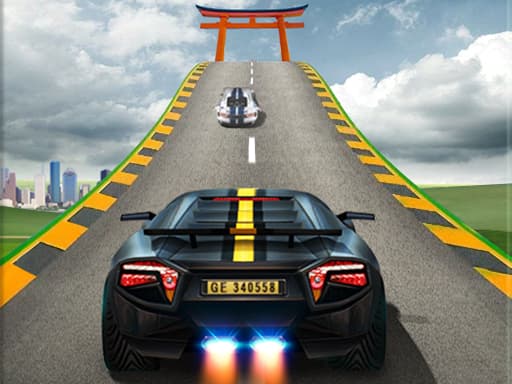
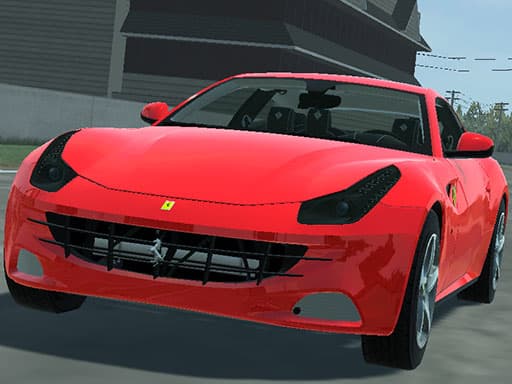
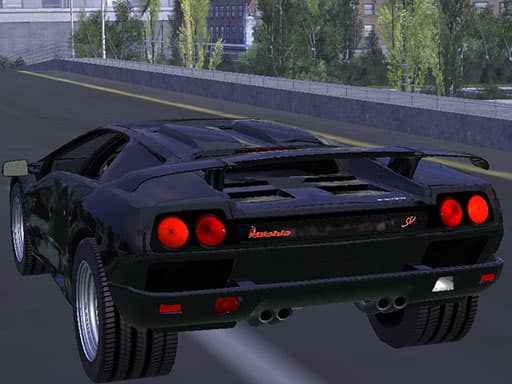
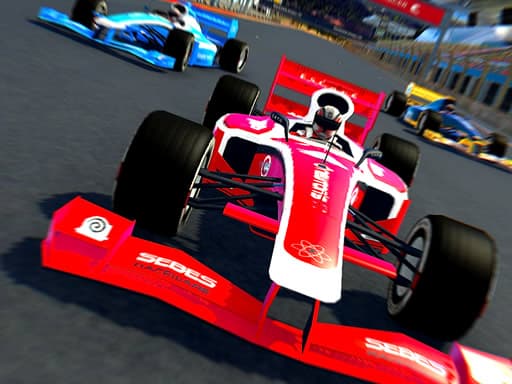
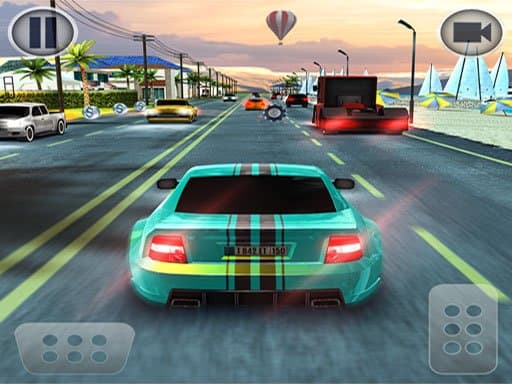
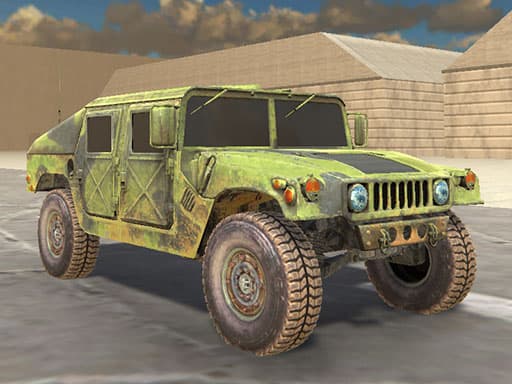
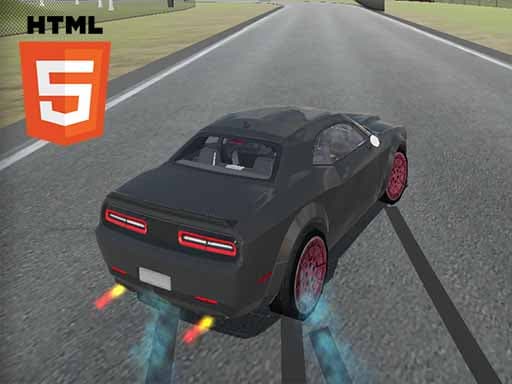
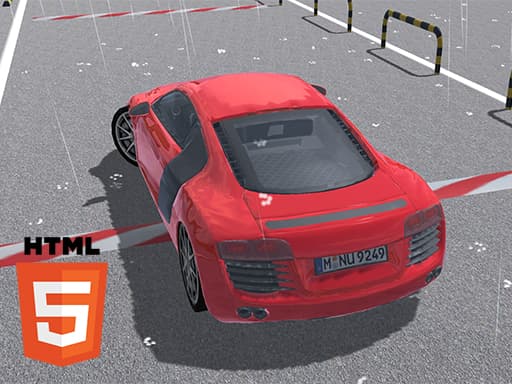
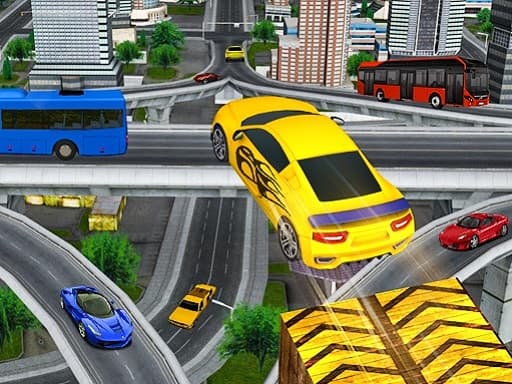
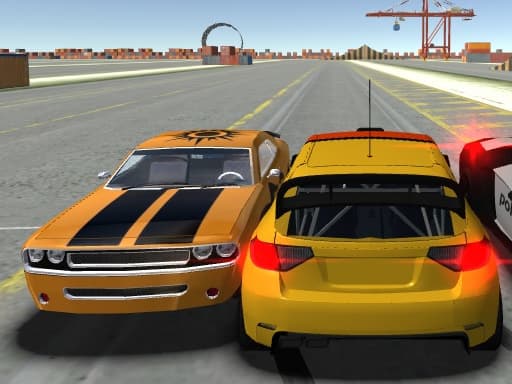
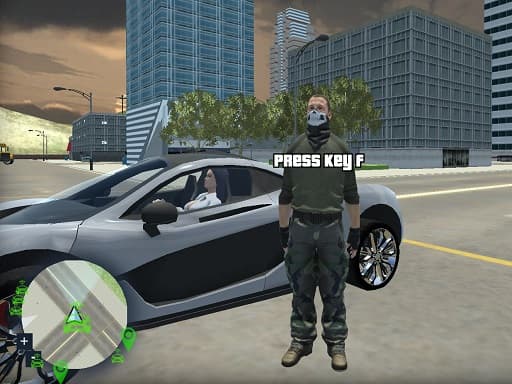
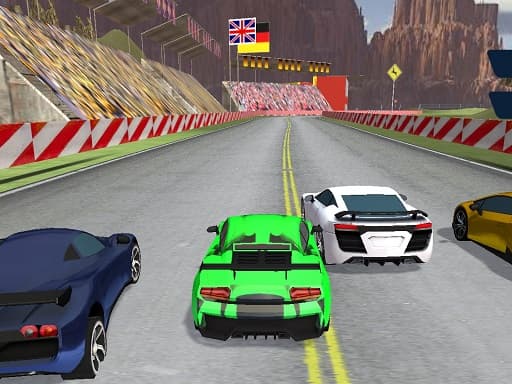
You drive a car through 3D tracks and open roads. The goal is to get around each map while staying in control of your car.
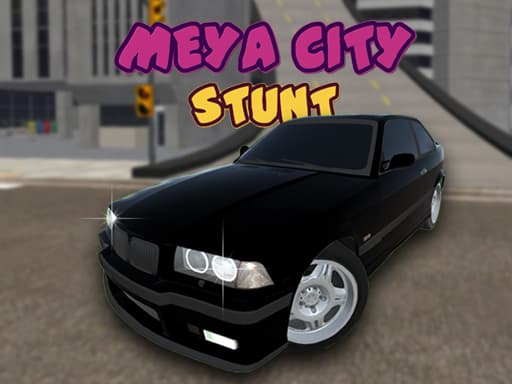
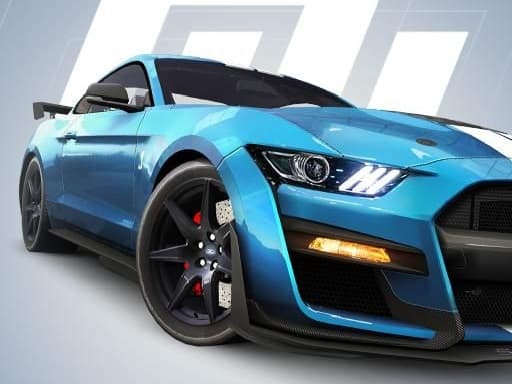
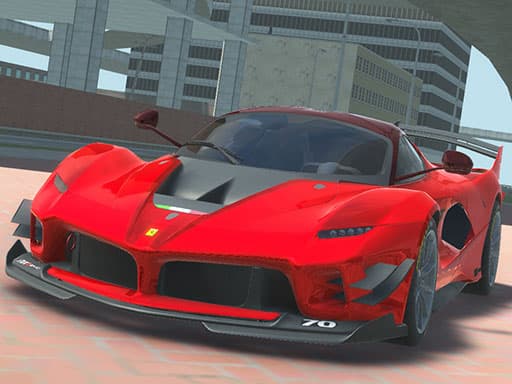
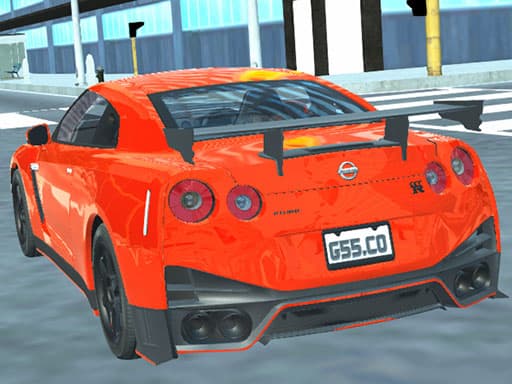
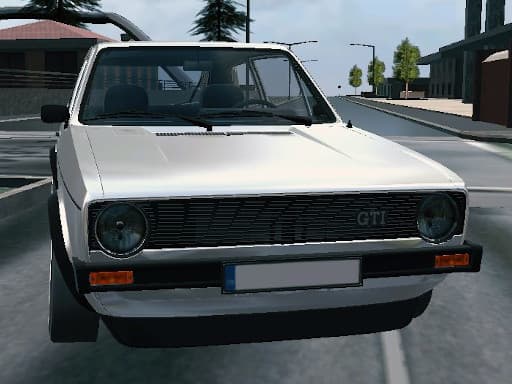
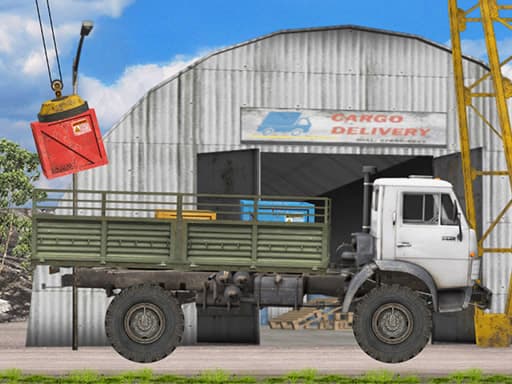
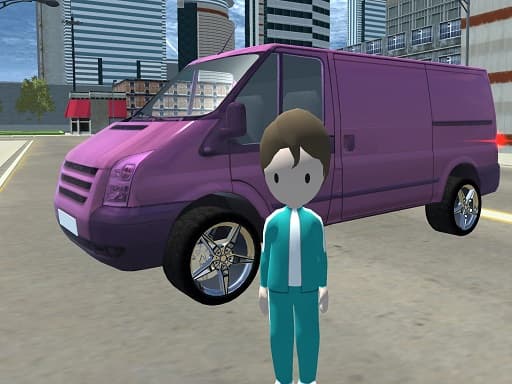
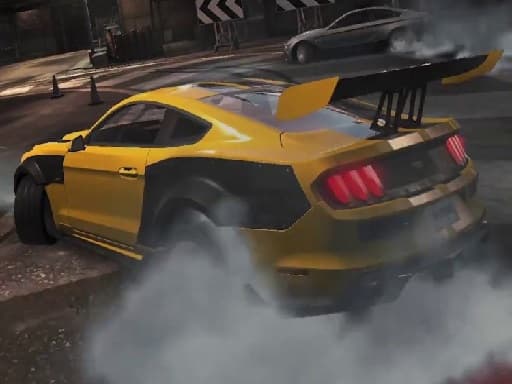
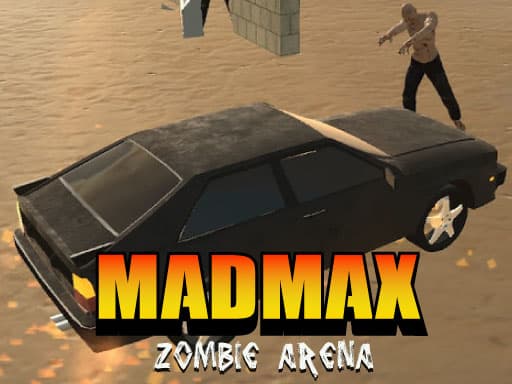
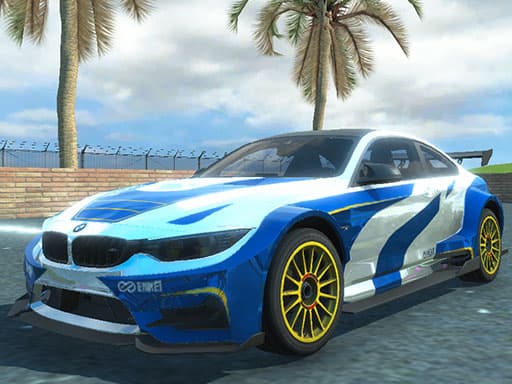
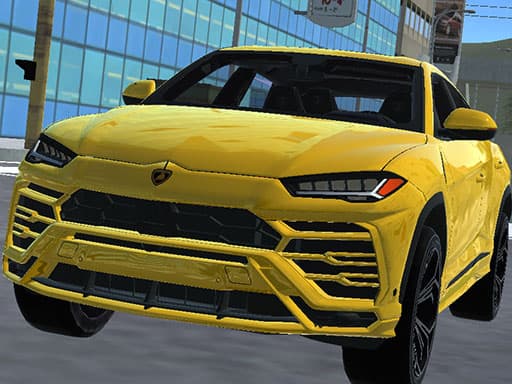
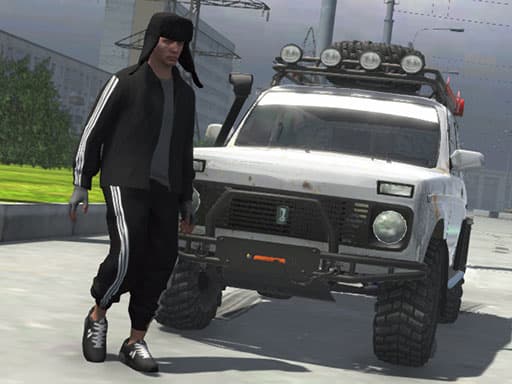
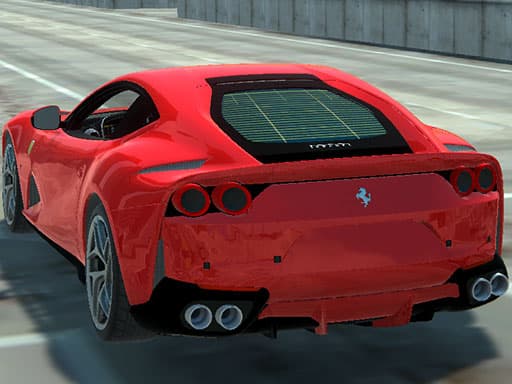
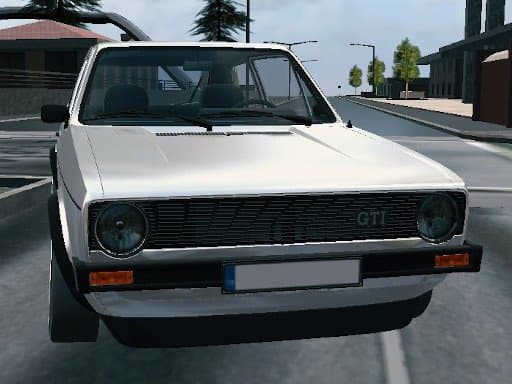
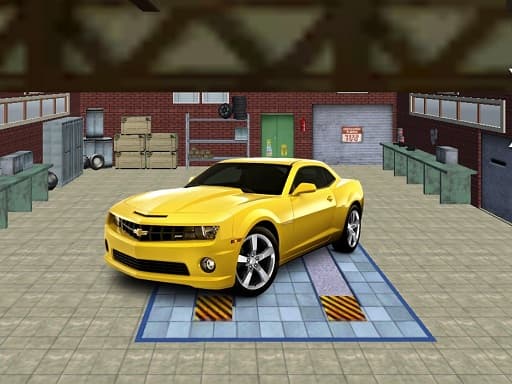
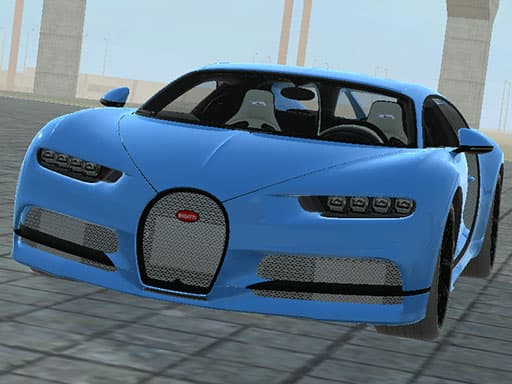
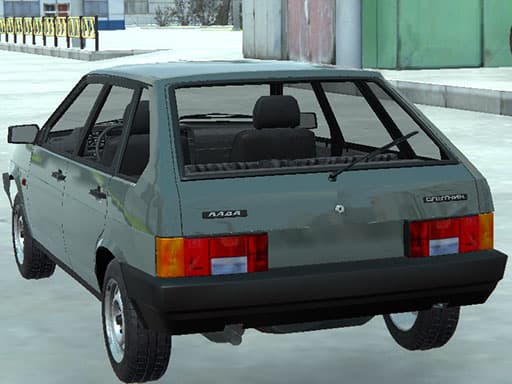
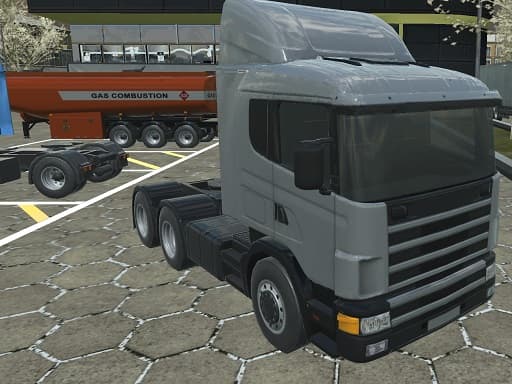
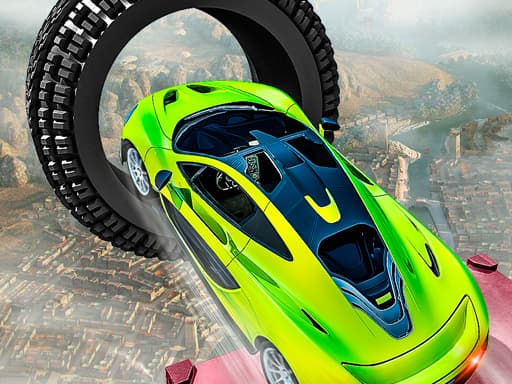
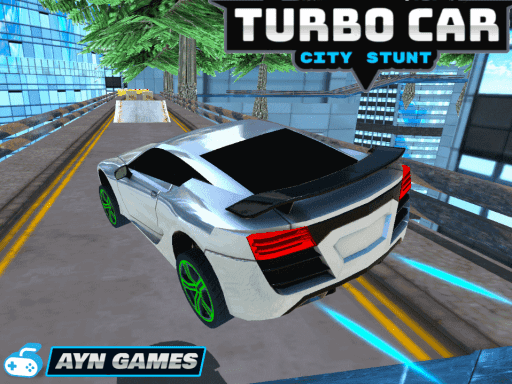
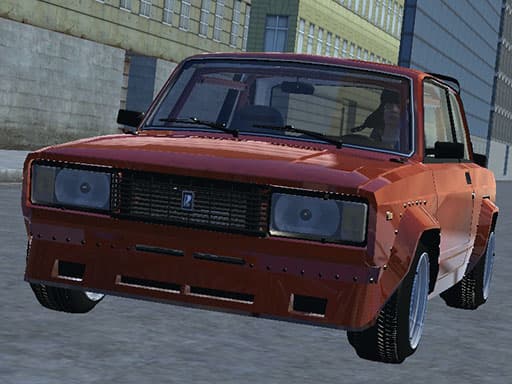
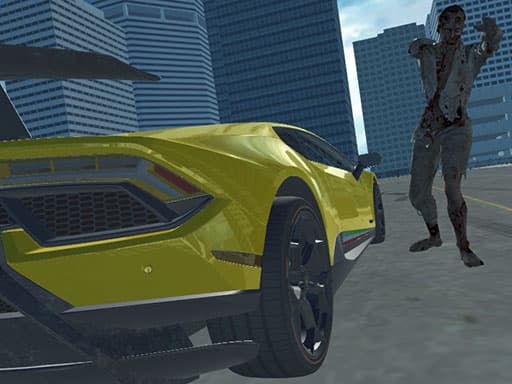
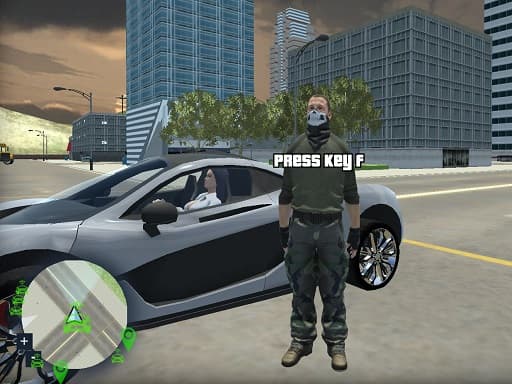
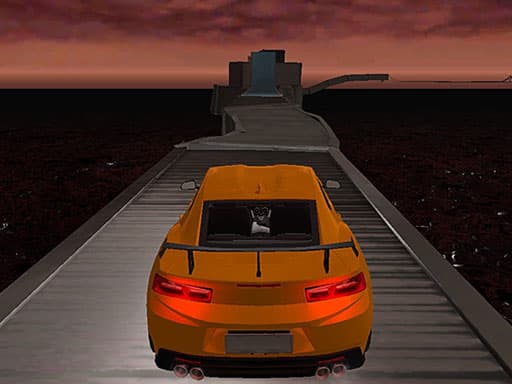
The game includes several cars to choose from and multiple maps to drive on. Each car and map gives you a different place to practise your steering and speed.
Take your time at first to learn how each car handles. Once you feel comfortable, try a new map to see how the road changes.
How to play
Pick a car, then choose one of the maps to start driving. Use the keys to steer and move your car around the course. Press Escape at any time to leave the game and return to the main menu.
Controls
- W A S D
- drive and steer the car
- Escape
- quit to the main menu
Tips
- Start slowly so you can learn how your car turns.
- Try each car to find the one that feels most comfortable.
- Switch to a different map if the road you are on feels too hard.
- Press Escape to return to the menu and pick another car or map.
3D Cars: questions and answers
Which keys steer the car?
Use W, A, S and D to control the car. W and S move it forward and back, while A and D steer left and right.
How do I go back to the main menu?
Press the Escape key at any point to leave your current drive and return to the main menu. From there you can pick another car or map.
Can I choose different cars and maps?
Yes, the game includes several cars and multiple maps. You can try different combinations to find the ones you enjoy most.
3D Cars is a free online game playable in your browser on Poki.game. It works on desktop computers, tablets and mobile phones, with no download or registration needed.