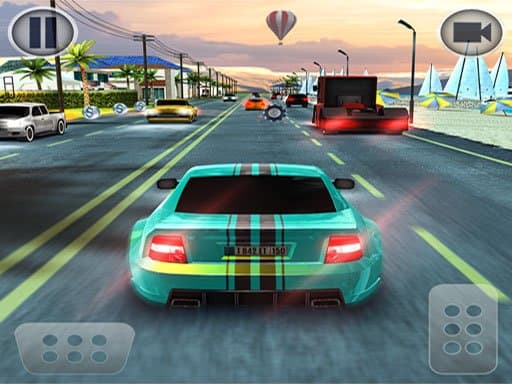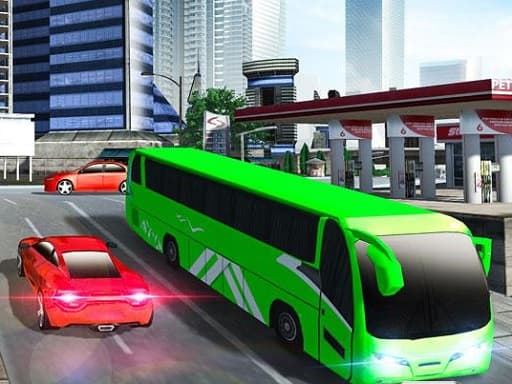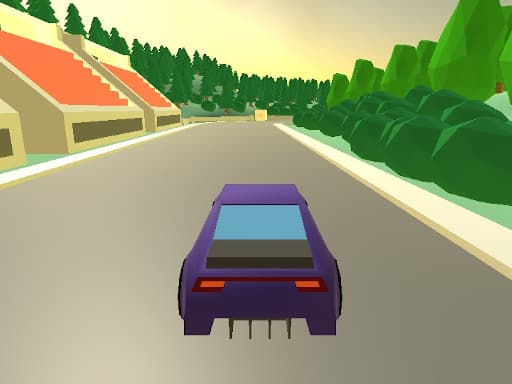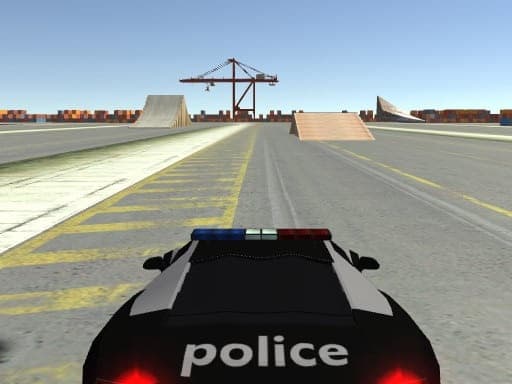





About City Drive
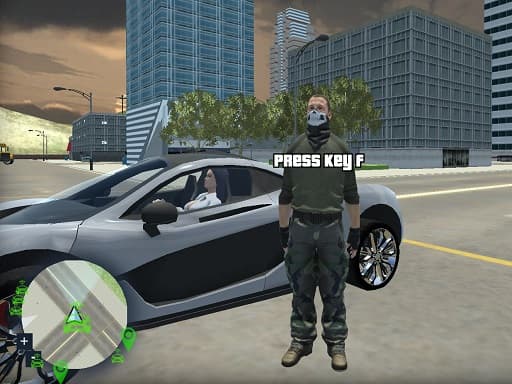
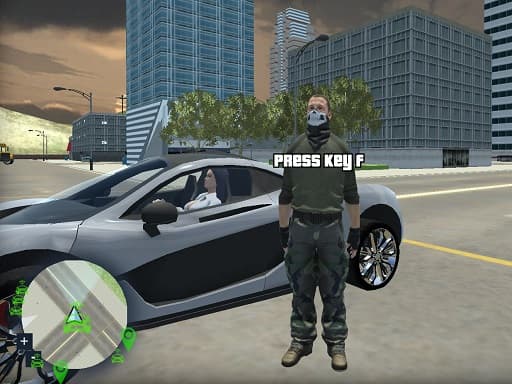
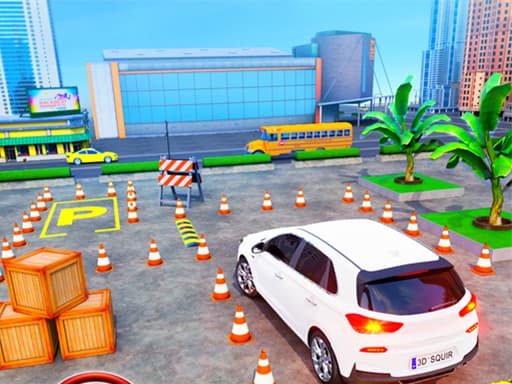
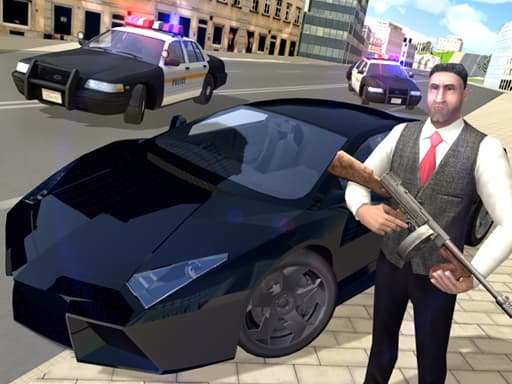
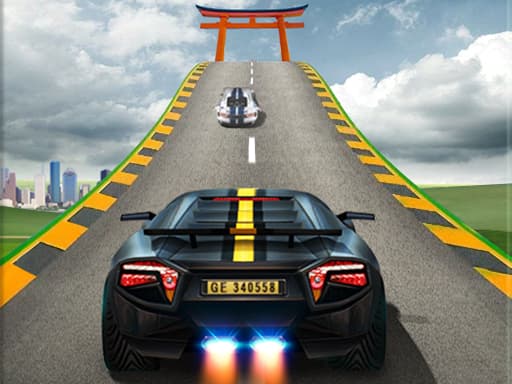
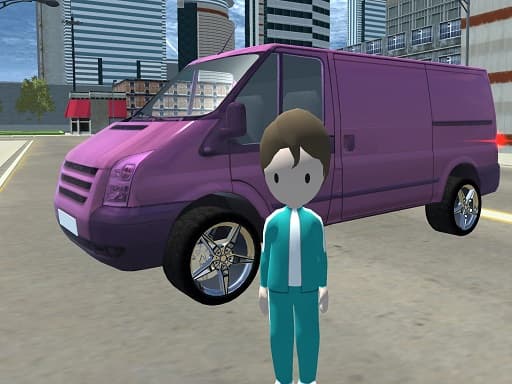
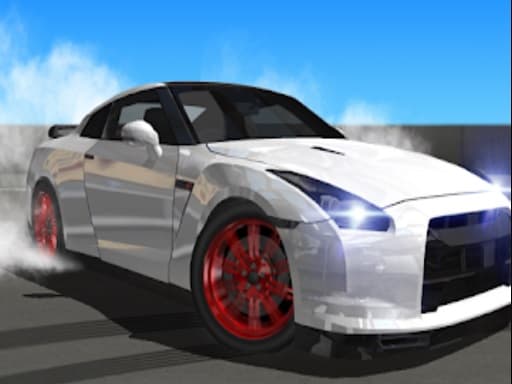
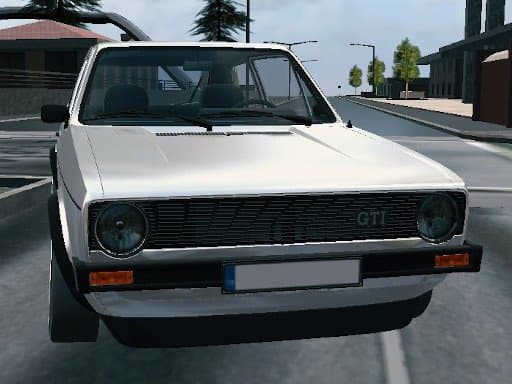
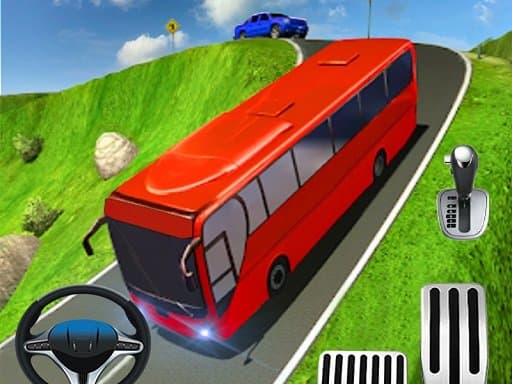
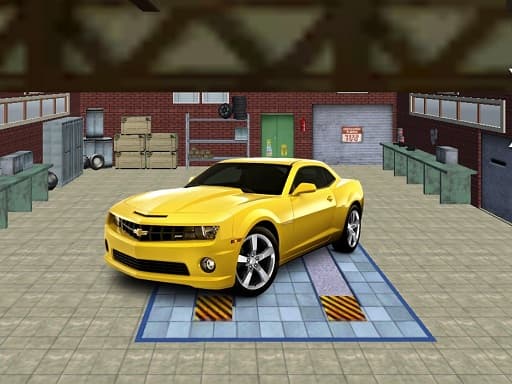
You drive a car through a city. The goal is to get around the streets while you steer and control your speed.
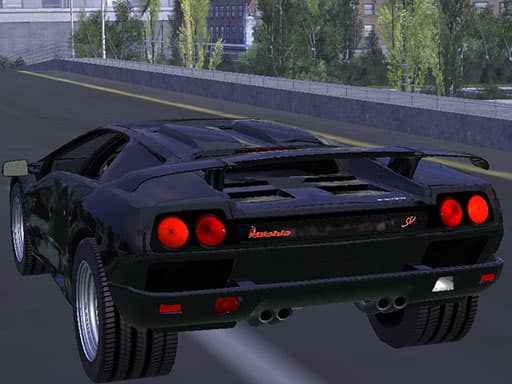
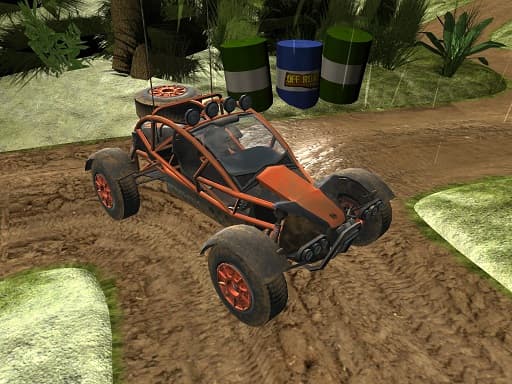
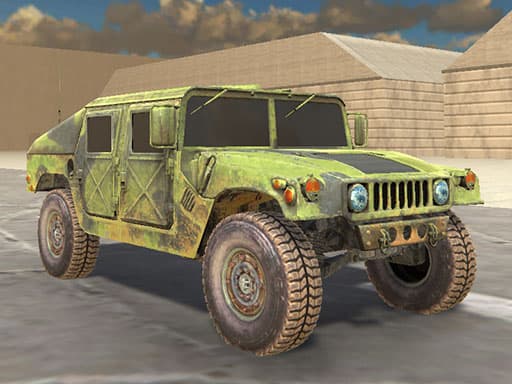
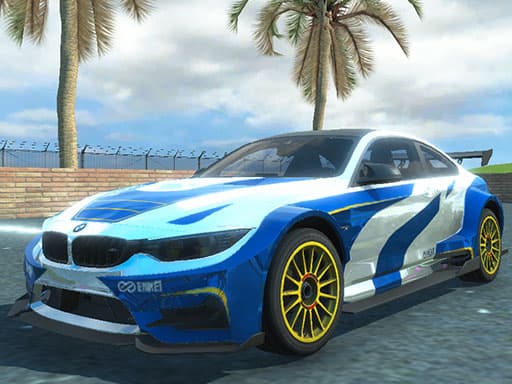
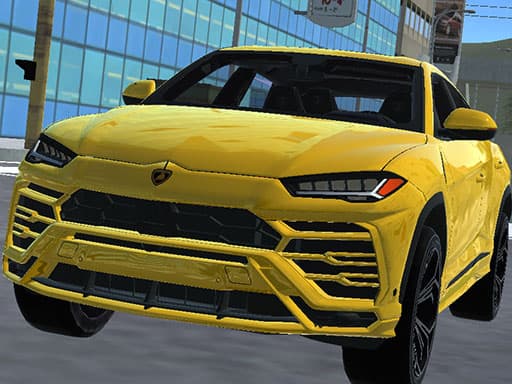
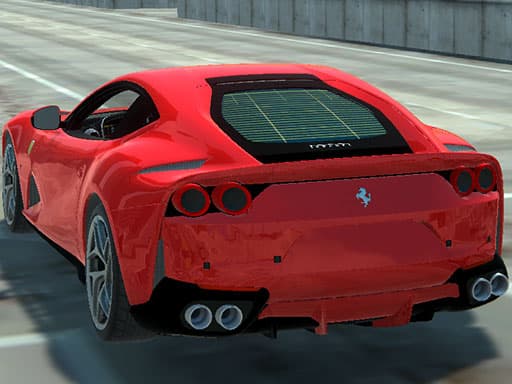
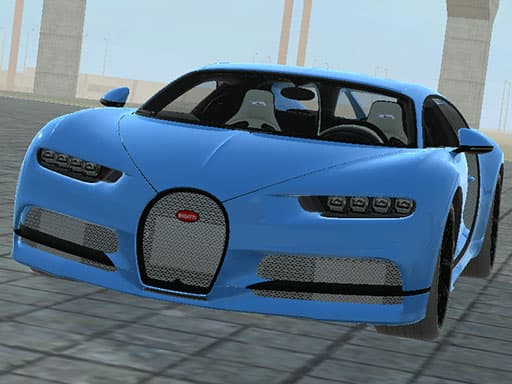
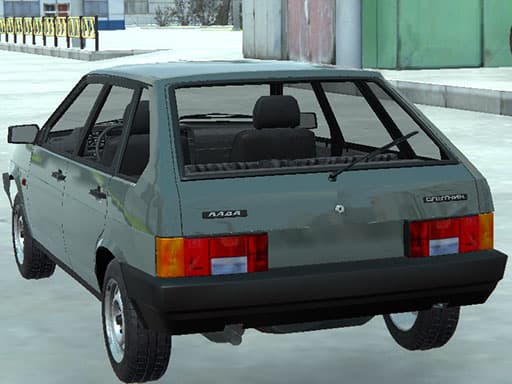
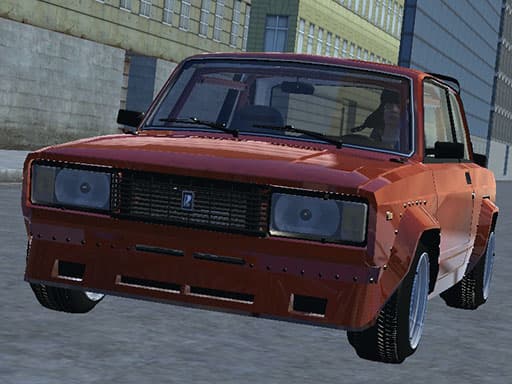
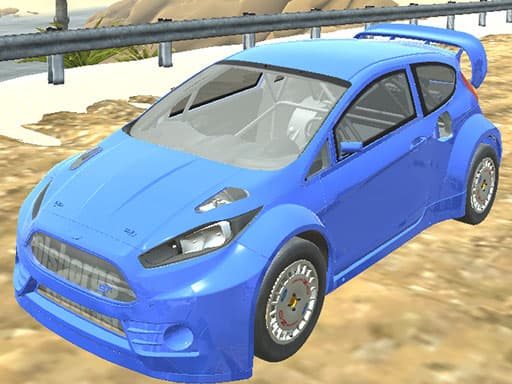
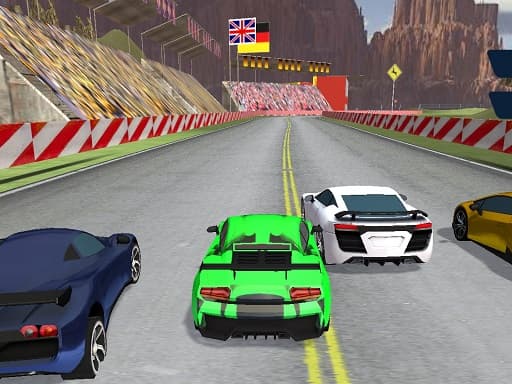
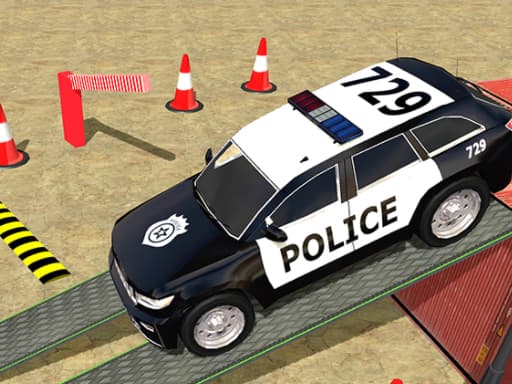
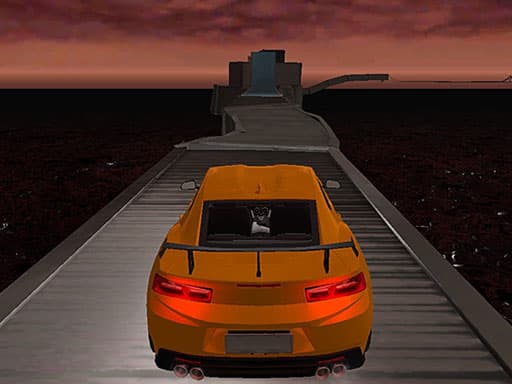
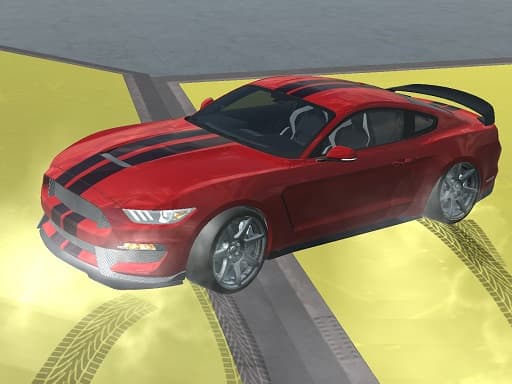
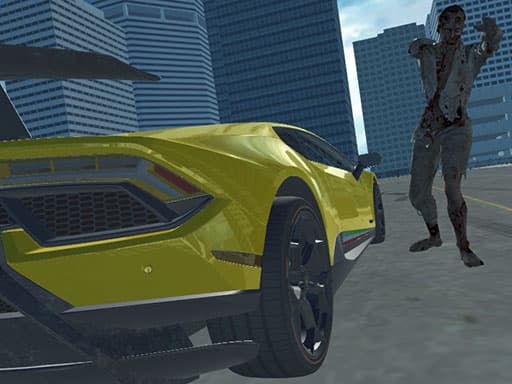
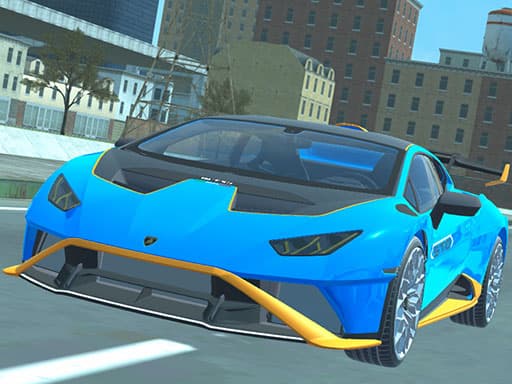
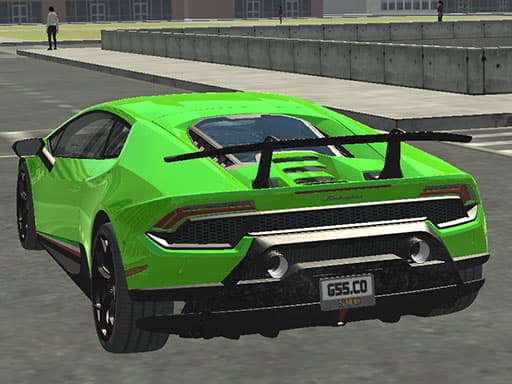
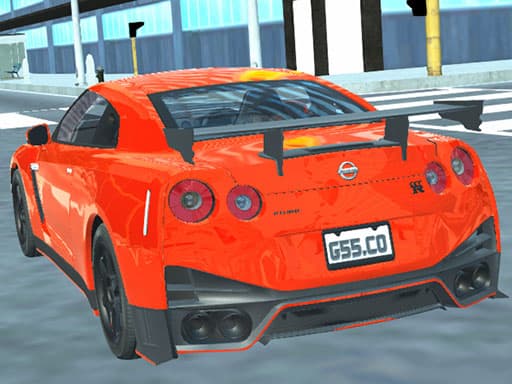
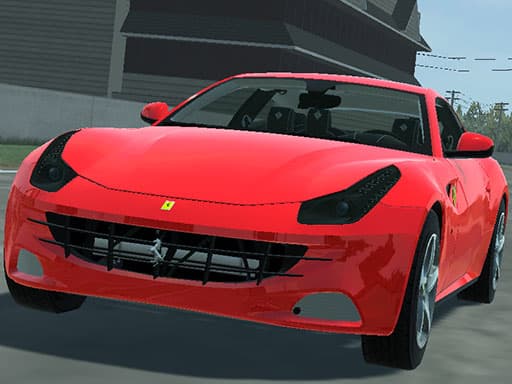
The game has three modes and several cars you can customize. Your car is the thing you look after from start to finish. Each mode is a different way to play with the same streets, so try more than one.
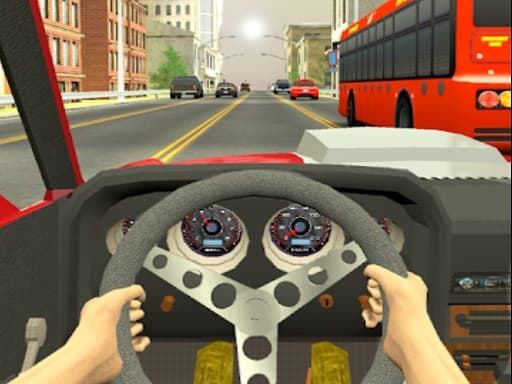
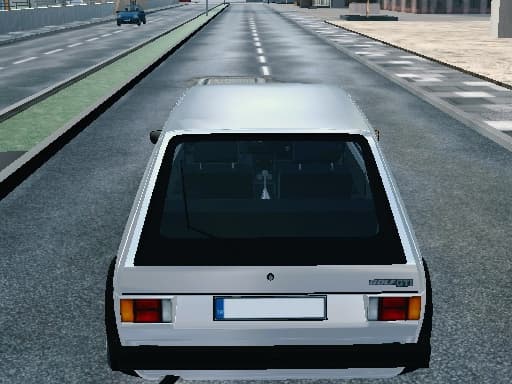
You can switch the camera to see the road from a different angle. Choose the view that helps you judge turns and traffic.
How to play
Pick a car and a mode, then start driving. Use the keys to steer and move through the city. Press Space to use the handbrake when you need to turn sharply. Press Tab or Escape to pause at any time. Press C to change the camera view.
Controls
- W A S D
- drive and steer
- Space
- handbrake
- TabEscape
- pause
- C
- change camera
Tips
- Ease off the throttle before corners so the car stays under control.
- Use the handbrake for tight turns rather than braking hard in the middle of the bend.
- Try the camera views to find the one that makes it easiest to see the road ahead.
- Pause with Tab or Escape when you need a moment to check the map or your next move.
City Drive: questions and answers
What do the W, A, S and D keys do in City Drive?
W and S move the car forward and back, while A and D steer left and right. Use them together to drive smoothly through the city streets.
When should I use the handbrake in City Drive?
Press Space to use the handbrake for sharp turns. It helps the car slide around corners instead of slowing down too much.
How do I change the camera view in City Drive?
Press C to switch between camera angles. Try each view to see which one helps you read the road best.
City Drive is a free online game playable in your browser on Poki.game. It works on desktop computers, tablets and mobile phones, with no download or registration needed.