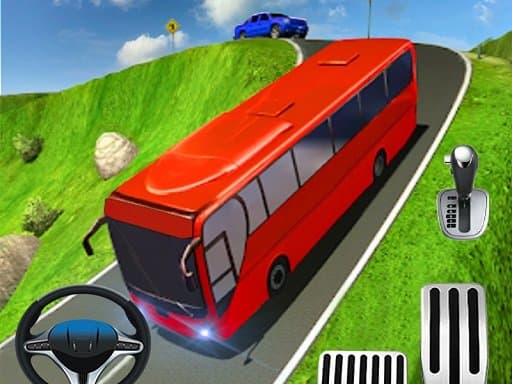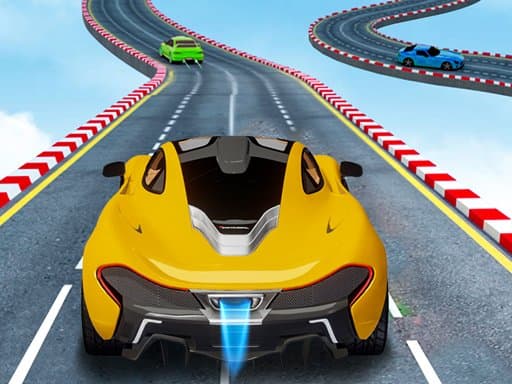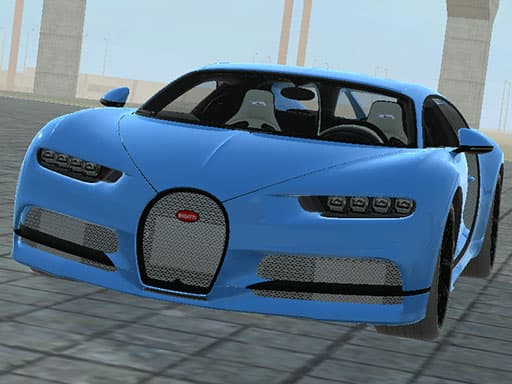



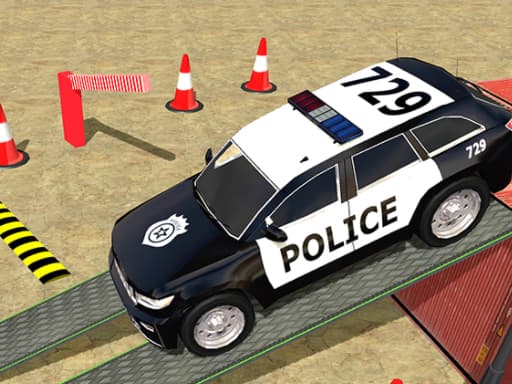


About Drive Zone
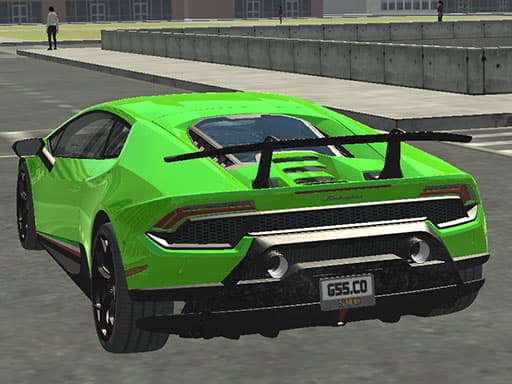
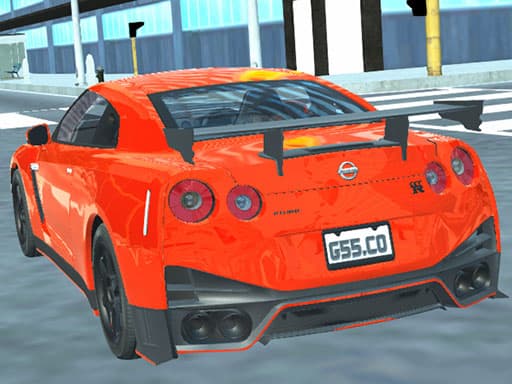
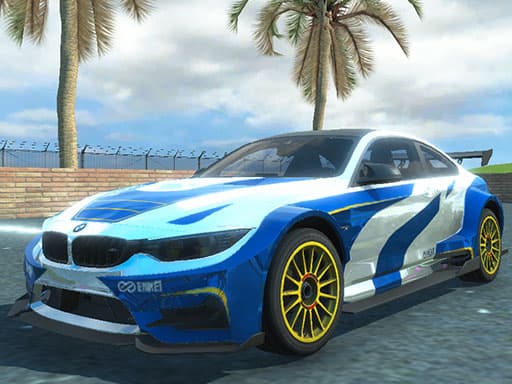
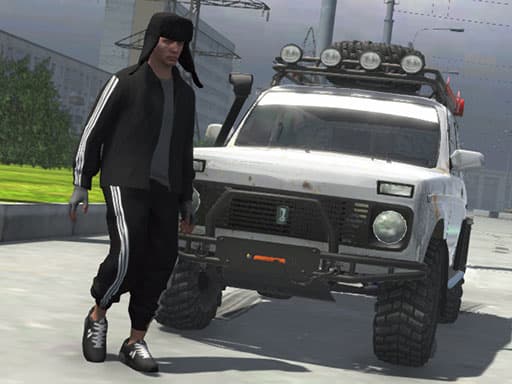
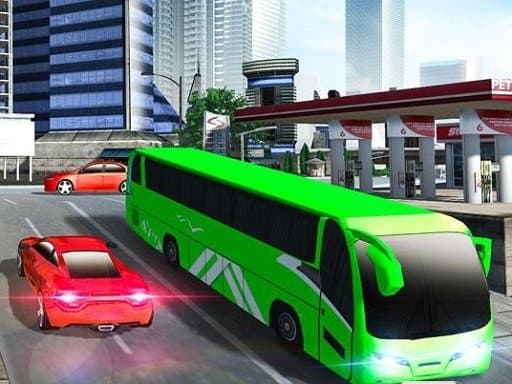
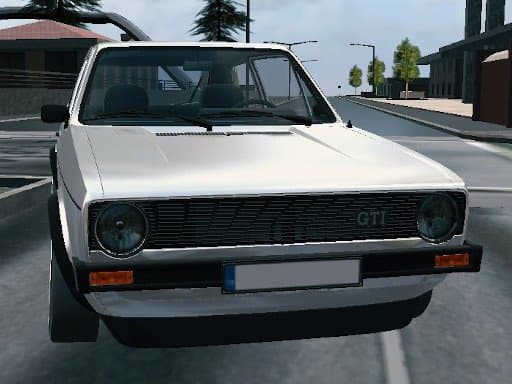
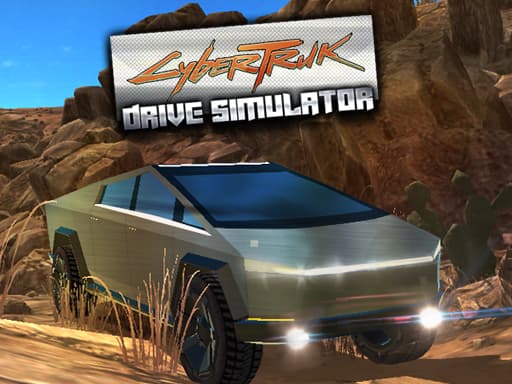
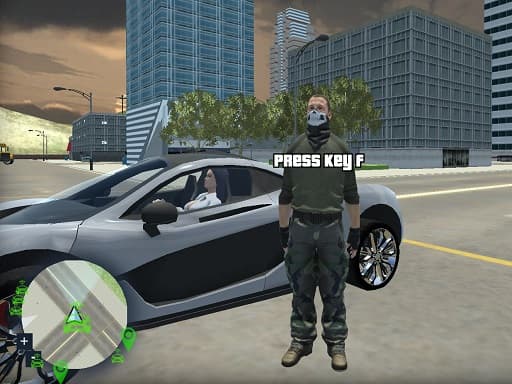
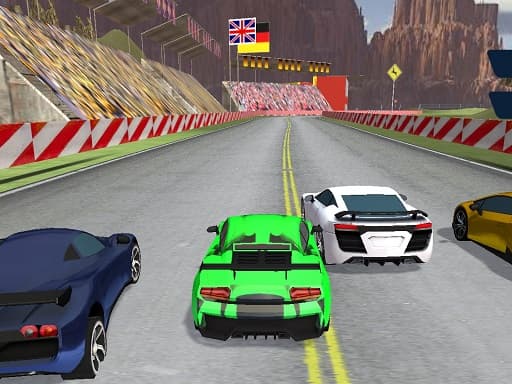
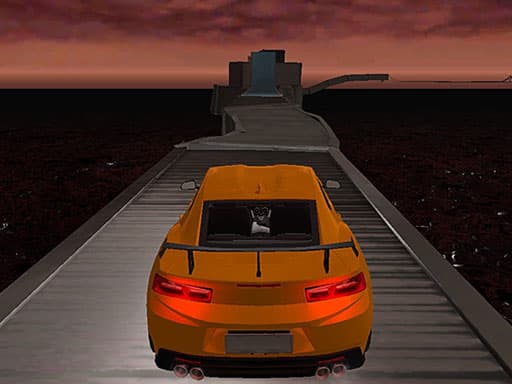
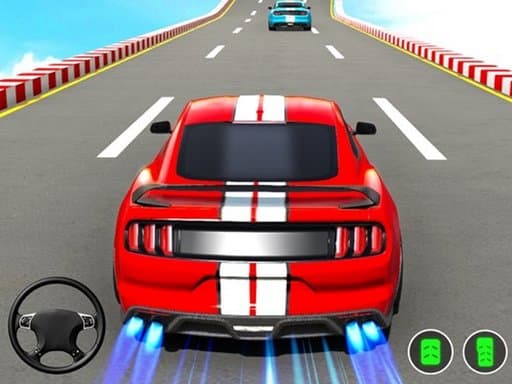
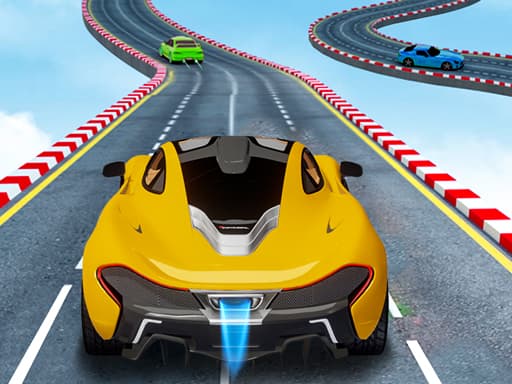
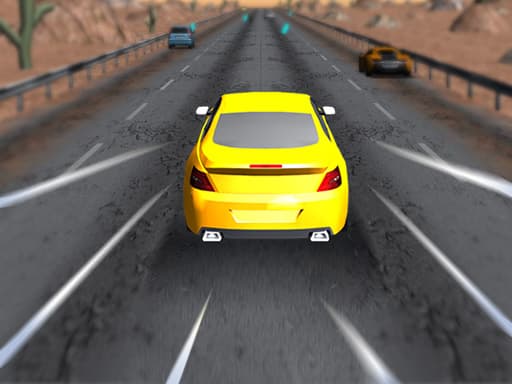
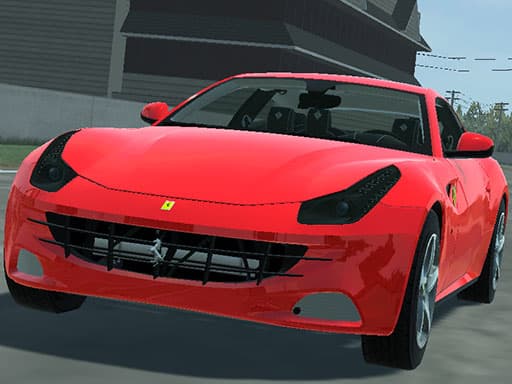
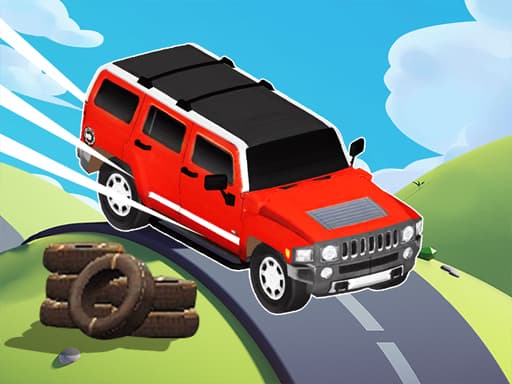
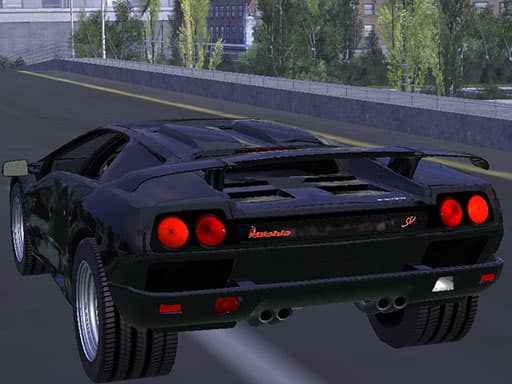
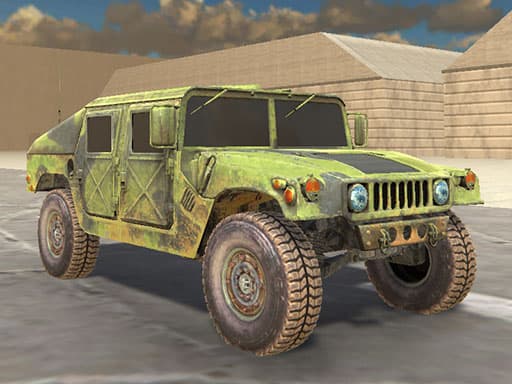
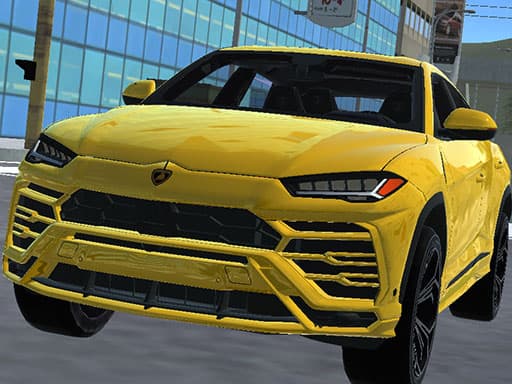
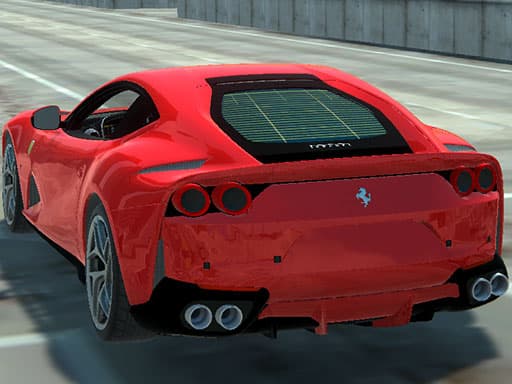
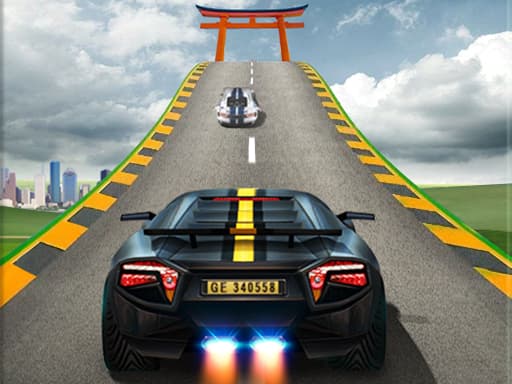
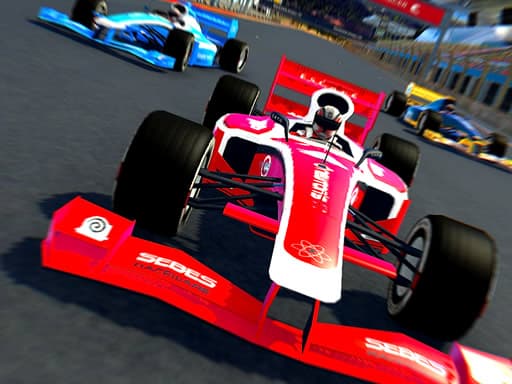
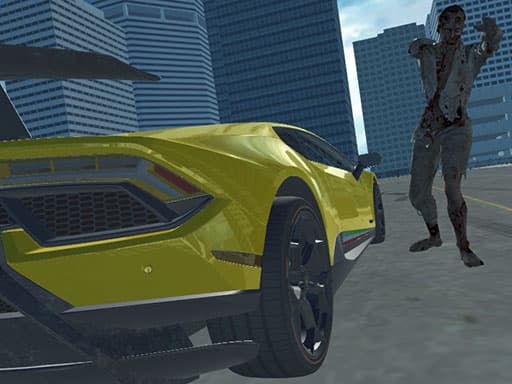
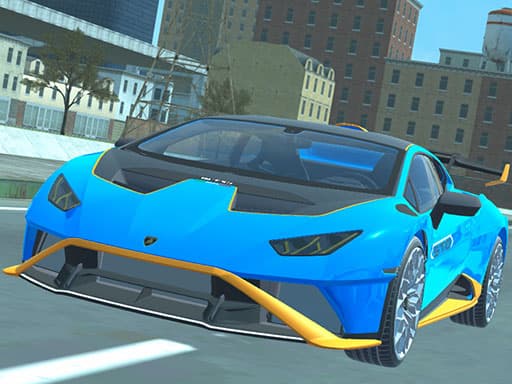
Drive Zone is about steering a car or jeep and getting around a course. You race through city streets, rally tracks and rough off-road ground. The game is built around driving smoothly and controlling your vehicle on different surfaces.
Engine power, sharp turns and changing terrain all shape the drive. Each surface asks for a different approach, so you will need to adjust your speed as you go. Driving well means staying in control rather than simply going as fast as possible.
Switching camera views helps you see the road ahead, which is useful on winding or uneven ground.
How to play
Drive your vehicle forward and keep it on the route. Accelerate on open stretches and slow down before tight corners. Off-road sections need careful steering because the ground changes beneath you. Keep moving, keep steering and try to stay in control from start to finish.
Controls
- W
- accelerate
- S
- brake and reverse
- A and D
- steer left and right
- C
- switch camera
- Esc
- pause
Tips
- Ease off the accelerator slightly before a sharp turn to keep your car steady.
- Switch the camera to see more of the road when a bend comes up fast.
- Use gentler steering on loose off-road ground, where sudden turns can cause a skid.
- Brake early when you approach a corner, rather than halfway through it.
Drive Zone: questions and answers
What do the W and S keys do in Drive Zone?
W makes your car accelerate forward, and S brakes. Pressing S again while stopped lets you reverse, so you can back up after a missed turn.
Can I change the camera view while I drive?
Yes, press C to switch between camera views. Choose the one that shows you the most road ahead.
How do I pause the game in Drive Zone?
Press the Esc key on a computer to pause. On a touchscreen, use the on-screen controls instead.
Drive Zone is a free online game playable in your browser on Poki.game. It works on desktop computers, tablets and mobile phones, with no download or registration needed.