

About Racing Horizon
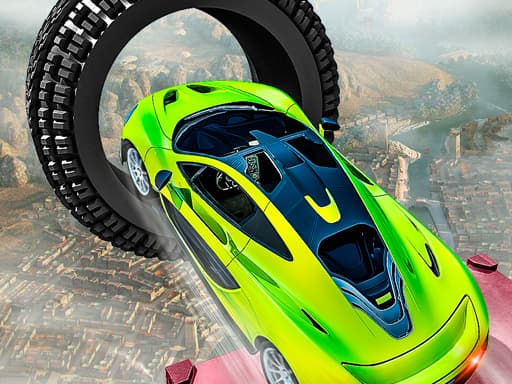
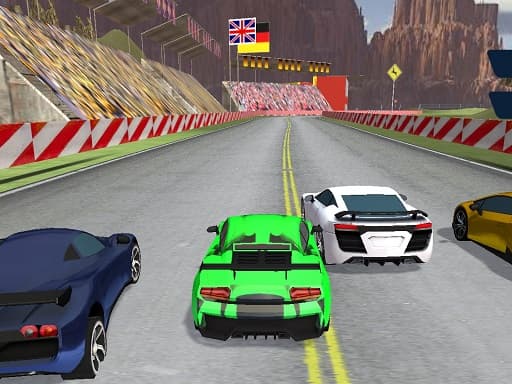
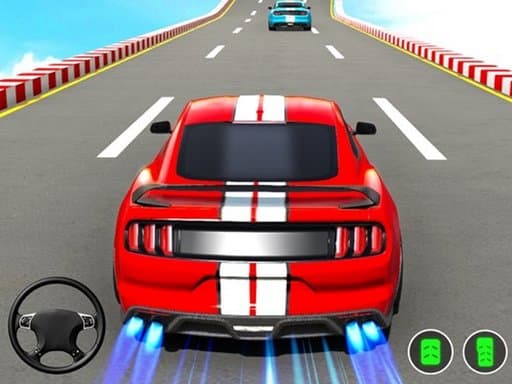
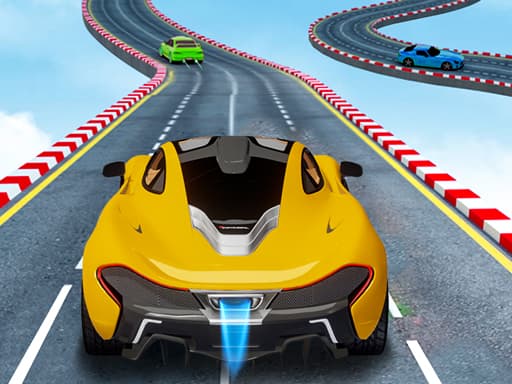
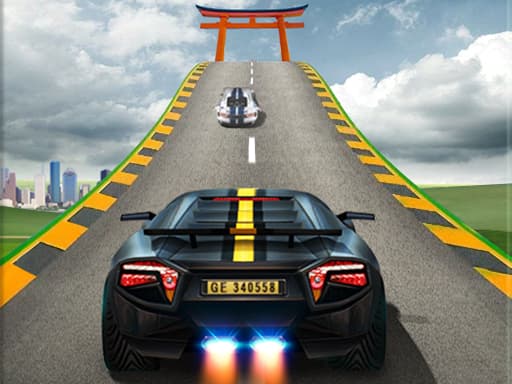
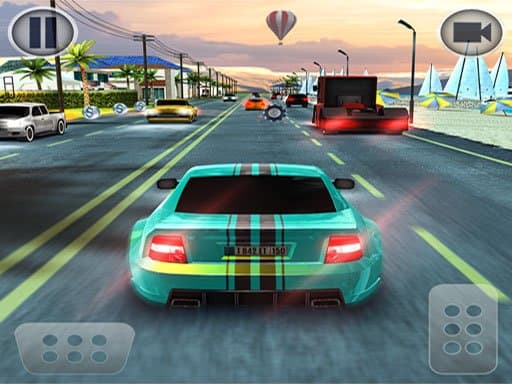
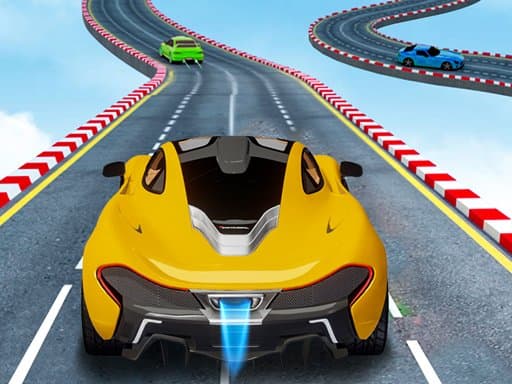
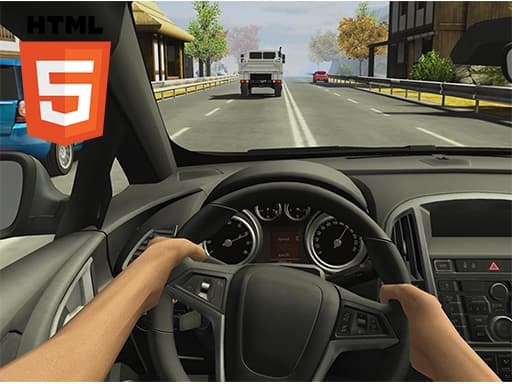
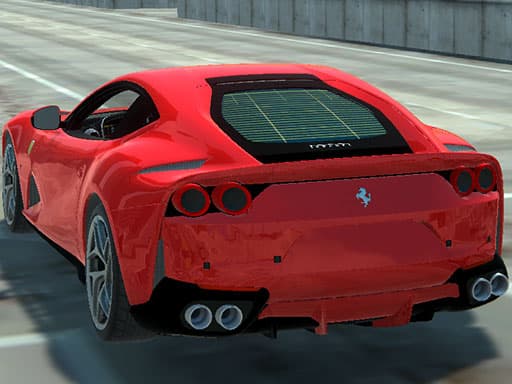
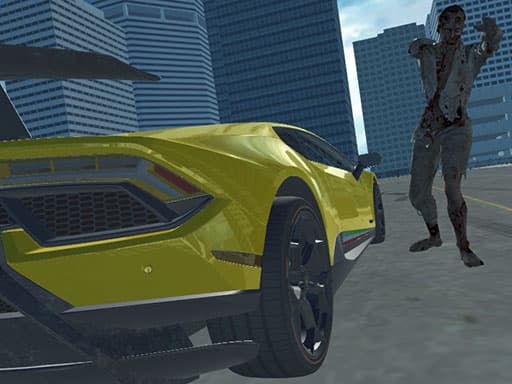
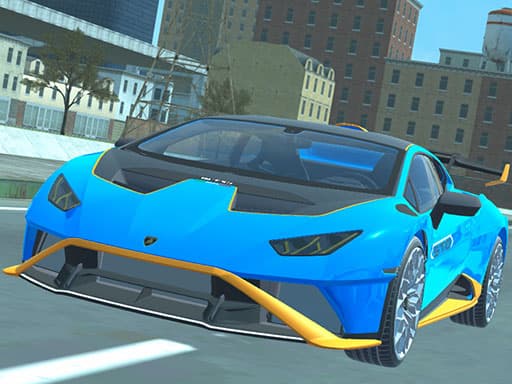
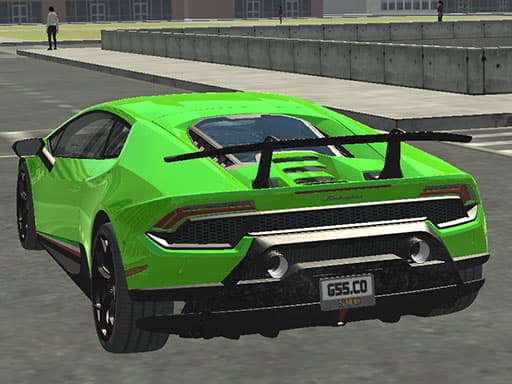
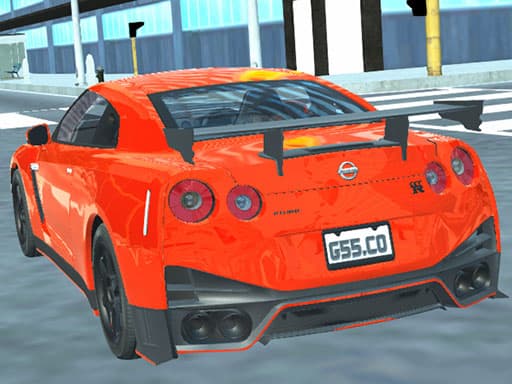
You steer a fast sports car through busy highway traffic. Your job is to race well and keep your car moving. The road is 3D, so the view shifts as you drive.
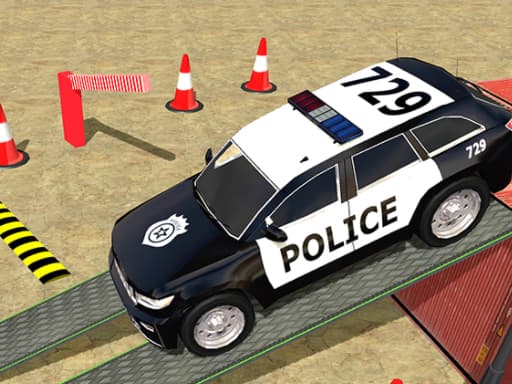
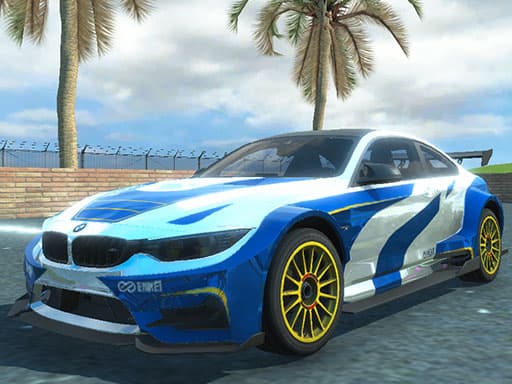
The game offers a long highway racing career and an endless map, so you can pick how long you want to drive. There is also a police chase mission for players who want a different kind of run. Several sports car models and upgrade options are available, along with a few highway maps to try.
How to play
Drive your car along the highway and weave past the other vehicles on the road. Use your boost, called NOS, when you want a burst of speed. Try the career for a longer goal, or the endless map to see how far you can keep driving. When you feel ready, join the police chase mission.
Controls
- W A S D↑←↓→
- steer and drive
- N
- use the NOS boost
- C
- change the camera view
Tips
- Use NOS in open stretches of road, where you can keep your speed under control.
- Change the camera view with C to find the angle that helps you see traffic ahead.
- Try the endless map first to learn how the traffic moves before a longer career.
- Save upgrades for the cars you enjoy driving most, so you get the best use from them.
Racing Horizon: questions and answers
What does the NOS key do in Racing Horizon?
The N key fires your NOS boost, which gives your car a quick burst of extra speed. Use it when the road ahead is clear enough to handle the extra pace.
Can I choose between a career and an endless map?
Yes. The career is a longer highway racing run, while the endless map lets you keep driving without a set finish. You can switch between them as you like.
How do I change how the road looks while I drive?
Press C to switch the camera view. Trying different angles can help you spot the traffic around your car more easily.
Racing Horizon is a free online game playable in your browser on Poki.game. It works on desktop computers, tablets and mobile phones, with no download or registration needed.