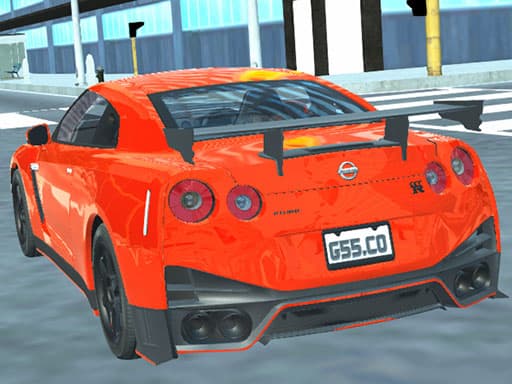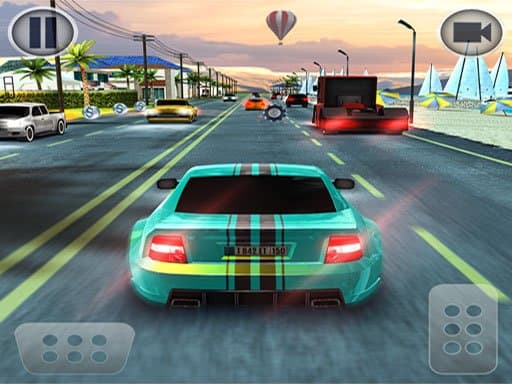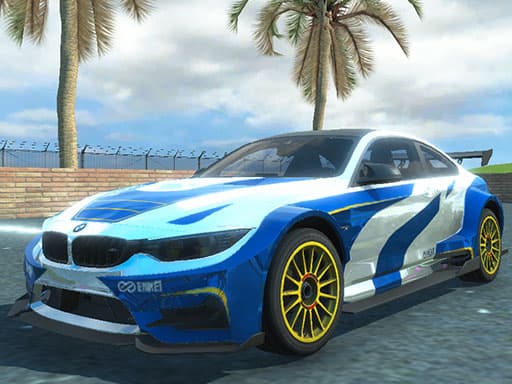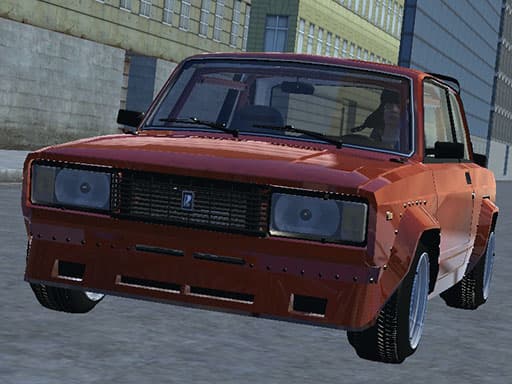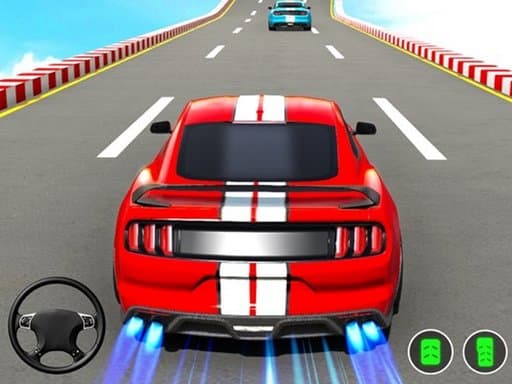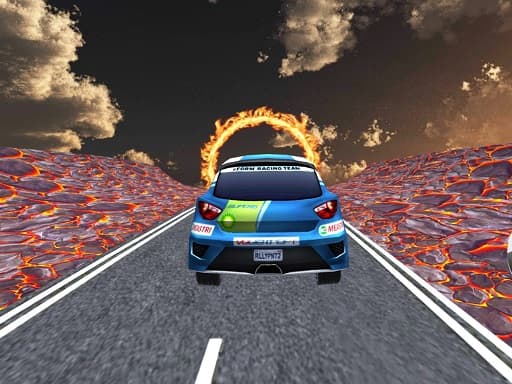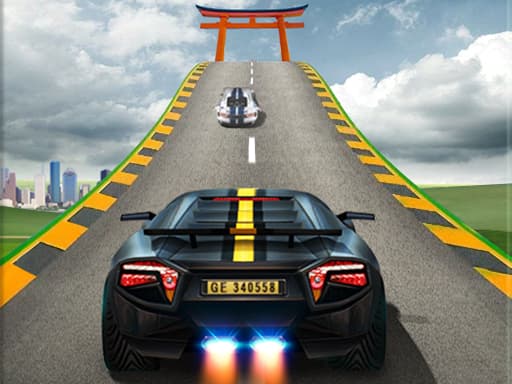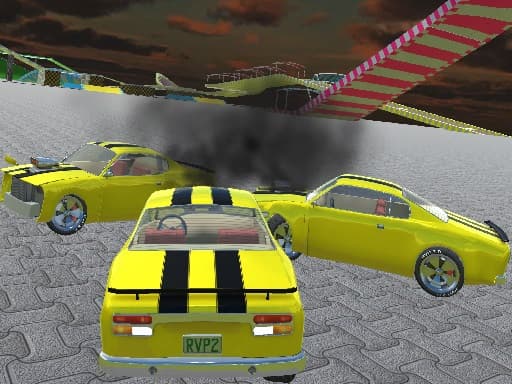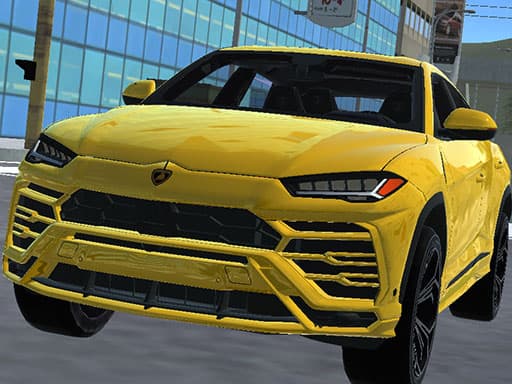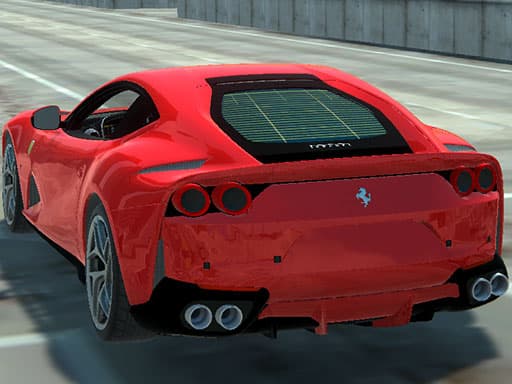
About RCC Car Parking 3D
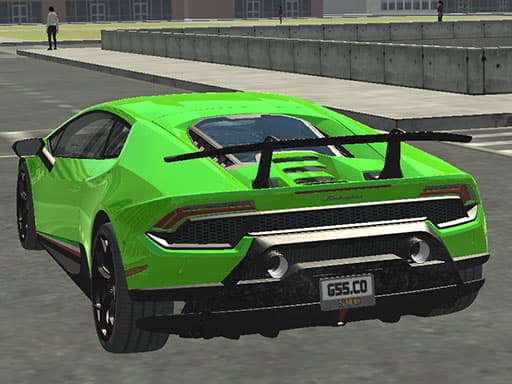
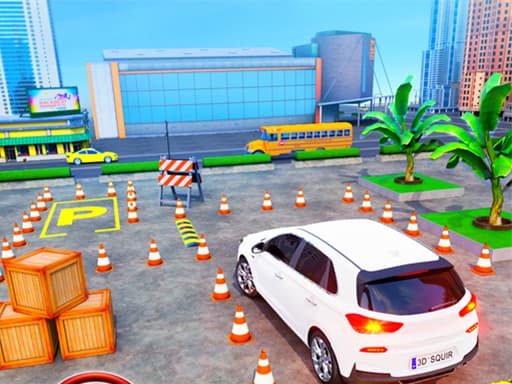
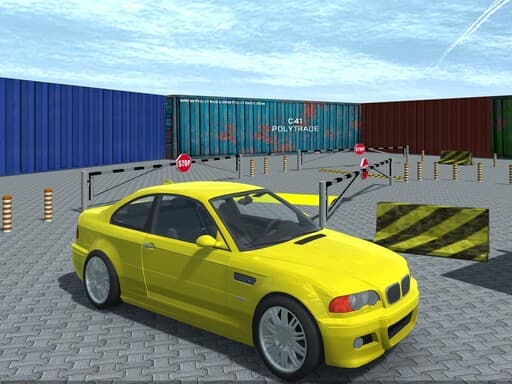
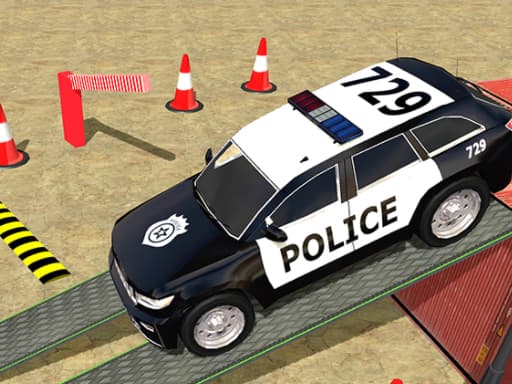
Parking is the heart of this game. You drive a car through 3D levels and stop it in a marked spot without touching walls, barriers or other objects. The task is slow, careful steering rather than speed, so each parking spot becomes a small puzzle to solve.
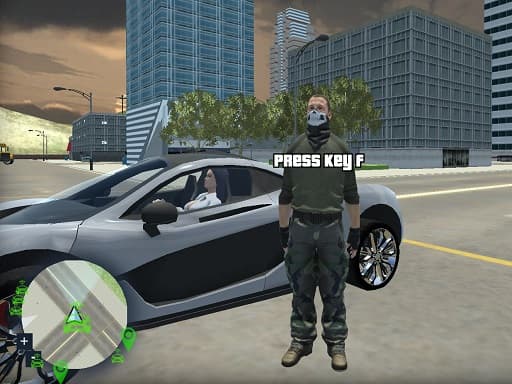
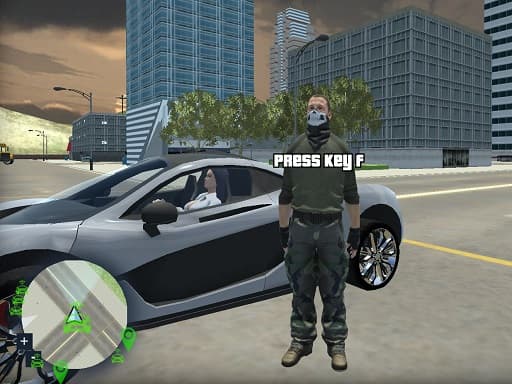
There are 100 levels to work through. A minimap shows where your finish point is, so you can plan the route before you start moving. Each level asks you to park without hitting anything in the way.
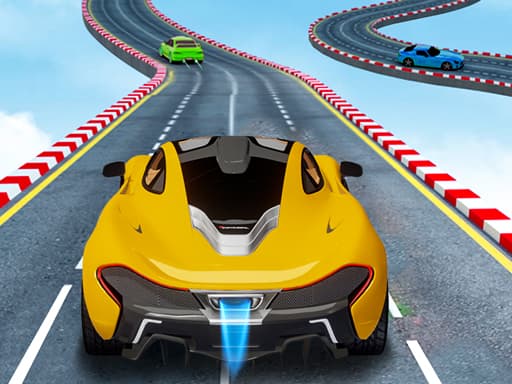
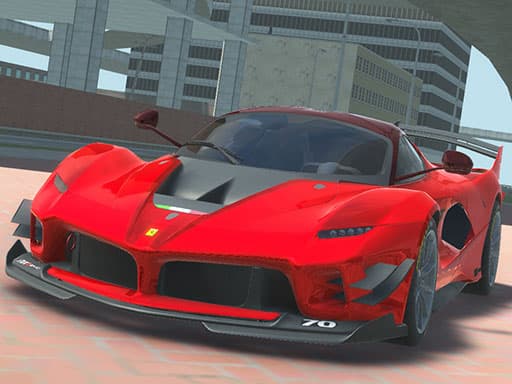
Finishing a level earns XP. You can spend that XP on new colours for your car and on new physics cars to try. New parking missions are added every day, so there is always a fresh spot to reach.
How to play
Use the minimap to find your finish spot before you move. Drive slowly around walls, barriers and other objects, and avoid hitting anything along the way. Park inside the marked area to complete the level. Finishing levels gives you XP, which you can use to customise your car.
Controls
- W A S D
- drive the car
- TabEscP
- show the menu
Tips
- Look at the minimap first and plan your route to the finish spot.
- Go slowly around corners; a light tap against a wall can end your run.
- Take a moment to check the space around the car before reversing.
- Replay earlier levels if you want to earn more XP for new colours and cars.
RCC Car Parking 3D: questions and answers
What happens if my car hits a wall or barrier?
You need to drive without hitting walls, barriers or other objects. Hitting them is the main way to make a level harder, so go slowly around them.
How do I find where to park?
Check the minimap in the corner of the screen. It shows where your finish point is, so you can steer toward it.
What can I buy with XP?
XP from finished levels can buy new colours for your car and new physics cars to drive.
RCC Car Parking 3D is a free online game playable in your browser on Poki.game. It works on desktop computers, tablets and mobile phones, with no download or registration needed.