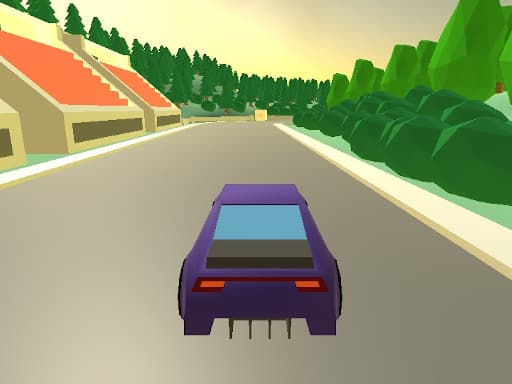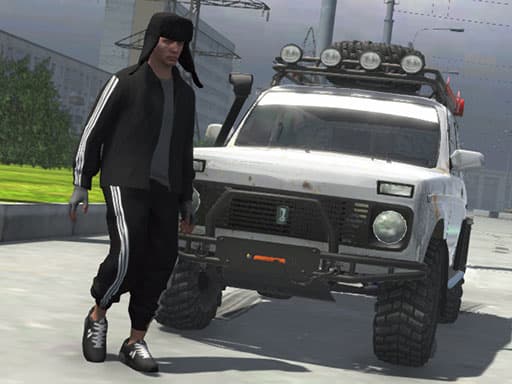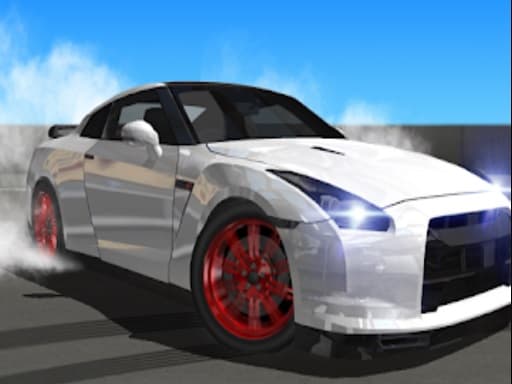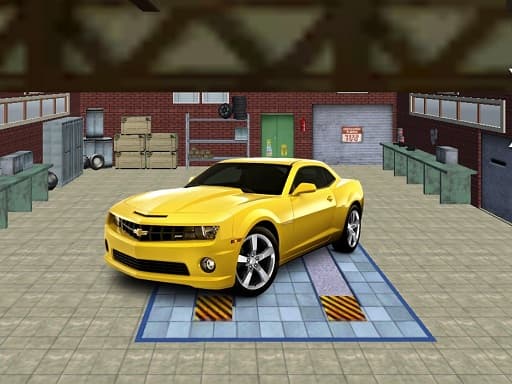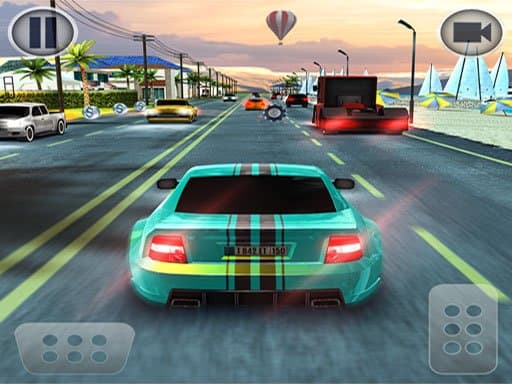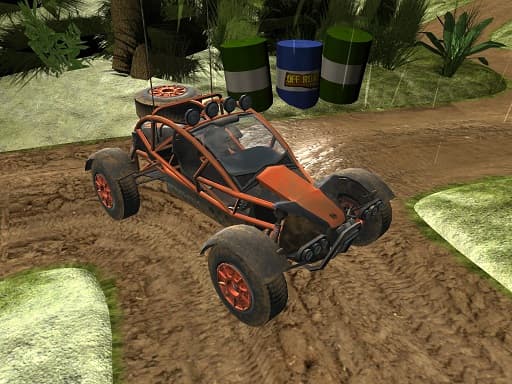
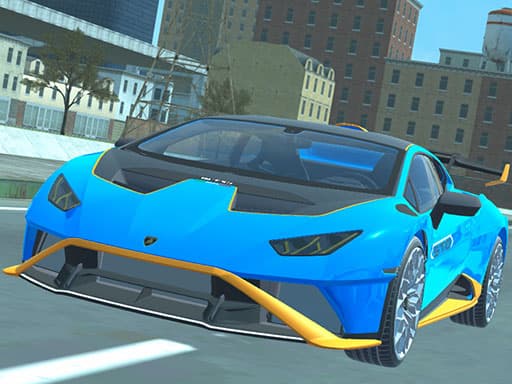
About Zombie Derby
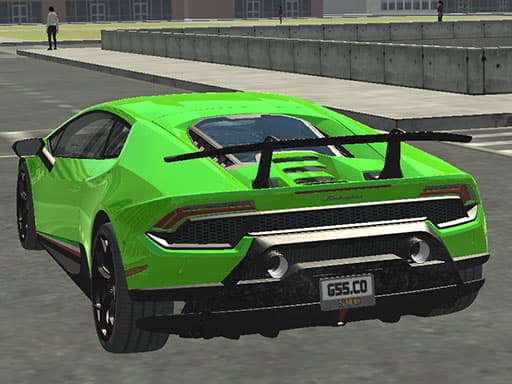
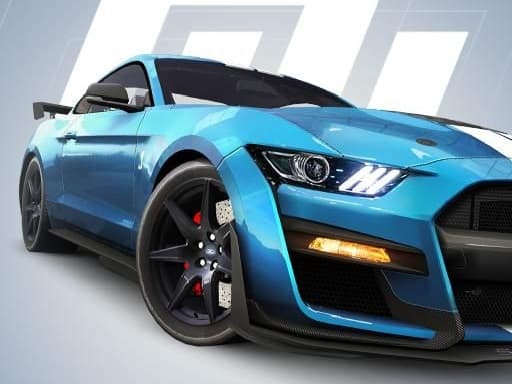
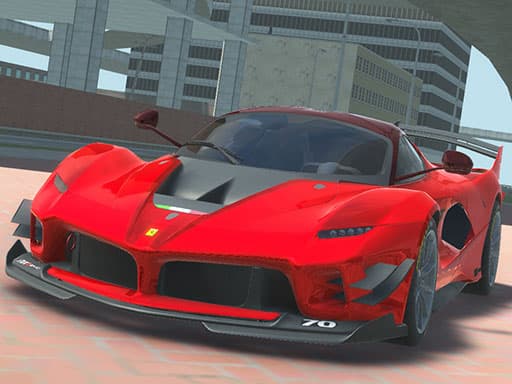
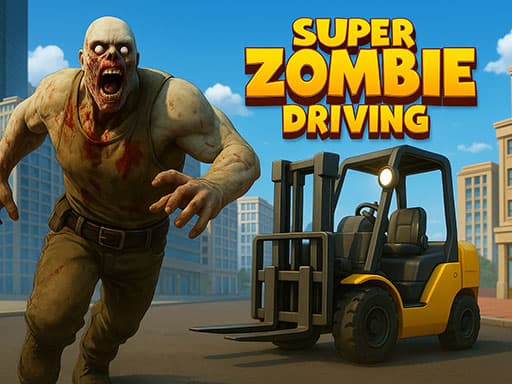
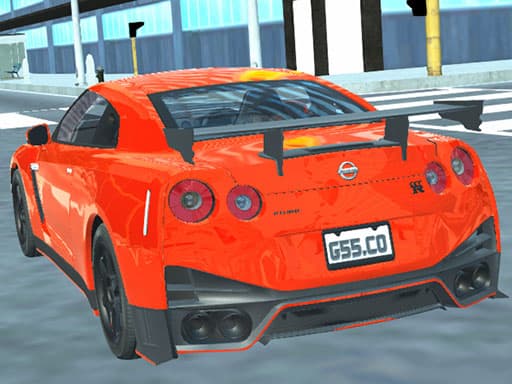
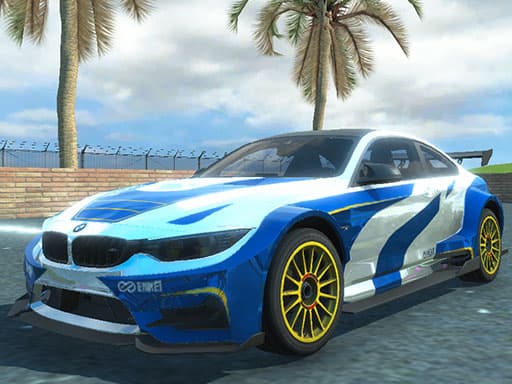
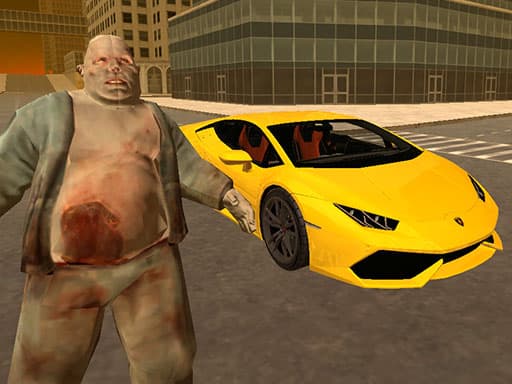
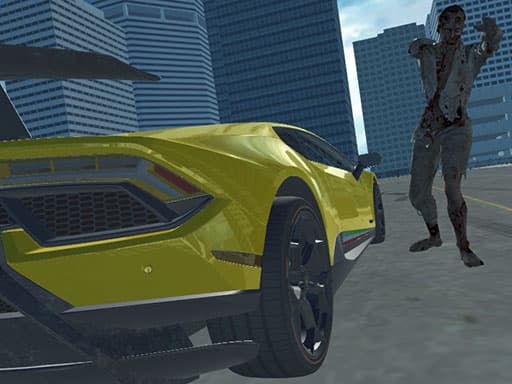
What keeps you going in Zombie Derby is the drive itself: you race through the zombies and see how far you can get. Your reward is a bigger, faster set of wheels, since the game lets you upgrade your car as you play.
The game is built around a car, a zombie-filled track and a handful of levels to work through. Each level is a fresh stage, so you can keep pushing forward and trying new routes. Keep an eye on your car's condition as you go, and plan when to boost.
How to play
Drive your car through each level and keep moving forward. Use your handbrake to turn sharply when a curve or a crowd of zombies gets close. Save the nitrous boost for open stretches where you can build real speed. Spend what you earn on upgrades to help your car handle the stages ahead.
Controls
- W A S D
- move the car
- Space
- use the handbrake
- Left Shift
- use nitrous boost
Tips
- Ease off the boost before tight corners so you keep control of the car.
- Use the handbrake for quick turns instead of braking hard.
- Save your nitrous for straight stretches where it helps most.
- Upgrade your car between levels to make the next run easier.
Zombie Derby: questions and answers
What does the handbrake do in Zombie Derby?
The handbrake lets you turn sharply when you need to change direction fast. Press Space to use it when you are close to zombies or a tight bend.
How do I use nitrous in Zombie Derby?
Hold Left Shift to use nitrous for a burst of speed. It works best on open ground where you can keep the extra speed under control.
Can I upgrade my car in Zombie Derby?
Yes, the game includes upgrades for your car. Improving your car gives you a better chance on the later levels.
Zombie Derby is a free online game playable in your browser on Poki.game. It works on desktop computers, tablets and mobile phones, with no download or registration needed.