





About Ambulance Simulator 2021
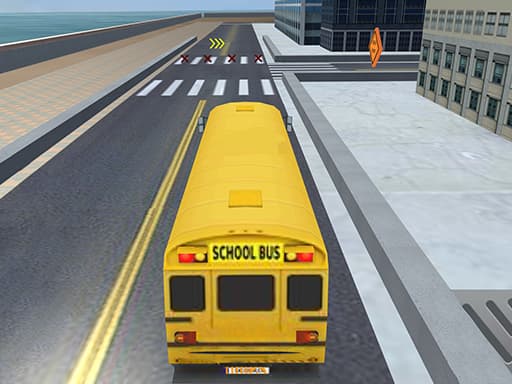
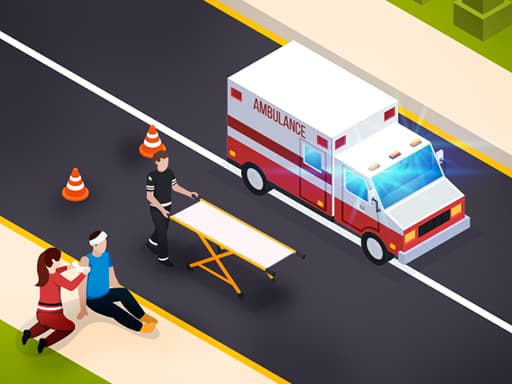
Driving an ambulance through a city is the task at the heart of this game. You steer the vehicle from a top-down view, so you can see the streets laid out below you. The city is the setting, and your ambulance is the one you control.
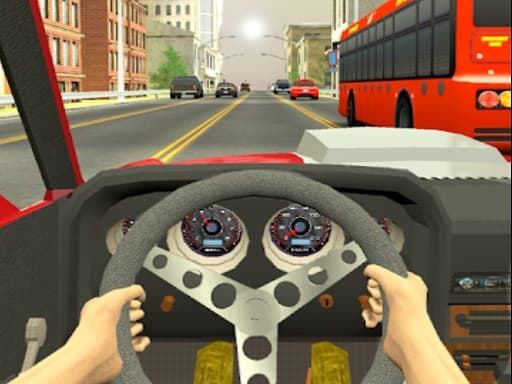
The camera can be switched between views, so you can pick the angle that suits how you like to drive. Keeping your path clear and staying in control of the vehicle are the main things to focus on. The game is a simple driving simulation that suits players who enjoy careful, steady driving.
How to play
Drive the ambulance around the city using the movement keys. Keep an eye on the road ahead as you steer through the streets. Press C whenever you want to change the camera view and get a better look at your surroundings. Take your time with each turn to keep control of the vehicle.
Controls
- WASD↑←↓→
- steer the ambulance
- C
- change the camera view
Tips
- Switch the camera view with C to find the angle that feels most comfortable.
- Ease off and take turns gently so the ambulance stays steady on the road.
- Look a little ahead of your vehicle so you can plan each turn in time.
- Try a few different camera views to see which one helps you judge distances best.
Ambulance Simulator 2021: questions and answers
How do I steer the ambulance?
Use the WASD keys or the arrow keys to move and steer the ambulance around the city streets.
What does the C key do?
Pressing C changes the camera view, so you can see the city from a different angle while you drive.
Can I change how the view looks while I play?
Yes. Press C at any point during a drive to switch to another camera view and back again.
Ambulance Simulator 2021 is a free online game playable in your browser on Poki.game. It works on desktop computers, tablets and mobile phones, with no download or registration needed.